OperationInstruction_Vsision XP - 第170页
Page 162 V ISION XP+ V AC 6 Rehm Recorder 6.2 Live mode configuration Operating Instructions V ersion 1.5 The recorder tr ansitions to Viewer mode if a conf iguration is active. Onl y data that is pr ocessed by triggers …
VISION XP+ VAC Page 161
6 Rehm Recorder
6.2 Live mode configuration
Operating Instructions
Version 1.5
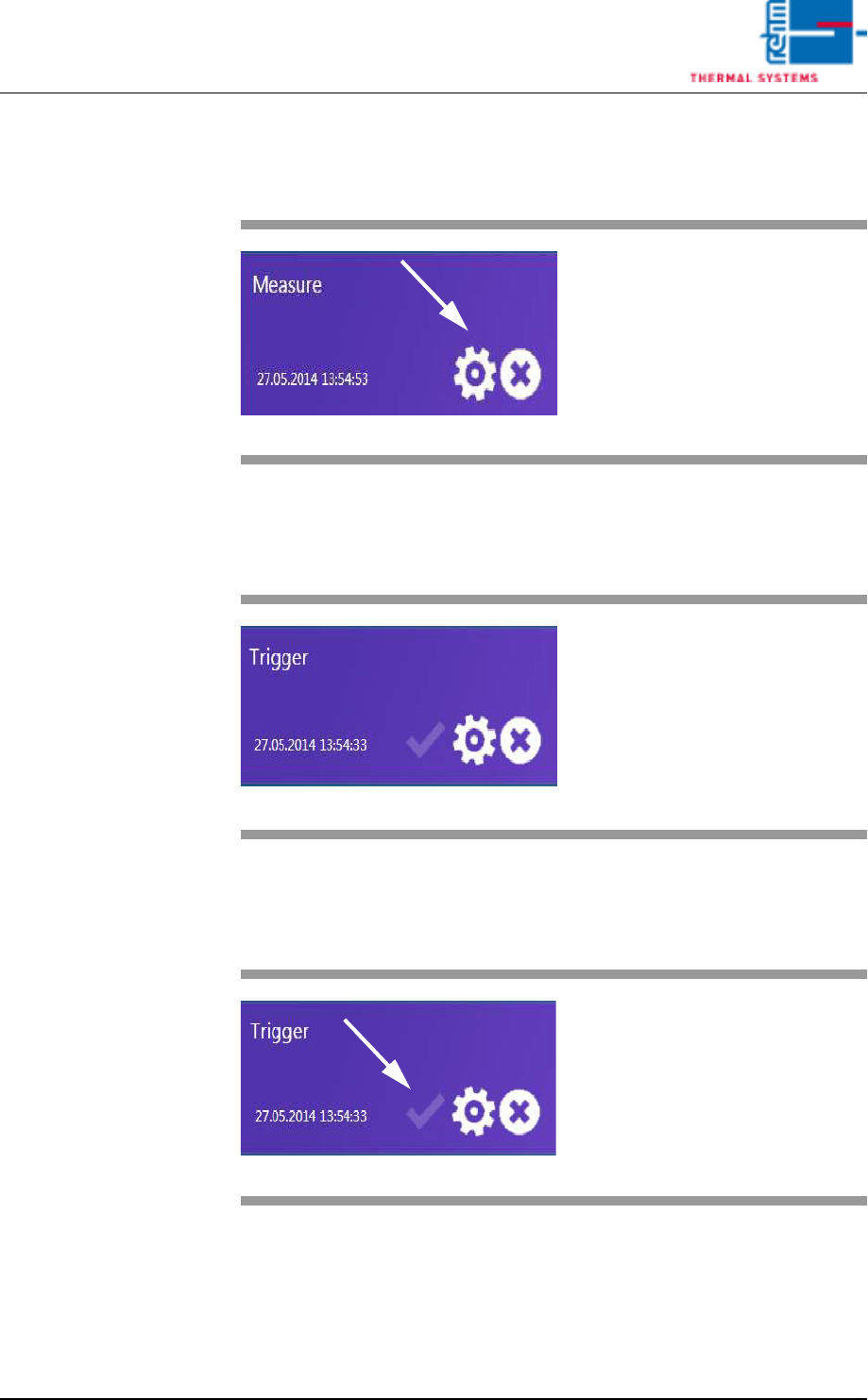
6.2.7 Delete configuration
6.2.8 Start recording
6.2.9 Activate trigger
Fig. 6-12 Measurement 1
Use the "x" button to delete the con-
figuration selected.
Fig. 6-13 Measurement 1
Directly clicking a tile starts the re-
cording immediately.
Fig. 6-14 Trigger
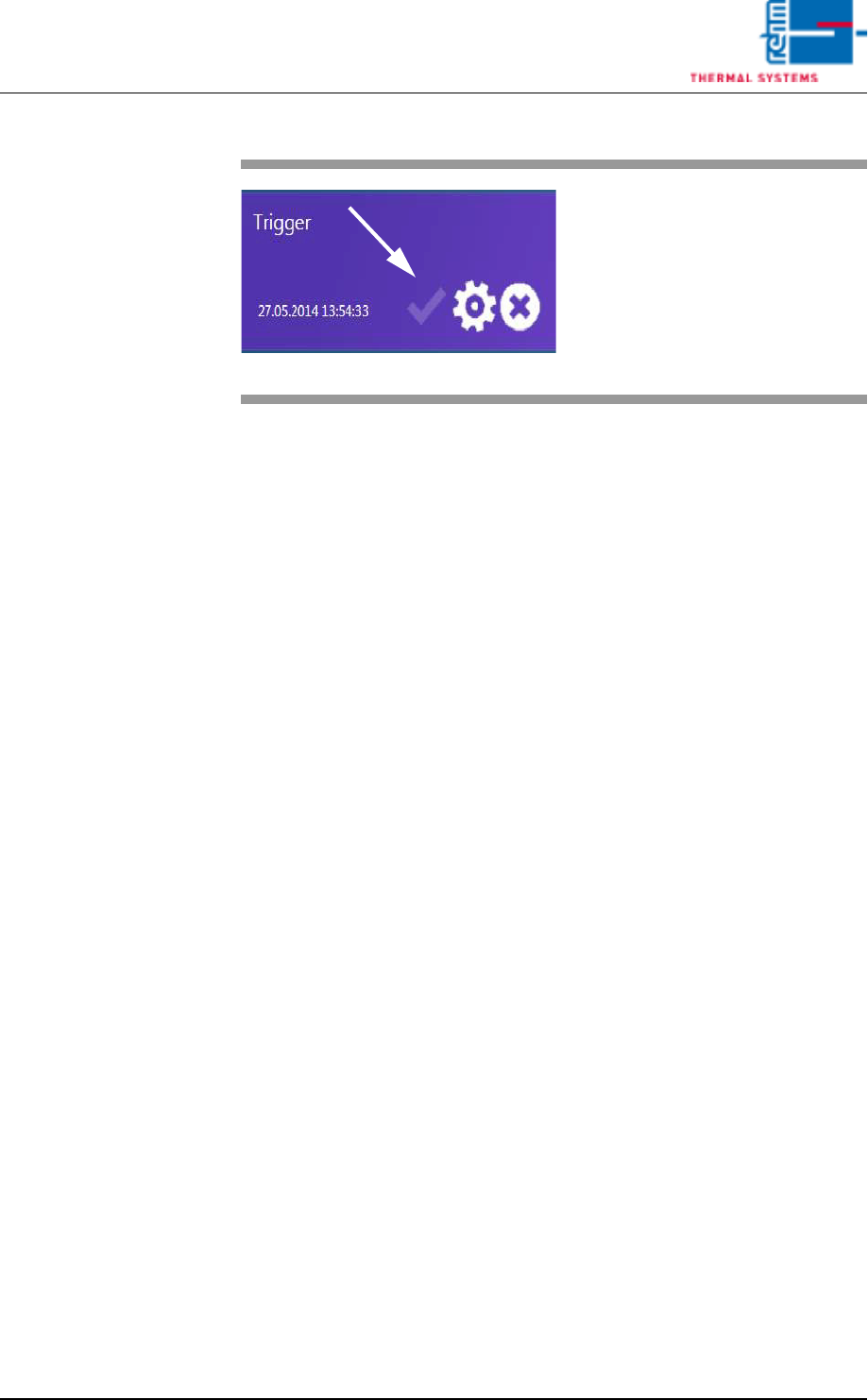
The "Active" button is shown if a
start and stop trigger are defined for
a configuration.
.
Page 162 VISION XP+ VAC
6 Rehm Recorder
6.2 Live mode configuration
Operating Instructions
Version 1.5
The recorder transitions to Viewer mode if a configuration is active. Only
data that is processed by triggers can be viewed.
Fig. 6-15 Starting 2
Directly clicking the "Active" button
loads the configuration as the ac-
tive configuration and starts pro-
cessing the start and stop triggers.
VISION XP+ VAC Page 163
6 Rehm Recorder
6.3 Chart
Operating Instructions
Version 1.5
6.3 Chart
6.3.1 View data recording
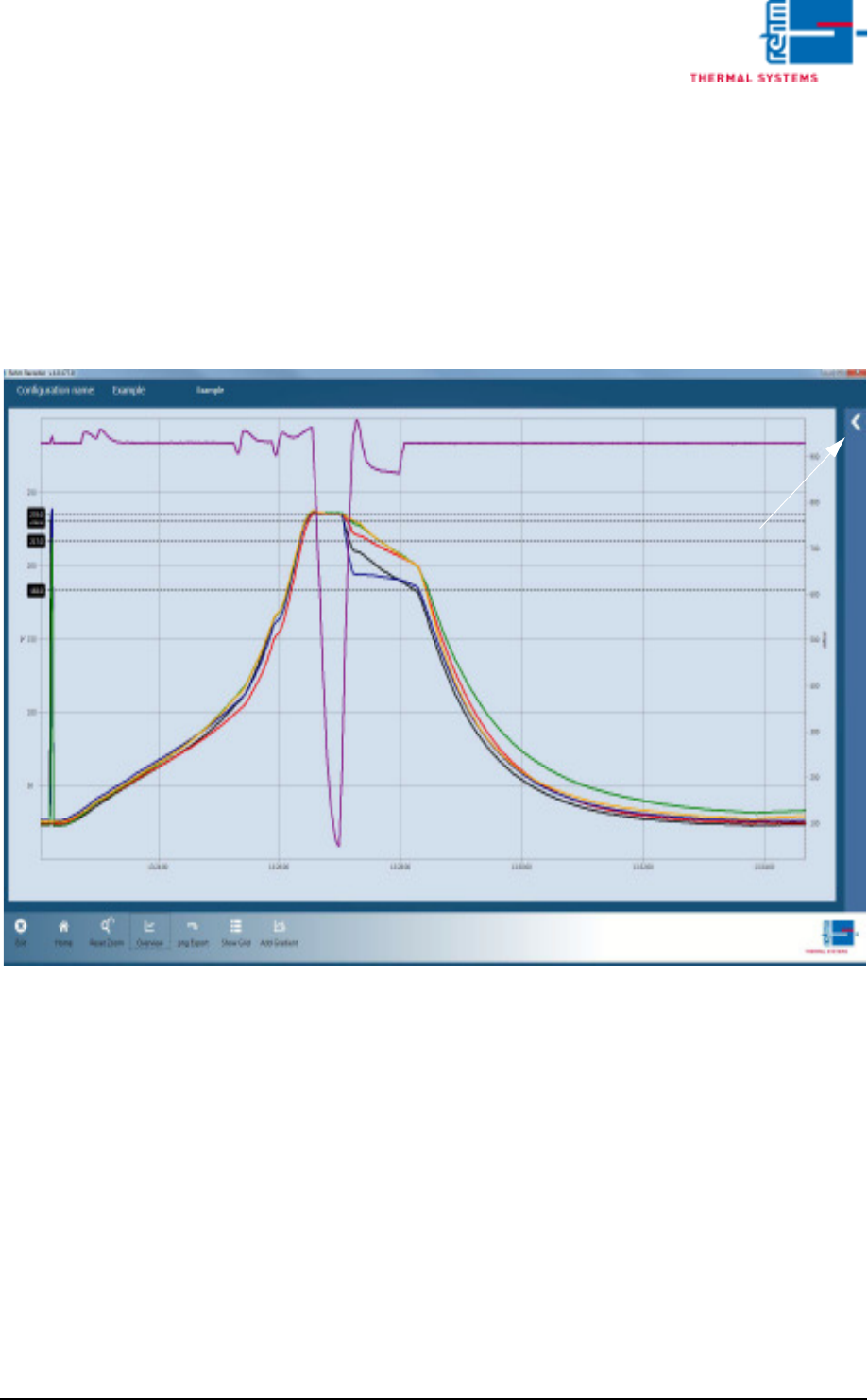
The data recording starts with the following view.
Pressing the arrow displayed opens the legend.
Fig. 6-16 Data recording 1