OperationInstruction_Vsision XP - 第178页
Page 170 V ISION XP+ V AC 6 Rehm Recorder 6.4 File mode Operating Instructions V ersion 1.5 6.4.4 Select path Click " Select path " if you require dat a from other drives. Fig. 6-2 4 Select path All drives curr…
VISION XP+ VAC Page 169
6 Rehm Recorder
6.4 File mode
Operating Instructions
Version 1.5
The path selected by default is the storage path defined in the configuration
for all data saved, in subfolder "RecordedFiles".
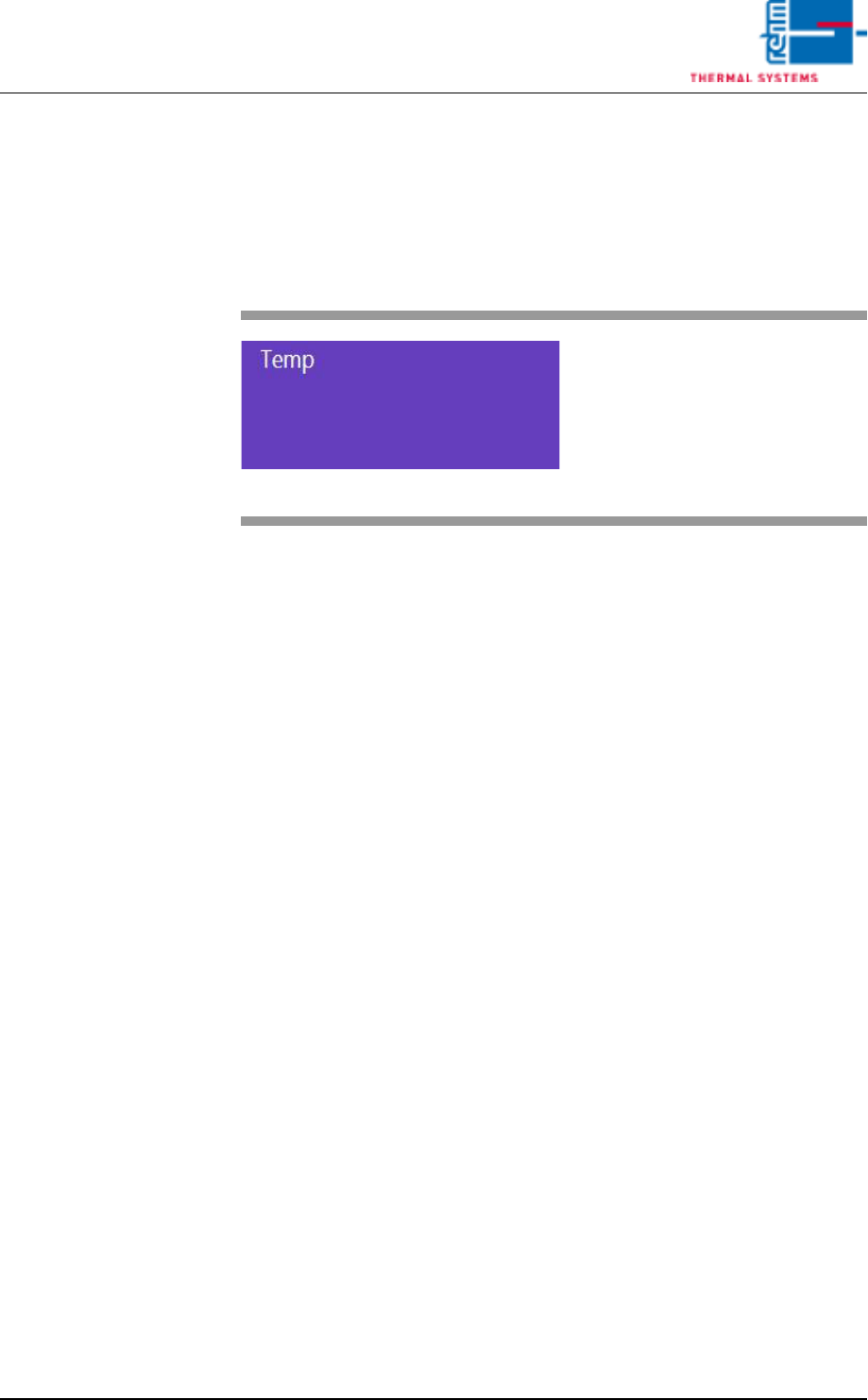
6.4.3 Folder
Fig. 6-23 Folder
Clicking a violet-coloured folder
opens it and displays the data
stored there.
Page 170 VISION XP+ VAC
6 Rehm Recorder
6.4 File mode
Operating Instructions
Version 1.5
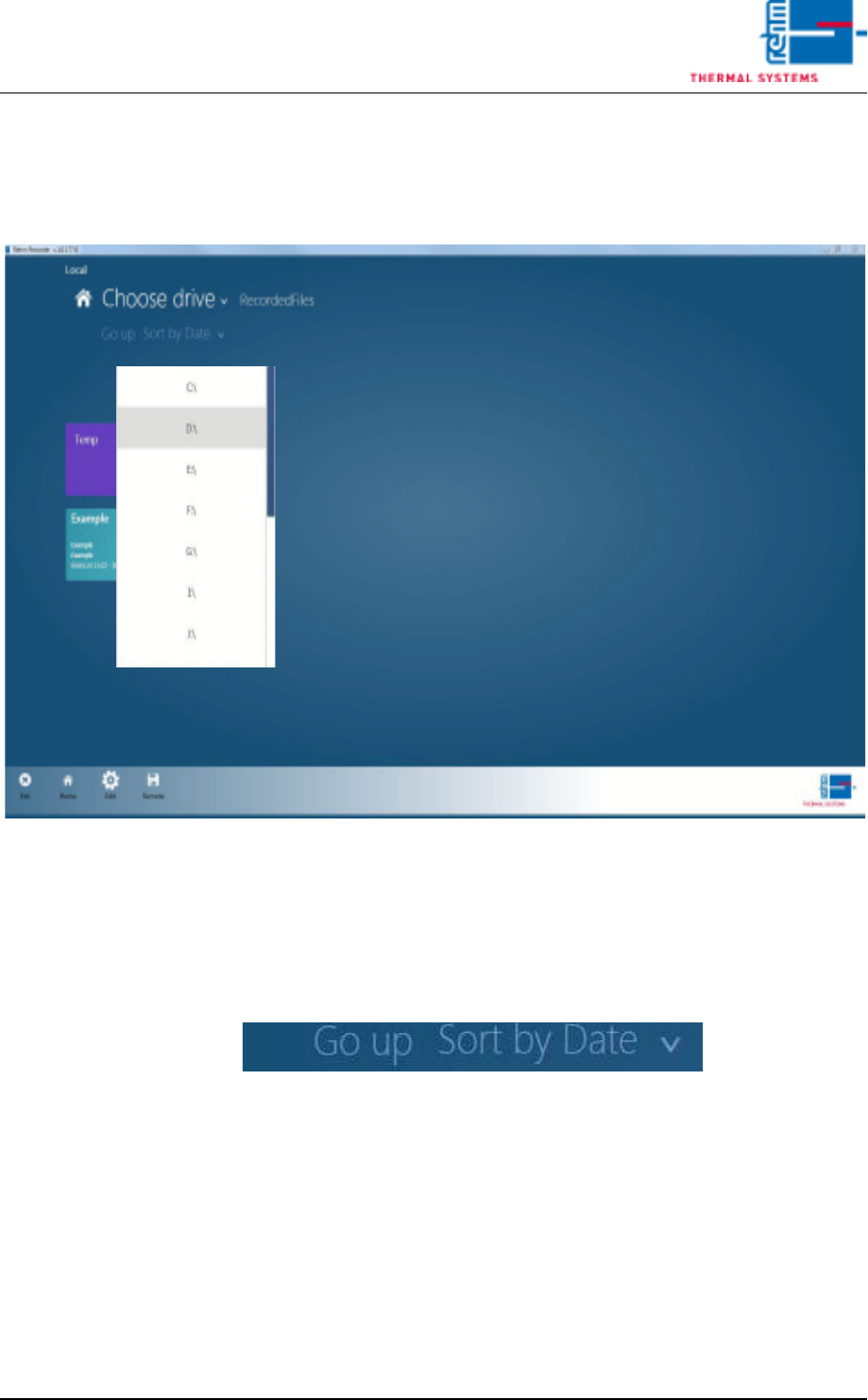
6.4.4 Select path
Click "Select path" if you require data from other drives.
Fig. 6-24 Select path
All drives currently available for selection are shown here. The folder cur-
rently selected is displayed to the right.
6.4.5 "Up" button
Fig. 6-25 Up button
The "Up" button navigates to the next highest folder.
VISION XP+ VAC Page 171
6 Rehm Recorder
6.4 File mode
Operating Instructions
Version 1.5
6.4.6 Sort
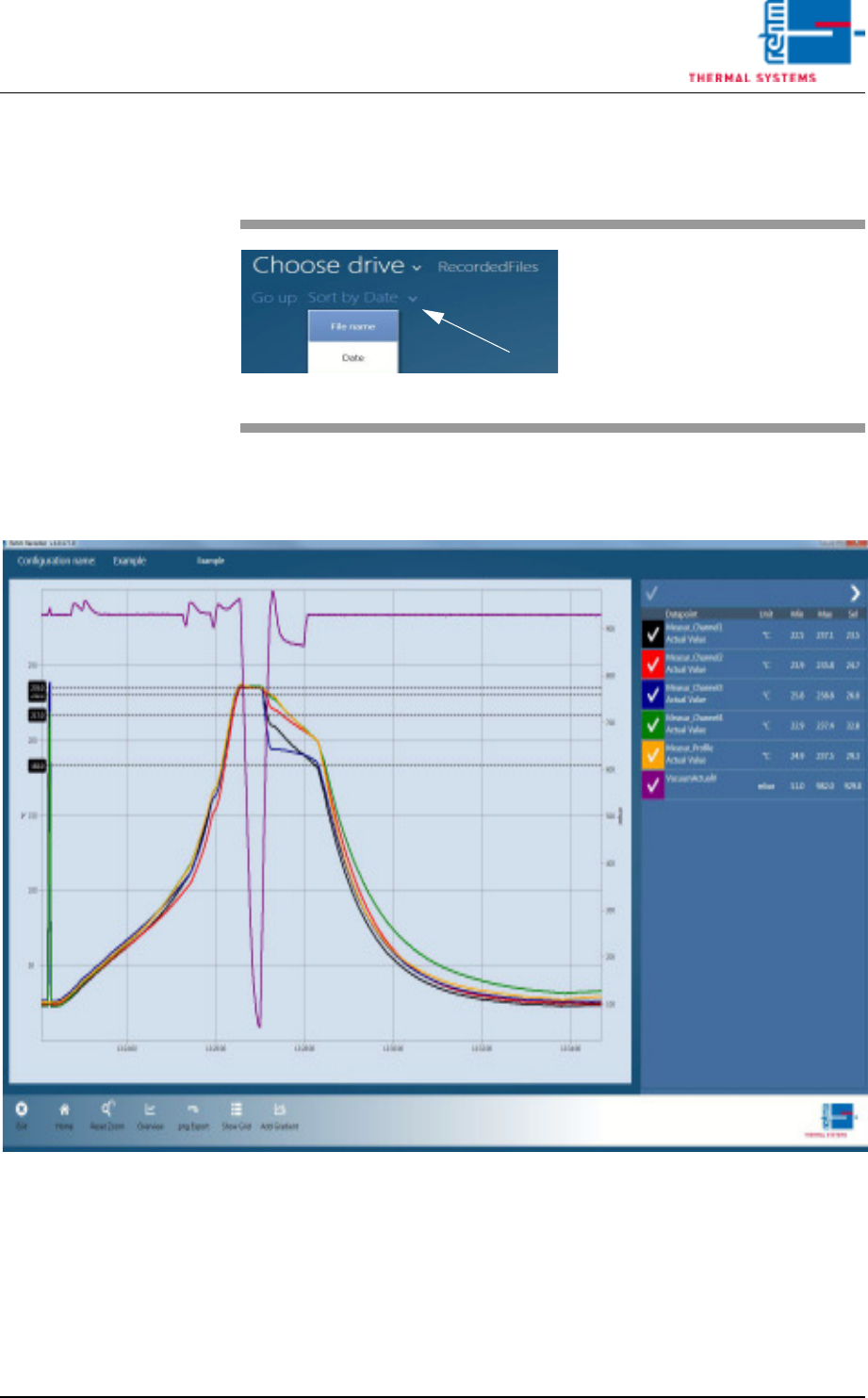
6.4.7 Show file
Fig. 6-27 Show file
Data is loaded into the chart once a record is selected in the file overview.
All functions that are also in "Live Mode" are then available to the user.
Fig. 6-26 Sort
The "Sort by …" button sorts the
records by file name or date de-
pending on setting.
The arrow at the end determines
whether sorting is ascending or de-
scending.