OperationInstruction_Vsision XP - 第184页
Page 176 V ISION XP+ V AC 6 Rehm Recorder 6.5 Settings Operating Instructions V ersion 1.5 6.5.2 Save settings Fig. 6-3 1 Save settings If you exit the settings via the " Home " button, the appli cation asks wh…

VISION XP+ VAC Page 175
6 Rehm Recorder
6.5 Settings
Operating Instructions
Version 1.5
er". This specifies where all application data is saved. Included here are
exported charts (as images), configurations created, Excel files exported,
application logfiles and record files recorded.
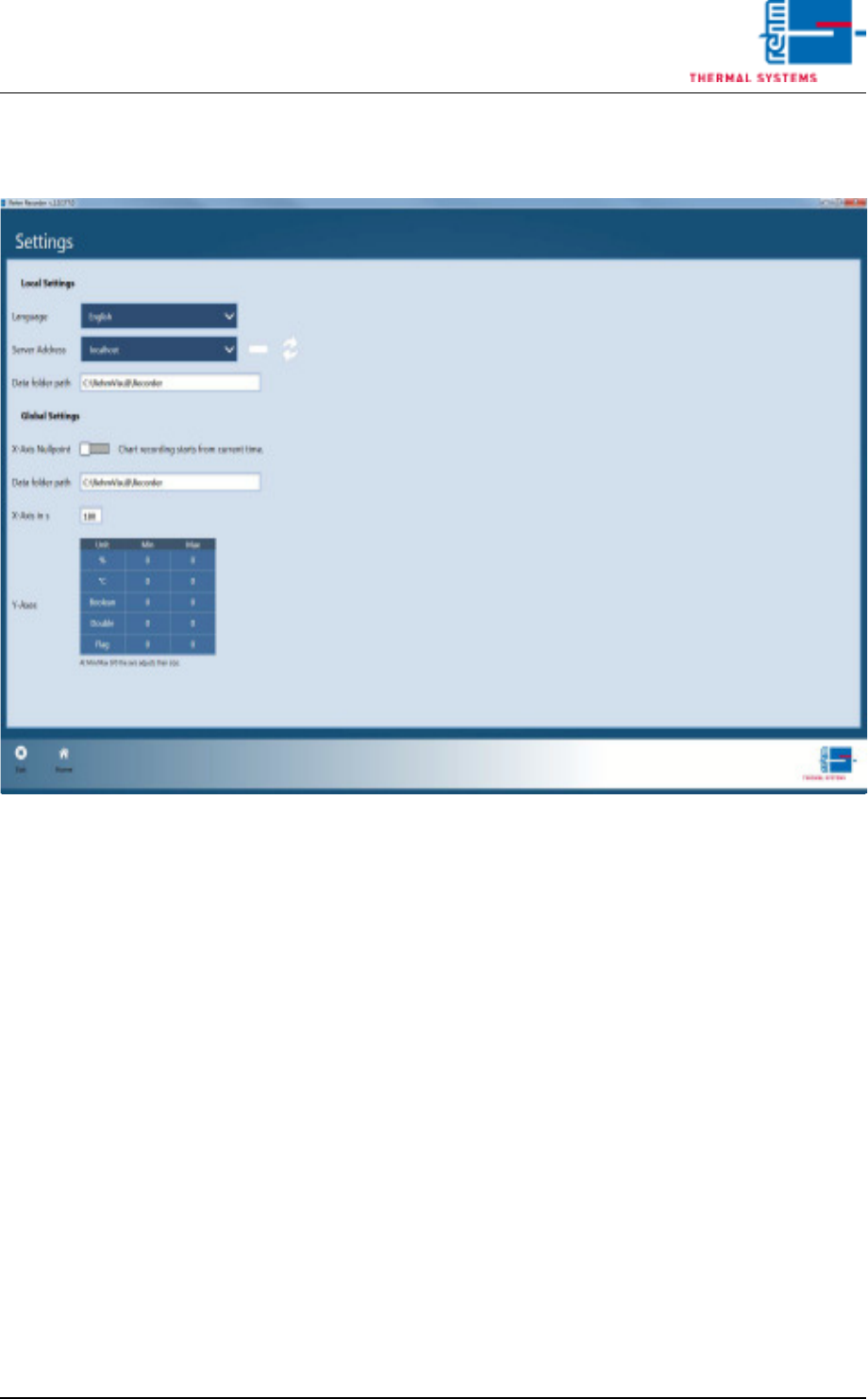
Global settings
E) The seconds entry for the "X-axis zero point" determines the starting
point of the recording (at 0 or current time).
F) The default folder for file storage is configured under "File Storage Fold-
er". This specifies where all application data is saved. Included here are
exported charts (as images), configurations created, Excel files exported,
application logfiles and record files recorded.
G) The minimum and maximum sizes of the "Y-axes" are set separately for
every unit. They can be edited by clicking the values in the table. If "0" is
specified, the chart automatically scales the Y-axis for this unit.
Page 176 VISION XP+ VAC
6 Rehm Recorder
6.5 Settings
Operating Instructions
Version 1.5
6.5.2 Save settings
Fig. 6-31 Save settings
If you exit the settings via the "Home" button, the application asks whether
you wish to save the changes.
Confirming with "Yes" saves the changes. Otherwise the changes are dis-
carded and the old configuration is retained.
VISION XP+ VAC Page 177
7 Alarm MessagesOperating Instructions
Version 1.5
7 Alarm Messages
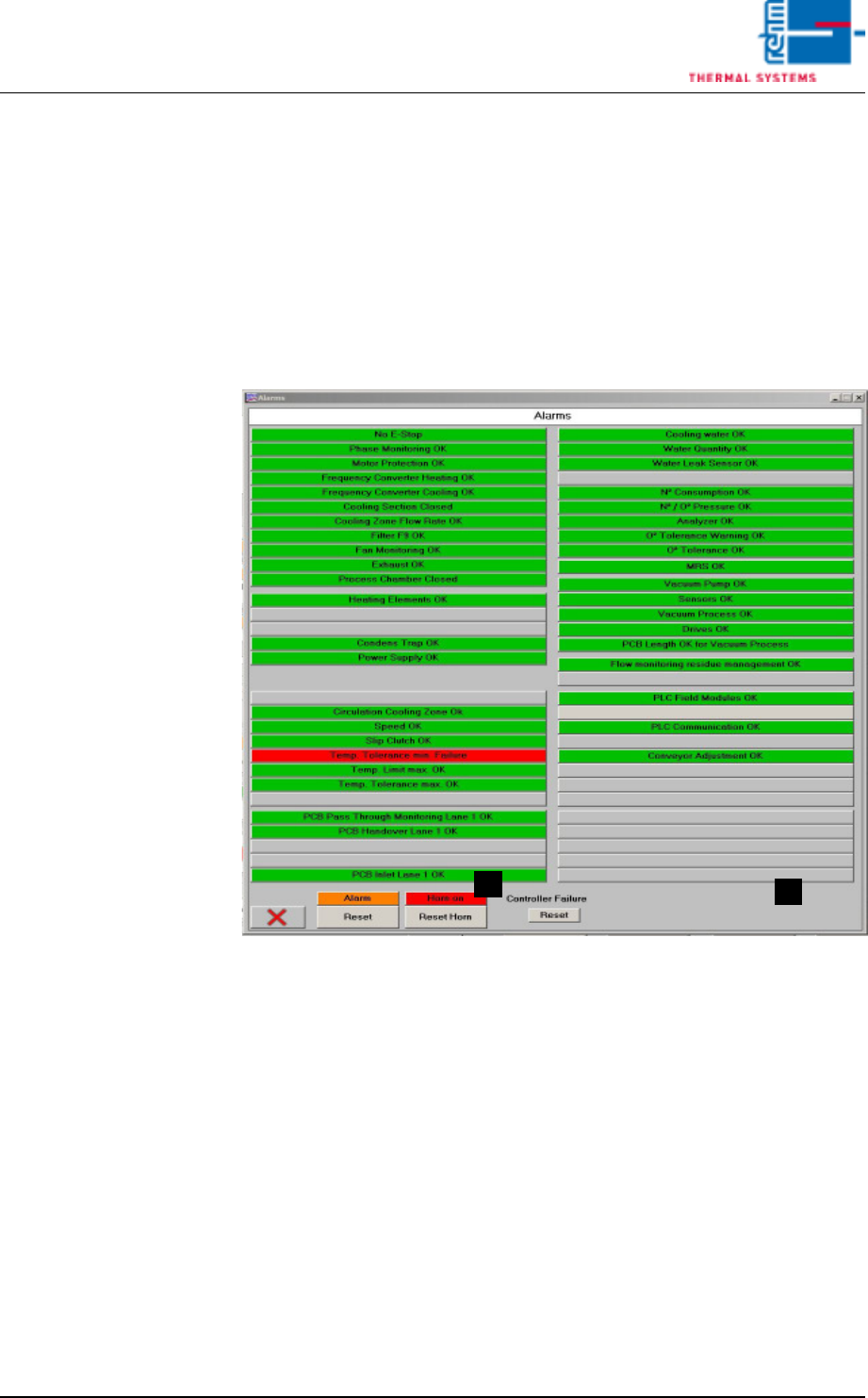
The following pages include explanations of all alarm messages which might
appear at the alarm window.
Depending upon system version, the alarms are either actively displayed in
the window, or appear in gray if the corresponding options are not integrated
into the system.
Fig. 7-1 Window with Alarm Messages
Tips regarding causes and troubleshooting are included as well.
The way the system reacts in response to the various alarms is described in
the Alarm Configuration section of the service instructions.
A) Button for switching the horn off. This is the same function which appears
in the main window.
B) Horn Switch
The horn sounds to indicate alarm messages which this switch is turned
on. If, on the other hand, the switch is turned off, alarm messages appear
at the display only. the horn does not sound.
A
B