SIPLACE S-23 HM - 第108页
3 Introduction and Ba sic Concepts User M anual SIPLACE S -23 HM 3.2 Principles of the Graphic User I nterface Software Version SR.406.xx 02/00 US Edition 108 Meaning of t he other icons a nd markings 3 A messag e window…
User Manual SIPLACE S-23 HM 3 Introduction and Basic Concepts
Software Version SR.406.xx 02/00 US Edition 3.2 Principles of the Graphic User Interface
107
3.2.2.1 Icons in the Working or Display Area
In main view, certain operating statuses (processing, error etc.) are indicated by different icons or
by changes in the color of the corresponding graphic in the display area. 3
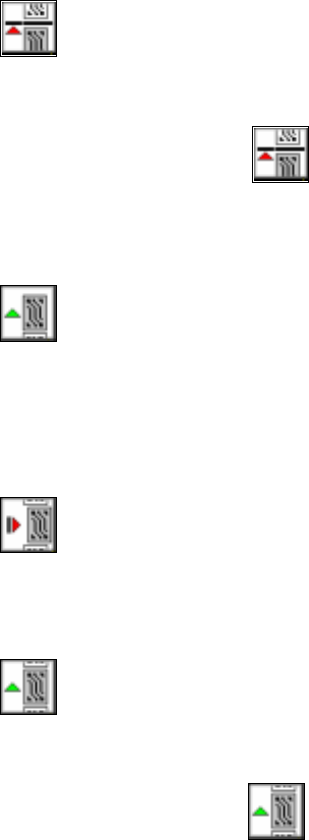
Meaning of the individual operating status icons 3
3
Pause processing 3
You can pause the processing in order to carry out single functions, for example. 3
Å Click on the icon.
Processing will be paused as soon as the PCB on the center conveyor is complete. The color
of the "Processing" icon will change to green.
3
Process 3
If you paused processing (placement) of a PCB in order to switch to the "Single functions" menu,
for example, you can click on this icon to resume placement. The color of the "Pause processing"
icon will change to red. 3
3
Cancel processing 3
The color of the icon changes to red. Click on this icon to cancel processing a PCB (after a fatal
error message, for example). You will be prompted to confirm this action.
3
Continue processing 3
The color of the icon changes to green. 3
3
Å Click on the icon if you wish to continue processing the PCB even after a fatal error mes-
sage, for example. The placement process will be resumed.
3
3 Introduction and Basic Concepts User Manual SIPLACE S-23 HM
3.2 Principles of the Graphic User Interface Software Version SR.406.xx 02/00 US Edition
108
Meaning of the other icons and markings 3
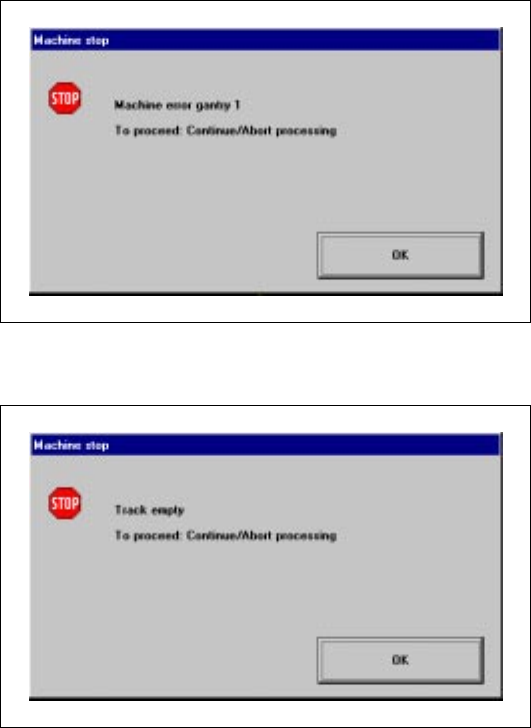
A message window will be overlaid if a track, machine or transport error occurs (see the following
examples). 3
Machine error gantry 1 3
3
3
3
3
3
3
3
3
Track empty error 3
3
3
User Manual SIPLACE S-23 HM 3 Introduction and Basic Concepts
Software Version SR.406.xx 02/00 US Edition 3.2 Principles of the Graphic User Interface
109
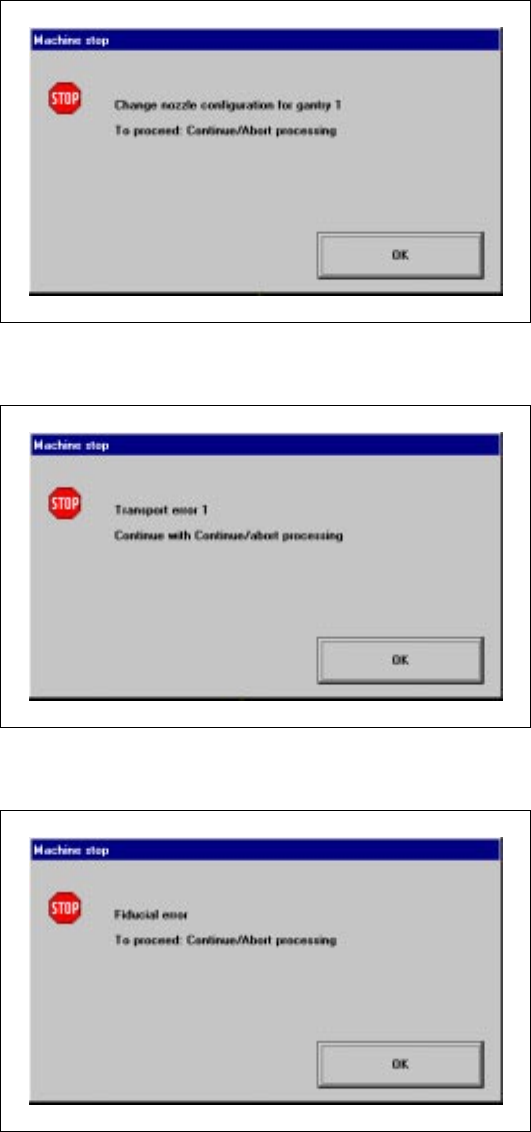
Nozzle configuration error 3
3
3
Transport error 1 3
3
3
Fiducial error 3
3
3
3
3
3
3
3
3
3