SIPLACE S-23 HM - 第256页
6 Vision functions User M anual SIPLACE S -23 HM 6.6 Test Component Software Version SR.406.xx 02/00 US Edition 256 6.6.4.1 Pi ck Up Component Option NOTE 6 Before y ou can activate this op tion y ou mus t have alread y …
User Manual SIPLACE S-23 HM 6 Vision functions
Software Version SR.406.xx 02/00 US Edition 6.6 Test Component
255
6
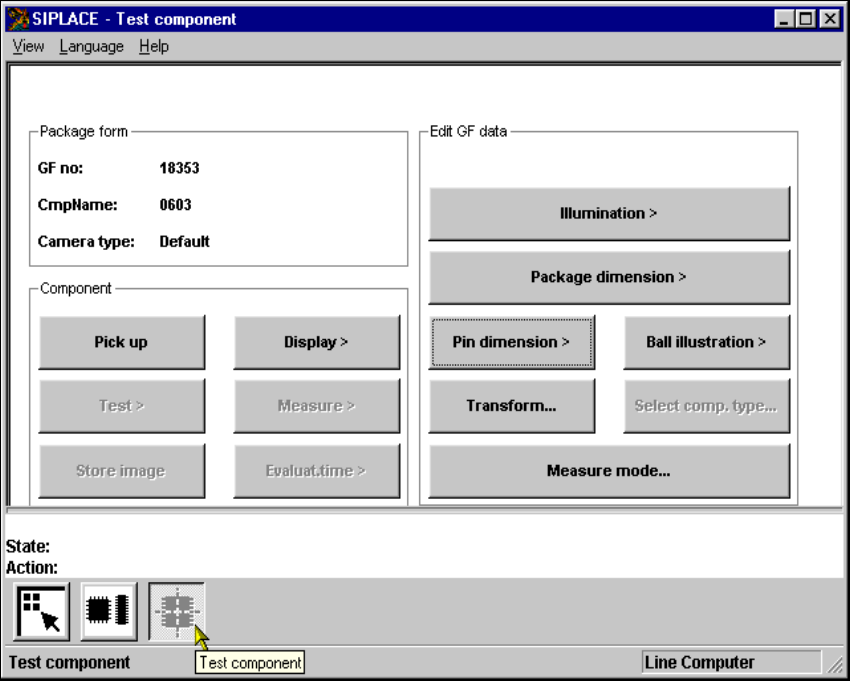
Fig. 6.6 - 14 Test component menu, options
6 Vision functions User Manual SIPLACE S-23 HM
6.6 Test Component Software Version SR.406.xx 02/00 US Edition
256
6.6.4.1 Pick Up Component Option
NOTE 6
Before you can activate this option you must have already loaded a package form number. If this
is not the case, the button will remain inactive. 6
6
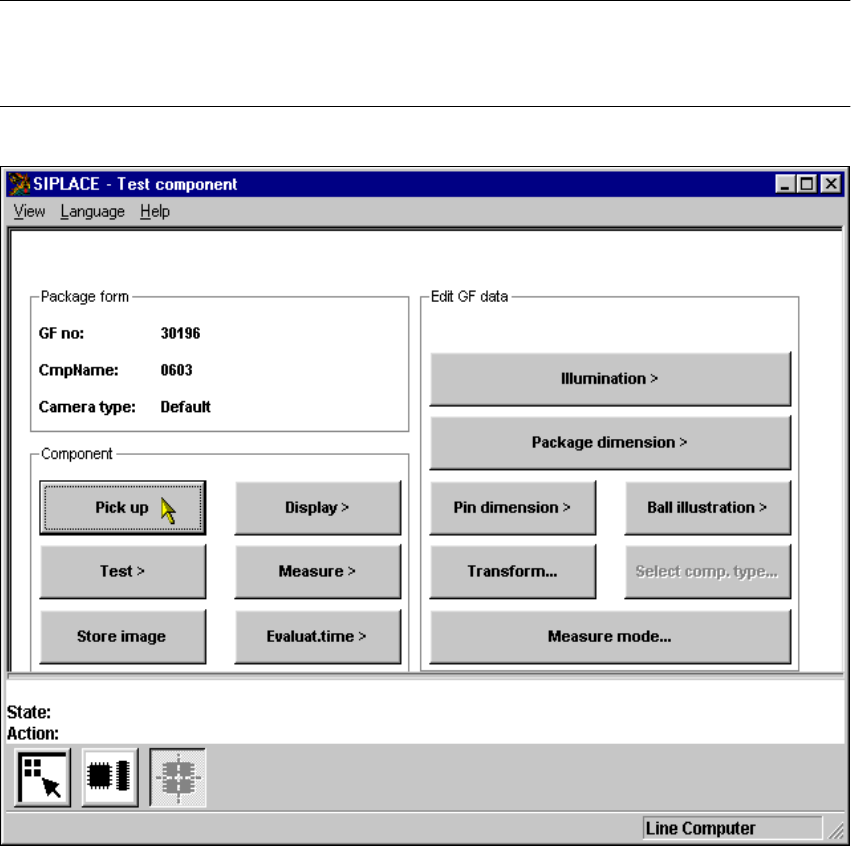
Fig. 6.6 - 15 Test component menu, Pick up component option
When this option is activated the following actions are started: 6
– A component is picked up from a specific track.
– If there already is a component beneath the component camera, it will be discarded.
– The options Test and Measure can be clicked on.
User Manual SIPLACE S-23 HM 6 Vision functions
Software Version SR.406.xx 02/00 US Edition 6.6 Test Component
257
6.6.4.2 Display Component Option
NOTE 6
Before you can activate this option you must have already loaded a package form number. 6
6
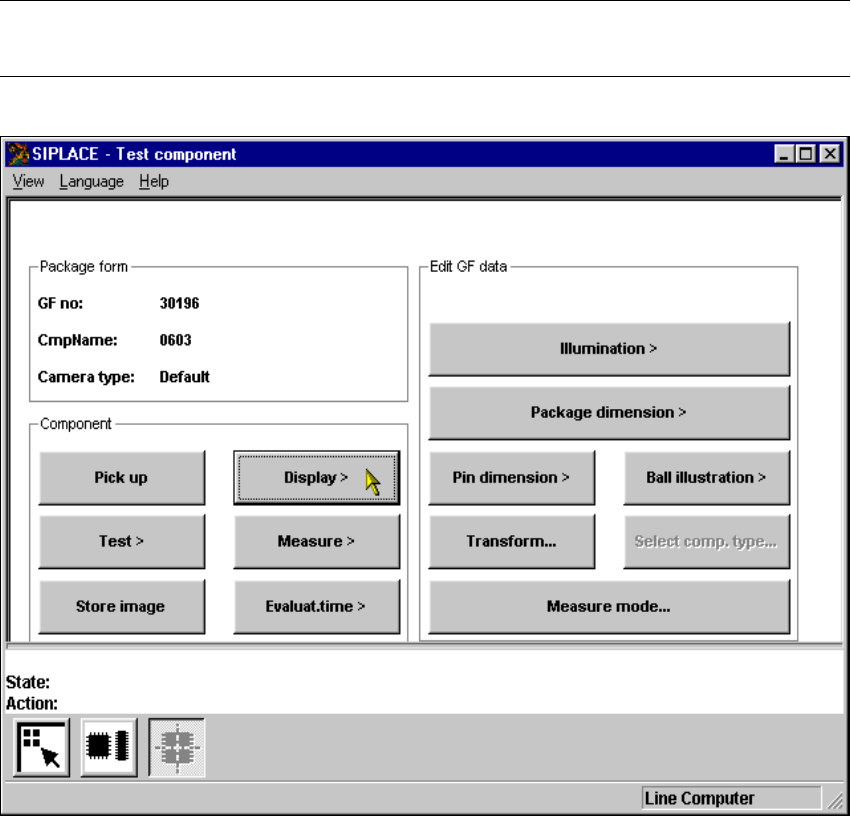
Fig. 6.6 - 16 Test component menu, Display component option
When this option is activated the following actions are started: 6
– The teach command will be given.
– The vision system generates the outside contours of the component from the synthetic descrip-
tion.
– The video image with the real camera image and the model overlaid on it will be displayed on
the screen.
– The header with commentaries is displayed.
The operator can now check the synthetic description visually against the real component. 6