Nordson_EFD_GV_Series_Operating_Manual - 第89页
GV Series Automated Dispensing Systems 89 www.nordsonefd.com info@nordsonefd.com +1-401-431-7000 Sales and service of Nordson EFD dispensing systems are available worldwide. Accessories Pr e-Configured Output Cables Item…
GV Series Automated Dispensing Systems
88 www.nordsonefd.com info@nordsonefd.com +1-401-431-7000 Sales and service of Nordson EFD dispensing systems are available worldwide.
Running a Program by Scanning a QR Code
PREREQUISITES
QR code scanning is enabled. Refer to “AppendixD, QR Code Scanning Setup” on page134 to enable QR
code scanning.
A QR code is present on the robot work surface and is associated with a program. Refer to “AppendixD, QR
Code Scanning Setup” on page134 to associate a QR code with a program.
1. Position the workpiece on the fixture plate.
2. Press the START button on the start / stop box, or click RUN on the monitor.
The system jogs to the predefined location where a QR code is located, scans the QR code, opens the
associated program, and executes the program.
Pausing During a Dispense Cycle
Press START on the start / stop box at any time to pause the system during a dispense cycle; the system pauses at
its current position.
NOTE: If the system is paused when the dispenser is open, pattern integrity will be compromised.
Purging the System
As needed, use either of the following methods to purge the system:
• Click SYSTEM SETUP > IO, then click the output that is set as the dispense port for your system. Click the
dispense port output again to stop the purge.
• Click CAMERA > SETUP, enter a value for ON TIME, and then click FLUID. The valve purges for the amount of
time entered for On Time.
NOTE: You can set up the system to purge automatically. Refer to “How to Set Up Auto Purge, Program Cycle
Limits, or Fluid Working Life Limits” on page82.
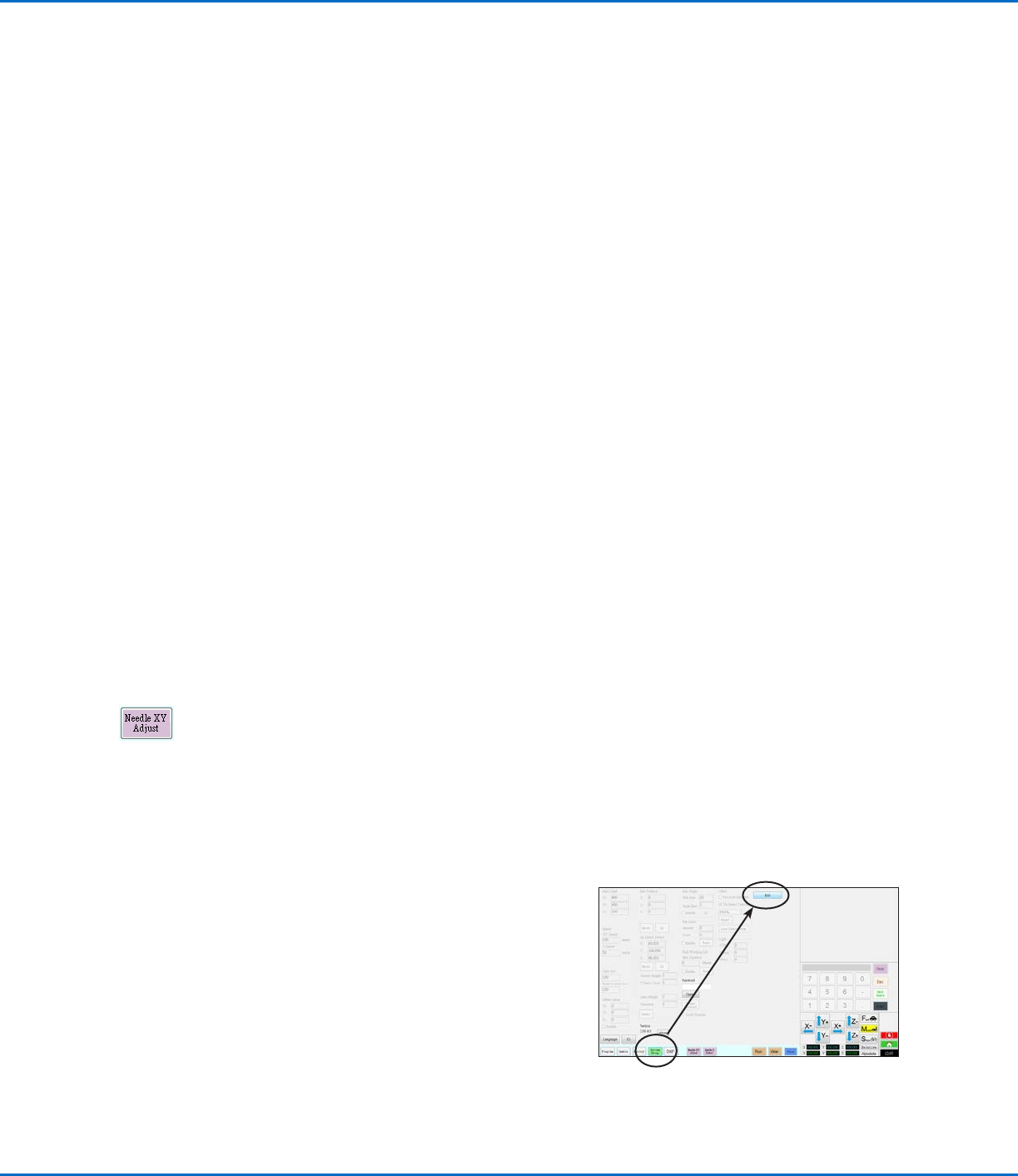
Updating Offsets
After running a program repeatedly for several hours, click NEEDLE Z DETECT (systems with tip detection)
or NEEDLE XY ADJUST (systems without a tip detection) to update the system to compensate for minute
changes that can occur after long periods of operation.
Refer to “How the System Responds to Needle Z Detect or Needle XY Adjust” on page57 for a detailed
description of the system response to a Needle XY Adjust selection.
Shutting Down the System
1. Click SYSTEM SETUP > EXIT to close the DispenseMotion software. If prompted to save a file, select YES or
NO.
2. Switch off the following components:
• DispenseMotion controller
• Monitor
• GV operation box
3. Refer to the dispensing system manuals for any special
shutdown instructions.
GV Series Automated Dispensing Systems
89www.nordsonefd.com info@nordsonefd.com +1-401-431-7000 Sales and service of Nordson EFD dispensing systems are available worldwide.
Accessories
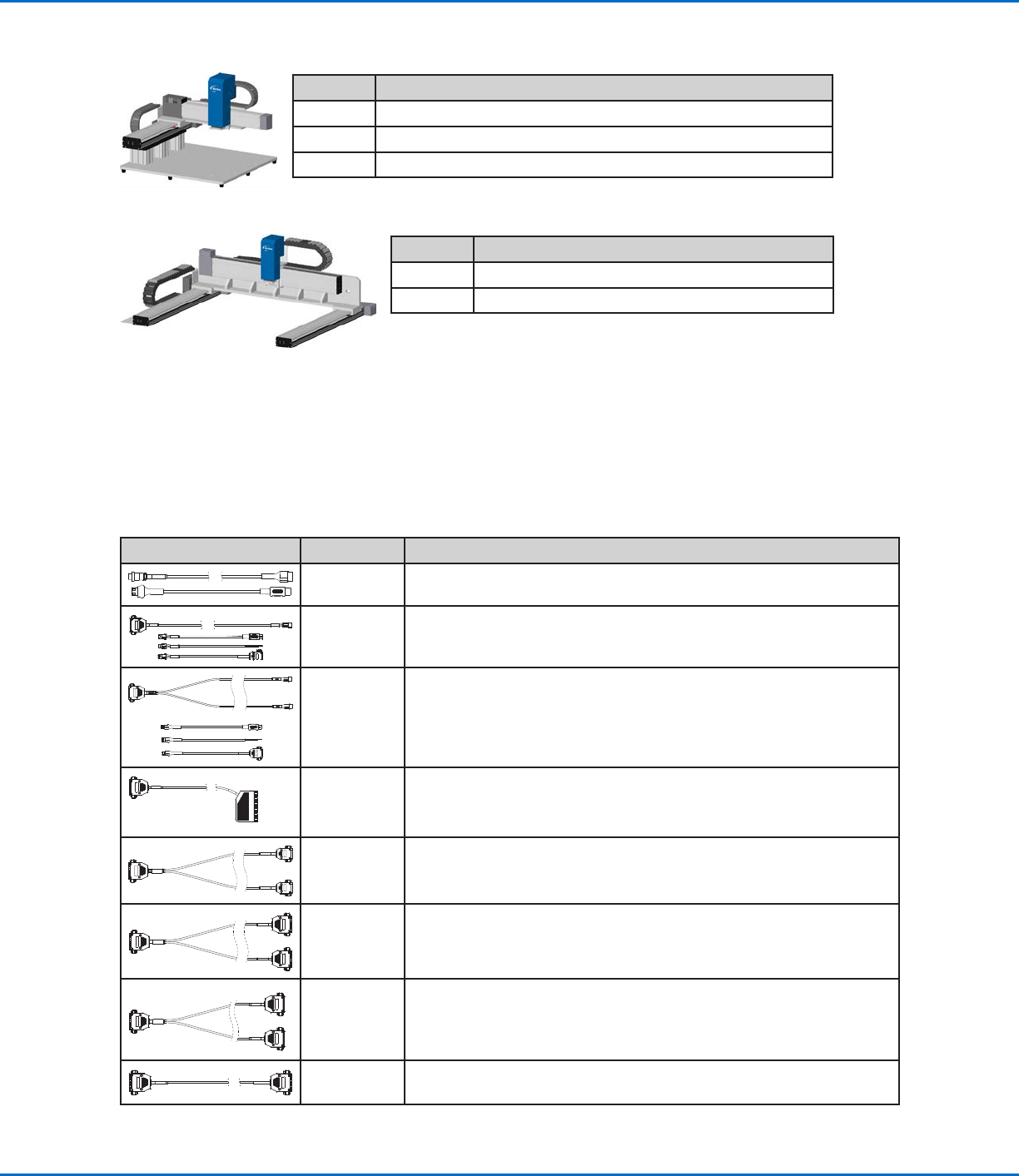
Pre-Configured Output Cables
Item Part # Description
7360551 Standard cable to connect the dispenser and the robot
7360761
Single voltage initiate cable to connect the dispenser and the robot
(provides different pigtails to connect to different dispensers /
controllers)
7360554
Dual voltage initiate cable to connect up to two dispensers / controllers
to the robot
:
7362573
I/O interface cable between the ValveMate
™
8000 and the robot when
the use of all four (4) ValveMate 8000 channels are required
7360558
Dual-connector cable to connect up to two PICO Toµch controllers to
the robot
7362356
Dual-connector cable to connect up to two Liquidyn
®
V10 controllers to
the robot
7362357
Dual-connector cable to connect up to two Liquidyn V200 controllers to
the robot
7362373
Single-connector cable to connect a Liquidyn V200 controller to the
robot
Part Numbers
Part # Description
7363644 Robot, G4V, 400 x 400 x 100 mm, 100 mm post
7363645 Robot, G4V, 400 x 400 x 100 mm, 150 mm post
7363646 Robot, G4V, 400 x 400 x 100 mm, 250 mm post
Part # Description
7363647 Robot, G8V, 800 x 800 x 100 mm, 100mm post
7363648 Robot, G8V, 800 x 800 x 100 mm, 150mm post
GV Series Automated Dispensing Systems
90 www.nordsonefd.com info@nordsonefd.com +1-401-431-7000 Sales and service of Nordson EFD dispensing systems are available worldwide.
Accessories (continued)
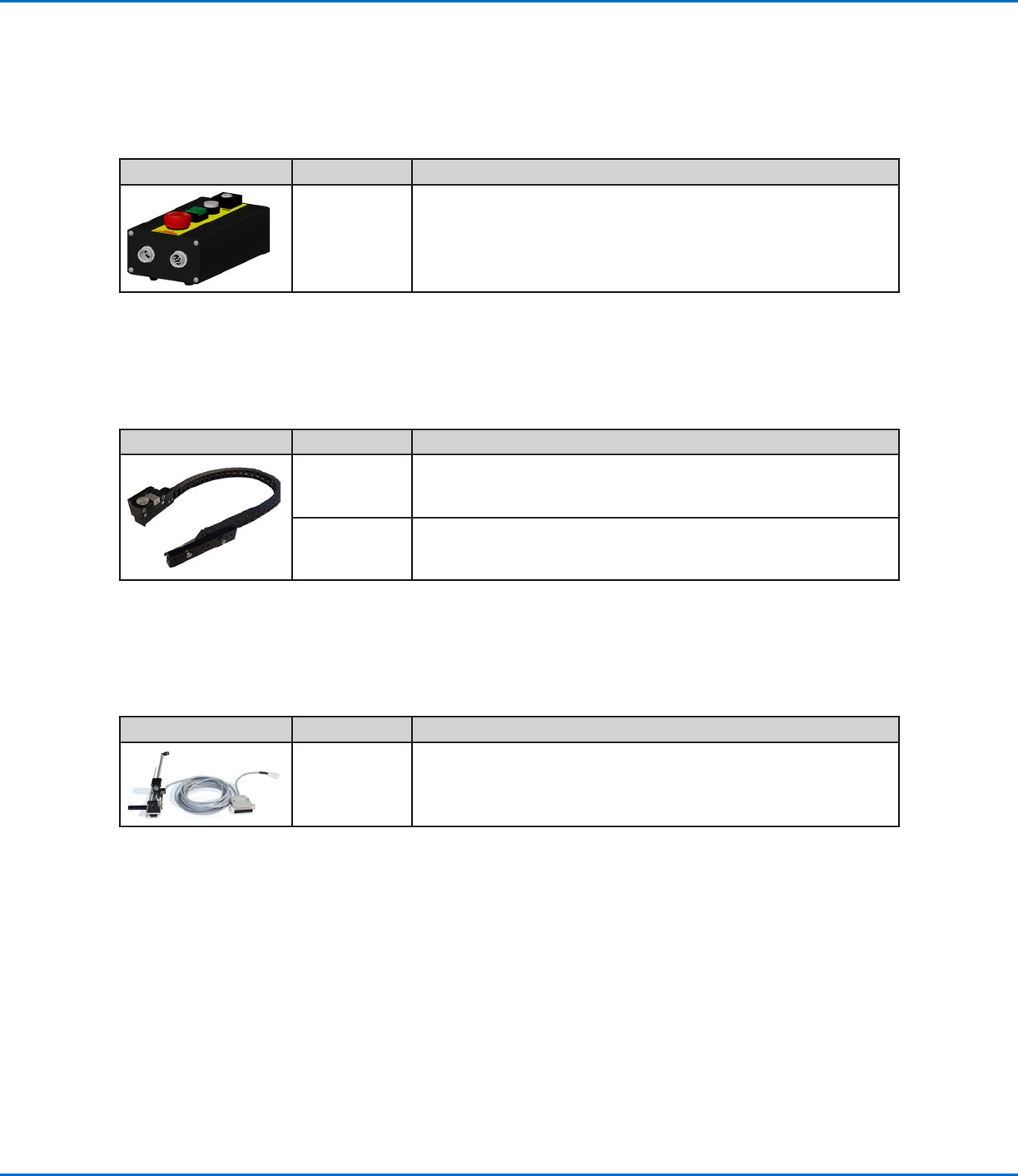
Start / Stop Box
The start / stop box accessory facilitates input / output connections for remote functions, such as an start or
emergency stop button. Refer to “Example Input / Output Connections” on page97 for schematics.
Item Part # Description
7360865 Start / stop accessory box, European Community
Tip Detector
The optional tip detector allows you to automatically update both the XY offsets and the Z height by clicking on
Needle Z Detect. The Needle Z Detect button is present only on systems that include the tip detector. Refer to
“(Only GV Systems With a Tip Detector) Setting Up the Tip Detector” on page125 to set up the tip detector.
Item Part # Description
7363925 Tip detector accessory kit, G4V
7363976 Tip detector accessory kit, G8V
Height Sensor
The optional height sensor can detect any variation from the original Z height program values from workpiece
to workpiece. If the Z height changes, the system detects the new Z height values and adjusts the program
accordingly. Refer to “AppendixF, Height Sensor Setup and Use” on page142 for details.
Item Part # Description
7361667 Height sensor accessory kit, E / EV Series