TR7600 SIII_Series_Maintenance_en_v_2_0_3 - 第21页
Test Research, Inc. TR7600 SII I Series User G uide – Maintenance 11 2.2 Position of Safety Labels X-R ay W arning Label: M arked on the front door, rear door , r ight gate and left gate. When X-ray is turned on , DO N…
Test Research, Inc.
10 TR7600 SIII Series User Guide – Maintenance
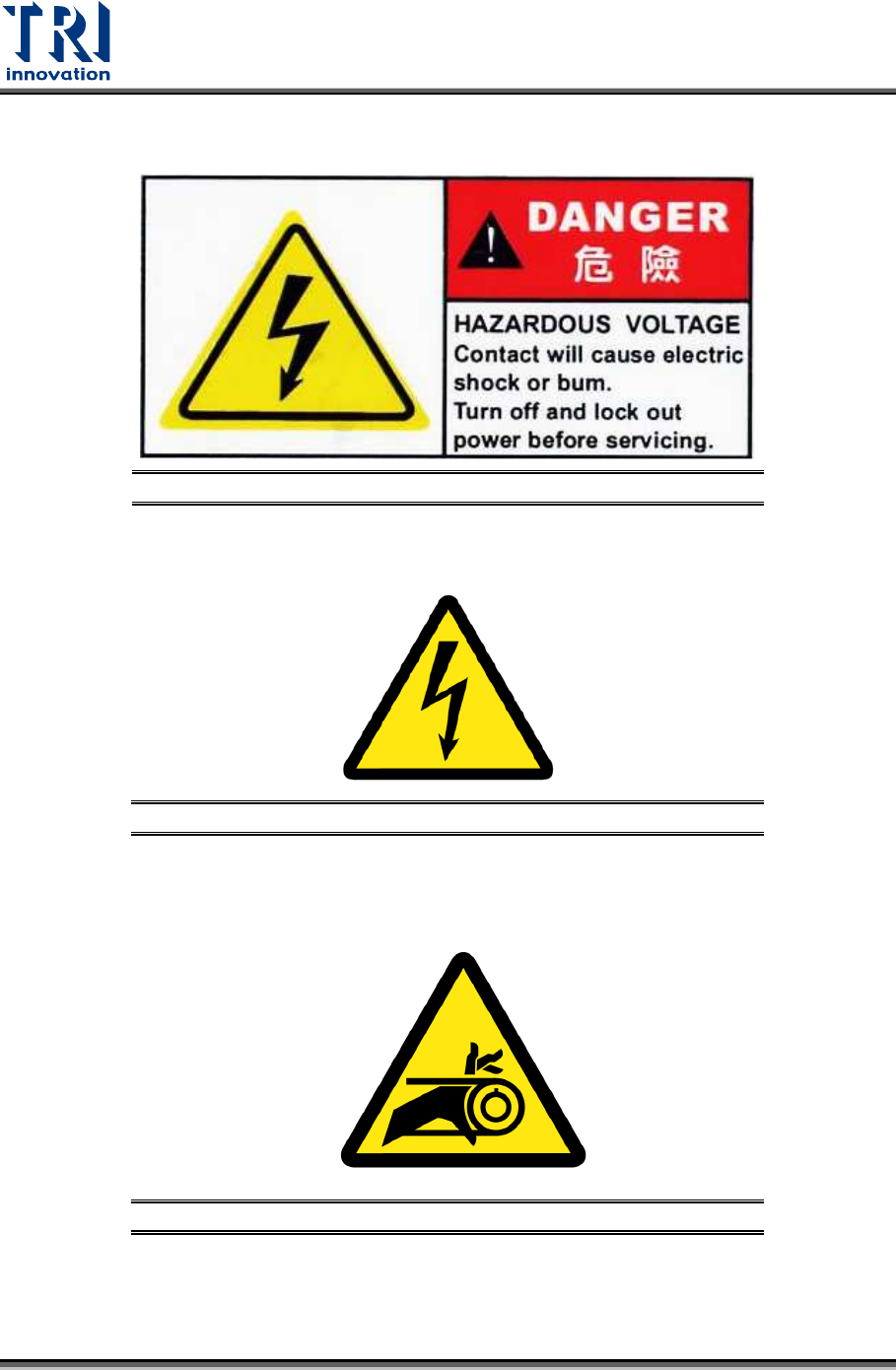
Electrical Danger: Please note that there is possible danger from high voltage. User has
to turn off the power before operating in this area.
Figure 12: Electrical Danger
Electrical Warning: Warning there is 24V to 240V high voltage in this area.
Figure 13: Electrical Warning
Mechanical Warning: Indicates that there is a rolling mechanism in this area. Interference
in this area may cause user injury or damage to the machine.
Figure 14: Mechanical Warning
Test Research, Inc.
TR7600 SIII Series User Guide – Maintenance 11
2.2 Position of Safety Labels
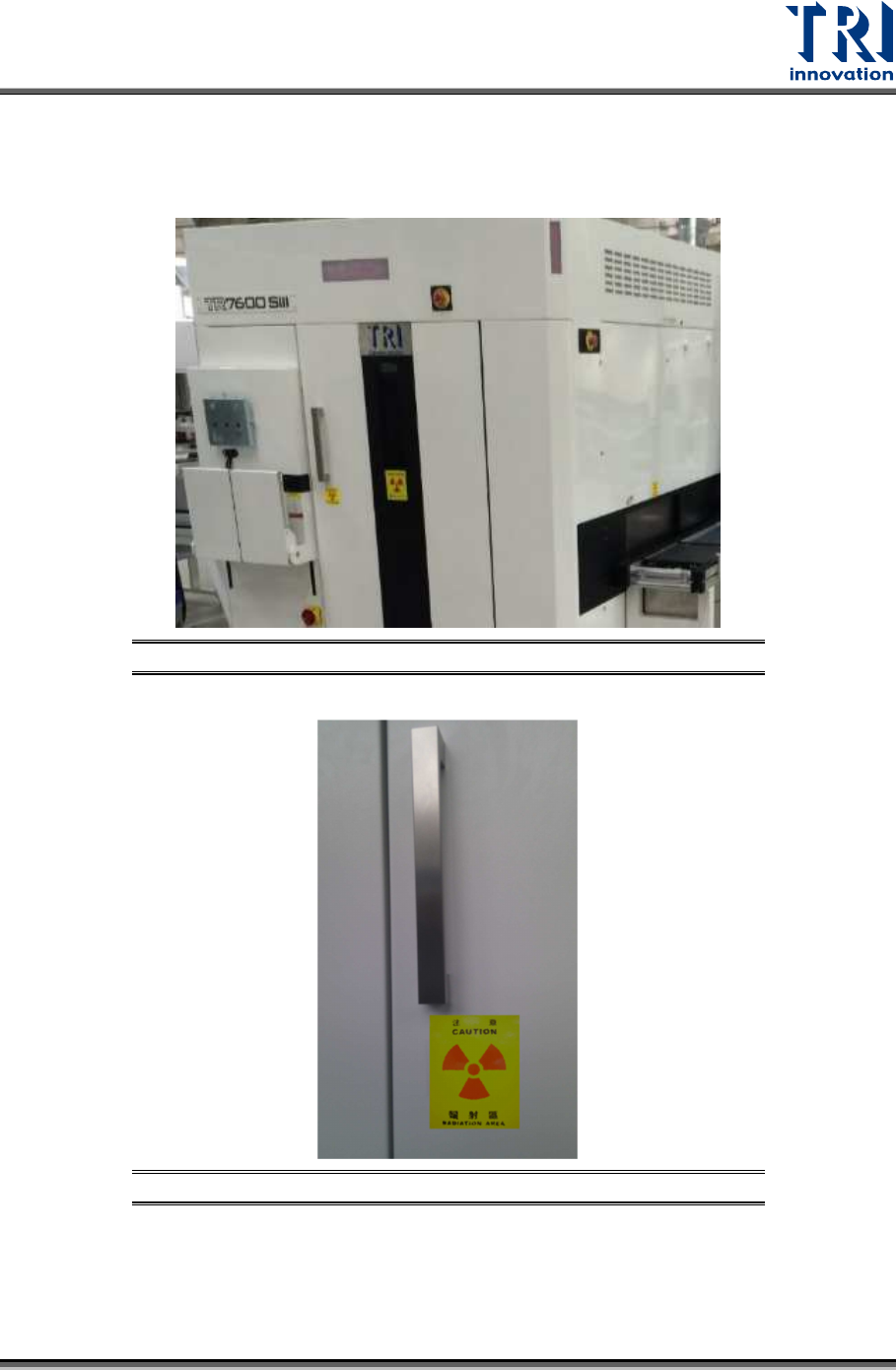
X-Ray Warning Label: Marked on the front door, rear door, right gate and left gate.
When X-ray is turned on, DO NOT opens any doors or gates.
Figure 15: X-Ray Warning Labels/Front Door
Figure 16: X-Ray Warning Label/Rear Door
Test Research, Inc.
12 TR7600 SIII Series User Guide – Maintenance
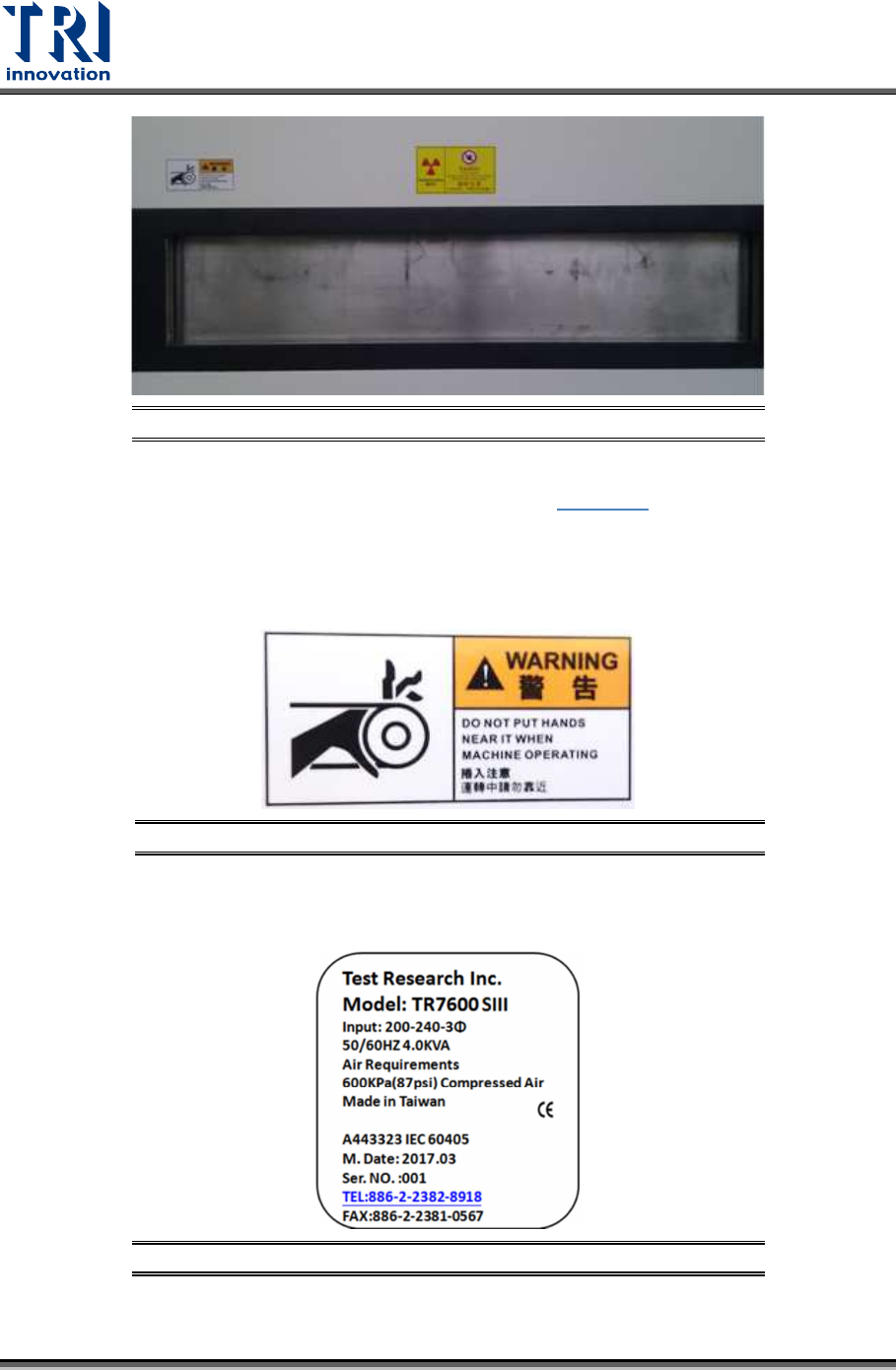
Figure 17: X-Ray Warning Label/Right Gate
Radiation Area: Marked on the front door, as shown in
Figure 15
.
Electrical Danger: Marked on the electrical extension cable and power socket.
Mechanical Warning: Marked on the left and right gates to warn the danger of a jammed
gate.
Figure 18: Mechanical Warning/Left and Right Gates
Input Marking: Marked on the lower cover of the machine. This label shows the power,
air requirements and serial number.
Figure 19: Input Marking