TR7600 SIII_Series_Maintenance_en_v_2_0_3 - 第35页
Test Research, Inc . TR7600 SII I Series User Guide – Maintenance 25 Figure 41: Insi de Machine/Clearance 4.9 Check Environment Check the environment and r emove any hazardous material (f or example, water and exposed ca…
Test Research, Inc.
24 TR7600 SIII Series User Guide – Maintenance
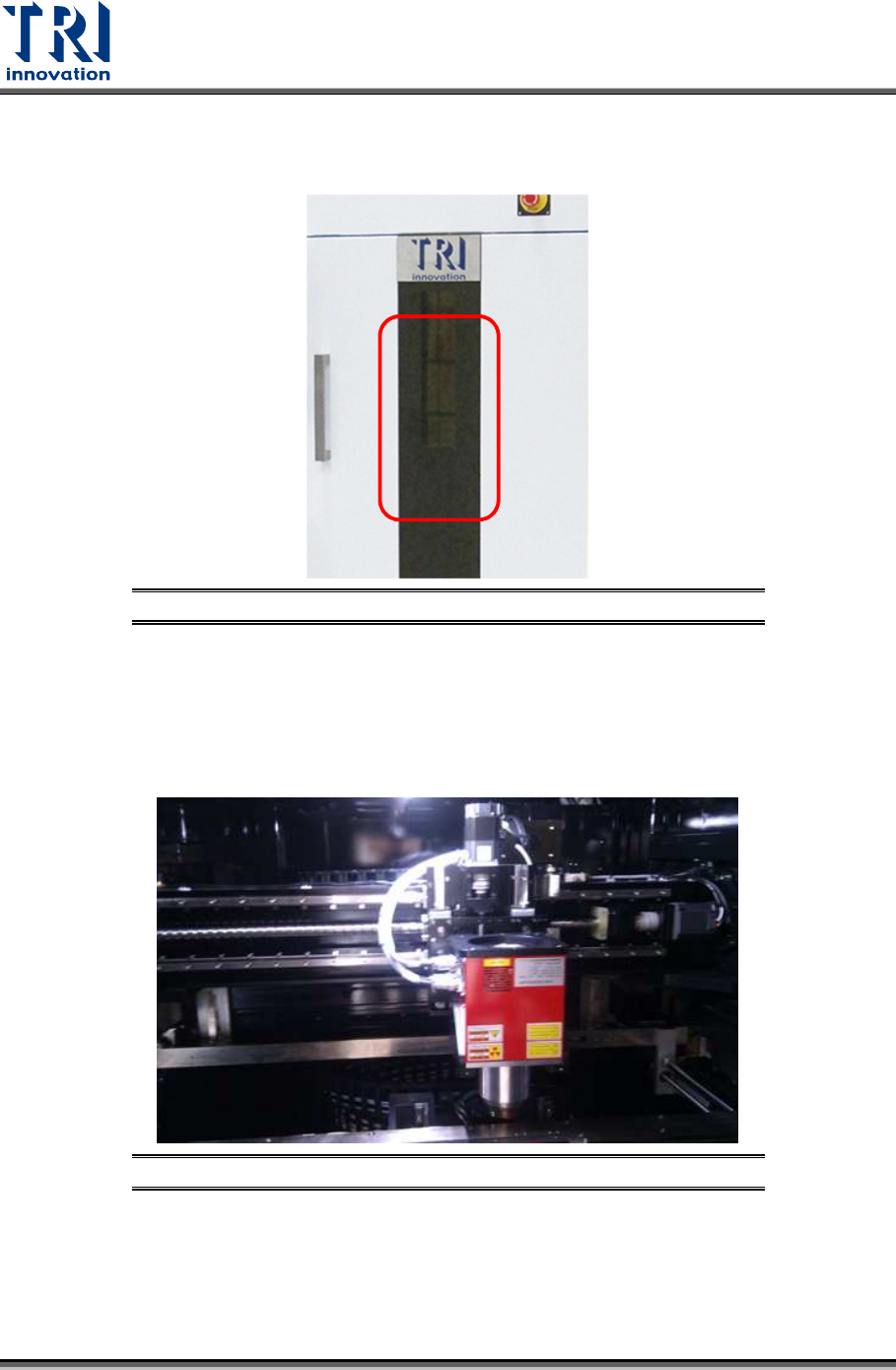
4.7 Clean Front Door Screen
Check if the lead glass window is clean; if not, use a soft cloth to clean it.
Figure 39: Front Window Checking and Cleaning
4.8 Clear Objects inside Machine
Confirm there is no foreign materials/objects or interference inside the system that will affect
inspections.
Figure 40: Inside Machine/X-ray Tube & Conveyor
Test Research, Inc.
TR7600 SIII Series User Guide – Maintenance 25
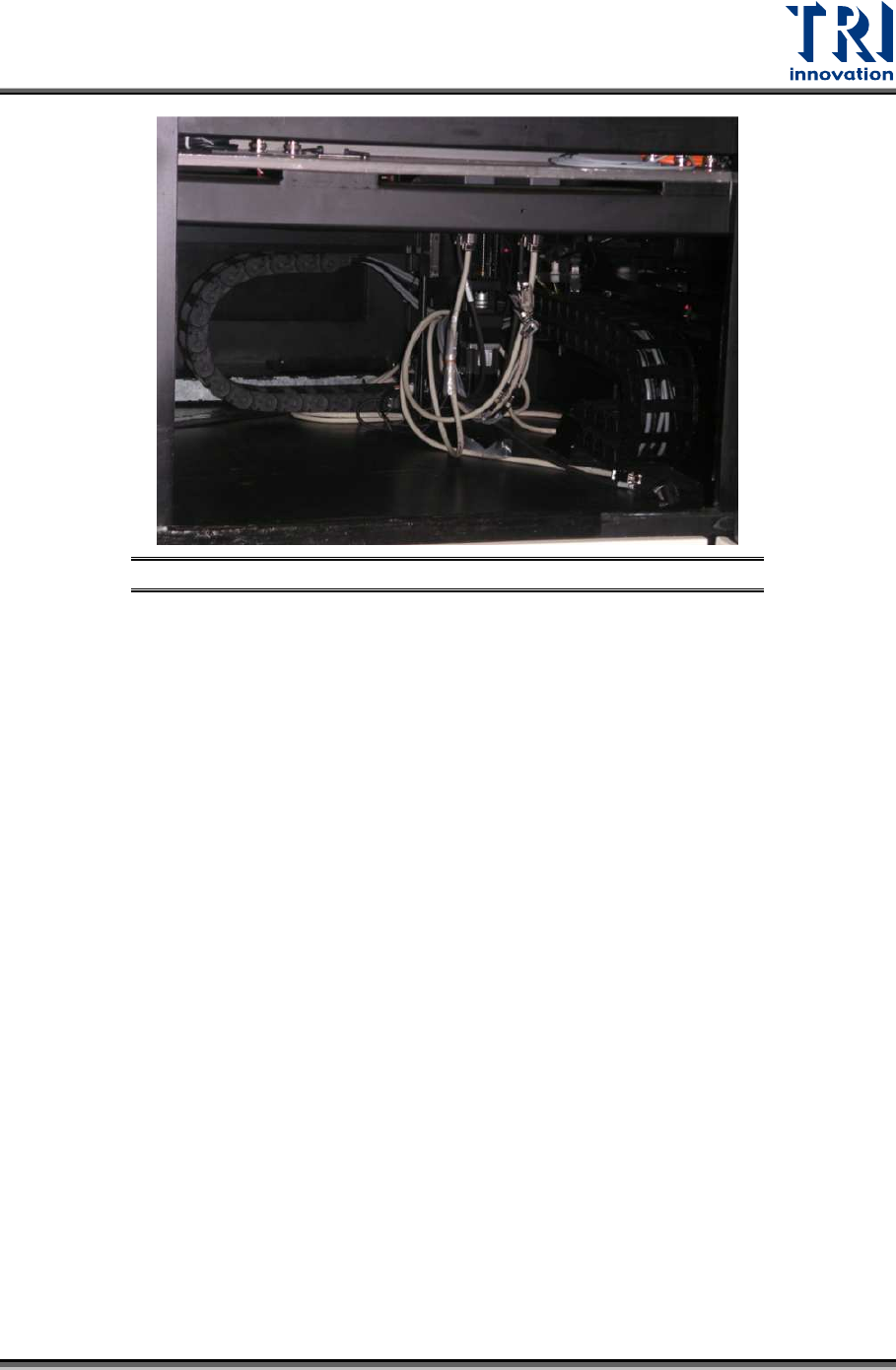
Figure 41: Inside Machine/Clearance
4.9 Check Environment
Check the environment and remove any hazardous material (for example, water and
exposed cable, etc.) form the machine. Check if the voltage and temperature are normal.
Test Research, Inc.
26 TR7600 SIII Series User Guide – Maintenance
5 W
EEKLY
M
AINTENANCE
Warning: Except for the parts specifically mentioned, the power
MUST be turned off during maintenance. Failure to do so may cause
mechanical or electrical damage.
Besides the daily maintenance activities, users also need to perform maintenance activities
discussed below during weekly maintenance.
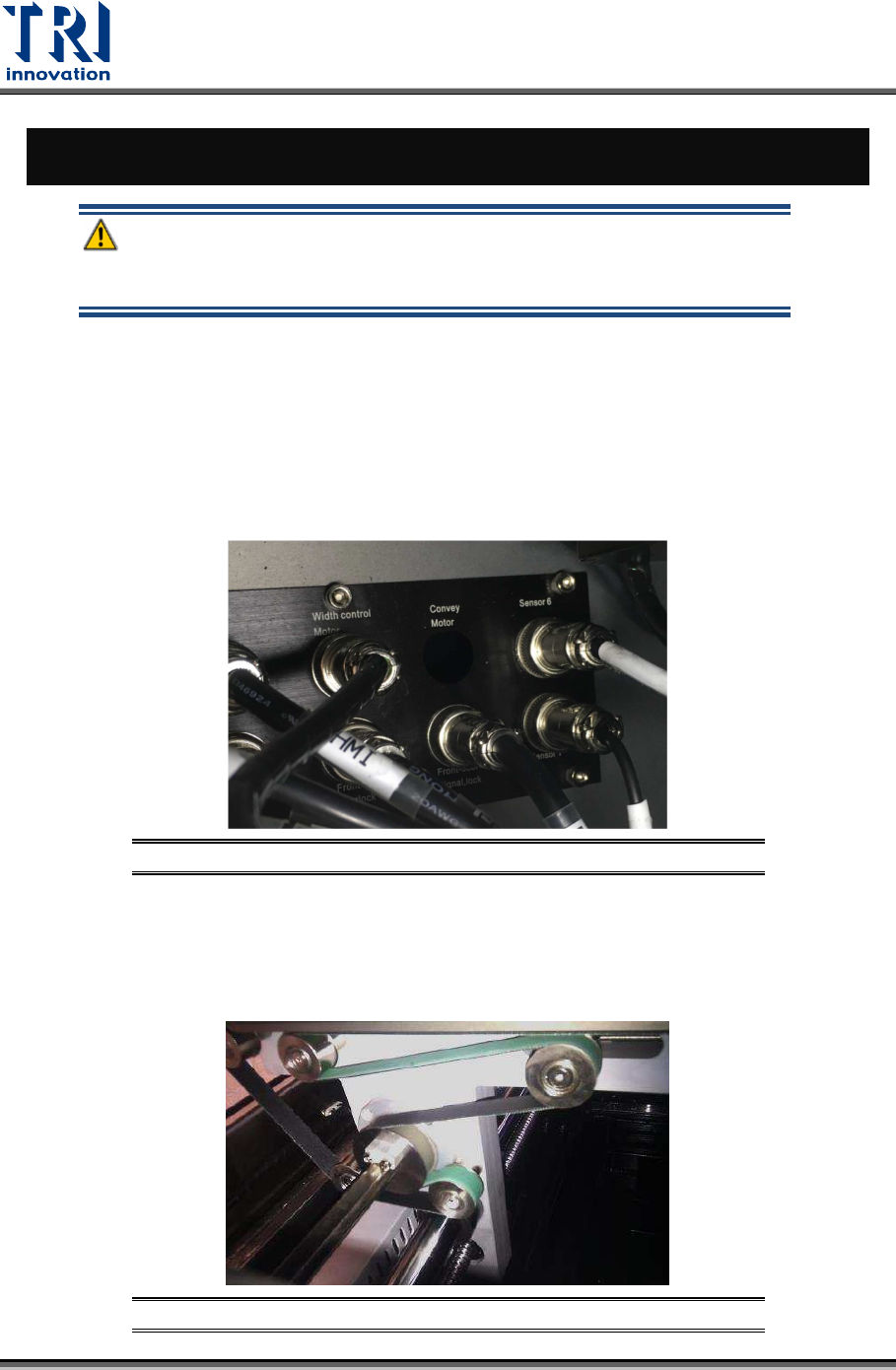
5.1 Check Motor and Sensor Connections
Check if the motor and sensors are properly connected.
Figure 42: Motor and Sensor Connections
5.2 Clean Conveyor Belt and Wheels
Clean the residual flux and dirt from conveyor belt and its wheels with a clean and soft cloth.
Figure 43: Clean Conveyor Belt and Wheels