00193891-0702_AI_LP_Barcode_DE+EN.pdf - 第148页
2 PCB barcode scanner assembly instructions SIPLACE 2.5 Tools, consumables and documentation 10/2009 Edition 148 2.5 T ools, consumables and document ation T ools required 2 – Set of Allen keys – Phillips screwdriver , s…
SIPLACE 2 PCB barcode scanner assembly instructions
10/2009 Edition 2.4 Safety instructions
147
2.4.1 Laser safety instructions
2
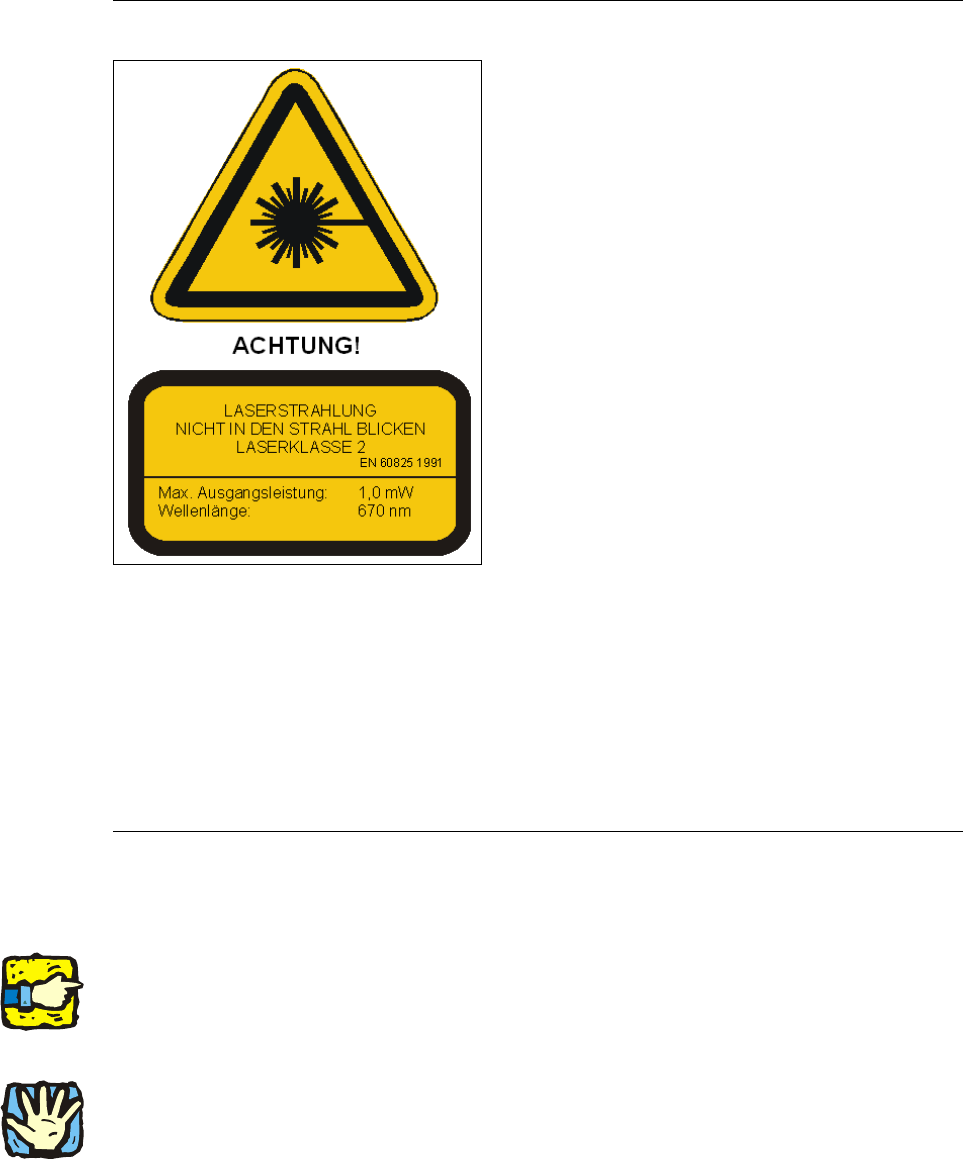
Laser radiation! 2
The radiation from the laser diode (infrared or IR
light)
of the PCB barcode scanner is harmful to the
human eye. 2
i So never look into the laser beam!
i Never direct the PCB barcode scanner into other
people’s eyes.
i When installing the barcode scanner, make sure
that the laser beam cannot be reflected during
use.
2
2
2
2
Opening the protective cover at the entrance or one of the othe
r protective covers during operation
will NOT prevent the laser diode being switched on by the scanning pulse. 2
The laser beam output at the barcode template window do
es not exceed 1.0 mW. The PCB bar-
code scanner thus conforms to pro
tection class 2. 2
There must be no manipulation of the scanner. 2
2
2.4.2 Definitions
2
Please note 2
2
2
2
Caution 2
2
2
2 PCB barcode scanner assembly instructions SIPLACE
2.5 Tools, consumables and documentation 10/2009 Edition
148
2.5 Tools, consumables and documentation
Tools required 2
– Set of Allen keys
– Phillips screwdriver, size 1
– Fork wrench, sizes 5.5 and 7
– Socket wrench, size 8
– Slotted-head screwdriver, size 1
–Scale
– Sliding gauge
– Felt-tip pen
– Vacuum cleaner
– Screw clamp 120 mm
– Power drill or cordless screwdriver
– Drill bit (3.3 mm)
–M4 tap
– Ratchet tapper
– 2x screw M4x12 (HS-50 only)
– Drilling gauge (item no.: 03026214-01) (HS-50 only
)
– Metal drill bit (10 mm) (F4, F5, F5
HM, S-20, S-23, S-25 HM only)
– Compass / metal hacksaw (F4, F5, F5 H
M, S-20, S-23, S-25 HM only)
2
Consumables 2
- Screw locking paint Loctite 243 Item no. 00334892-01
–Cable ties
Documentation 2
User manual for station software V 502.xx, if required 2
User manual for line computer Unix software V 502.xx, if required 2
2
2
2
2
2
2
2
SIPLACE 2 PCB barcode scanner assembly instructions
10/2009 Edition 2.6 Assembly kits overview
149
2.6 Assembly kits overview
118530 Assembly kit, PCB barcode, S/F 2
This option is needed once per SIPLACE S/F to fit
one or more PCB barcode scanners (1D scan-
ner or 2D scanner). It contains the following items:
DIN rail (2x), distribution board (1x), assembly
materials and wiring. One or more scanners (item no. 119689 or 119682) also required. 2
2
119430 Assembly kit, PCB barcode, HS-xx, D4, D1, D2 2
This option is needed once per SIPLACE HS-xx, D4, D1 an
d D2 to fit one or more PCB barcode
scanners (1D scanner or 2D scanner). It contains the following items: DIN rail (2x), distribution
board (1x), assembly materials and wiring. One or more scanners (item no. 119679 or 119682)
also required. Attention: A different assembly kit must be ordered for the HS-50 with dual conveyor
(item no. 119330). 2
2
119330 Assembly kit, PCB barcode, HS-50 DC 2
This option is needed once per SIPLACE HS-50 with d
ual conveyor to fit one or more PCB bar-
code scanners (1D scanner or 2D scanner). It cont
ains the following items: DIN rail (2x), distribu-
tion board (1x), assembly materials and wiring. One or
more scanners (item no. 119679 or
119682) also required. 2
2
119684 Assembly kit, PCB barcode, HF/X-series, D3 2
This option is needed once per SIPLACE HF/X series and
D3 to fit one or more PCB barcode
scanners (1D scanner or 2D scanner). It contains the following items: DIN rail (2x), distribution
board (1x), assembly materials and wiring. One or more scanners (item no. 119679 or 119682)
also required. 2
2
116134 PCB barcode scanner for 1D codes, old type 2
This scanner will have to be retrofitted if one or
more scanners of this type are already installed.
The scanner can be installed once or twice on the single conveyor or up to four times on the dual
conveyor for scanning from above or below. 2
2
2
2
2