SPF维修.pdf - 第131页
SPF 6.6 P783 Jumper Setting List SERVICE MANUAL 6.6−16 D54SEC−85−040−B0 = MEMO =
6.6 P783 Jumper Setting List
SERVICE MANUAL
SPF
6.6−15
D54SEC−85−040−B0
MMC JA−M00006 2/2
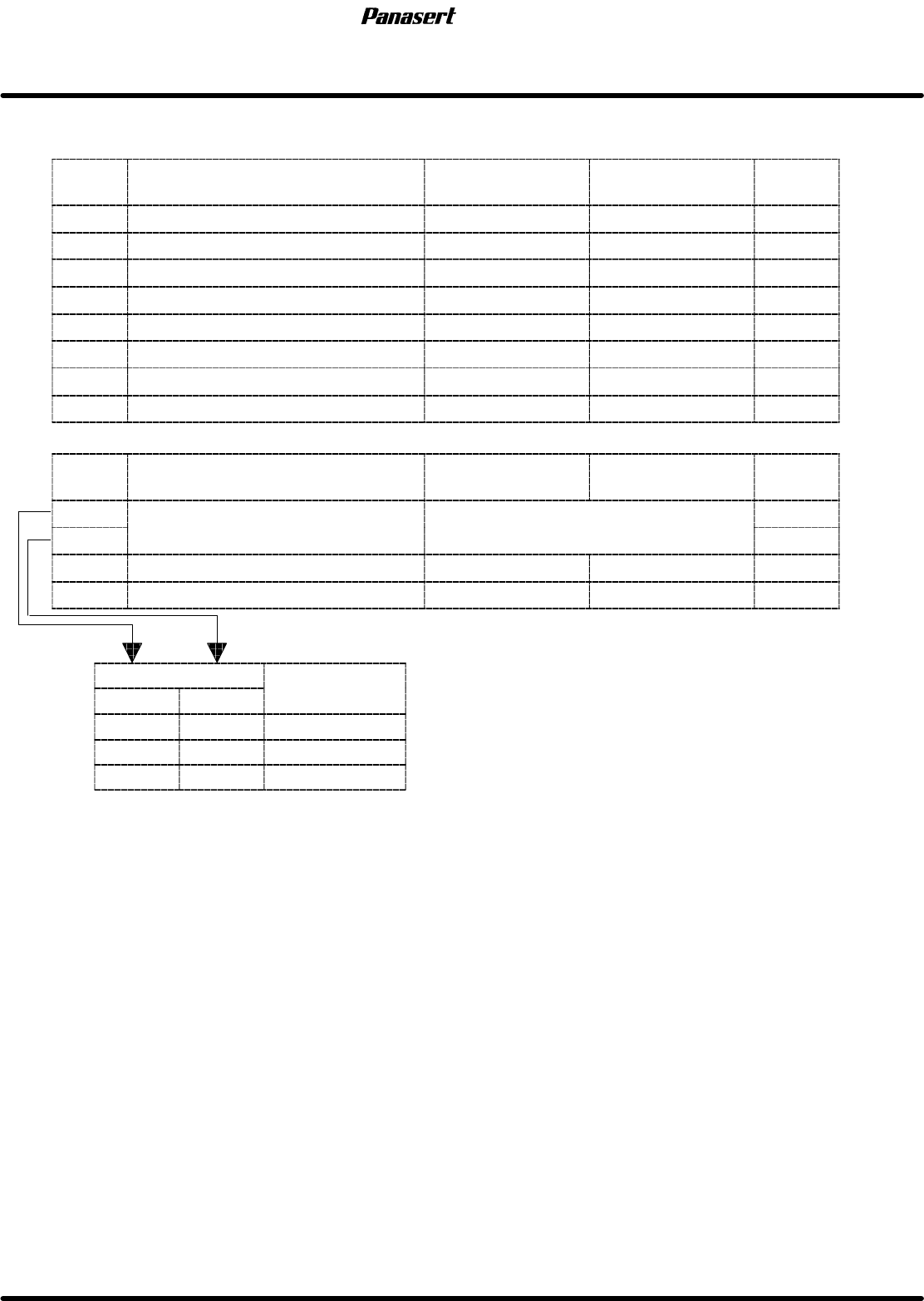
SW2
SW No.
Contents ON OFF
Standard
settings
1 Not used OFF
2 Not used OFF
3 Not used OFF
4 Not used OFF
5 Automatic width control Valid Invalid OFF
6 Maintenance switch Valid Invalid ON
7 Not used OFF
8 ROM ® RAM copy Valid Invalid ON
SW3
SW No.
Contents ON OFF
Standard
settings
1
EP
ROM
capacity
selection
Refer
to
table
E
OFF
2
EP
ROM
capac
it
yse
l
ec
ti
on
R
e
f
er
t
o
t
a
bl
e
E
OFF
3 Watchdog timer Valid Invalid OFF
4 Not used OFF
Table E
SW No.
Contents
1 2
C
on
t
en
t
s
OFF OFF 1M
OFF ON 2M
ON ON 4M

SPF
6.6 P783 Jumper Setting List
SERVICE MANUAL
6.6−16
D54SEC−85−040−B0
= MEMO =
6.7 Secret Screen Service Functions (CONFIDENTIAL)
SERVICE MANUAL
SPF
6.7−1
D54SEC−85−080−A0
6.7 Secret Screen Service Functions (CONFIDENTIAL)
D54SEC−85−080−A0
Sentence No.
6.7.1 How to Access the Secret Screen
1. Turn the power [ON].
2. Select “MANU” ®“REQUEST” ® “F1” (MACHINE INITIAL SETTINGS) ® “F7” ® “SHIFT” ® “S”
® “P” ® “SHIFT” ® “F” from the main control panel.
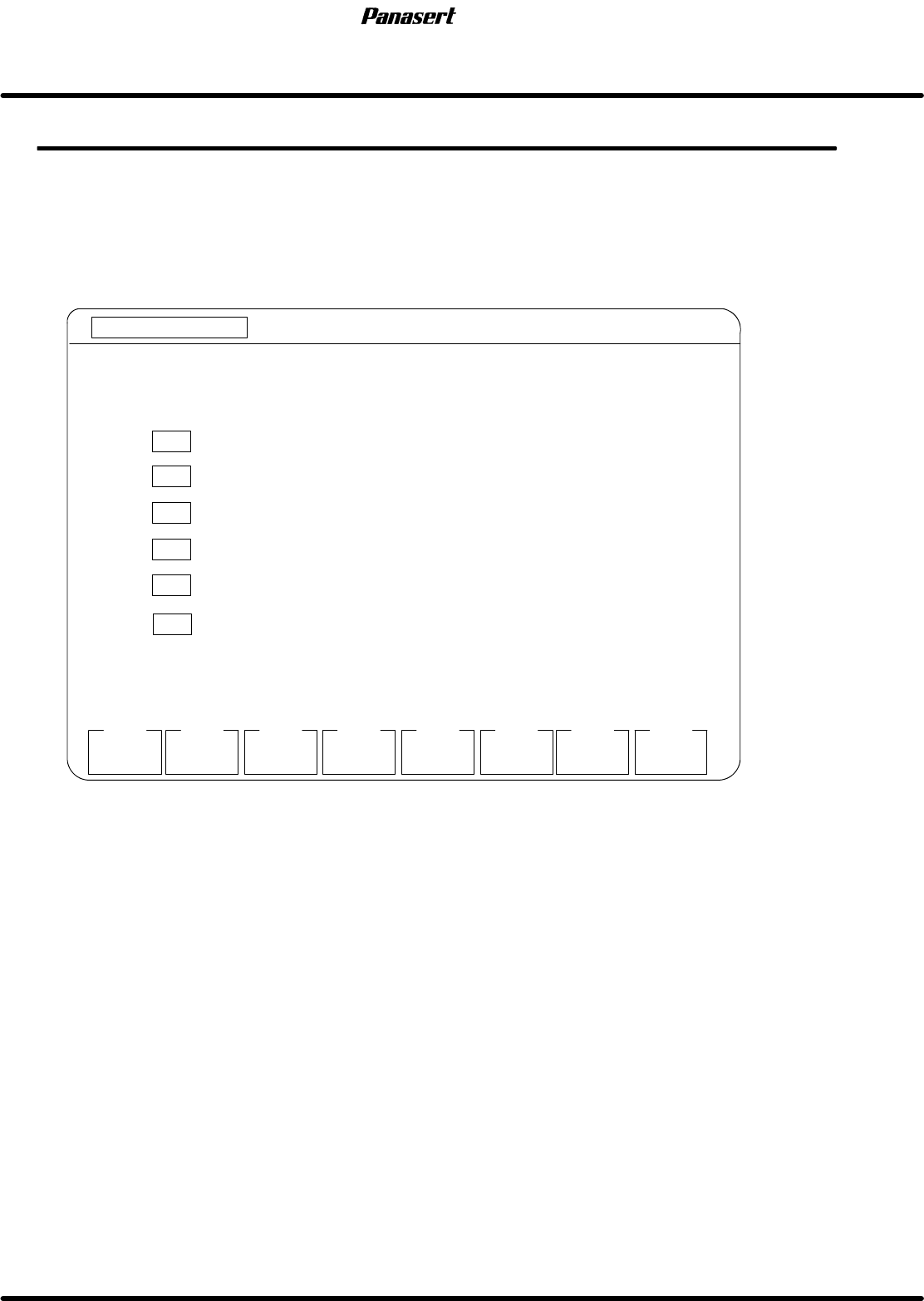
3. The following ’MENU’ screen is displayed on the monitor screen.
MANUAL : 1BLOCK
<<MACHINE INITIAL SETTING>>
XXXX−XX−XX XX : XX
F1
F2 F3 F4 F5 F6
F7 F8
RAM
INITIAL
[MENU]
SYSTEM
PARAM
DRIVER
GAIN SET
OPTION
SWITCH
EXIT
SELECT FUNCTION USING F KEYS.
F 1 INITIALIZES RAM AREA
F2
SETS SYSTEM PARAMETER (RS−232C SETTING, SOFT SW)
F3
SETS SC TIMER
F4
SETS DRIVER GAIN
F5
SETS OPTION SWITCHES
SC TIMER
SET
F6
SETS MACHINE PARAMETERS
MACHIN
PARAM
MORE
FUNCTION
Figure 6.7−1−Menu screen
Parameter explanation
· This is a designation of which function keys to execute upon the selection.
F1 : RAM area initialization
F2 : System parameter setting
F3 : SC timer setting
F4 : Driver gain setting
F5 : Optional switch setting
F6 : Machine parameter setting
F7 : Go to next menu.
F8 : Setting is completed.