SPF维修.pdf - 第141页
SPF 6.7 Secret Screen Service Functions (CONFIDENTIAL) SERVICE MANUAL 6.7−10 D54SEC−85−080−A0 6.7.7 Machine Parameter Setting MANUAL : 1BLOCK <<MACHINE INITIAL SETTING>> XXXX−XX−XX XX : XX F1 F2 F3 F4 F5 F6 F…
6.7 Secret Screen Service Functions (CONFIDENTIAL)
SERVICE MANUAL
SPF
6.7−9
D54SEC−85−080−A0
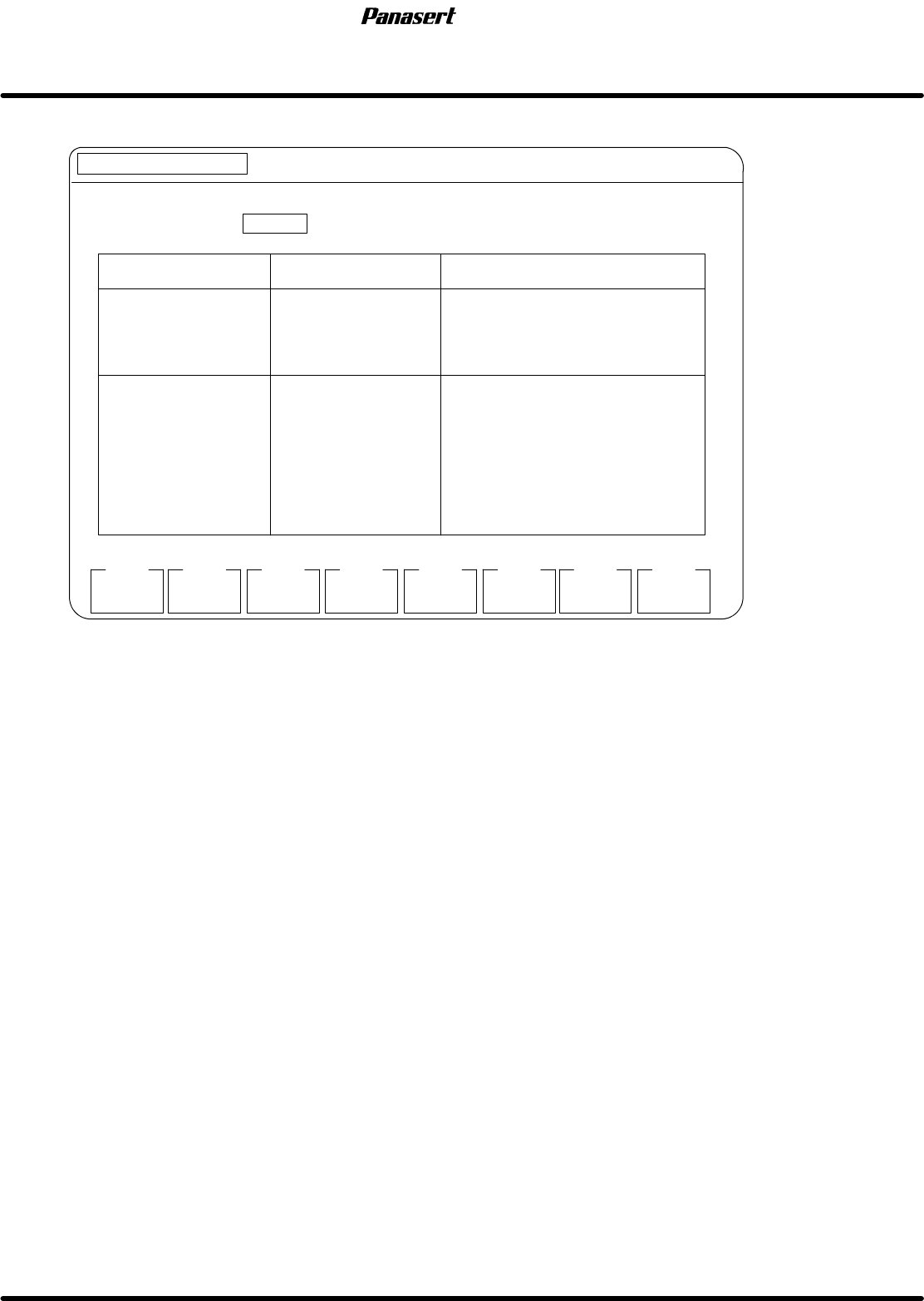
6.7.6 Optional Switch Setting
MANUAL : 1BLOCK
<<MACHINE INITIAL SETTING>>
XXXX−XX−XX XX:XX
F1
F2 F3 F4 F5 F6
F7 F8
[SETS OPTION SWITCH]
EXIT
DISPLAY : INVALID VALID
SC SW
OPTION SW
7654 3210
0000 0000
0000 0000
0000 0000
0000 0000
COMMENT
0.00
0.00
0.00
0.00
0.00
0.00
0.00
0.00
1
2
3
OPTION PARAMETER
1
2
3
4
5
6
7
8
0.00
0.00
0.00
0.00
0.00
0.00
0.00
0.00
Figure 6.7−8−Optional switch setting screen
Parameter explanation
· This is a designation of setting the optional switch.
· The values in the left side line of option parameter designate the offset values of electric air pressure
regulator and the values in the right side line designate the tilt values of electric air pressure regulator.
Option parameter 1 : Compressed cylinder
Option parameter 2 : Self−weight cancel cylinder
F8 : Setting is completed.
SPF
6.7 Secret Screen Service Functions (CONFIDENTIAL)
SERVICE MANUAL
6.7−10
D54SEC−85−080−A0
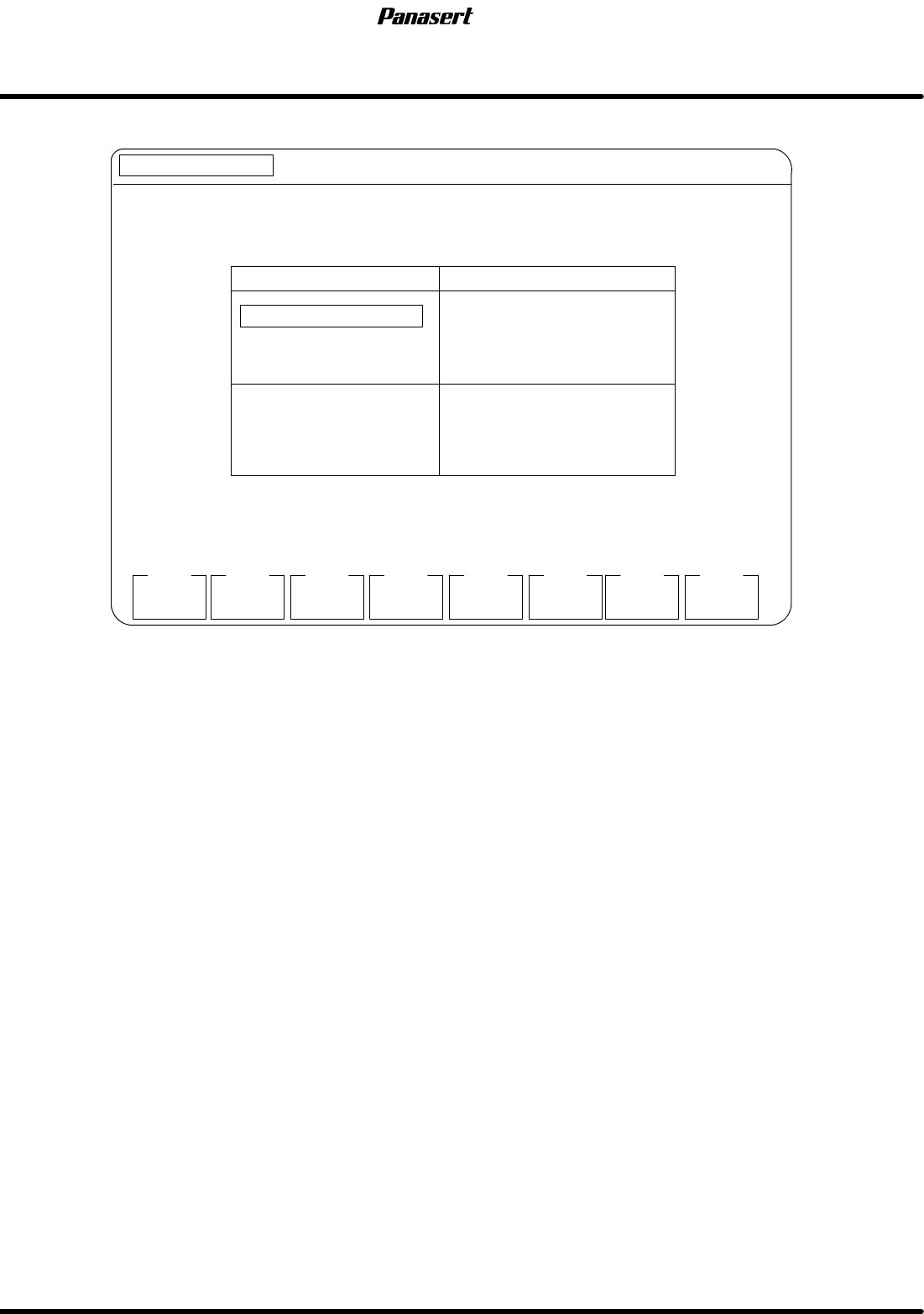
6.7.7 Machine Parameter Setting
MANUAL : 1BLOCK
<<MACHINE INITIAL SETTING>>
XXXX−XX−XX XX : XX
F1
F2 F3 F4 F5 F6
F7 F8
[SETS MACHINE PARA]
EXIT
PREVIOUS
PAGE
NEXT
PAGE
REGULATOR 1
2
3
OFFSET TILT
−1.784 2.033
1.818 2.037
0.000 0.000
W−BALANCE INIT. PRESS
STEP PRESS
BALANCE CYLIN. PRESS
LOAD CYLIN. NON PRESS
0.100
S1 0.002 S2 0.001
UP 0.000 DW 0.000
0.012
EP REGULATOR PARA.
Figure 6.7−9−Machine parameter setting screen 1
Parameter explanation
· This is a designation of setting the machine parameter.
F6 : Return to previous page.
F7 : Go to next page.
F8 : Setting is completed.
6.7 Secret Screen Service Functions (CONFIDENTIAL)
SERVICE MANUAL
SPF
6.7−11
D54SEC−85−080−A0
MANUAL : 1BLOCK
<<MACHINE INITIAL SETTING>>
XXXX−XX−XX XX : XX
F1
F2 F3 F4 F5 F6
F7 F8
[SETS MACHINE PARA]
EXIT
STAGE CORRECT DATA
PREVIOUS
PAGE
NEXT
PAGE
CY (mm)
0
−40
−80
−120
−160
−200
−240
−280
q
X (mm)
0.000
0.000
0.000
0.000
0.000
0.000
0.000
0.000
0.000 (deg)
Y (mm)
0.000
0.000
0.000
0.000
0.000
0.000
0.000
0.000
CY (mm)
−320
−360
−400
−440
−480
−520
−560
−600
X (mm)
0.000
0.000
0.000
0.000
0.000
0.000
0.000
0.000
Y (mm)
0.000
0.000
0.000
0.000
0.000
0.000
0.000
0.000
STAGE CORRECT DATA
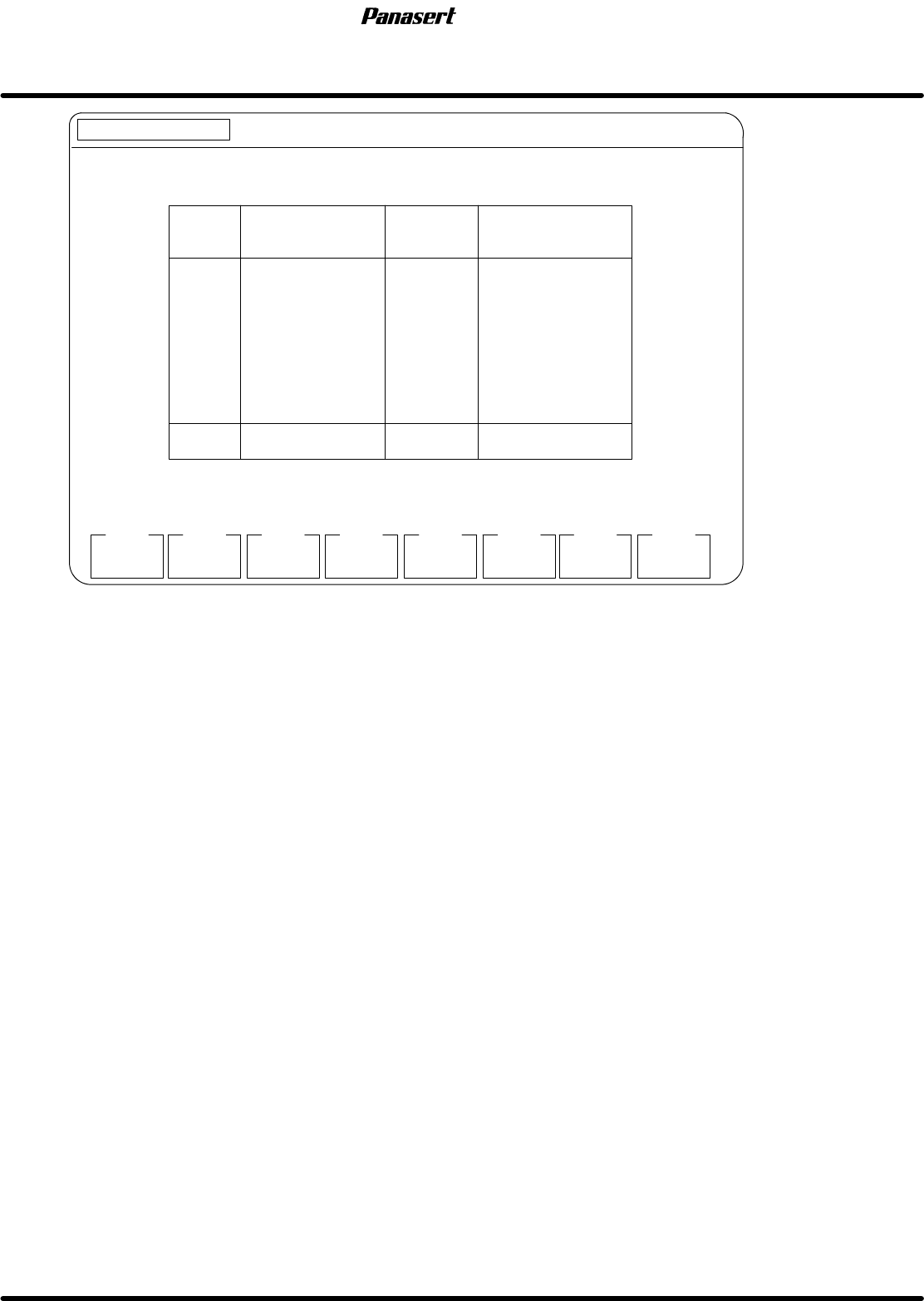
Figure 6.7−10−Machine parameter setting screen 2
Parameter explanation
· This is a designation of setting the machine parameter.
F6 : Return to previous page.
F7 : Go to next page.
F8 : Setting is completed.