SPF维修.pdf - 第95页
SPF 5.2 Software Upgrade Method SERVICE MANUAL 5.2−2 D54SEC−84−320−A0 9. Remove the designated ROM to replace. =CHECK= Be careful the electrostatics and the bend of the ROM legs. 10. Attach the SC board, MMI board and MM…
5.2 Software Upgrade Method
SERVICE MANUAL
SPF
5.2−1
D54SEC−84−320−A0
5.2 Software Upgrade Method
D54SEC−84−320−A0
Sentence No.
Software upgrade method
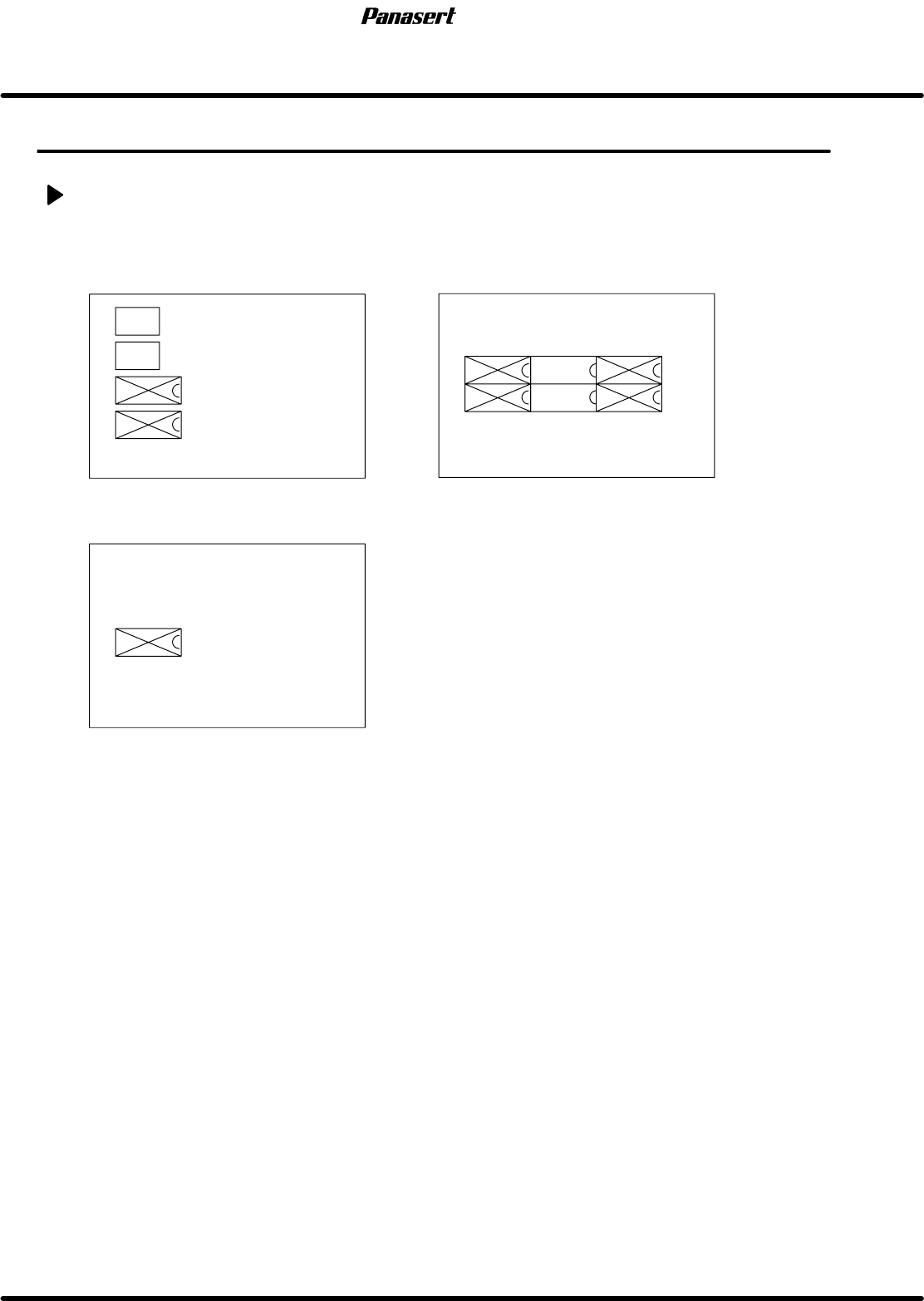
MMC board (N1 J006B1)
MMI board (N1 L1053F)
SC board (N1 J016D1)
MMC ODD
MMC EVEN
SC
MMI
ODD2
MMI
ODD1
MMI
EVEN2
MMI
EVEN1
BOOT
EVEN
BOOT
ODD
ROM that needs to replace when upgrading the standard software
1. Save the all data.
2. Print out the machine data.
3. Print out the secret screen data.
=REFERENCE=
Referto’RELATEDINFORMATION/SecretScreenServiceFunctions(CONFIDENTIAL)’inthis
manual.
4. Initialize the RAM area.
5. Turn the power [OFF].
6. Disconnect the sub control panel and the printer.
7. Remove the cover of the Panadac 783.
8. Remove the MMC board, MMI board and SC board in order.
=HINT=
All the PCBs are tightened with screws per a PCB.
Be sure to remove PCB with pulling the white lever endways after loosening the screws
completely.
The screws can’t pull out from the PCB.

SPF
5.2 Software Upgrade Method
SERVICE MANUAL
5.2−2
D54SEC−84−320−A0
9. Remove the designated ROM to replace.
=CHECK=
Be careful the electrostatics and the bend of the ROM legs.
10. Attach the SC board, MMI board and MMC board in order.
=CHECK=
Be careful the bend of the ROM legs.
11. Check that the ROM legs are inserted completely and tighten the screws.
12. Connect the sub control panel and the printer.
13. Turn the power [ON] and return to origin.
14. Initializes the RAM area.
15. Load the all data.
16. Check the machine data and the secret screen data.

SERVICE MANUAL
SPF
6.0−1
6ダミー(Sectionのレベル1)
6.0ダミー(Sectionのレベル2)