OM-1076-001.pdf - 第157页
0107-001 4-B Tg0502-PM-CL

Section 4
Creation of New Component Library
0107-001 4-A Tg0502-PM-CL
This section describes how to create a new component li-
brary.

0107-001 4-B Tg0502-PM-CL
1. Steps for Data Creation
0107-001 4-1 Tg0502-PM-CL
1. Steps for Data Creation
• First of all, a user-created component library must be registered by
making a copy of the standard component library.
After that, modify only the different part of the user-created compo-
nent library registered as a new component library.
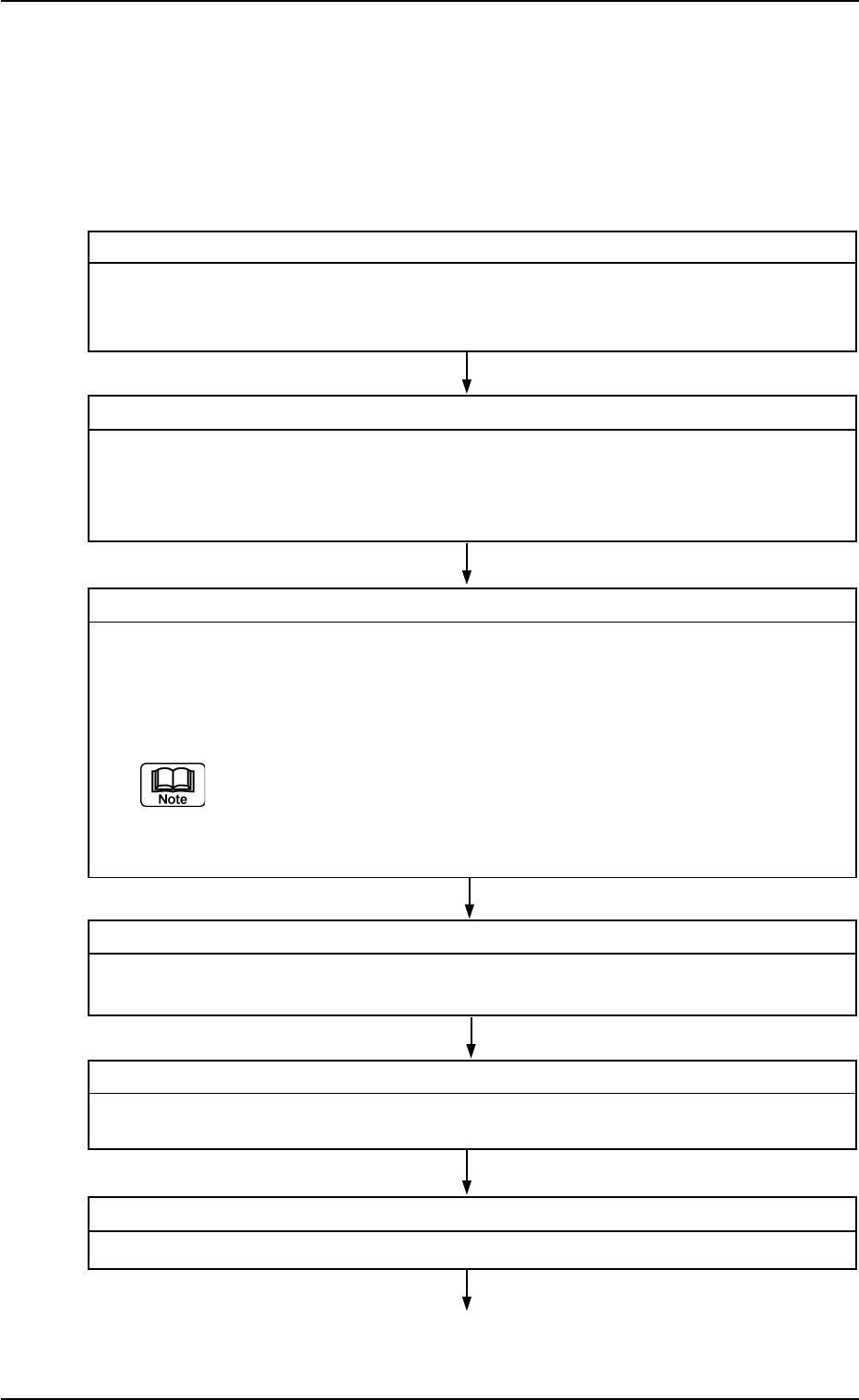
Step 1 Confirmation of Component Shape
Confirm to which component shape the selected component has, following the flow
chart.
Refer to "2. Confirmation of Component Shape" in "Section 4" for details.
Step 2 Measurement of Component Dimensions
Measure a component according to the shape and packaged posture with a projec-
tor, etc., and fill in the individual data sheets.
The approval drawing or catalogue can also be referred to.
Refer to "3. Measurement of Component Dimensions" in "Section 4" for details.
Step 3 Selection of Source Standard Component Library
Select the source standard component library from those saved in the network termi-
nal (option).
(1) Refer to the first 8 characters of the standard component ID.
The first 8 characters represent the type and size (approx.) of the component.
Refer to "Section 3 Naming Standards of Component Library" for nam-
ing of a standard component ID.
(2) Find a component ID whose dimensions are similar to the measured ones.
Step 4 Copying of Standard Component Library
Copy the selected component library and register it as a user-specified component
library.
Step 5 Editing of User-Specified Component Library
Edit the user-specified component library data according to each individual data sheets.
Step 6 Saving of User-Specified Component Library
Save the edited user-specified component library data in the network terminal.