OM-1076-001.pdf - 第48页
(2) T ape Width [mm] Select one of the following options as a tape width. 8 12 16 24 32 44 56 72 (3) T ape Feed Pitch [mm] Select one of the following options as a tape feed pitch (a distance between components). Unit: m…
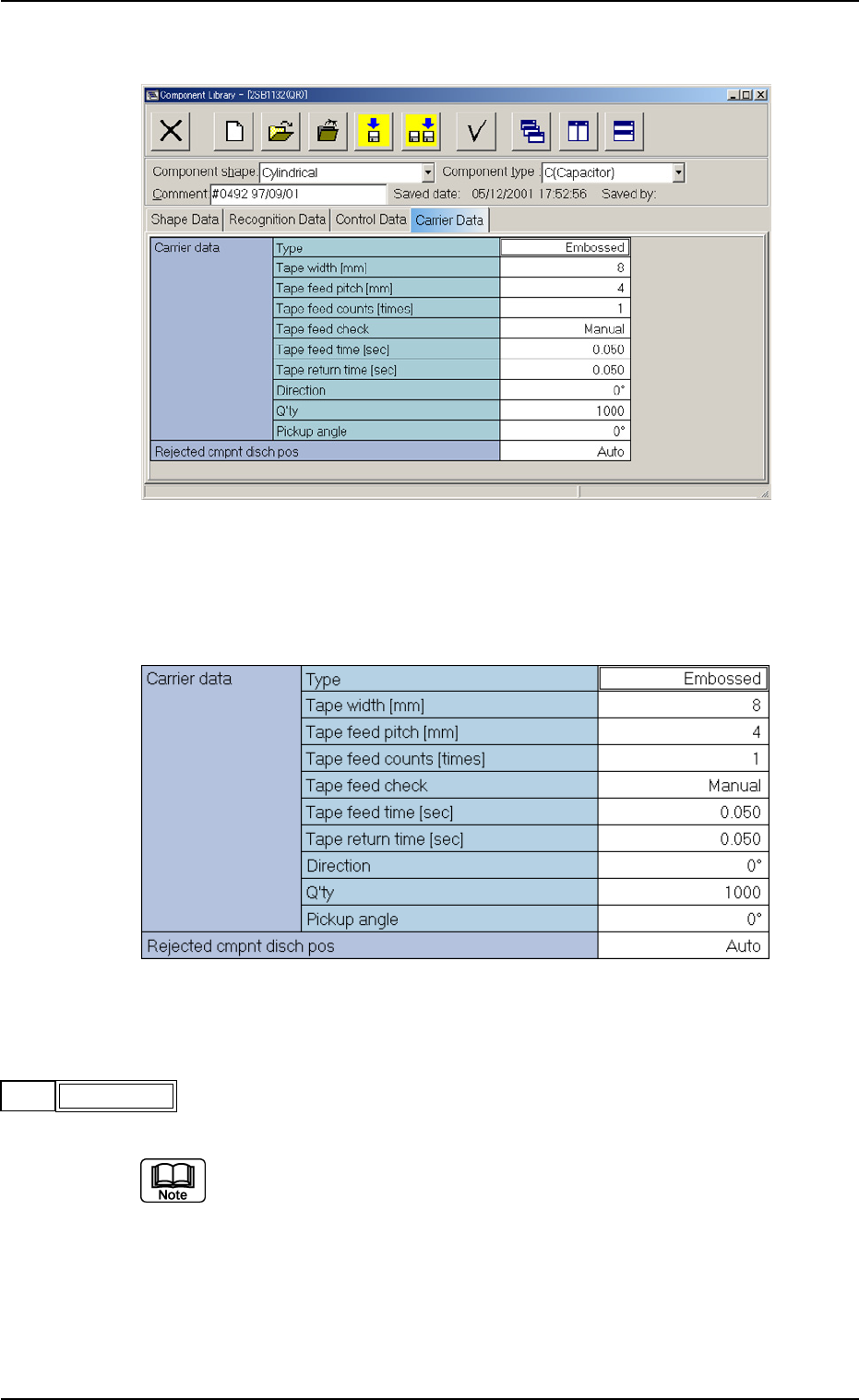
A03 Carrier Data
(A03_01) Carrier Data (Tape)
(1) Type
Select one of the following options as a type of a component carrier.
Paper Embossed Adhesive Vibratory Stick Tray
No types other than the above are used in TIM-X series.
A03 Carrier Data (A03_01)
0206-003 2-28 Tg0502-PM-CL
Fig. B45 Edit Window (Example) for Cylindrical Component
Fig. B46 Edit Window (Example) for Cylindrical Components
Embossed
Type
Fig. B47
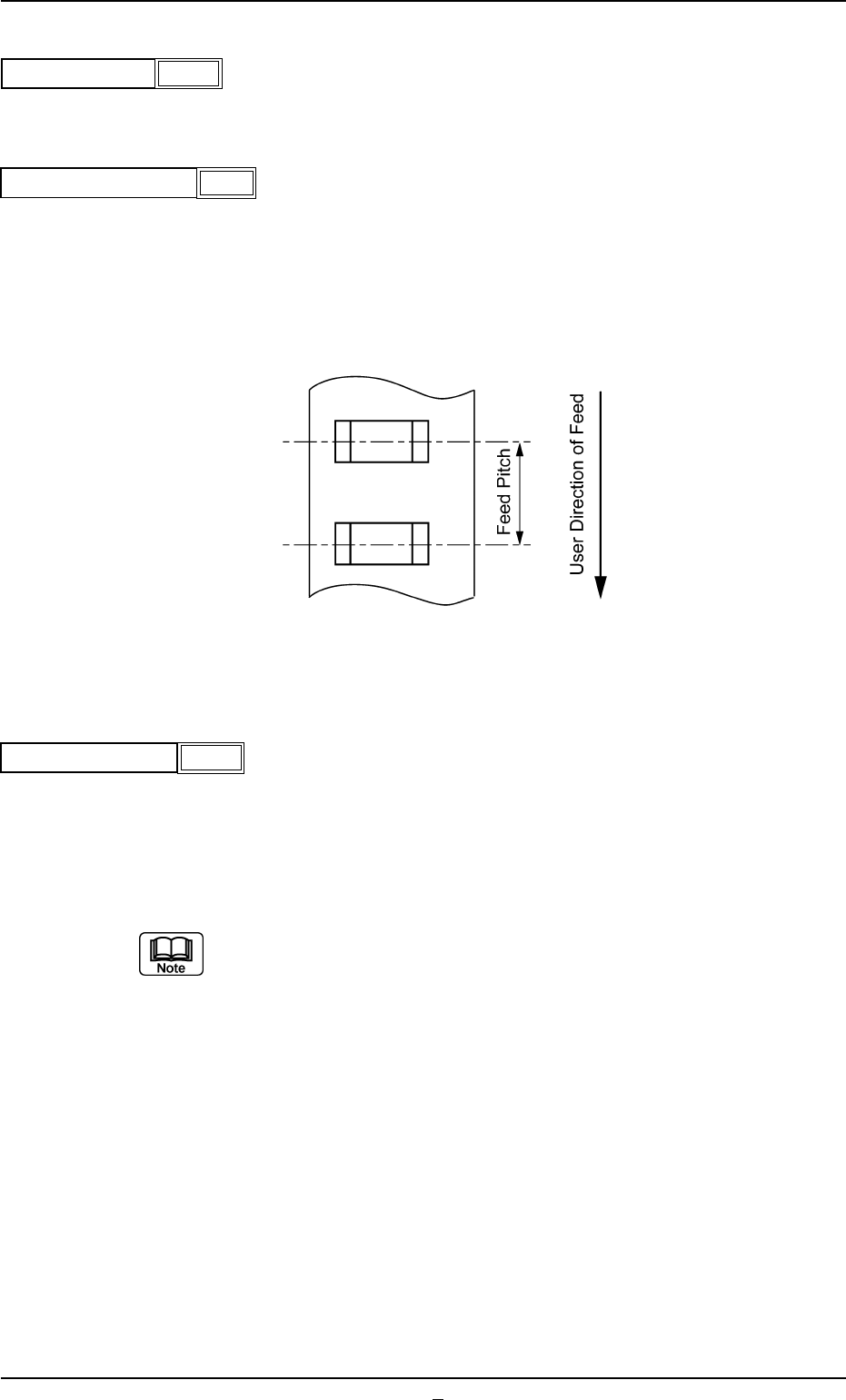
(2) Tape Width [mm]
Select one of the following options as a tape width.
8 12 16 24 32 44 56 72
(3) Tape Feed Pitch [mm]
Select one of the following options as a tape feed pitch (a distance
between components).
Unit: mm
Data Input Range: 0 to 99
(4) Tape Feed Counts [times]
Set the number of tape feeding operations of the tape feeder.
Unit: times
Data Input Range: 1 to 9
(a) In the case of a tape feed pitch of 24 mm or more, and if two or more
feeding operations are required, set the number of operations for the
feeder.
(b) In general, for a feeder with a tape feed pitch of 2 to 20 mm, the
number of feeding operations is set to "1" (one).
A03 Carrier Data (A03_01)
0206-003 2-29 Tg0502-PM-CL
Fig. B50
4
Fig. B49
Tape feed pitch [mm]
8
Tape width [mm]
Fig. B48
Fig. B51
Tape feed Counts
1
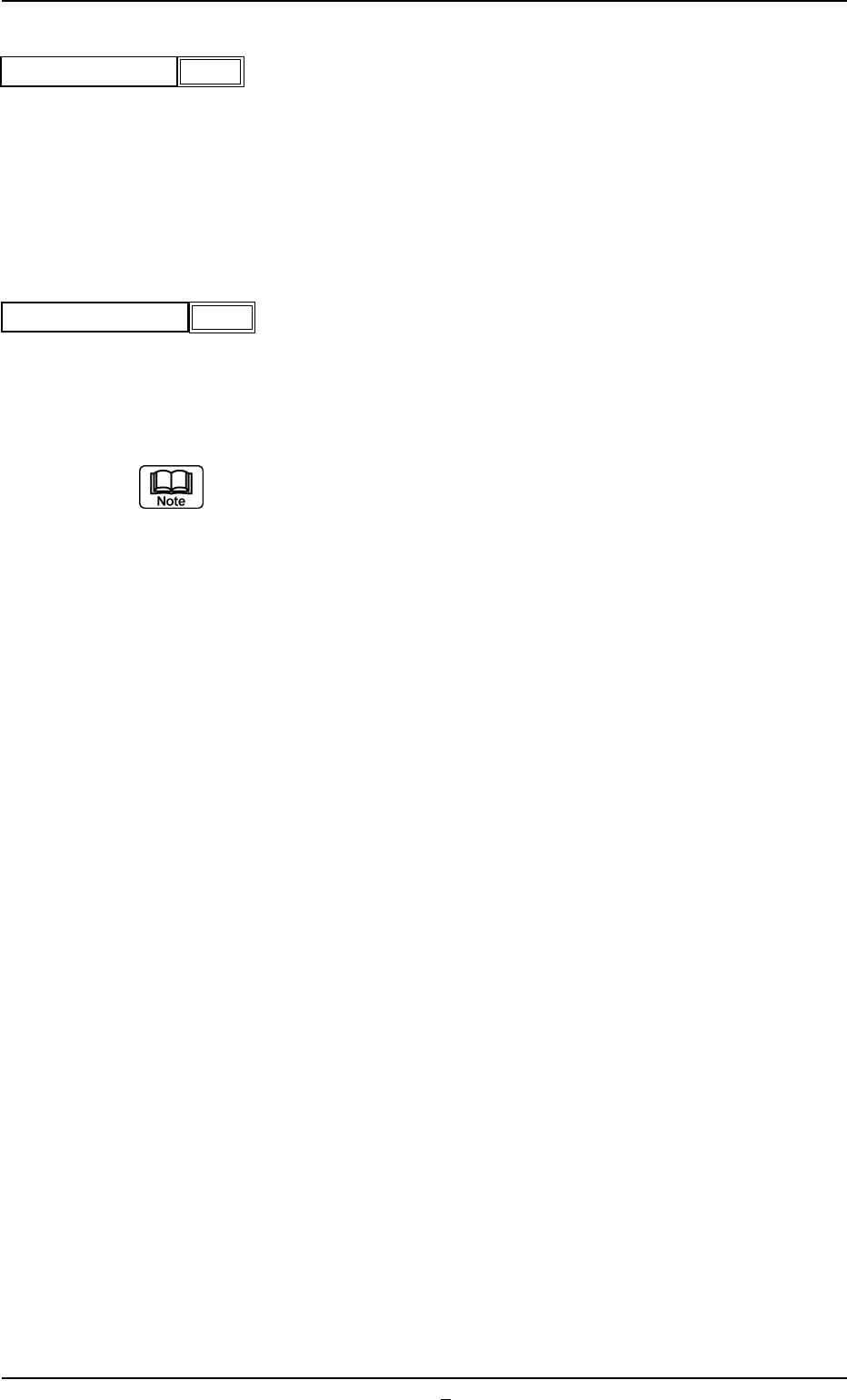
(5) Tape Feed Check
Select how to set the feeding and returning time from the following
two items.
Auto : The feeding and returning time is automatically set by the tape
width and feed pitch.
Manual : "Tape feed time" and "Tape return time" can be set manually.
(6) Tape Feed Time [sec]
Set the feeding time of the tape feed cylinder.
Unit : Second
Data Input Range : 0.050 to 1.999
When this data is set, set "Tape Feed Check" to "Manual".
A03 Carrier Data (A03_01)
0206-002 2-29-1 Tg0502-PM-CL
Fig. B52
Tape feed check
Manual
Fig. B53
Tape feed time [sec]
0.050