5TROUBLESHOOTING_.pdf - 第4页
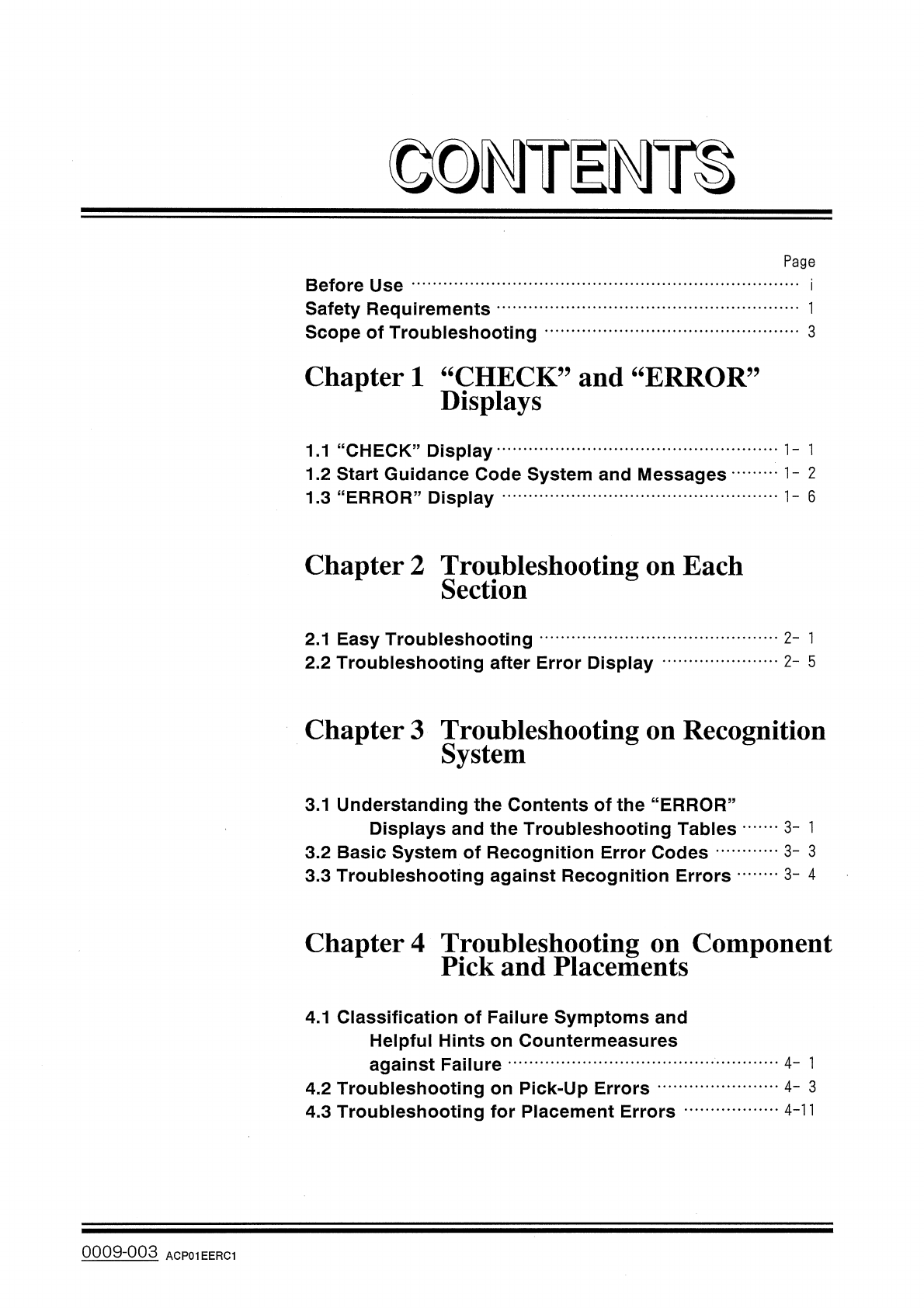
© DMTiMH Page Before Use Safety Requirements Scope of Troubleshooting 3 Chapter 1 “ CHECK ” and “ ERROR Displays , , 1.1 “ CHECK ” Display 1.2 Start Guidance Code System and Messages 1.3 " ERROR " Display 1 - 6…
[
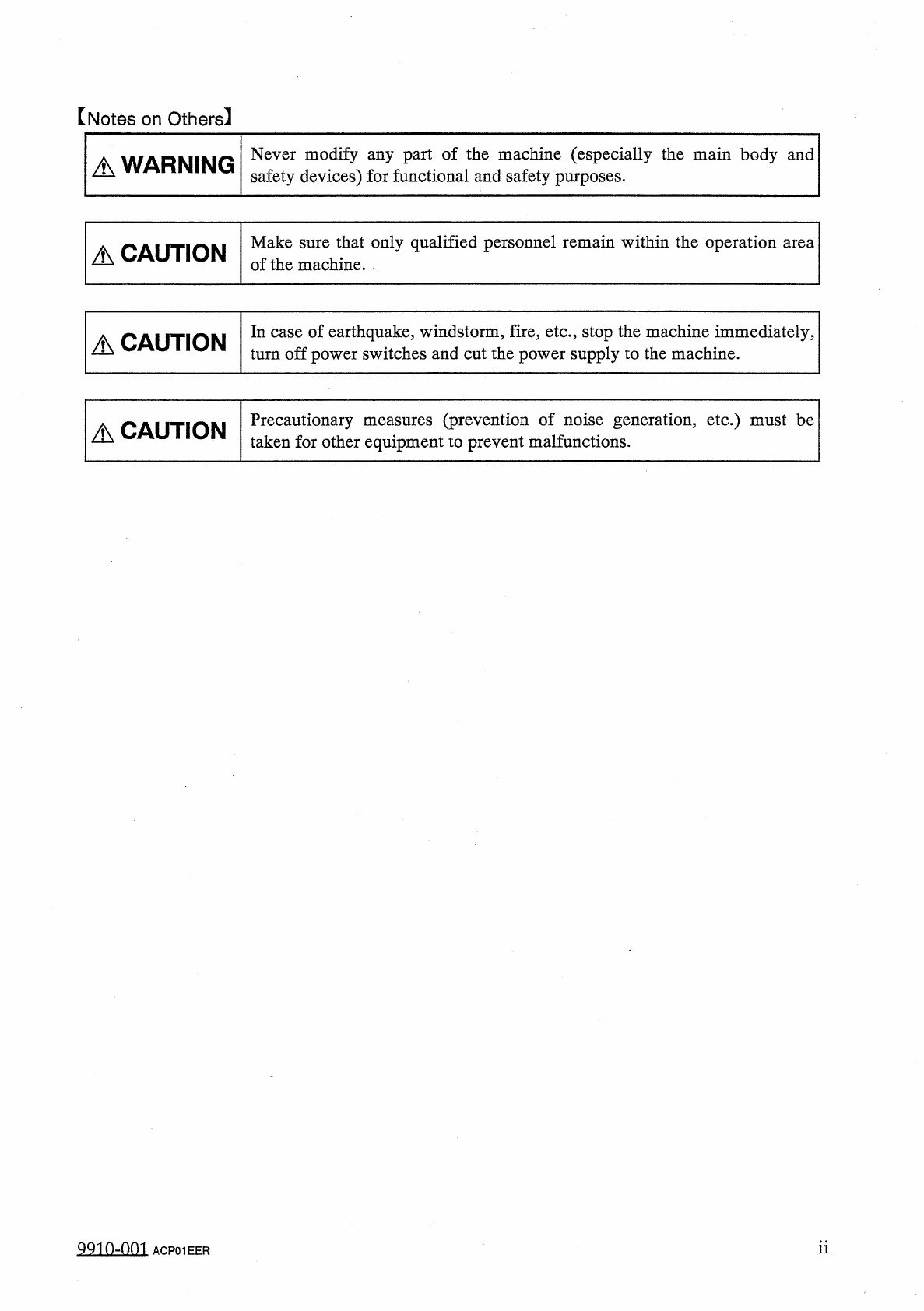
Notes
on
Others
】
Never
modify
any
part
of
the
machine
(
especially
the
main
body
and
safety
devices
)
for
functional
and
safety
purposes
.
A
WARNING
Make
sure
that
only
qualified
personnel
remain
within
the
operation
area
of
the
machine
.
.
A
CAUTION
In
case
of
earthquake
,
windstorm
,
fire
,
etc
.
,
stop
the
machine
immediately
,
turn
off
power
switches
and
cut
the
power
supply
to
the
machine
.
A
CAUTION
Precautionary
measures
(
prevention
of
noise
generation
,
etc
.
)
must
be
taken
for
other
equipment
to
prevent
malfunctions
.
A
CAUTION
ii
9910
-
001
ACP
01
EER
©
DMTiMH
Page
Before
Use
Safety
Requirements
Scope
of
Troubleshooting
3
Chapter
1
“
CHECK
”
and
“
ERROR
Displays
,,
1.1
“
CHECK
”
Display
1.2
Start
Guidance
Code
System
and
Messages
1.3
"
ERROR
"
Display
1
-
6
Chapter
2
Troubleshooting
on
Each
Section
2
-
1
2.1
Easy
Troubleshooting
2.2
Troubleshooting
after
Error
Display
2
-
5
Chapter
3
Troubleshooting
on
Recognition
System
3.1
Understanding
the
Contents
of
the
“
ERROR
”
Displays
and
the
Troubleshooting
Tables
3.2
Basic
System
of
Recognition
Error
Codes
3.3
Troubleshooting
against
Recognition
Errors
3
-
1
3
-
3
3
-
4
Chapter
4
Troubleshooting
on
Component
Pick
and
Placements
4.1
Classification
of
Failure
Symptoms
and
Helpful
Hints
on
Countermeasures
against
Failure
4.2
Troubleshooting
on
Pick
-
Up
Errors
4.3
Troubleshooting
for
Placement
Errors
4
-
1
4
-
3
4
-
11
0009
-
003
ACP
01
EERC
1
Safety
Requirements
1
.
Precautionary
Measures
A
WARNING
•
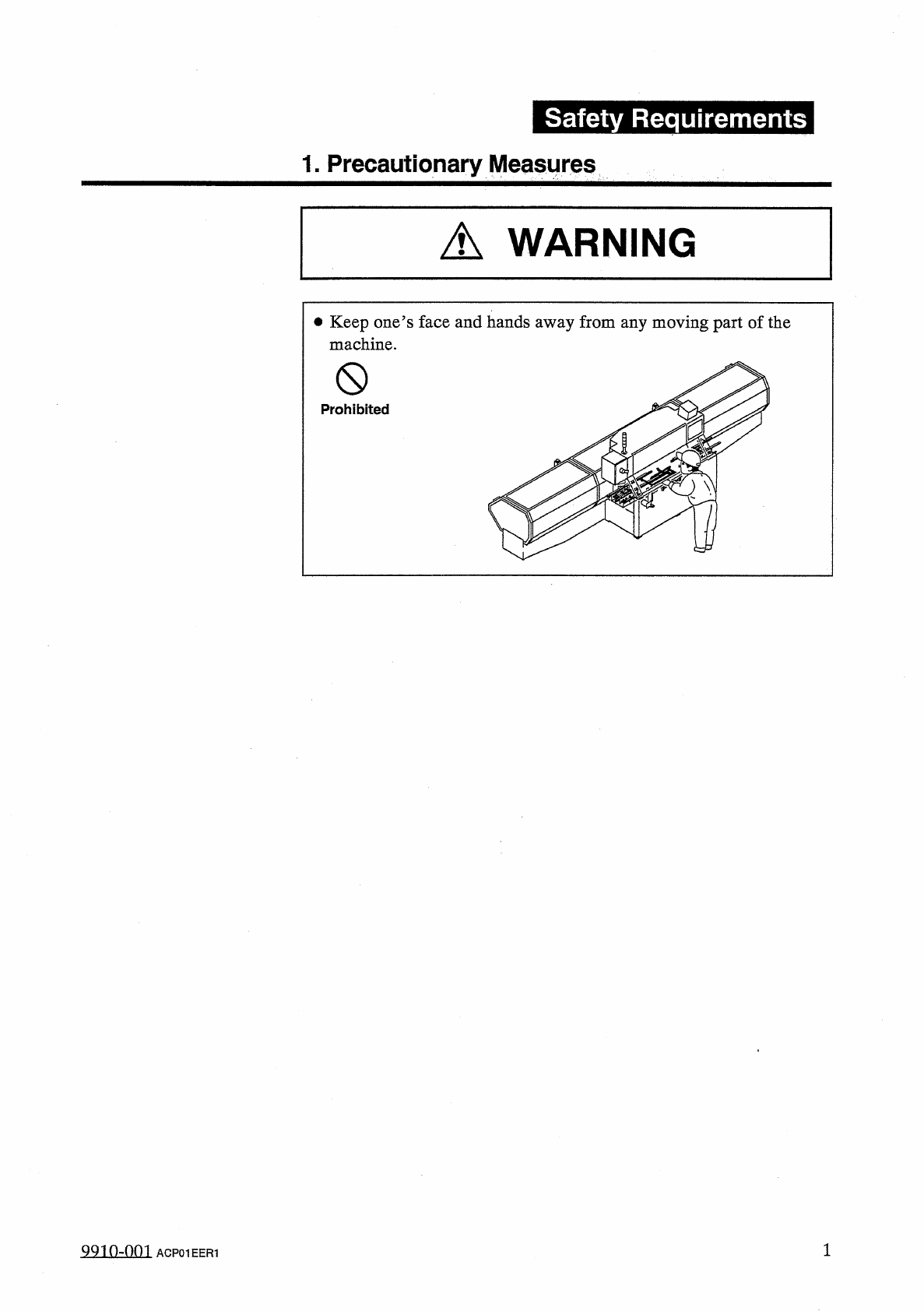
Keep
one
’
s
face
and
hands
away
from
any
moving
part
of
the
machine
.
0
Prohibited
QQ
10
-
nni
ACP
01
EER
1