5TROUBLESHOOTING_.pdf - 第5页
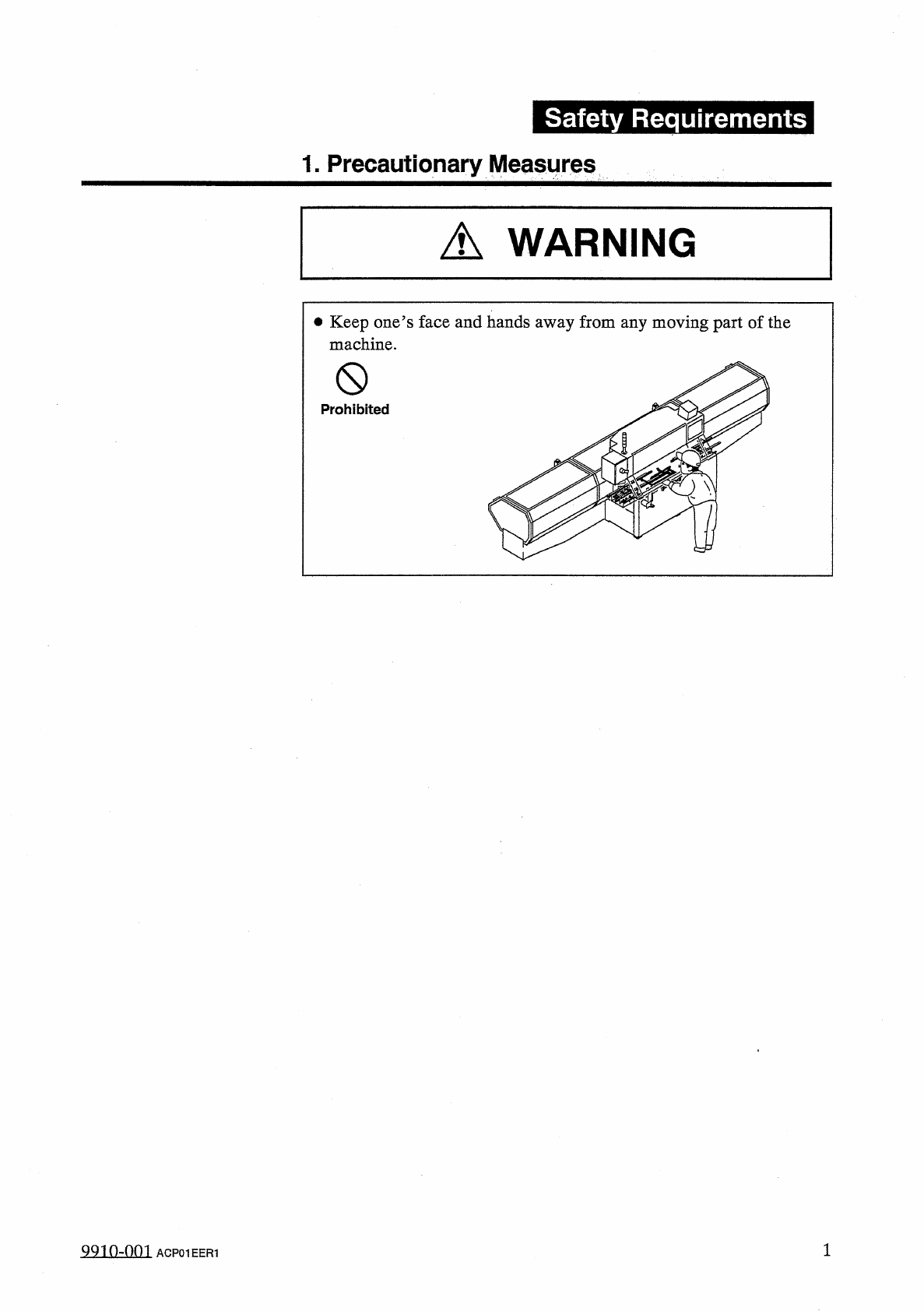
Safety Requirements 1 . Precautionary Measures A WARNING • Keep one ’ s face and hands away from any moving part of the machine . 0 Prohibited QQ 10 - nni ACP 01 EER 1
©
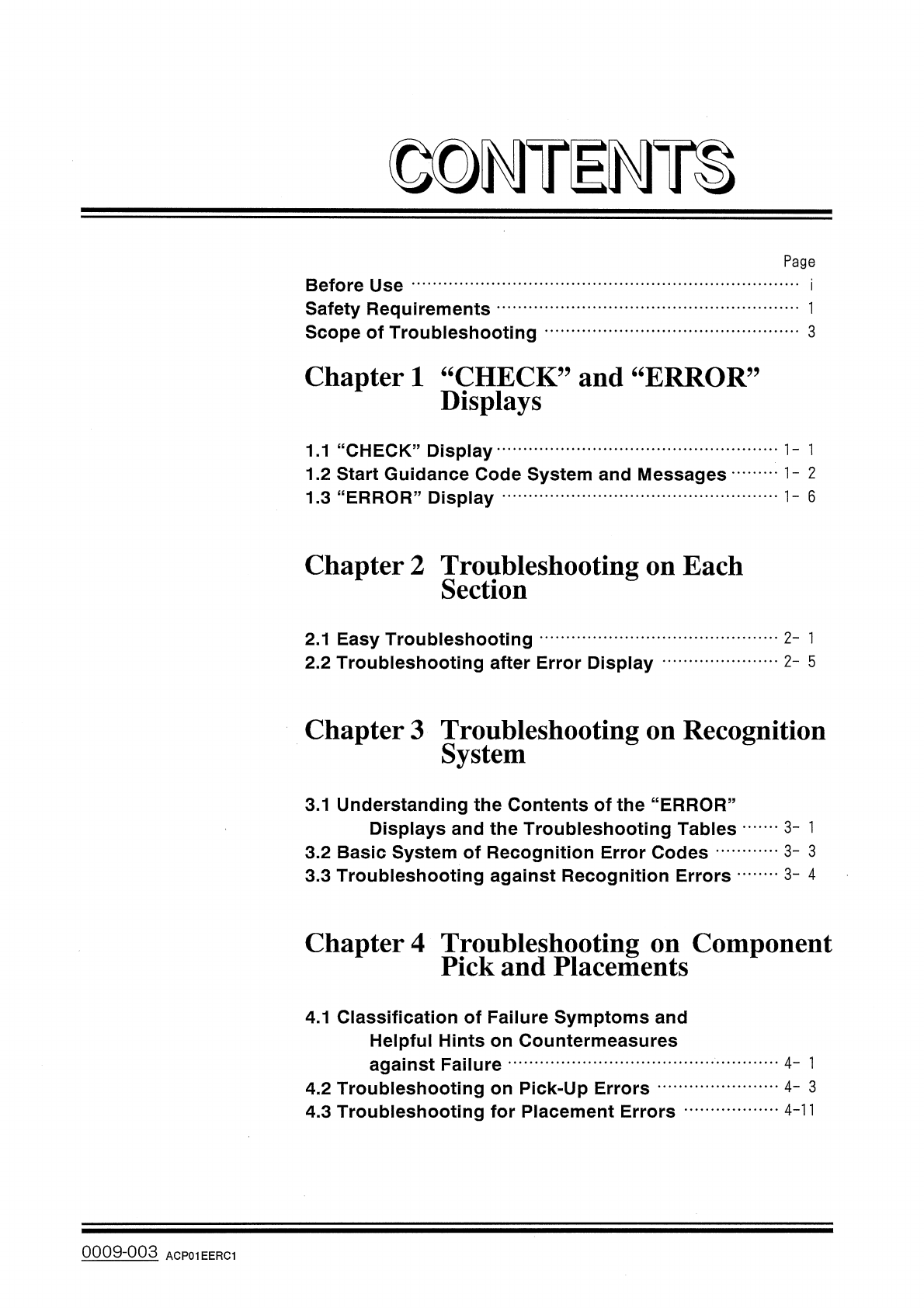
DMTiMH
Page
Before
Use
Safety
Requirements
Scope
of
Troubleshooting
3
Chapter
1
“
CHECK
”
and
“
ERROR
Displays
,,
1.1
“
CHECK
”
Display
1.2
Start
Guidance
Code
System
and
Messages
1.3
"
ERROR
"
Display
1
-
6
Chapter
2
Troubleshooting
on
Each
Section
2
-
1
2.1
Easy
Troubleshooting
2.2
Troubleshooting
after
Error
Display
2
-
5
Chapter
3
Troubleshooting
on
Recognition
System
3.1
Understanding
the
Contents
of
the
“
ERROR
”
Displays
and
the
Troubleshooting
Tables
3.2
Basic
System
of
Recognition
Error
Codes
3.3
Troubleshooting
against
Recognition
Errors
3
-
1
3
-
3
3
-
4
Chapter
4
Troubleshooting
on
Component
Pick
and
Placements
4.1
Classification
of
Failure
Symptoms
and
Helpful
Hints
on
Countermeasures
against
Failure
4.2
Troubleshooting
on
Pick
-
Up
Errors
4.3
Troubleshooting
for
Placement
Errors
4
-
1
4
-
3
4
-
11
0009
-
003
ACP
01
EERC
1
Safety
Requirements
1
.
Precautionary
Measures
A
WARNING
•
Keep
one
’
s
face
and
hands
away
from
any
moving
part
of
the
machine
.
0
Prohibited
QQ
10
-
nni
ACP
01
EER
1
Safety
Requirements
A
CAUTION
•
It
is
suggested
that
the
buttons
on
the
operation
panel
and
the
keys
on
the
touch
screen
must
be
maneuvered
by
one
authorized
operator
only
.
If
there
are
more
than
one
,
ensure
good
communi
-
cation
by
giving
loud
verbal
instructions
.
•
When
the
machine
stops
during
automatic
operation
,
keep
the
power
OFF
until
the
cause
is
completely
resolved
.
99
_
10
-
QQ
1
ACP
01
EER
2
2