5TROUBLESHOOTING_.pdf - 第7页
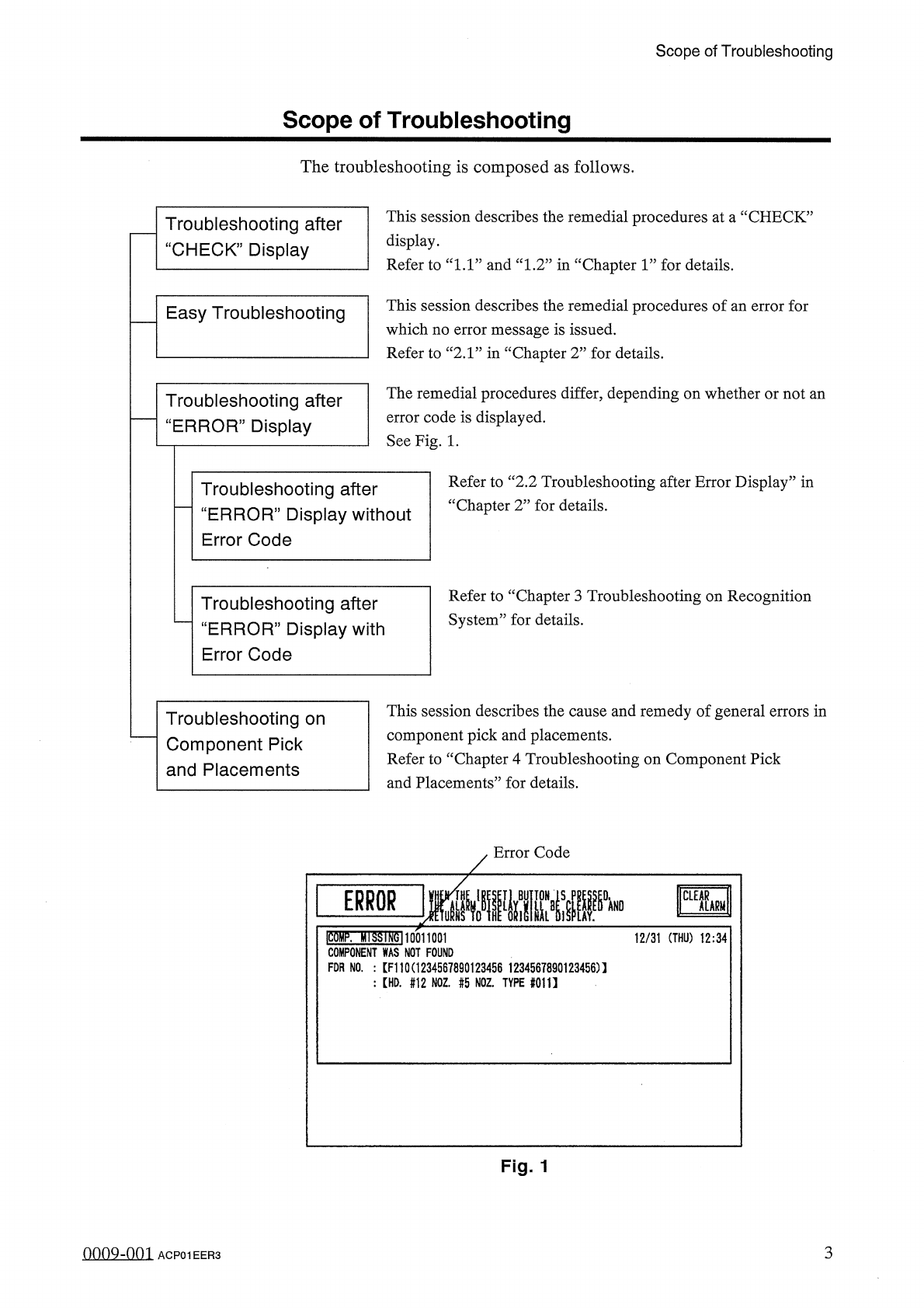
Scope of Troubleshooting Scope of Troubleshooting The troubleshooting is composed as follows . This session describes the remedial procedures at a “ CHECK ” display . Refer to “ 1.1 ” and “ 1.2 ” in “ Chapter 1 ” for det…
Safety
Requirements
A
CAUTION
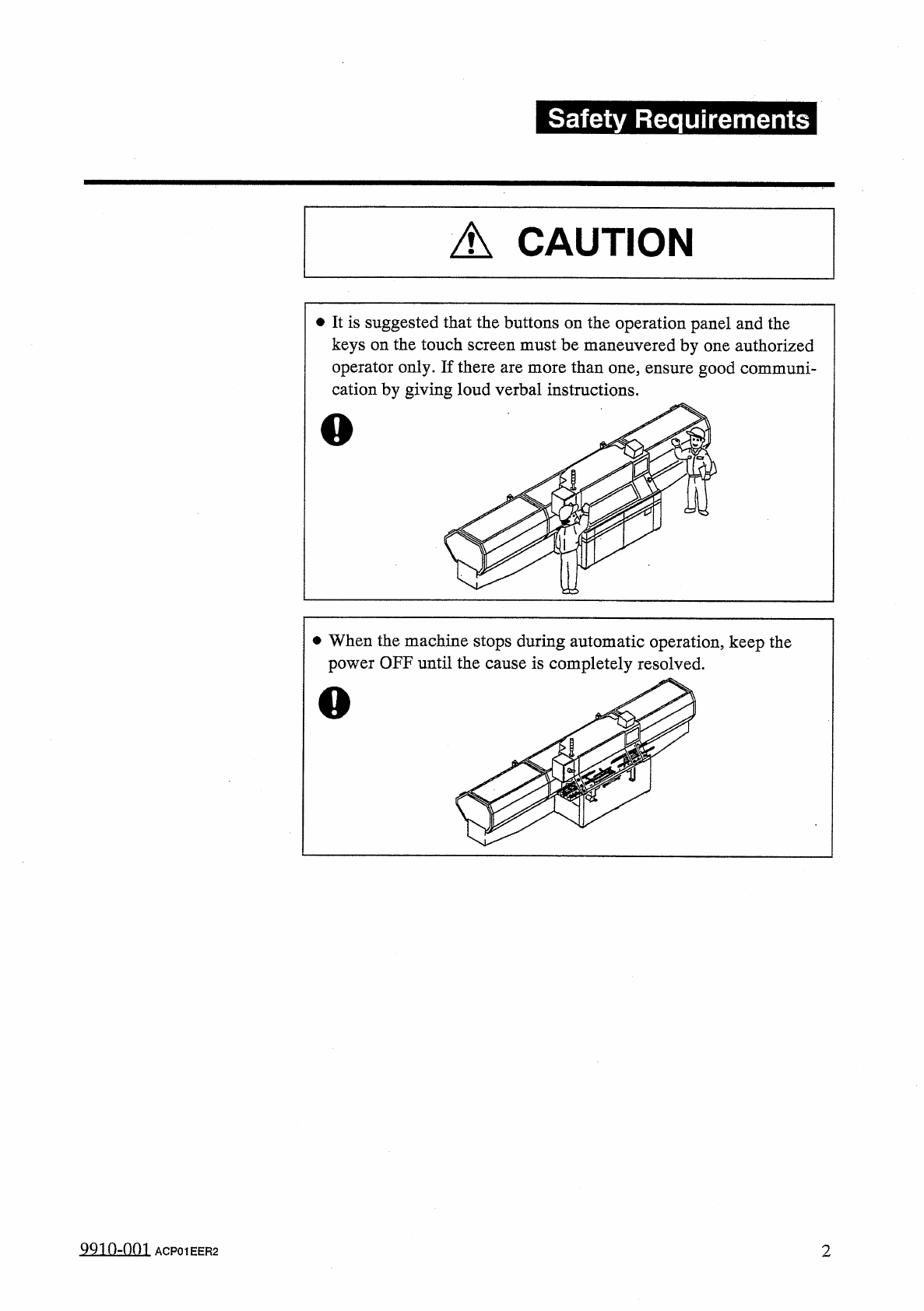
•
It
is
suggested
that
the
buttons
on
the
operation
panel
and
the
keys
on
the
touch
screen
must
be
maneuvered
by
one
authorized
operator
only
.
If
there
are
more
than
one
,
ensure
good
communi
-
cation
by
giving
loud
verbal
instructions
.
•
When
the
machine
stops
during
automatic
operation
,
keep
the
power
OFF
until
the
cause
is
completely
resolved
.
99
_
10
-
QQ
1
ACP
01
EER
2
2
Scope
of
Troubleshooting
Scope
of
Troubleshooting
The
troubleshooting
is
composed
as
follows
.
This
session
describes
the
remedial
procedures
at
a
“
CHECK
”
display
.
Refer
to
“
1.1
”
and
“
1.2
”
in
“
Chapter
1
”
for
details
.
Troubleshooting
after
“
CHECK
”
Display
This
session
describes
the
remedial
procedures
of
an
error
for
which
no
error
message
is
issued
.
Refer
to
“
2.1
”
in
“
Chapter
2
”
for
details
.
Easy
Troubleshooting
The
remedial
procedures
differ
,
depending
on
whether
or
not
an
error
code
is
displayed
.
See
Fig
.
1
.
Troubleshooting
after
“
ERROR
”
Display
Refer
to
“
2.2
Troubleshooting
after
Error
Display
”
in
“
Chapter
2
”
for
details
.
Troubleshooting
after
“
ERROR
”
Display
without
Error
Code
Refer
to
“
Chapter
3
Troubleshooting
on
Recognition
System
”
for
details
.
Troubleshooting
after
“
ERROR
”
Display
with
Error
Code
This
session
describes
the
cause
and
remedy
of
general
errors
in
component
pick
and
placements
.
Refer
to
“
Chapter
4
Troubleshooting
on
Component
Pick
and
Placements
”
for
details
.
Troubleshooting
on
Component
Pick
and
Placements
Error
Code
Ico
^
p
.
Ml
SSI
1
^
10011001
COMPONENT
WAS
NOT
FOUND
FOR
NO
.
:
[
F
110
(
1234567890123456
1234567890123456
)
】
:
[
HD
.
#
12
NOZ
.
#
5
NOZ
.
TYPE
#
011
】
12
/
31
(
THU
)
12
:
34
Fig
.
1
3
0009
-
001
ACP
01
EER
3
1
in
■
"
GHiDr
R
飄腦讎讎腿腦讎讎臓讎讎锻
Page
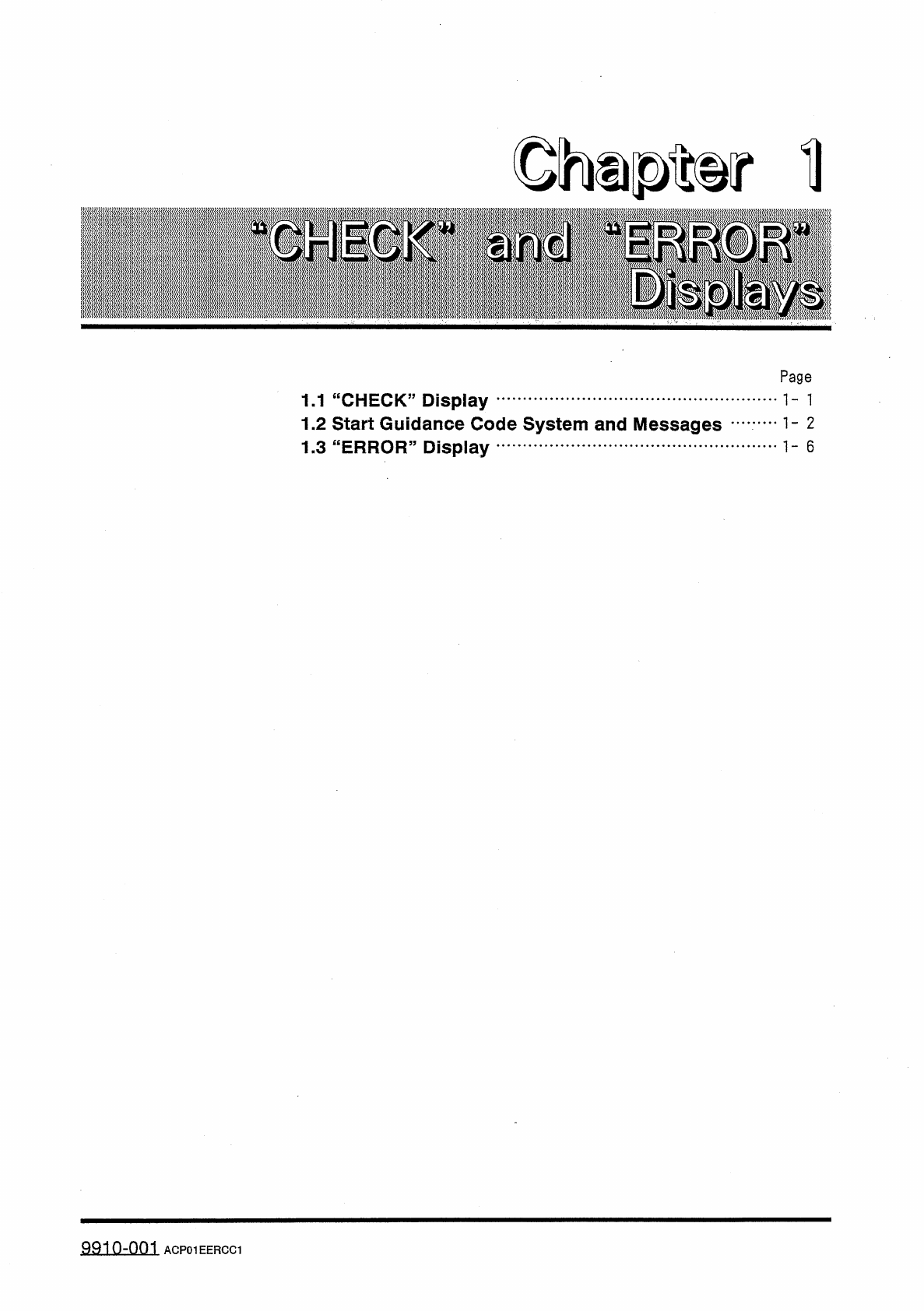
1.1
“
CHECK
”
Display
1.2
Start
Guidance
Code
System
and
Messages
1.3
"
ERROR
55
Display
99
in
-
nm
ACP
01
EERCC
1