2500_Users_Manual-.pdf - 第17页
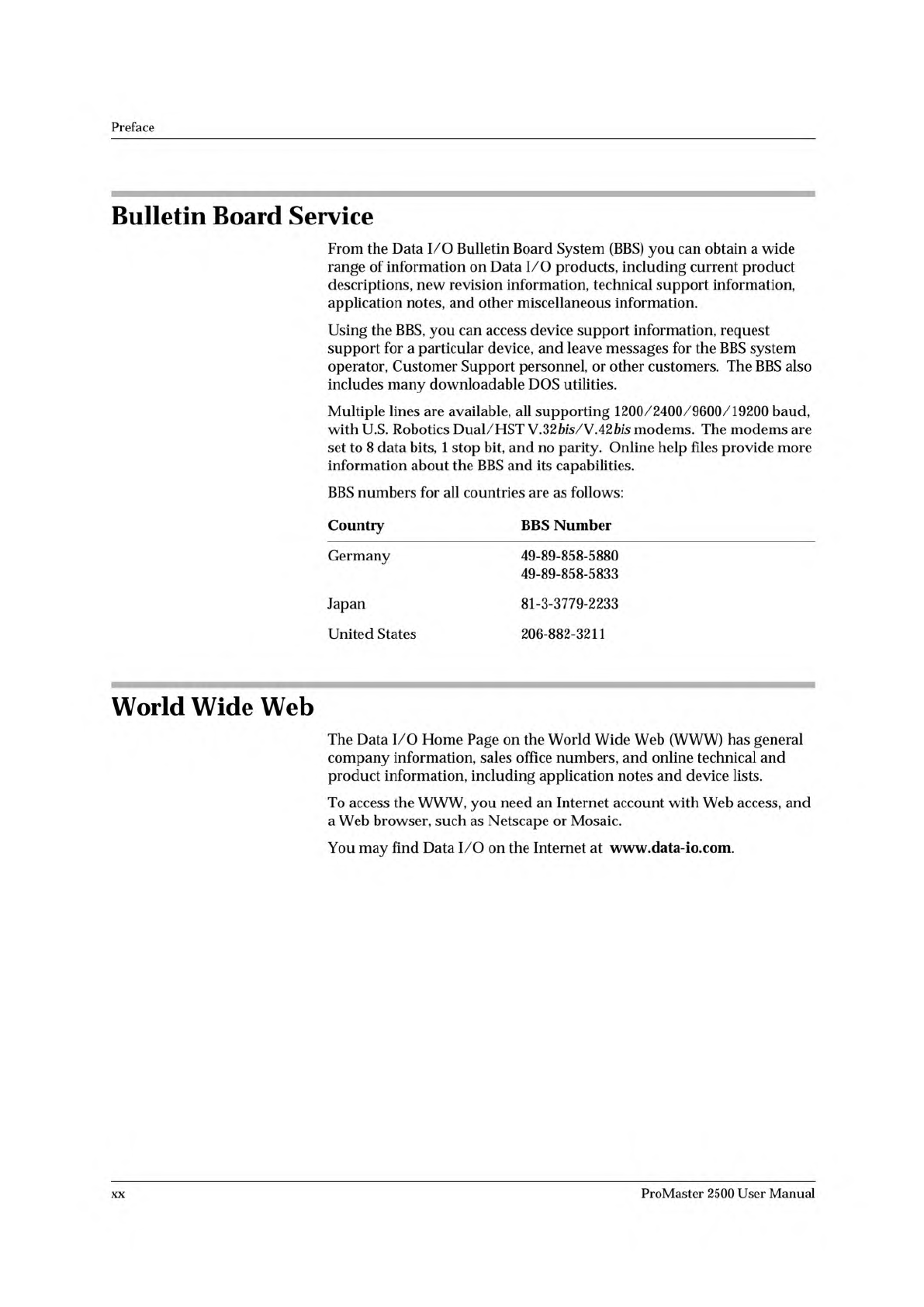
Preface Bulletin Board Service From the Data I/O Bulletin Board System (BBS) you can obtain a wide range of information on Data I/O products, including current product descriptions, new revision information, technical su…
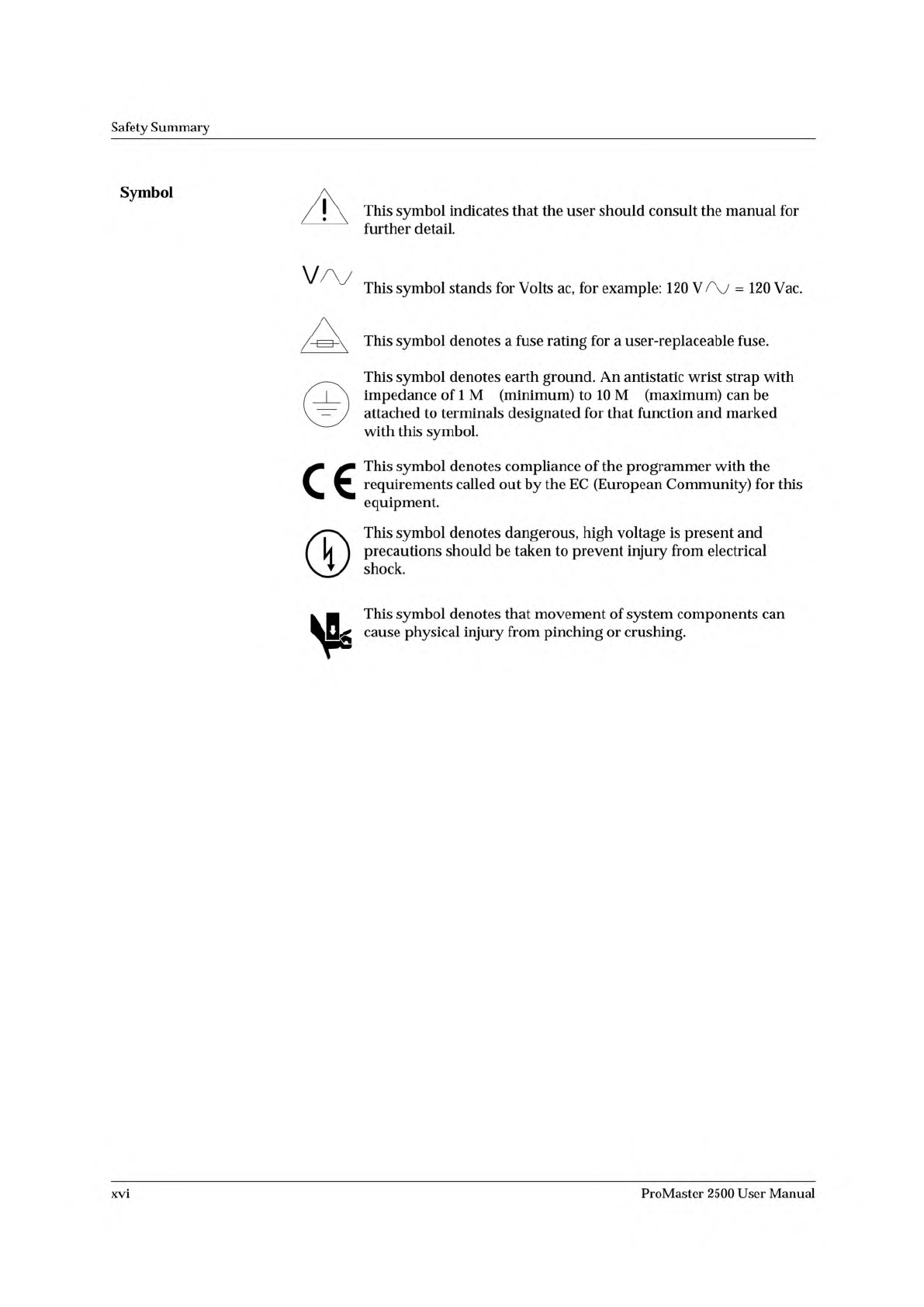
Ω Ω
Safety
Summary
Symbol
This
symbol
indicates
that
the
user
should
consult
the
manual
for
further
detail.
This
symbol
stands
for
Volts
ac,
for
example:
120
V
=
120
Vac.
/
1
~~
This
symbol
denotes
a
fuse
rating
for
a
user-replaceable
fuse.
This
symbol
denotes
earth
ground.
An
antistatic
wrist
strap
with
厂
|
\
impedance
of
1
M
(minimum)
to
10
M
(maximum)
can
be
attached
to
terminals
designated
for
that
function
and
marked
with
this
symbol.
..
This
symbol
denotes
compliance
of
the
programmer
with
the
requirements
called
out
by
the
EC
(European
Community)
for
this
equipment.
®
This
symbol
denotes
dangerous,
high
voltage
is
present
and
precautions
should
be
taken
to
prevent
injury
from
electrical
shock.
卜
.
This
symbol
denotes
that
movement
of
system
components
can
cause
physical
injury
from
pinching
or
crushing.
xvi
ProMaster
2500
User
Manual
Preface
Bulletin
Board
Service
From
the
Data
I/O
Bulletin
Board
System
(BBS)
you
can
obtain
a
wide
range
of
information
on
Data
I/O
products,
including
current
product
descriptions,
new
revision
information,
technical
support
information,
application
notes,
and
other
miscellaneous
information.
Using
the
BBS,
you
can
access
device
support
information,
request
support
for
a
particular
device,
and
leave
messages
for
the
BBS
system
operator,
Customer
Support
personnel,
or
other
customers.
The
BBS
also
includes
many
downloadable
DOS
utilities.
Multiple
lines
are
available,
all
supporting
1200/2400/9600/19200
baud,
with
U.S.
Robotics
Dual/HST
Y.
32
Ms/V
42
bis
modems.
The
modems
are
set
to
8
data
bits,
1
stop
bit,
and
no
parity.
Online
help
files
provide
more
information
about
the
BBS
and
its
capabilities.
BBS
numbers
for
all
countries
are
as
follows:
Country
BBS
Number
Germany
49-89-858-5880
49-89-858-5833
Japan
81-3-3779-2233
United
States
206-882-3211
World
Wide
Web
The
Data
I/O
Home
Page
on
the
World
Wide
Web
(WWW)
has
general
company
information,
sales
office
numbers,
and
online
technical
and
product
information,
including
application
notes
and
device
lists.
To
access
the
WWW,
you
need
an
Internet
account
with
Web
access,
and
a
Web
browser,
such
as
Netscape
or
Mosaic.
You
may
find
Data
I/O
on
the
Internet
at
www.data-io.com.
xx
ProMaster
2500
User
Manual
Preface
Japan
For
technical
assistance,
repair,
or
warranty
service,
contact:
Data
I/O
Japan
Osaki
CN
Building
2F
5-10-10
Osaki
Shinagawa-Ku
Tokyo
141
Telephone:
3-3779-2152
Fax:
3-3779-2203
Germany
For
technical
assistance,
repair,
or
warranty
service,
contact:
Data
I/O
GmbH
Lochhamer
Schlag
5a
82166
Grafelfing
Telephone:
089-858580
Fax:
089-8585810
Other
European
Countries
For
technical
assistance,
repair,
or
warranty
service,
contact
your
local
Data
I/O
representative.
Other
Countries
Worldwide
For
technical
assistance,
repair,
or
warranty
service,
contact
the
office
below
and
ask
for
the
number
of
your
local
Data
I/O
representative.
Data
I/O
Intercontinental
10525
Willows
Road
NE
P.O.
Box
97046
Redmond,
WA
USA
98073-9746
Telephone:
206-881-6444
Fax:
206-882-1043
xviii
ProMaster
2500
User
Manual