2500_Users_Manual-.pdf - 第211页
UNABLE TO RELEASE DEVICE, PRESS START VERIFY FAIL, PASS X Troubleshooting Check to see if the beam up solenoid is functioning properly. Check the red LED on the solenoid itself (see Figure 5-16) to see if it turns on dur…
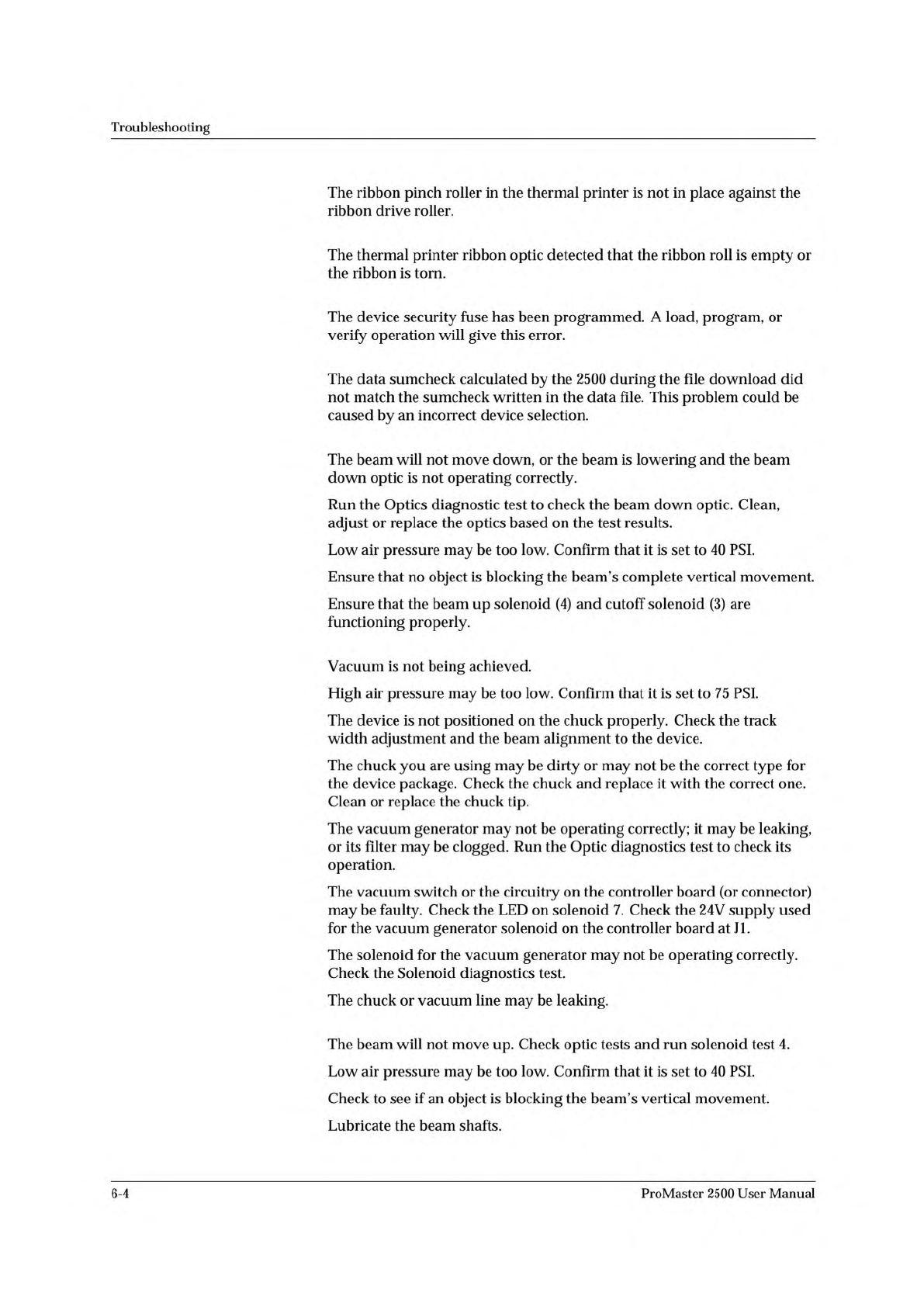
RIBBON LATCH NOT ENGAGED
RIBBON NOT DETECTED
SECURITY FUSE VIOLATION
SUMCHECK ERROR
UNABLE TO LOWER BEAM
UNABLE TO PICK UP DEVICE,
PRESS START
UNABLE TO RAISE BEAM
Troubleshooting
The
ribbon
pinch
roller
in
the
thermal
printer
is
not
in
place
against
the
ribbon
drive
roller.
The
thermal
printer
ribbon
optic
detected
that
the
ribbon
roll
is
empty
or
the
ribbon
is
torn.
The
device
security
fuse
has
been
programmed.
A
load,
program,
or
verify
operation
will
give
this
error.
The
data
sumcheck
calculated
by
the
2500
during
the
file
download
did
not
match
the
sumcheck
written
in
the
data
file.
This
problem
could
be
caused
by
an
incorrect
device
selection.
The
beam
will
not
move
down,
or
the
beam
is
lowering
and
the
beam
down
optic
is
not
operating
correctly.
Run
the
Optics
diagnostic
test
to
check
the
beam
down
optic.
Clean,
adjust
or
replace
the
optics
based
on
the
test
results.
Low
air
pressure
may
be
too
low.
Confirm
that
it
is
set
to
40
PSI.
Ensure
that
no
object
is
blocking
the
beam's
complete
vertical
movement.
Ensure
that
the
beam
up
solenoid
and
cutoff
solenoid
(3)
are
functioning
properly.
Vacuum
is
not
being
achieved.
High
air
pressure
may
be
too
low.
Confirm
that
it
is
set
to
75
PSI.
The
device
is
not
positioned
on
the
chuck
properly.
Check
the
track
width
adjustment
and
the
beam
alignment
to
the
device.
The
chuck
you
are
using
may
be
dirty
or
may
not
be
the
correct
type
for
the
device
package.
Check
the
chuck
and
replace
it
with
the
correct
one.
Clean
or
replace
the
chuck
tip.
The
vacuum
generator
may
not
be
operating
correctly;
it
may
be
leaking,
or
its
filter
may
be
clogged.
Run
the
Optic
diagnostics
test
to
check
its
operation.
The
vacuum
switch
or
the
circuitry
on
the
controller
board
(or
connector)
may
be
faulty.
Check
the
LED
on
solenoid
7.
Check
the
24V
supply
used
for
the
vacuum
generator
solenoid
on
the
controller
board
at
JI.
The
solenoid
for
the
vacuum
generator
may
not
be
operating
correctly.
Check
the
Solenoid
diagnostics
test.
The
chuck
or
vacuum
line
may
be
leaking.
The
beam
will
not
move
up.
Check
optic
tests
and
run
solenoid
test
4.
Low
air
pressure
may
be
too
low.
Confirm
that
it
is
set
to
40
PSI.
Check
to
see
if
an
object
is
blocking
the
beam's
vertical
movement.
Lubricate
the
beam
shafts.
6-4
ProMaster
2500
User
Manual
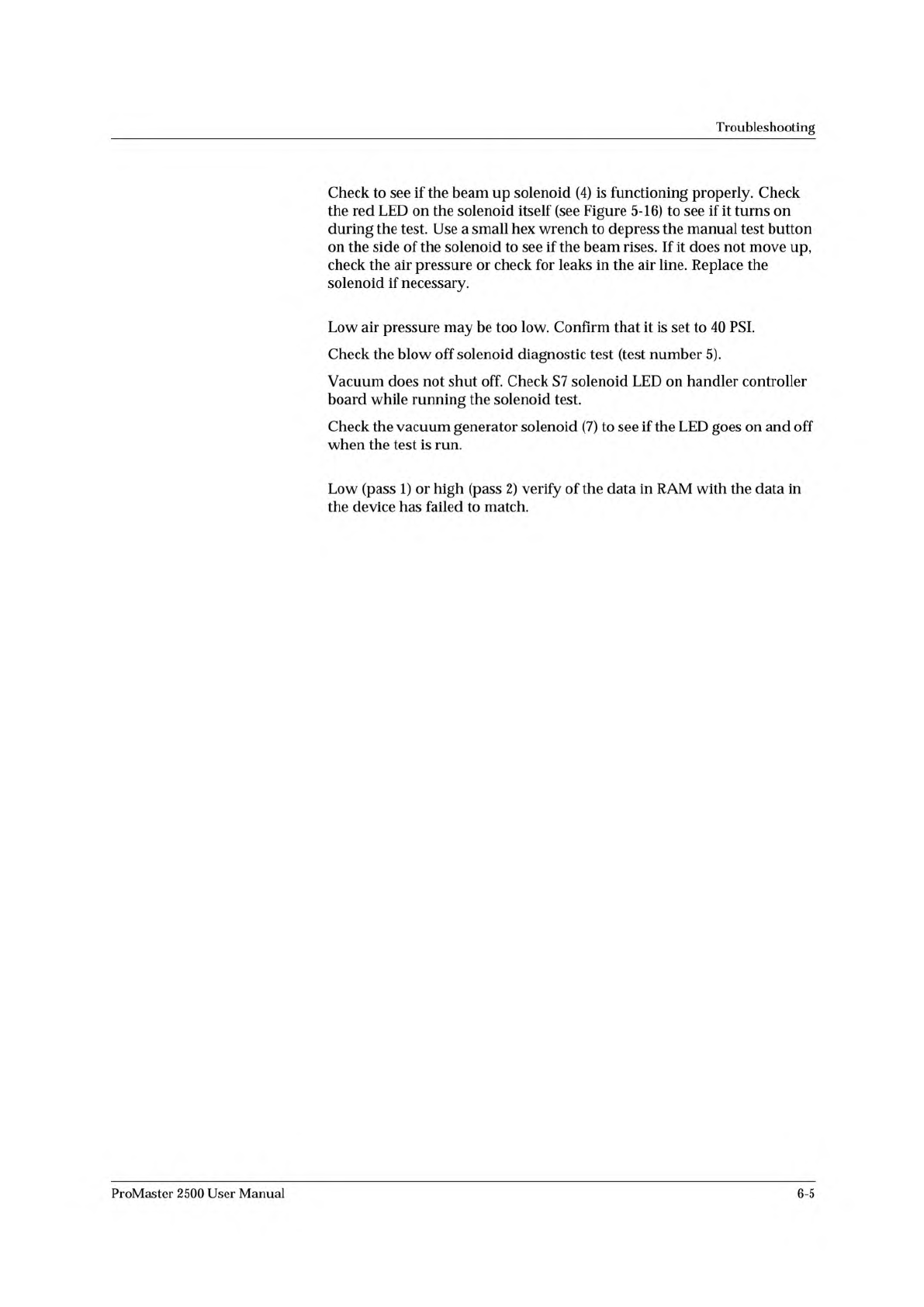
UNABLE TO RELEASE DEVICE,
PRESS START
VERIFY FAIL, PASS X
Troubleshooting
Check
to
see
if
the
beam
up
solenoid
is
functioning
properly.
Check
the
red
LED
on
the
solenoid
itself
(see
Figure
5-16)
to
see
if
it
turns
on
during
the
test.
Use
a
small
hex
wrench
to
depress
the
manual
test
button
on
the
side
of
the
solenoid
to
see
if
the
beam
rises.
If
it
does
not
move
up,
check
the
air
pressure
or
check
for
leaks
in
the
air
line.
Replace
the
solenoid
if
necessary.
Low
air
pressure
may
be
too
low.
Confirm
that
it
is
set
to
40
PSI.
Check
the
blow
off
solenoid
diagnostic
test
(test
number
5).
Vacuum
does
not
shut
off.
Check
S7
solenoid
LED
on
handler
controller
board
while
running
the
solenoid
test.
Check
the
vacuum
generator
solenoid
to
see
if
the
LED
goes
on
and
off
when
the
test
is
run.
Low
(pass
1)
or
high
(pass
2)
verify
of
the
data
in
RAM
with
the
data
in
the
device
has
failed
to
match.
ProMaster
2500
User
Manual
6-5
Troubleshooting
Troubleshooting
Flow
Charts
These
troubleshooting
flow
charts
help
you
do
the
following:
•
Isolate
the
area
where
the
problem
is
occurring.
•
Determine
whether
a
malfunctioning
component
or
assembly
requires
cleaning,
adjusting,
or
replacement.
•
Go
to
the
page
in
the
manual
that
describes
the
appropriate
procedure.
The
following
flow
charts
are
included
on
the
following
pages:
Power-up
Failures
6-8
Beam
Does
Not
Pick
Up
Device
Correctly
6-10
Beam
Does
Not
Insert
Device
Correctly
6-12
Programming
Failures
6-14
Label
Printing
Problems
6-16
Label
Application
Problems
6-18
Beam
Does
Not
Deliver
Device
Correctly
6-22
WARNING:
Do
not
perform
any
procedure
that
requires
you
to
lift
the
main
plate
of
the
2500
unless
you
are
a
service
technician
trained
on
electromechanical
equipment.
6-6
ProMaster
2500
User
Manual