2500_Users_Manual-.pdf - 第339页
:10000000FFFFFFFFFFFFFFFFFFFFFFFFFFFFFFFF00 :10001000FFFFFFFFFFFFFFFFFFFFFFFFFFFFFFFFF0 :10002000FFFFFFFFFFFFFFFFFFFFFFFFFFFFFFFFE0 :10003000FFFFFFFFFFFFFFFFFFFFFFFFFFFFFFFFD0 :10004000FFFFFFFFFFFFFFFFFFFFFFFFFFFFFFFFC0 …
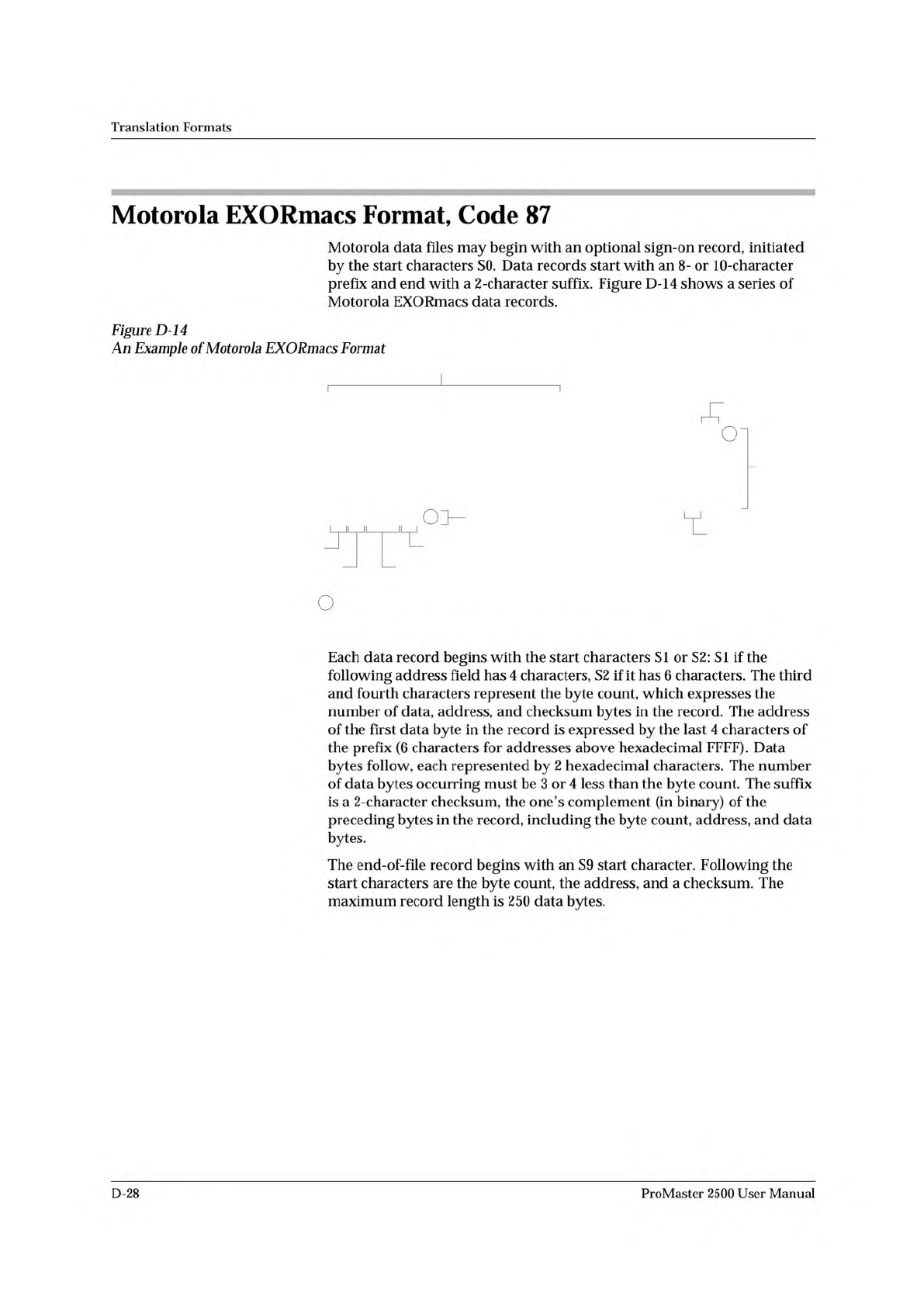
S214FF0000FFFFFFFFFFFFFFFFFFFFFFFFFFFFFFFFFC
S00B00004441544120492F4FF3
S1130010FFFFFFFFFFFFFFFFFFFFFFFFFFFFFFFFEC
S1130020FFFFFFFFFFFFFFFFFFFFFFFFFFFFFFFFDC
S1130030FFFFFFFFFFFFFFFFFFFFFFFFFFFFFFFFCC
S1130040FFFFFFFFFFFFFFFFFFFFFFFFFFFFFFFFBC
S9030000FC
Start
Character
Byte Count
Checksum
Address
End-of-File Record
Optional Sign-On Record
Data
Records
LEGEND
Nonprinting Carriage Return, line feed, and nulls determined by null count
0086-3
Checksum
Checksum
Translation
Formats
Motorola
EXORmacs
Format,
Code
87
Motorola
data
files
may
begin
with
an
optional
sign-on
record,
initiated
by
the
start
characters
SO.
Data
records
start
with
an
8
-
or
1
O-character
prefix
and
end
with
a
2
-character
suffix.
Figure
D-14
shows
a
series
of
Motorola
EXORmacs
data
records.
Figure
D-14
Example
of
Motorola
EXORmacs
Format
Each
data
record
begins
with
the
start
characters
SI
or
S2:
SI
if
the
following
address
field
has
4
characters,
S2
if
it
has
6
characters.
The
third
and
fourth
characters
represent
the
byte
count,
which
expresses
the
number
of
data,
address,
and
checksum
bytes
in
the
record.
The
address
of
the
first
data
byte
in
the
record
is
expressed
by
the
last
4
characters
of
the
prefix
(6
characters
for
addresses
above
hexadecimal
FFFF).
Data
bytes
follow,
each
represented
by
2
hexadecimal
characters.
The
number
of
data
bytes
occurring
must
be
3
or
4
less
than
the
byte
count.
The
suffix
is
a
2-character
checksum,
the
one's
complement
(in
binary)
of
the
preceding
bytes
in
the
record,
including
the
byte
count,
address,
and
data
bytes.
The
end-of-file
record
begins
with
an
S9
start
character.
Following
the
start
characters
are
the
byte
count,
the
address,
and
a
checksum.
The
maximum
record
length
is
250
data
bytes.
D-28
ProMaster
2500
User
Manual
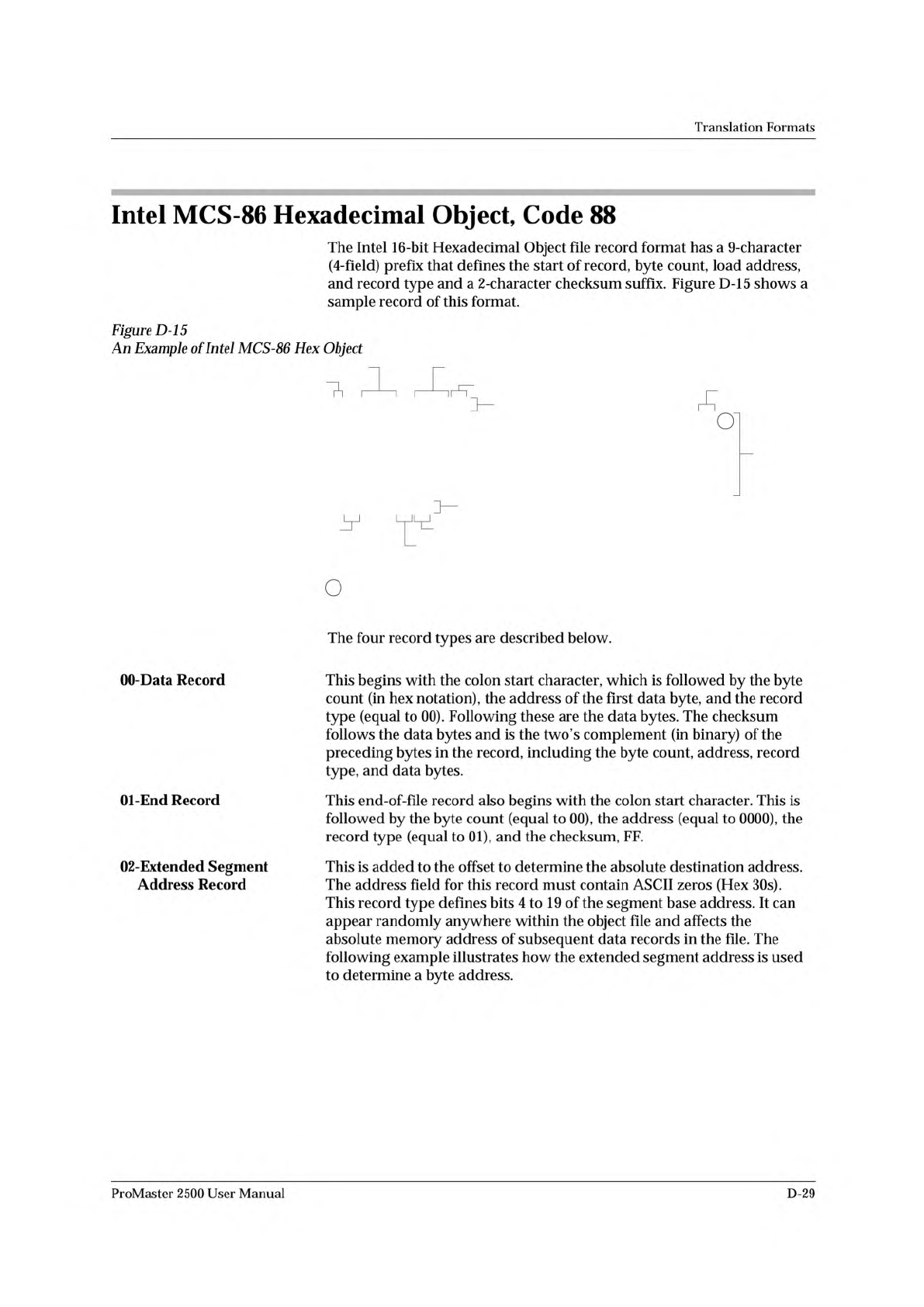
:10000000FFFFFFFFFFFFFFFFFFFFFFFFFFFFFFFF00
:10001000FFFFFFFFFFFFFFFFFFFFFFFFFFFFFFFFF0
:10002000FFFFFFFFFFFFFFFFFFFFFFFFFFFFFFFFE0
:10003000FFFFFFFFFFFFFFFFFFFFFFFFFFFFFFFFD0
:10004000FFFFFFFFFFFFFFFFFFFFFFFFFFFFFFFFC0
:00000001FF
Data
Records
Byte Count
Checksum
Record Type
End-of-File Record
Address
Start Character
0087-4
LEGEND
Nonprinting Carriage Return, line feed, and nulls determined by null count
:020000020000FC
Extended Record
Offset Address
Checksum
Checksum
Translation
Formats
?
r
Figure
D-15
An
Example
of
Intel
MCS-86
Hex
Object
Intel
MCS-86
Hexadecimal
Object,
Code
88
The
Intel
16-bit
Hexadecimal
Object
file
record
format
has
a
9-character
(4-field)
prefix
that
defines
the
start
of
record,
byte
count,
load
address,
and
record
type
and
a
2-character
checksum
suffix.
Figure
D-15
shows
a
sample
record
of
this
format.
00-Data
Record
01-End
Record
02-Extended
Segment
Address
Record
The
four
record
types
are
described
below.
This
begins
with
the
colon
start
character,
which
is
followed
by
the
byte
count
(in
hex
notation),
the
address
of
the
first
data
byte,
and
the
record
type
(equal
to
00).
Following
these
are
the
data
bytes.
The
checksum
follows
the
data
bytes
and
is
the
two's
complement
(in
binary)
of
the
preceding
bytes
in
the
record,
including
the
byte
count,
address,
record
type,
and
data
bytes.
This
end-of-file
record
also
begins
with
the
colon
start
character.
This
is
followed
by
the
byte
count
(equal
to
00),
the
address
(equal
to
0000),
the
record
type
(equal
to
01),
and
the
checksum,
FF.
This
is
added
to
the
offset
to
determine
the
absolute
destination
address.
The
address
field
for
this
record
must
contain
ASCII
zeros
(Hex
30s).
This
record
type
defines
bits
4
to
19
of
the
segment
base
address.
It
can
appear
randomly
anywhere
within
the
object
file
and
affects
the
absolute
memory
address
of
subsequent
data
records
in
the
file.
The
following
example
illustrates
how
the
extended
segment
address
is
used
to
determine
a
byte
address.
ProMaster
2500
User
Manual
D-29
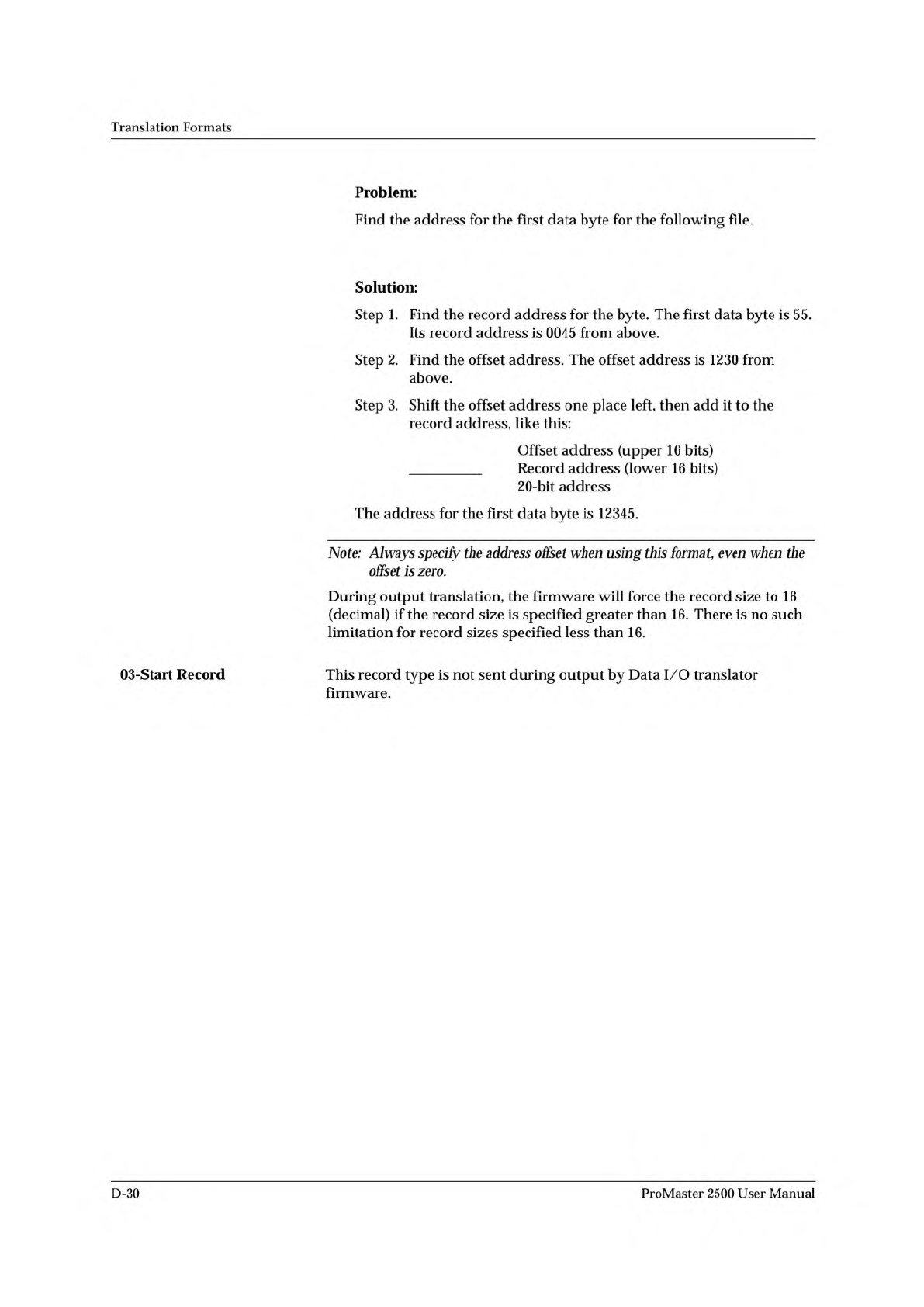
:02 0000 02 1230 BA
:10 0045 00 55AA FF.....BC
1230
+ 0045
12345
Translation
Formats
03-Start
Record
Problem:
Find
the
address
for
the
first
data
byte
for
the
following
file.
Solution:
Step
1.
Find
the
record
address
for
the
byte.
The
first
data
byte
is
55.
Its
record
address
is
0045
from
above.
Step
2.
Find
the
offset
address.
The
offset
address
is
1230
from
above.
Step
3.
Shift
the
offset
address
one
place
left,
then
add
it
to
the
record
address,
like
this:
Offset
address
(upper
16
bits)
Record
address
(lower
16
bits)
20-bit
address
The
address
for
the
first
data
byte
is
12345.
Note:
Always
specify
the
address
offset
when
using
this
format,
even
when
the
offset
is
zero.
During
output
translation,
the
firmware
will
force
the
record
size
to
16
(decimal)
if
the
record
size
is
specified
greater
than
16.
There
is
no
such
limitation
for
record
sizes
specified
less
than
16.
This
record
type
is
not
sent
during
output
by
Data
I/O
translator
firmware.
D-30
ProMaster
2500
User
Manual