2500_Users_Manual-.pdf - 第366页
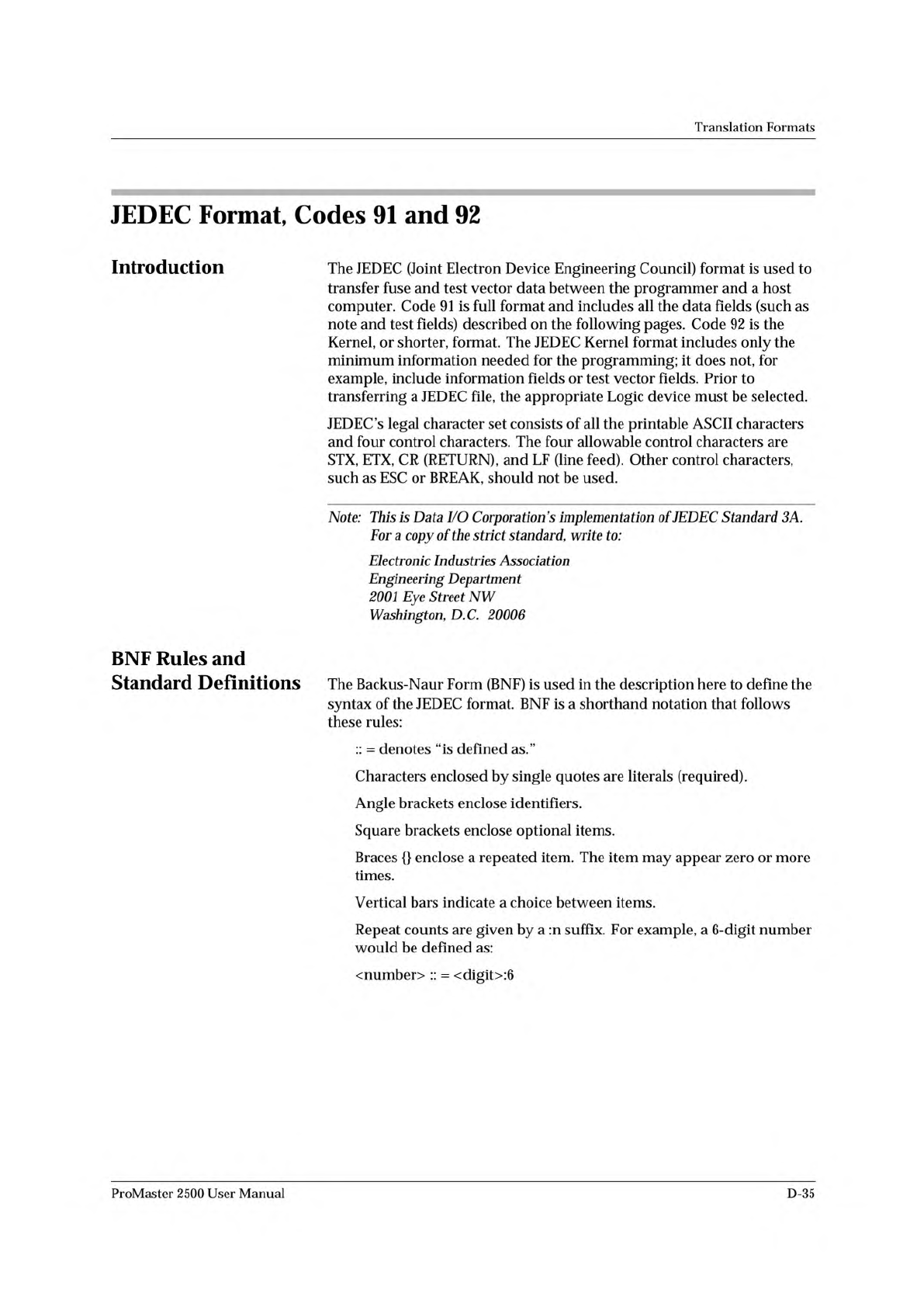
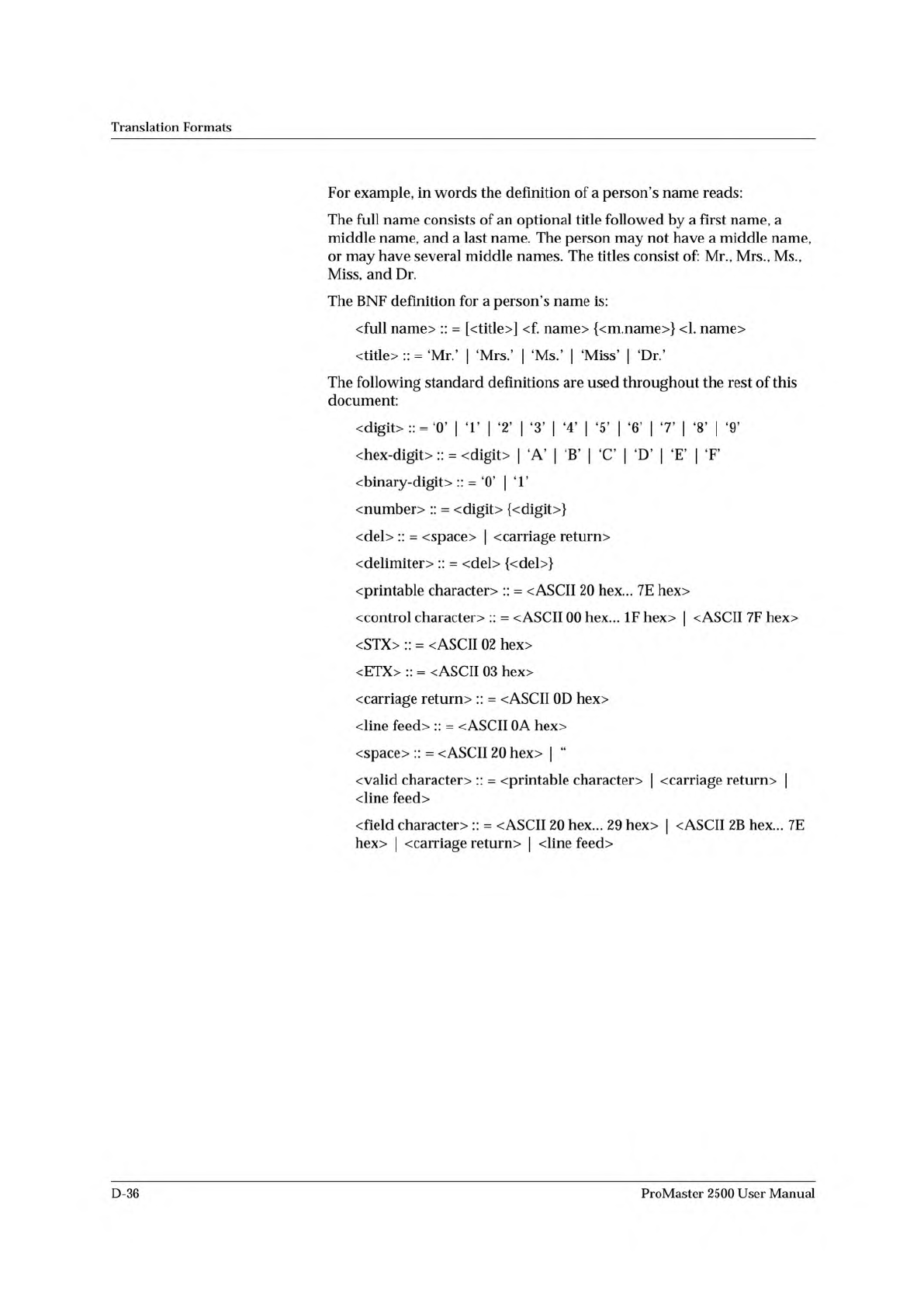
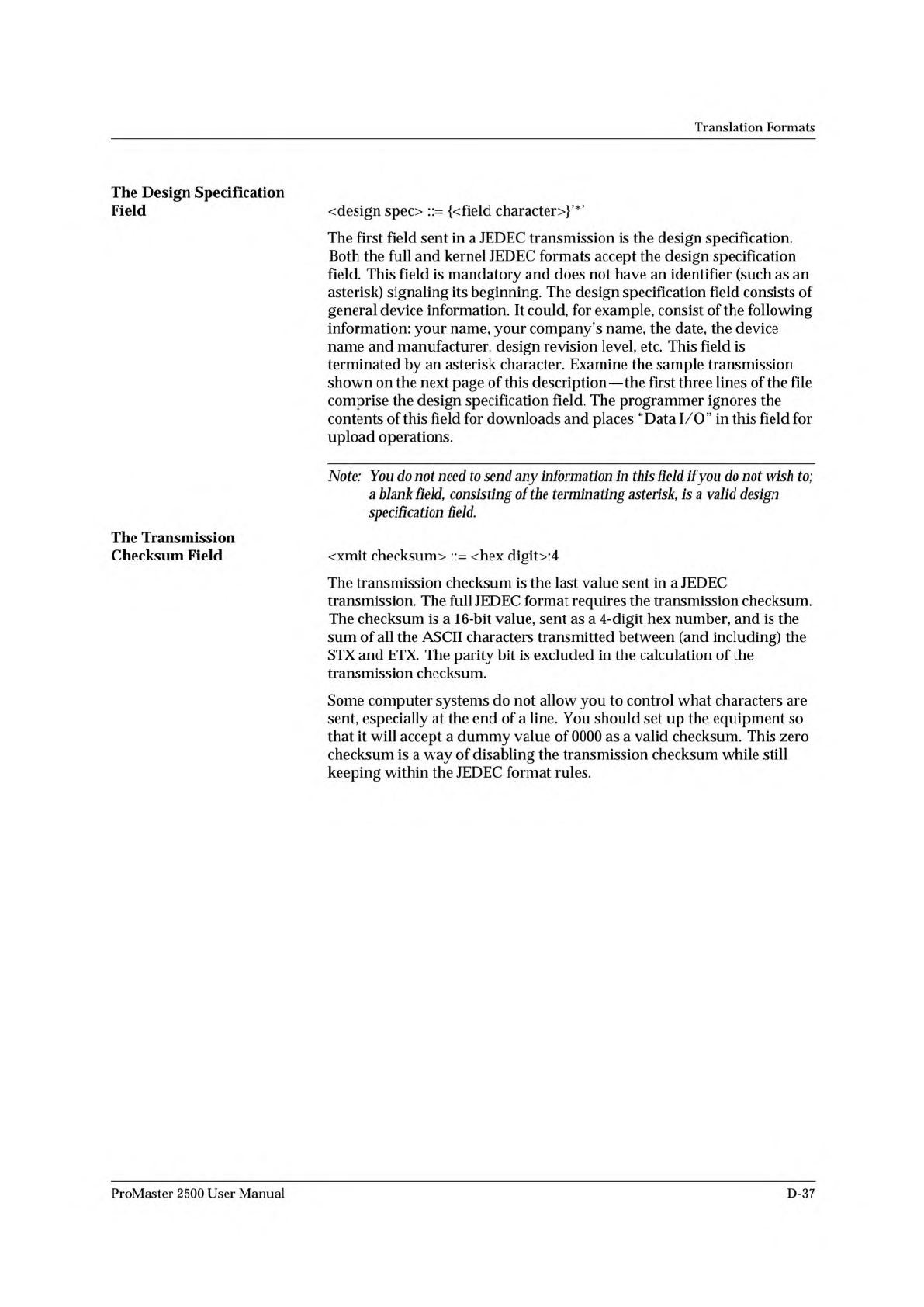
Translation Formats For example, in words the definition of a person's name reads: The full name consists of an optional title followed by a first name, a middle name, and a last name. The person may not have a midd…
Translation
Formats
JEDEC
Format,
Codes
91
and
92
Introduction
The
JEDEC
(Joint
Electron
Device
Engineering
Council)
format
is
used
to
transfer
fuse
and
test
vector
data
between
the
programmer
and
a
host
computer.
Code
91
is
full
format
and
includes
all
the
data
fields
(such
as
note
and
test
fields)
described
on
the
following
pages.
Code
92
is
the
Kernel,
or
shorter,
format.
The
JEDEC
Kernel
format
includes
only
the
minimum
information
needed
for
the
programming;
it
does
not,
for
example,
include
information
fields
or
test
vector
fields.
Prior
to
transferring
a
JEDEC
file,
the
appropriate
Logic
device
must
be
selected.
JEDEC's
legal
character
set
consists
of
all
the
printable
ASCII
characters
and
four
control
characters.
The
four
allowable
control
characters
are
STX,
ETX,
CR
(RETURN),
and
LF
(line
feed).
Other
control
characters,
such
as
ESC
or
BREAK,
should
not
be
used.
Note:
This
is
Data
Corporation
's
implementation
of
JEDEC
Standard
3A.
For
a
copy
of
the
strict
standard,
write
to:
Electronic
Industries
Association
Engineering
Department
2001
Eye
Street
NW
Washington,
DC
20006
BNF
Rules
and
Standard
Definitions
The
Backus-Naur
Form
(BNF)
is
used
in
the
description
here
to
define
the
syntax
of
the
JEDEC
format.
BNF
is
a
shorthand
notation
that
follows
these
rules:
::
=
denotes
"is
defined
as.”
Characters
enclosed
by
single
quotes
are
literals
(required).
Angle
brackets
enclose
identifiers.
Square
brackets
enclose
optional
items.
Braces
{}
enclose
a
repeated
item.
The
item
may
appear
zero
or
more
times.
Vertical
bars
indicate
a
choice
between
items.
Repeat
counts
are
given
by
a
:
n
suffix.
For
example,
a
6-digit
number
would
be
defined
as:
<number>
::
=
<digit>:6
ProMaster
2500
User
Manual
D-35
Translation
Formats
For
example,
in
words
the
definition
of
a
person's
name
reads:
The
full
name
consists
of
an
optional
title
followed
by
a
first
name,
a
middle
name,
and
a
last
name.
The
person
may
not
have
a
middle
name,
or
may
have
several
middle
names.
The
titles
consist
of:
Mr.,
Mrs.,
Ms.,
Miss,
and
Dr.
The
BNF
definition
for
a
person's
name
is:
<full
name>
::
=
[<title>]
<f.
name>
{<m.name>}
<1.
name>
<title>
::
=
,Mr.'
「
Mrs.'
「
Miss'
The
following
standard
definitions
are
used
throughout
the
rest
of
this
document:
vdigit>::
=
'0'
|
T
|
'2'
|
'3'
|
'4'
|
'5'
|
6
|
7
|
'8'
|
9
<hex-digit>
::
=
<digit>
|
'A'
|
B
|
C
|
'D'
|
E
|
F
vbinary-digit>
::
=
'0'
|
T
<number>
::
=
<digit>
{〈digit〉}
<del>
::
=
<space>
|
<
carriage
return
>
〈
delimiter〉
::
=
<del>
{<del>}
<printable
character〉
::
=
v
ASCII
20
hex...
7E
hex>
<control
character〉
::
=
v
ASCII
00
hex...
IF
hex>
|
<
ASCII
7F
hex>
<STX>
::
=
<ASCII
02
hex>
<ETX>
::
=
<ASCII
03
hex>
<carriage
return>
::
=
v
ASCII
0D
hex>
<line
feed〉
::
=
<ASCII
0A
hex>
<space>
::
=
<
ASCII
20
hex>
|
“
<valid
character>
::
=
<printable
character〉
|
<
carriage
return>
|
<line
feed>
<
field
character〉
::
=
<ASCII
20
hex...
29
hex>
|
<
ASCII
2B
hex...
7E
hex>
|
<
carriage
return〉
|
<line
feed>
D-36
ProMaster
2500
User
Manual
Translation
Formats
The
Design
Specification
Field
<
design
spec〉
::
=
{<field
character〉}'*'
The
first
field
sent
in
a
JEDEC
transmission
is
the
design
specification.
Both
the
full
and
kernel
JEDEC
formats
accept
the
design
specification
field.
This
field
is
mandatory
and
does
not
have
an
identifier
(such
as
an
asterisk)
signaling
its
beginning.
The
design
specification
field
consists
of
general
device
information.
It
could,
for
example,
consist
of
the
following
information:
your
name,
your
company's
name,
the
date,
the
device
name
and
manufacturer,
design
revision
level,
etc.
This
field
is
terminated
by
an
asterisk
character.
Examine
the
sample
transmission
shown
on
the
next
page
of
this
description
—
the
first
three
lines
of
the
file
comprise
the
design
specification
field.
The
programmer
ignores
the
contents
of
this
field
for
downloads
and
places
“Data
1/
O”
in
this
field
for
upload
operations.
Note:
You
d
。
not
need
to
send
any
information
in
this
field
ifyou
do
wish
to;
a
blank
field,
consisting
of
the
terminating
asterisk,
is
a
valid
design
specification
field.
The
Transmission
Checksum
Field
<xmit
checksum〉
::=
<hex
digit>:4
The
transmission
checksum
is
the
last
value
sent
in
a
JEDEC
transmission.
The
full
JEDEC
format
requires
the
transmission
checksum.
The
checksum
is
a
16-bit
value,
sent
as
a
4-digit
hex
number,
and
is
the
sum
of
all
the
ASCII
characters
transmitted
between
(and
including)
the
STX
and
ETX.
The
parity
bit
is
excluded
in
the
calculation
of
the
transmission
checksum.
Some
computer
systems
do
not
allow
you
to
control
what
characters
are
sent,
especially
at
the
end
of
a
line.
You
should
set
up
the
equipment
so
that
it
will
accept
a
dummy
value
of
0000
as
a
valid
checksum.
This
zero
checksum
is
a
way
of
disabling
the
transmission
checksum
while
still
keeping
within
the
JEDEC
format
rules.
ProMaster
2500
User
Manual
D-37