2500_Users_Manual-.pdf - 第437页
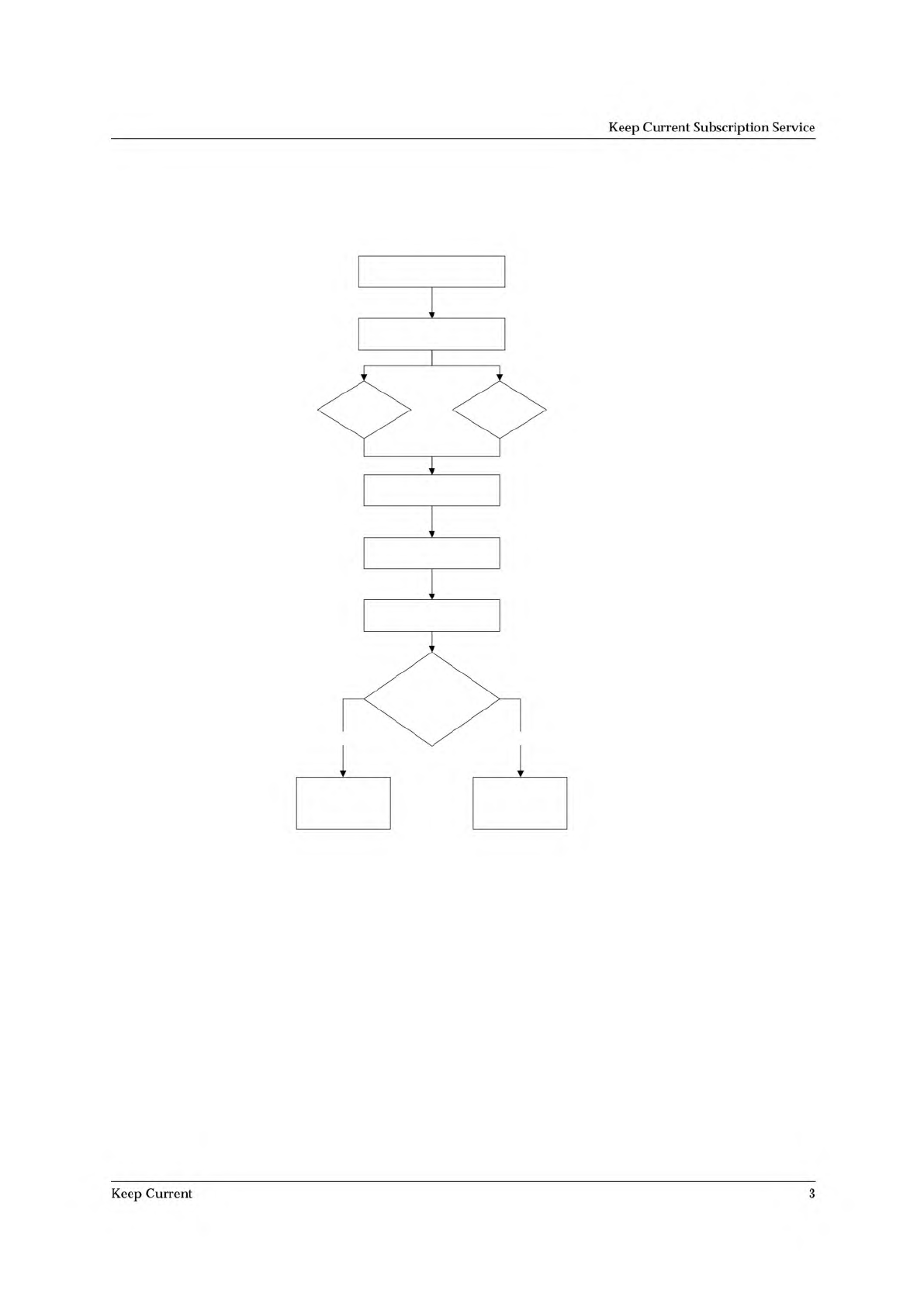
1 . G a t h e r D e v i c e I n f o r m a t i o n 2 . C o n n e c t t o K e e p C u r r e n t 3 . F i n d D e v i c e A l g o r i t h m B B S W e b P a g e 4 . D o w n l o a d A l g o r i t h m 5 . U s e A l g o r i t h …
Keep
Current
Subscription
Service
Procedure
Overview
2
Keep
Current
1. Ga th er Dev ic e I nfo r ma tio n
2. Co nne ct to K ee p Cu rr en t
3. Fi n d D e vi ce Al g o rit hm
B B S W e b P a g e
4. D own l o ad Al go ri th m
5. Us e A l g ori th m
Do e s th e a lg ori t hm
app ea r on th e
sta ndar d de v i ce list ?
Se le ct De v ice /
(1) Ke ep C u r ren t
M or e C o m m a n d s/
Co n f igu re S ys te m/
Ke ep Cu r r e n t /
R ep la ce- R es to r e
No Yes
Keep
Current
Subscription
Service
Keep
Current
3
Keep
Current
Subscription
Service
1.
Gather
Information
Knowing
the
following
information
about
the
devices
you
will
be
programming
will
enable
you
to
find
the
correct
algorithm
once
you
are
connected.
•
Manufacturer
(example:
AMD)
•
Device
name
(example:
27c
1024)
•
Package
type
(example:
48-pin
PLCC)
•
Current
version
of
the
programmer
software
(example:
5.4)
2.
Connect
to
Keep
Current
Using
the
BBS
Use
the
following
procedure
to
log
on
to
the
Keep
Current
BBS:
1.
Modem:
Call
206
882
3211.
Internet:
Using
telnet,
go
to
bbs.data-io.com.
2.
If
this
is
the
first
time
you
have
called,
when
the
logon
screen
appears,
type
new
at
the
prompt
to
create
a
new
account
and
provide
the
requested
information.
Note:
Be
sure
to
write
down
your
user
name
and
password
for
future
reference.
This
is
your
personal
BBS
account
and
should
not
be
shared.
3.
Press
L
to
go
to
the
Library
menu.
4.
Press
S
to
select
the
Keep
Current
Library.
5.
Press
F
to
search
for
algorithms.
Using
the
Data
I/O
Web
Page
The
Data
I/O
web
page
is
located
at
www.data-io.com.
Click
the
Keep
Current
image
or
go
to
Technical
Information
and
then
Keep
Current
Algorithms.
4
Keep
Current