SiplaceX4_en.pdf - 第329页
1 - 13 S tudent Guide SIPLACE X Edition 09/2005 7 T win-Head 13 7.3.3.1 Pick up component module 1 – Z -Axis positi on downwar ds with St anda rd Pick up mode at 2 N Pick up force. – At contact with the compo n ent the f…
1 - 12
Student Guide SIPLACE X
7 Twin-Head Edition 09/2005
12
7.3.2 Placement principle Twin-head
During PCB-transport time wait the gantry at theoretical fiducial position to execute PCB-position
recognition (and bad mark recognition) after clamping. With " Whispering down the machine"
gantry 3 (at PA2) center only 2 fiducials of PCB recognition.
Than the TWIN-head start to collect one component with module 1 and one component with mod-
ule 2. Than follows a centering sequence for this two components.
7.3.3 Prepare pick up process module 1
Please Note:
For more accuracy the first five components centered above the IC camera in 0° and 180° at each
PCB board (SW 504). With the SW 505 we will check the offset between nozzle and IC/ FC cam-
era via a fiducial near the IC/FC camera after a defined time of 3 min. The fiducial is on a metal
plate and this plate is fixed between the camera and machine frame.
Z-
M
o
t
o
r
D-Motor
– PCB-position recognition and Ink dot recogni-
tion.
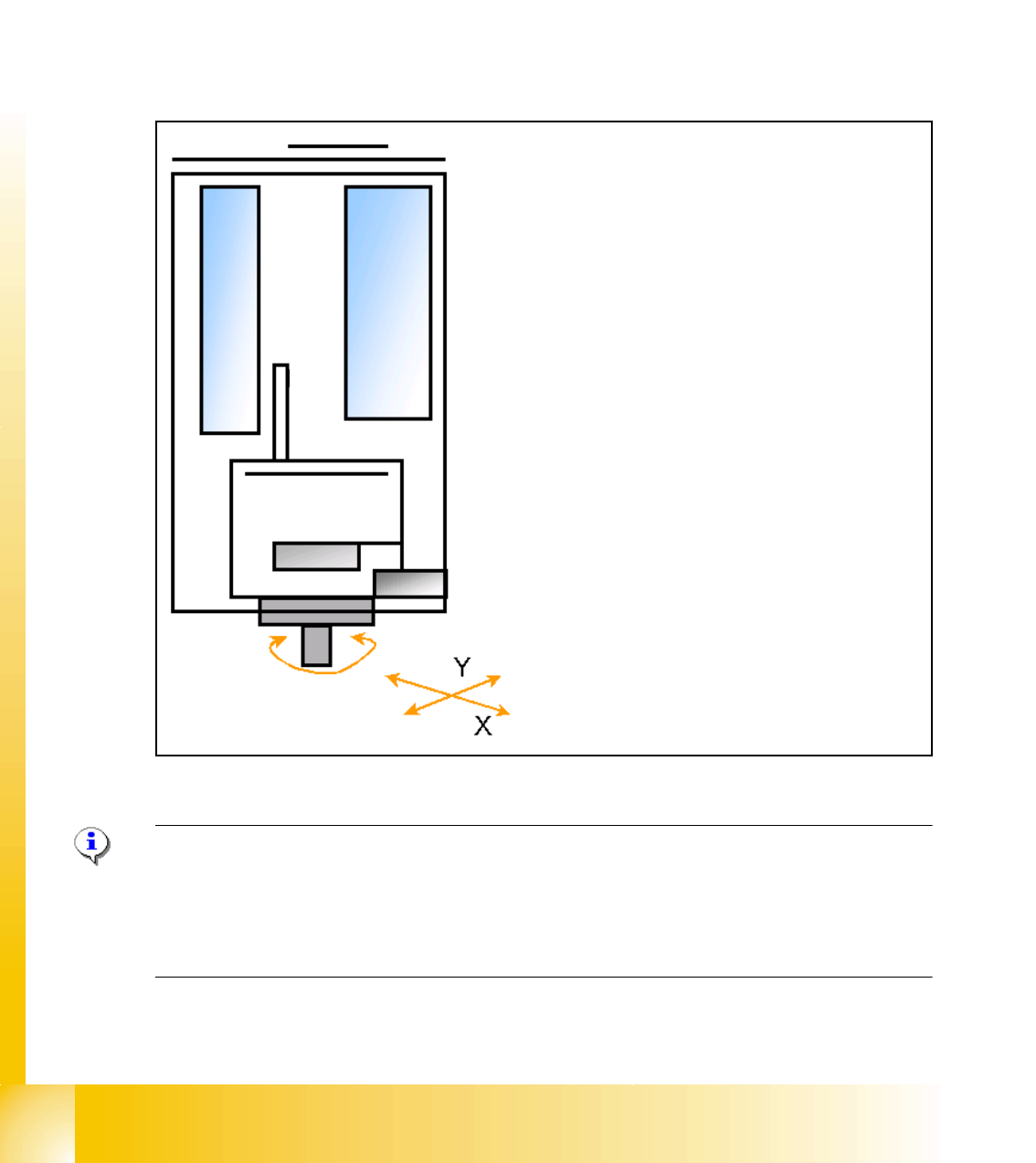
– Start X / Y Axis to Pick up position at feeder
track.
– Start D Axis to set the Pick up angle during
X / Y positioning.
– communication to comp. table ‘Feeder ready’
opens component flap.
1 - 13
Student Guide SIPLACE X
Edition 09/2005 7 Twin-Head
13
7.3.3.1 Pick up component module 1
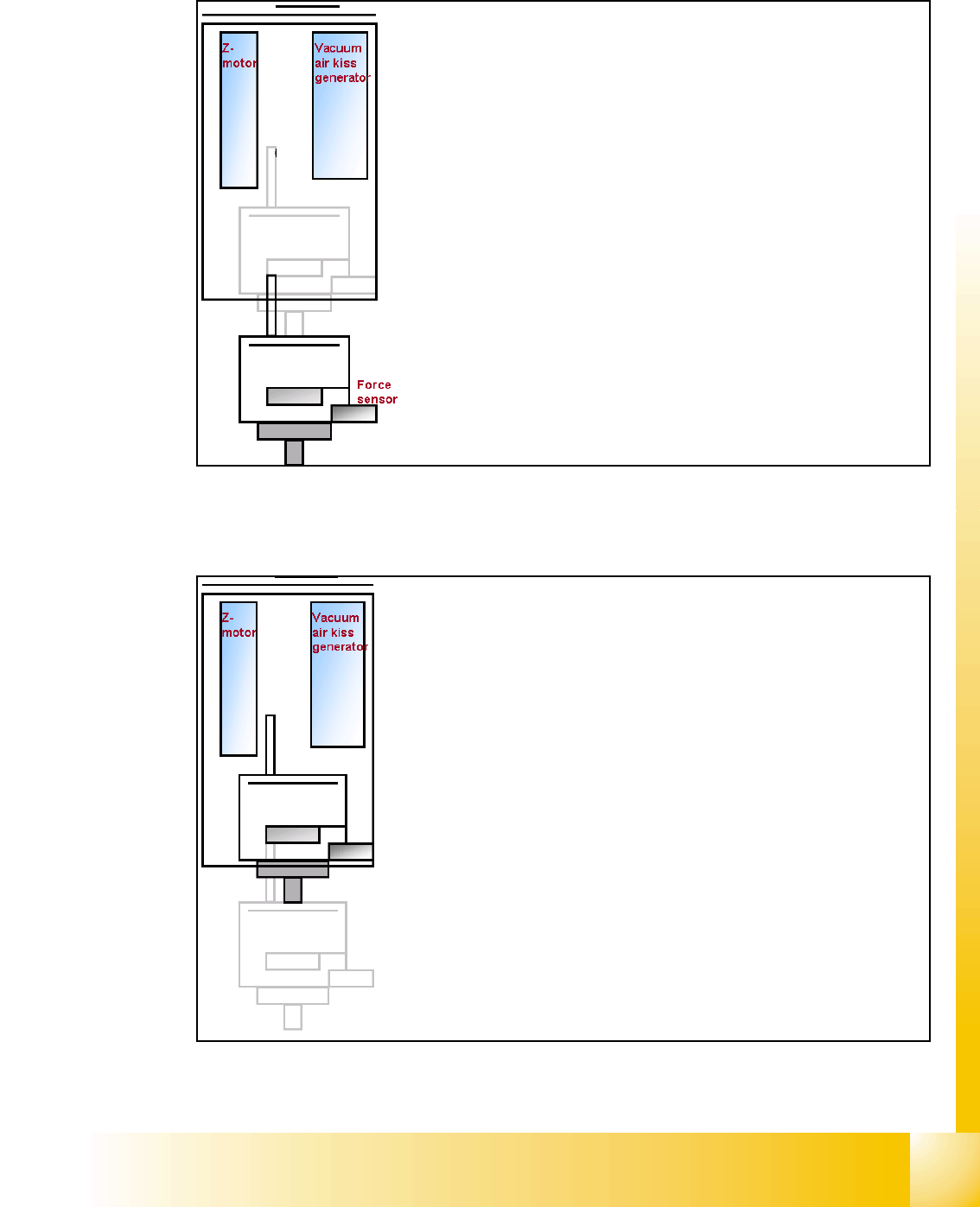
– Z-Axis position downwards with Standard Pick up
mode at 2 N Pick up force.
– At contact with the component the force increase up
to the programmed value.
– At this force level the End signal is triggered and the
Vacuum controlling is activated.
– When Vacuum threshold ‘Pick up’ is measured the Z-
Axis movement upwards start with Standard-position-
ing mode.
– communication to comp. table ‘index Feeder’ when
the Z-Axis reached the "safety height position.
– At end signal Z-Axis top -> Vacuum check ‘comp. on
nozzle’
– Turn with D-Axis the component to the placement an-
gle.
– Prepare pick up with module 2
1 - 14
Student Guide SIPLACE X
7 Twin-Head Edition 09/2005
14
7.3.4 Prepare pick up process module 2
7.3.4.1 Pick up component module 2
Pick up with module 1 finished
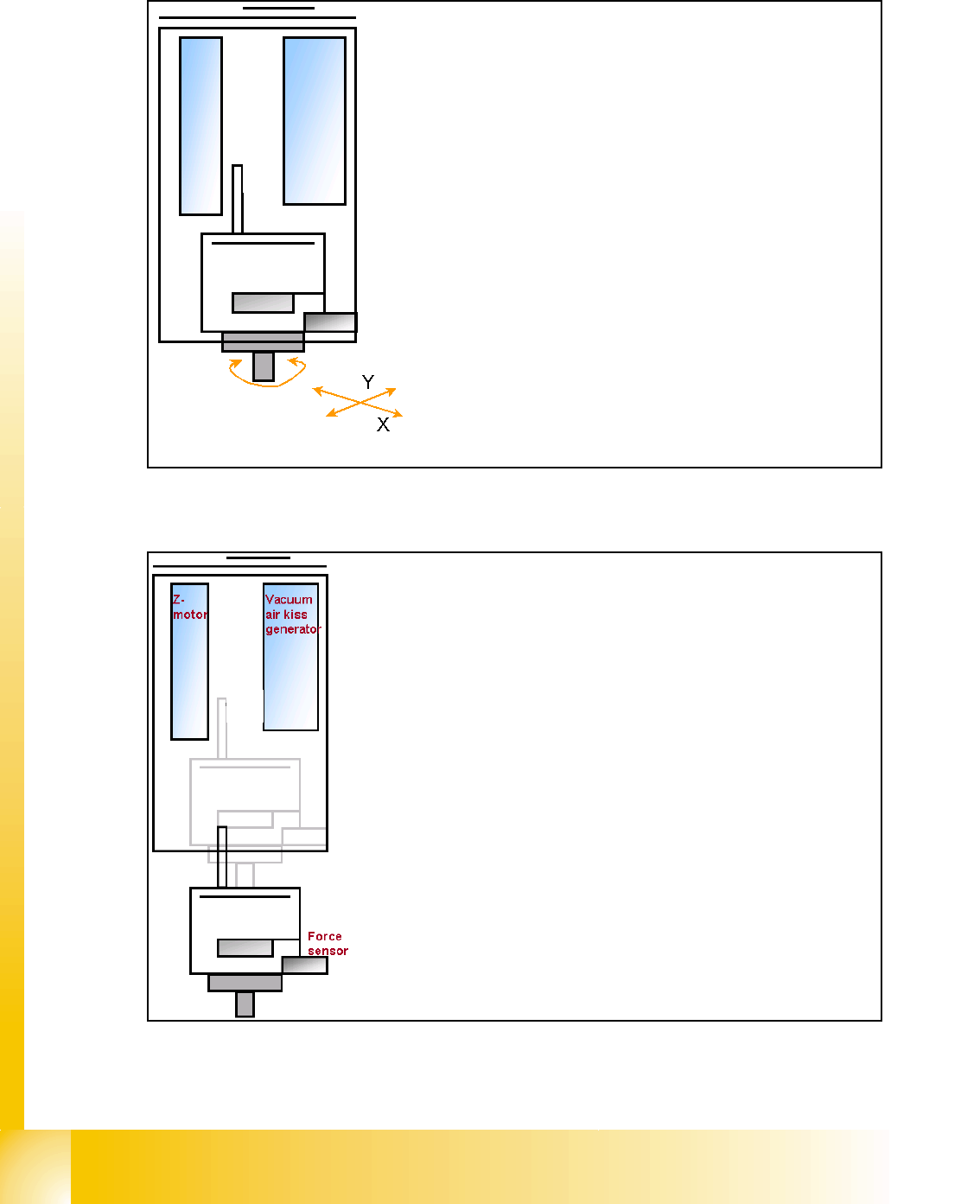
– Start X / Y Axis to Pick up position at feeder
track.
– Start D2 Axis to set the Pick up angle during
X / Y positioning ..
– communication to comp. table ‘Feeder ready’
opens component flap.
Z-
M
o
t
o
r
D-Motor
– Z-Axis position downwards with Standard Pick up
mode at 2 N Pick up force.
– At contact with the component the force increase up
to the programmed value.
– At this force level the End signal is triggered and the
Vacuum controlling is activated.