SiplaceX4_en.pdf - 第332页
1 - 16 S tudent Guide SIPLACE X 7 T win-Head Edition 09/2005 16 7.3.6 Prep are placement 1st comp onent 7.3.6.1 Place 1st component – Move X / Y Axis correction coordinates – S tart D- Axis to correct component ang le to…
1 - 15
Student Guide SIPLACE X
Edition 09/2005 7 Twin-Head
15
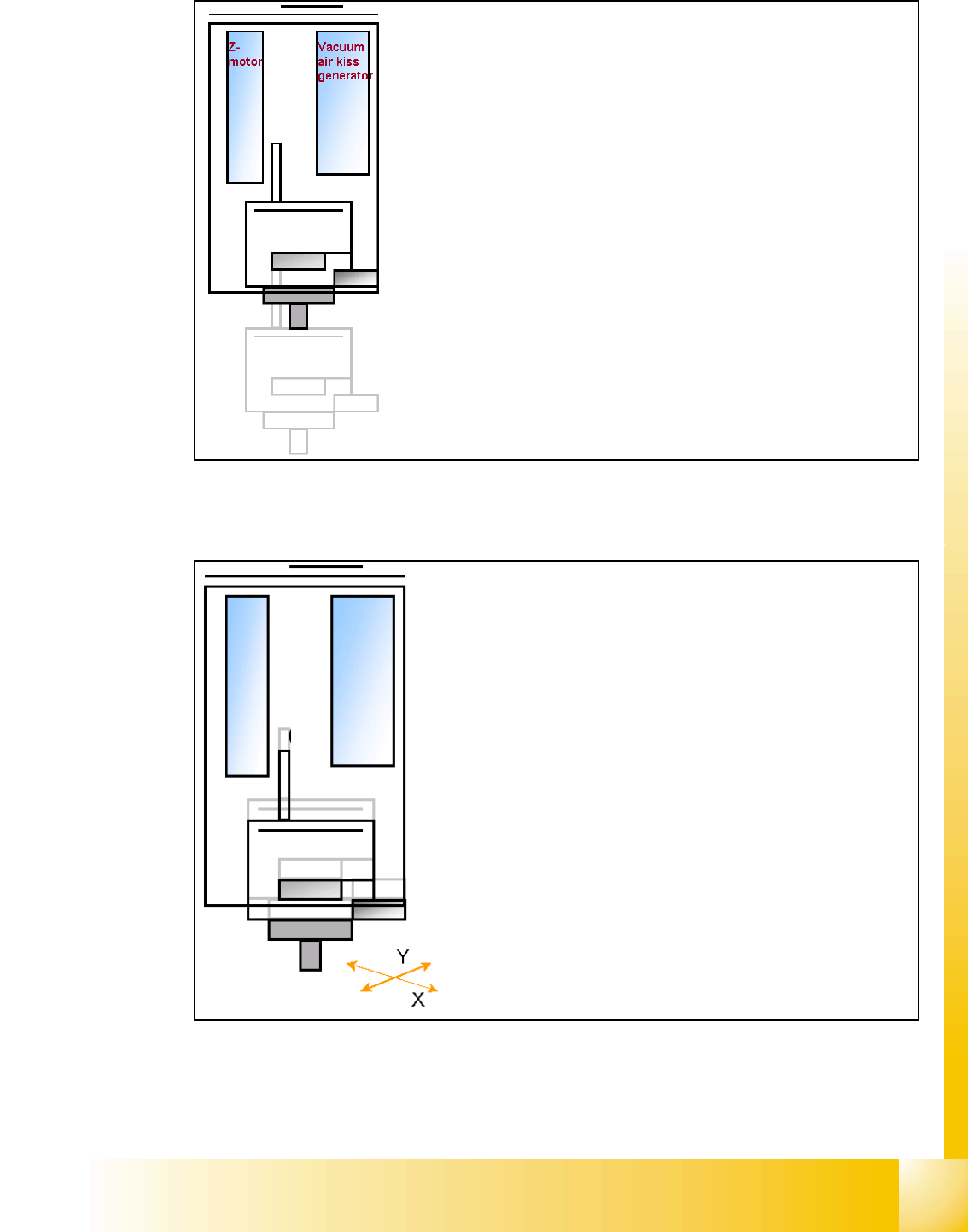
7.3.5 Component centering module 1 and 2
– When Vacuum threshold ‘Pick up’ is measured the Z-
Axis movement upwards start with Standard-position-
ing mode.
– Communication to comp. table ‘index Feeder’ when
the Z-Axis reached the "safety height" position.
– At end signal Z-Axis top -> Vacuum check ‘comp. on
nozzle’
– Turn with D-Axis the component to the placement an-
gle.
– Prepare optical centering with module 1
– Start X / Y Axis to move module 1 to camera position.
– Start Z-Axis to move Bottom side of comp. to focus level.
– ‘flash’ IC-camera illumination
– Move Z-Axis again upwards.
– centering 1st component (near placement angle) is finished
– Start X / Y Axis to move module 2 to camera position.
– Start Z-Axis to move Bottom side of comp. to focus level.
– ‘flash’ IC-camera illumination
– Move Z-Axis again upwards.
– centering 2nd component (near placement angle) is finished
1 - 16
Student Guide SIPLACE X
7 Twin-Head Edition 09/2005
16
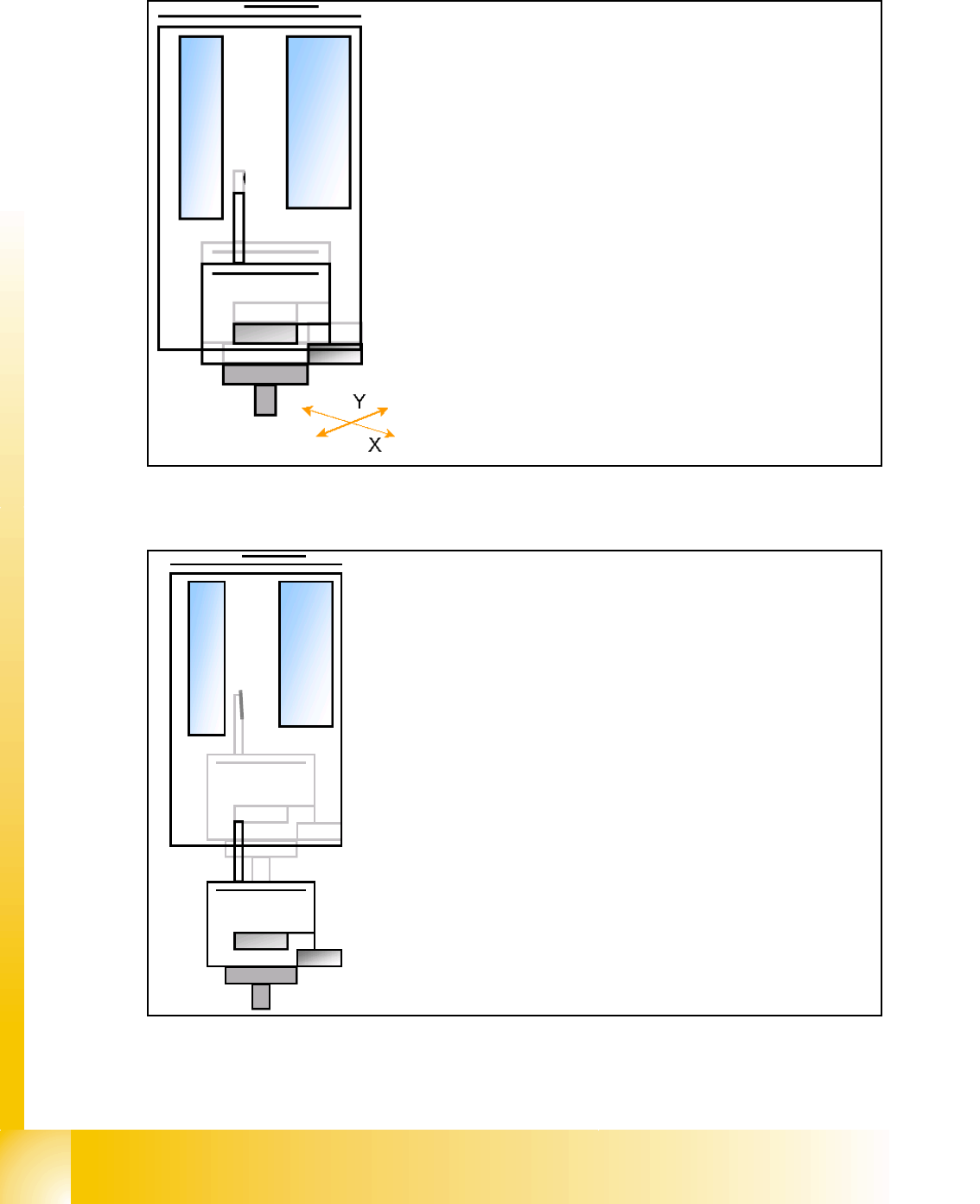
7.3.6 Prepare placement 1st component
7.3.6.1 Place 1st component
– Move X / Y Axis correction coordinates
– Start D- Axis to correct component angle to precise place-
ment angle
– Z-Axis position downwards with Standard profile (or any
other programmed profile up to 15N) for placement force 2N.
– The Force increase up to the programmed level after contact
of the component on the PCB.
– With this Force signal the End signal is set. The air kiss con-
trol is activated too.
– At Air kiss level for placement ..
– .. Z-Axis move upwards with Standard profile.
– Prepare placement 2nd component.
1 - 17
Student Guide SIPLACE X
Edition 09/2005 7 Twin-Head
17
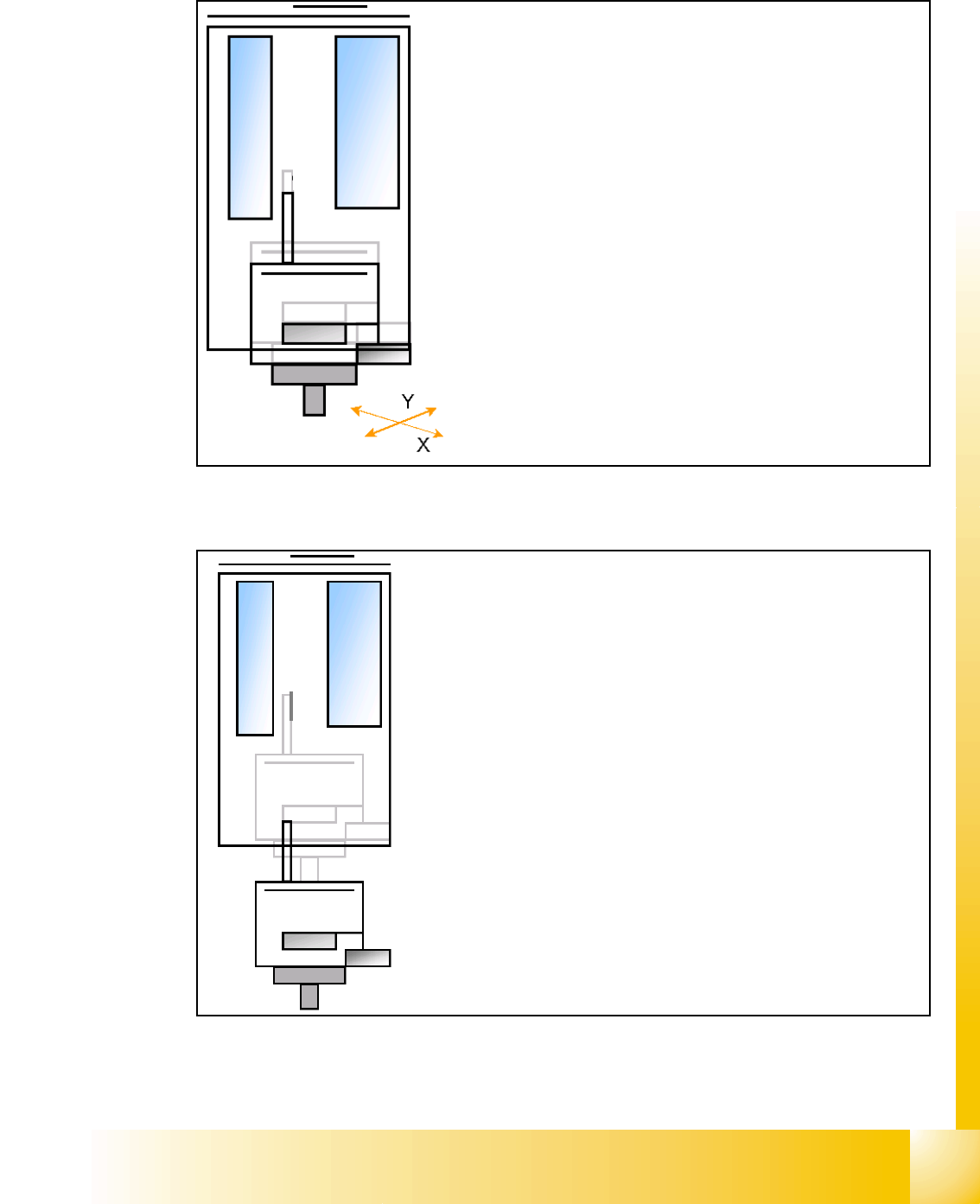
7.3.7 Prepare placement 2nd component
7.3.7.1 Place 2nd component
– Start X / Y Axis to the real placement position (inclusive cor-
rection coordinates).
– Start D- Axis to correct component to precise placement an-
gle
– Z-Axis position downwards with Standard profile (ôr any
other programmed profile up to 15N)for placement force 2 N.
– The Force increase up to the programmed level after contact
of the component on the PCB.
– With this Force signal the End signal is set. The air kiss
control is activated too.
– At Air kiss level for placement Z-Axis move upwards with
Standard profile.
– The next Pick up sequence is prepared for module 1.