SiplaceX4_en.pdf - 第501页
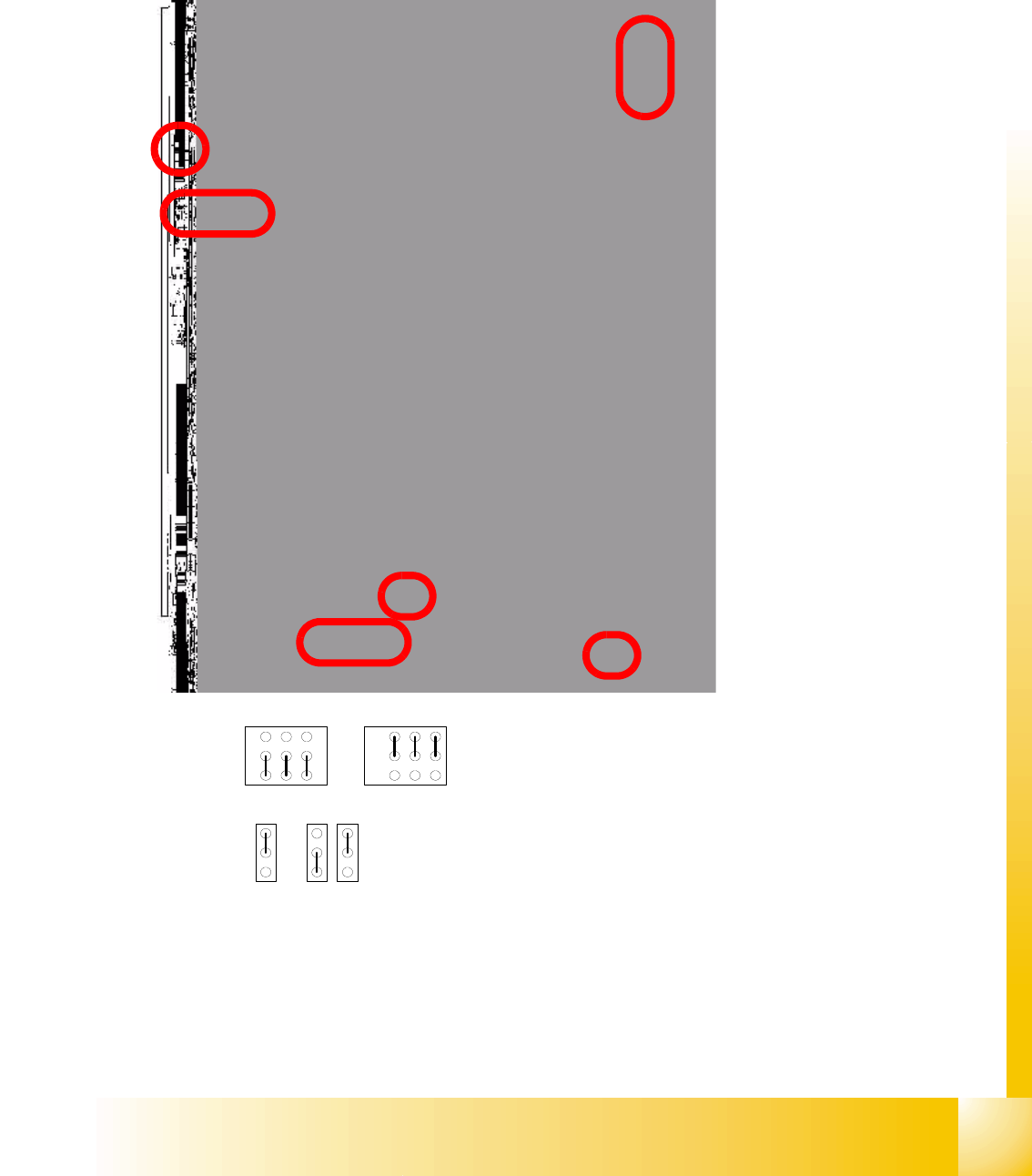
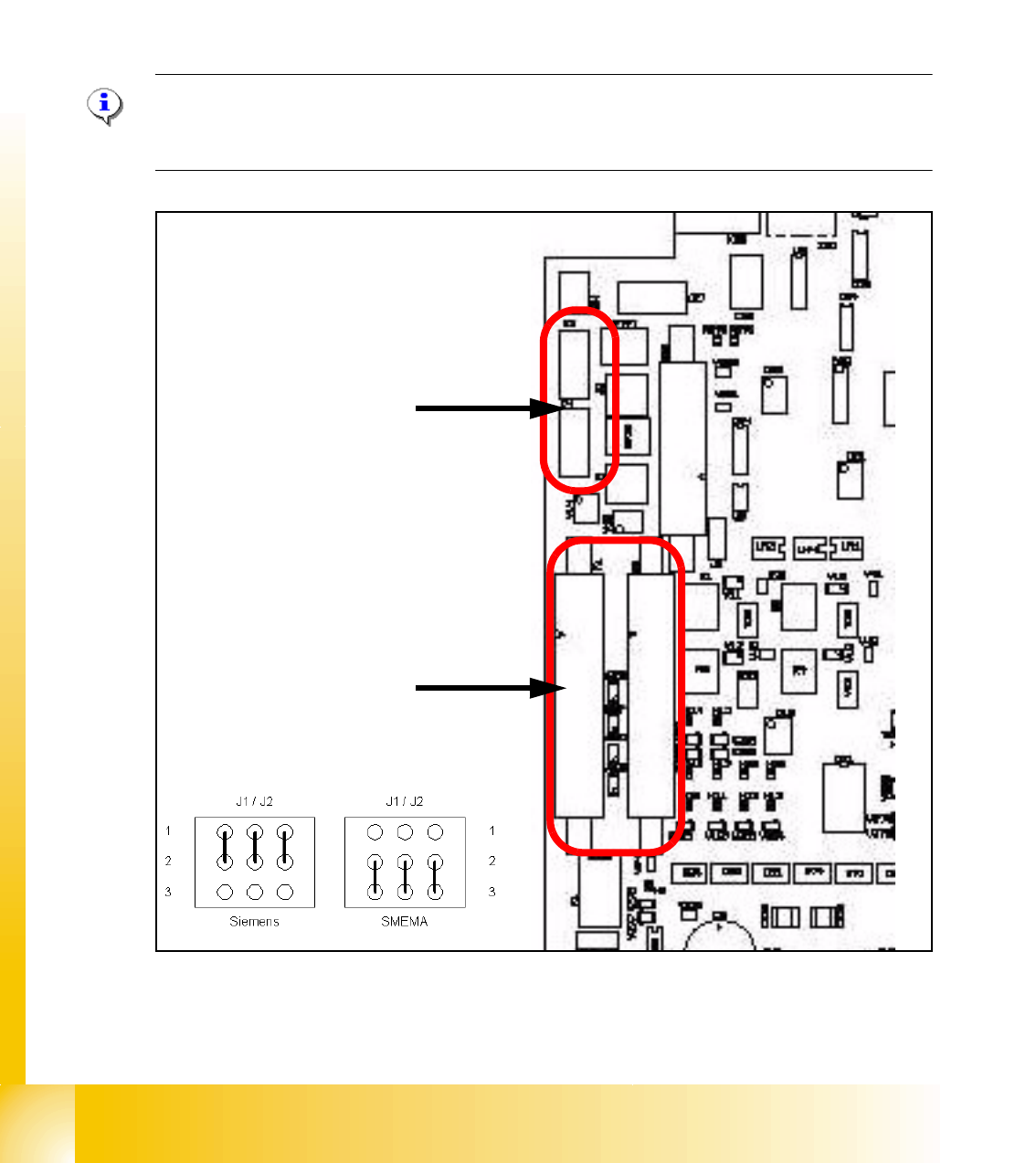
1 - 33 S tudent Guide SIPLACE X Edition 09/2005 10 Modular conveyor 33 10.3 Conveyor control 10.3.1 TSP 301 transport control for HF Fig. 10.3 - 1 Jumper setting for TSP 301 conveyor control J1 / J2 J1 / J2 Siemen s SMEM…
1 - 32
Student Guide SIPLACE X
10 Modular conveyor Edition 09/2005
32
10.2.12 Checks after mechanical work on the conveyor
1. Check: Distance between the top edge of the conveyor belt and the top stop.
This value should be
6 mm .
2. Check: Distance between the top edge of the conveyor belt and the top stop, at the clamping
sensor.
This value should be
5.8 mm.
3. Check: Distance between clamping actuator (lifting table) and top edge of the belt.
This value should be
94.2 mm on the HF and HS-60.
4. Check: Distance between clamping actuator (lifting table) and top edge of belt at the clamping
sensor.
This value should be
94.4 mm on the HF and HS-60.
Note for machine with clamping sensor:
The actuator must be seated 0.2 - 0.3 mm deeper below the clamping sensor to ensure that the
piezo sensor (force sensor) is triggered reliably.
Please Note: for machine without clamping sensor:
The distance between clamping actuator (lifting table) and top edge of the belt should be on all
four positions 94,0mm.
1 - 34
Student Guide SIPLACE X
10 Modular conveyor Edition 09/2005
34
10.3.2 Transport control board TSP 301 with Siemens interface(Option)
Following modification are necessary for using the Siemens interface:
(1) Application: no modification.
(2) JumperJ1 / J2: have to change (see below).
(3) Disconnect the connector X3 and X4 on the TSP 301!
(4) Connect the Siemens interface cable on the connector X1 and X2.
Please Note:
The 10 pin Locking-Clip connector of the SMEMA-connector have to disconnected from the
TSP301! Destruction of the TSP board!
Fig. 10.3 - 2 TSP 301 SMEMA --> Siemens
➠ 10 pin connector for SMEMA- Interface
X3 Previous Station
X4 Next Station
➠ Connector for Siemens-Interface
X1 Previous Station
X2 Next Station