SiplaceX4_en.pdf - 第555页
1 - 12 S tudent Guide SIPLACE X 12 Siplace X - Head M odularity Edition 09/2005 12 12.4 Head modularity C&P 6/12 to C&P 20 Head Fig. 12.4 - 1 Head Modularity C&P 6/12 to C&P 20 1. Data backu p Machine con…
1 - 11
Student Guide SIPLACE X
Edition 09/2005 12 Siplace X - Head Modularity
11
12.3 Head modularity Twin Head to C&P Head
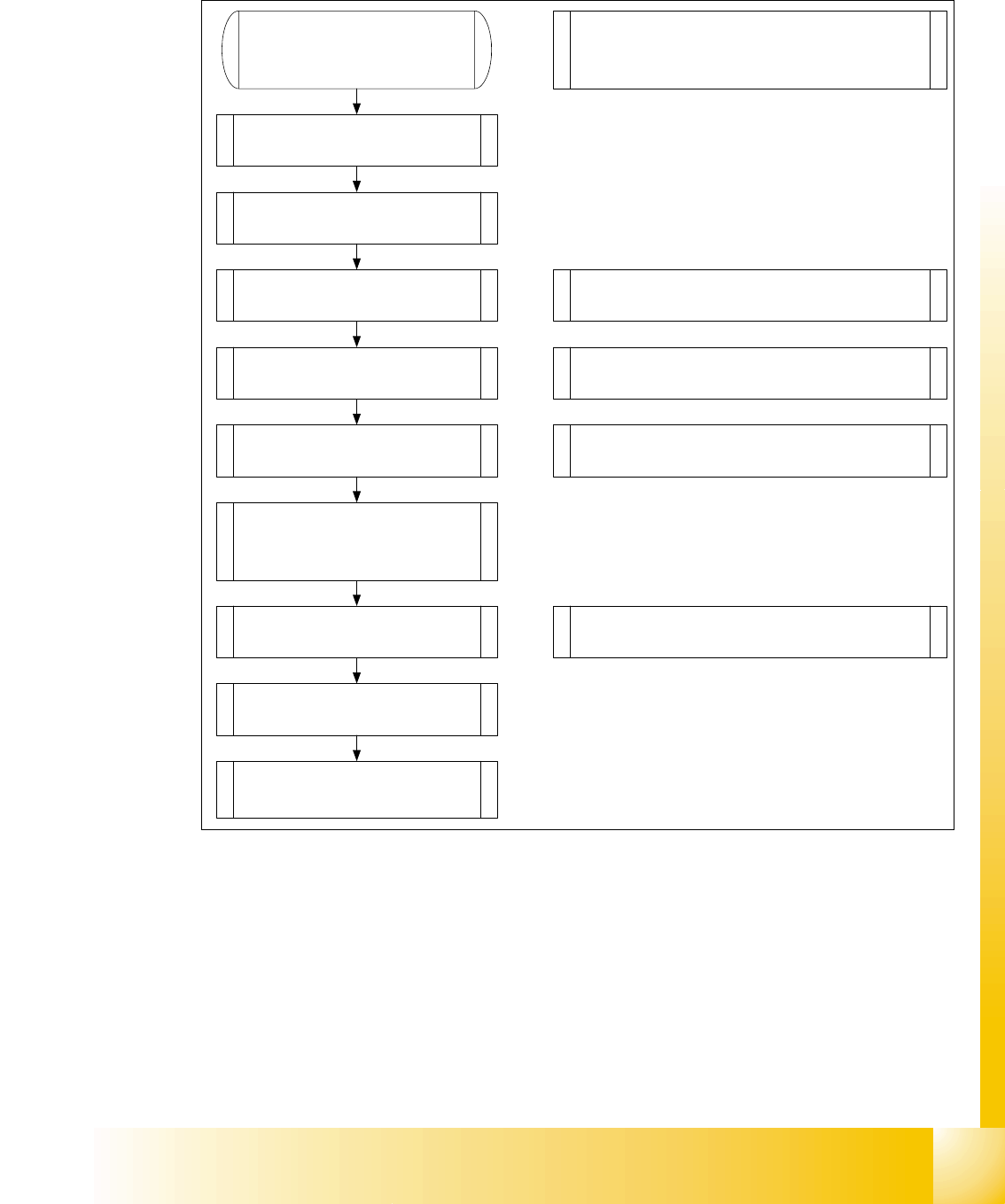
Fig. 12.3 - 1 Flowchart Head exchange Twin head to C&P
1. Data backup
Machine configuration
2. Remove Twin head with head
adapter.
3. Remove nozzle changer for
Twin head.
4. Remove the stationary IC and/
or FC- camera.
Note: Remove the camera "HEADCRASH".
For exchange the stat. Cameras you have to
disassembly the docking unit.
5. Mount C&P head with head
adapter.
6. Mount the nozzle changer C&P
head.
Note: Check the DIP -Switches.
Note: Depend on the head pressure air supply
2,5 bar C&P6/12 or 4,5 bar C&P20.
Assembly docking unit for X-Feeder if C&P20
9. Calibrate C&P head and
cameras (Mapping).
8. Check the C&P head
specific data and make a
Firmware download.
Note: Sitest „Head type“ Read data from the
head Eprom and check the machine data.
7. Mounting the servo boards for
the C&P head (Axisunit) and
switch the Hotlink-cable for the
cameras (Computer unit).
10. Change the machine
configuration in Siplace Pro.
Note: SITEST Machine configuration
Confirm the configuration, shutdown and switch
off the machine
1 - 12
Student Guide SIPLACE X
12 Siplace X - Head Modularity Edition 09/2005
12
12.4 Head modularity C&P 6/12 to C&P 20 Head
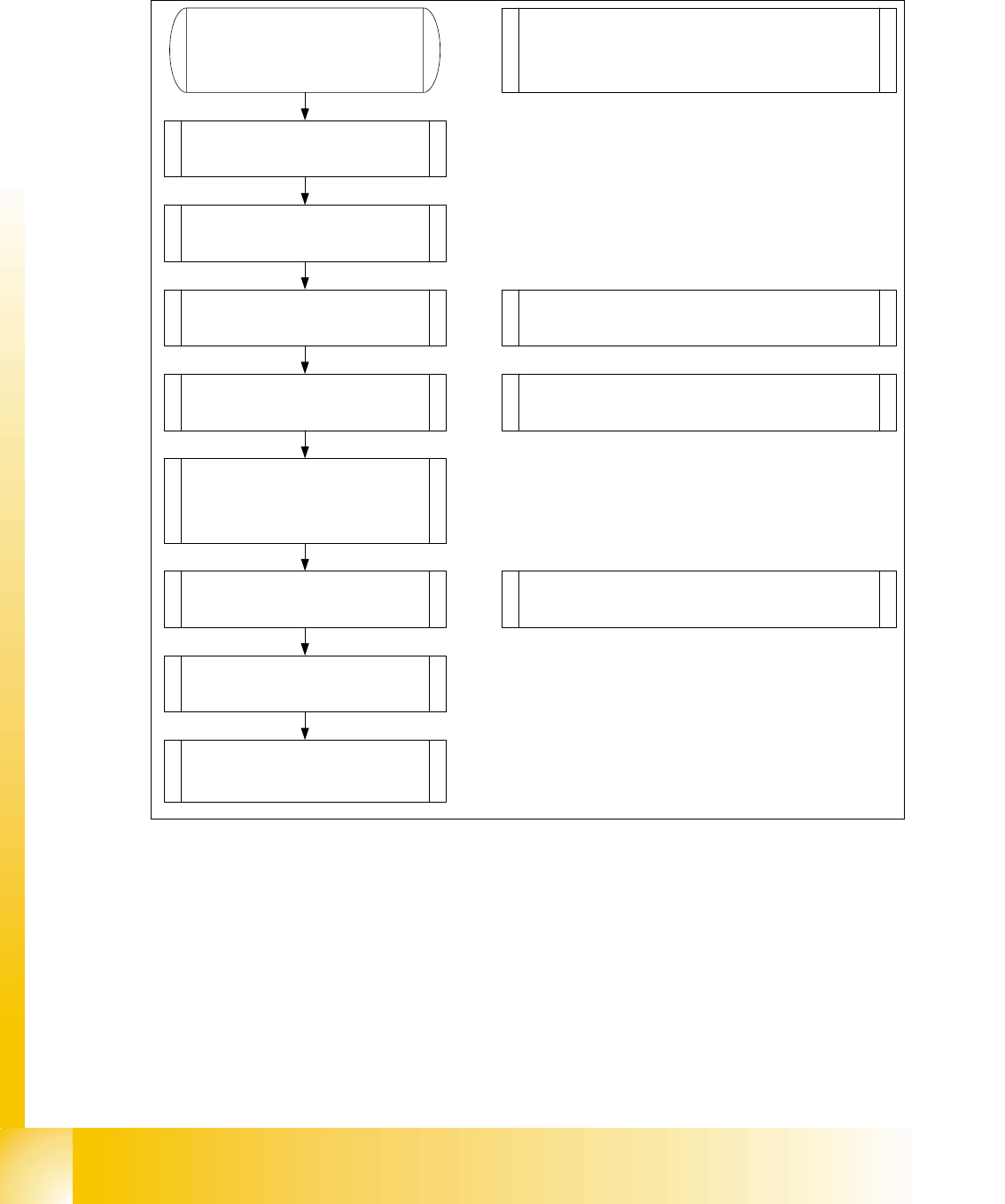
Fig. 12.4 - 1 Head Modularity C&P 6/12 to C&P 20
1. Data backup
Machine configuration
2. Remove C&P 6/12 with head
adapter.
3. Remove nozzle changer for
C&P 6/12 head.
4. Mount C&P head with head
adapter.
5. Mount the nozzle changer
C&P 20 head.
Note: Check the DIP -Switches.
Note: Change the pressure air supply 2,5 bar
C&P6/12 to 4,5 bar C&P20.
Assembly docking unit for X-Feeder if C&P20
8. Calibrate C&P head and
cameras (Mapping).
7. Check the C&P head
specific data and make a
Firmware download.
Note: Sitest „Head type“ Read data from the
head Eprom and check the machine data.
6. Mounting the servo boards for
the C&P 20 head (Axisunit) and
the Hotlink-cable for the cameras
are OK(Computer unit).
9. Change the machine
configuration in Siplace Pro.
Note: SITEST Machine configuration
Confirm the configuration, shutdown and switch
off the machine
1 - 13
Student Guide SIPLACE X
Edition 09/2005 12 Siplace X - Head Modularity
13
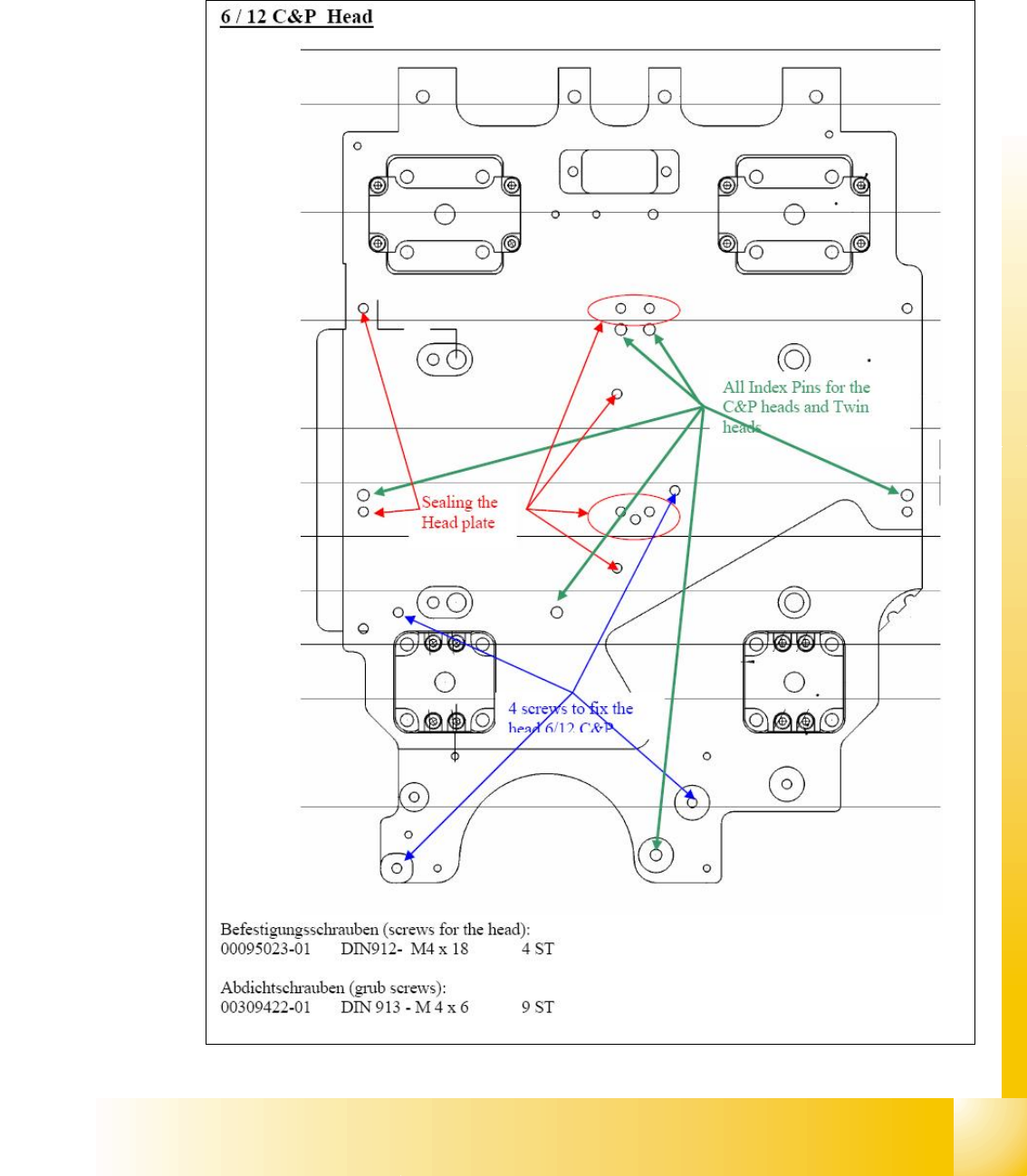
12.5 Preperation head plate
12.5.1 C&P 6/12 head