SiplaceX4_en.pdf - 第670页
SIPLACE Trainingsdocumentation Student Guide Siplace X for FSE‘s Edition 09/2005 Item-No. 0019462 0-03 SIPLACE Trainingsdocumentation Student Guide Siplace X for FSE‘s Edition 09/2005 Item-No. 00194620-0 3
Edition 09/2005 SIPLACE X
Appendix
14
20
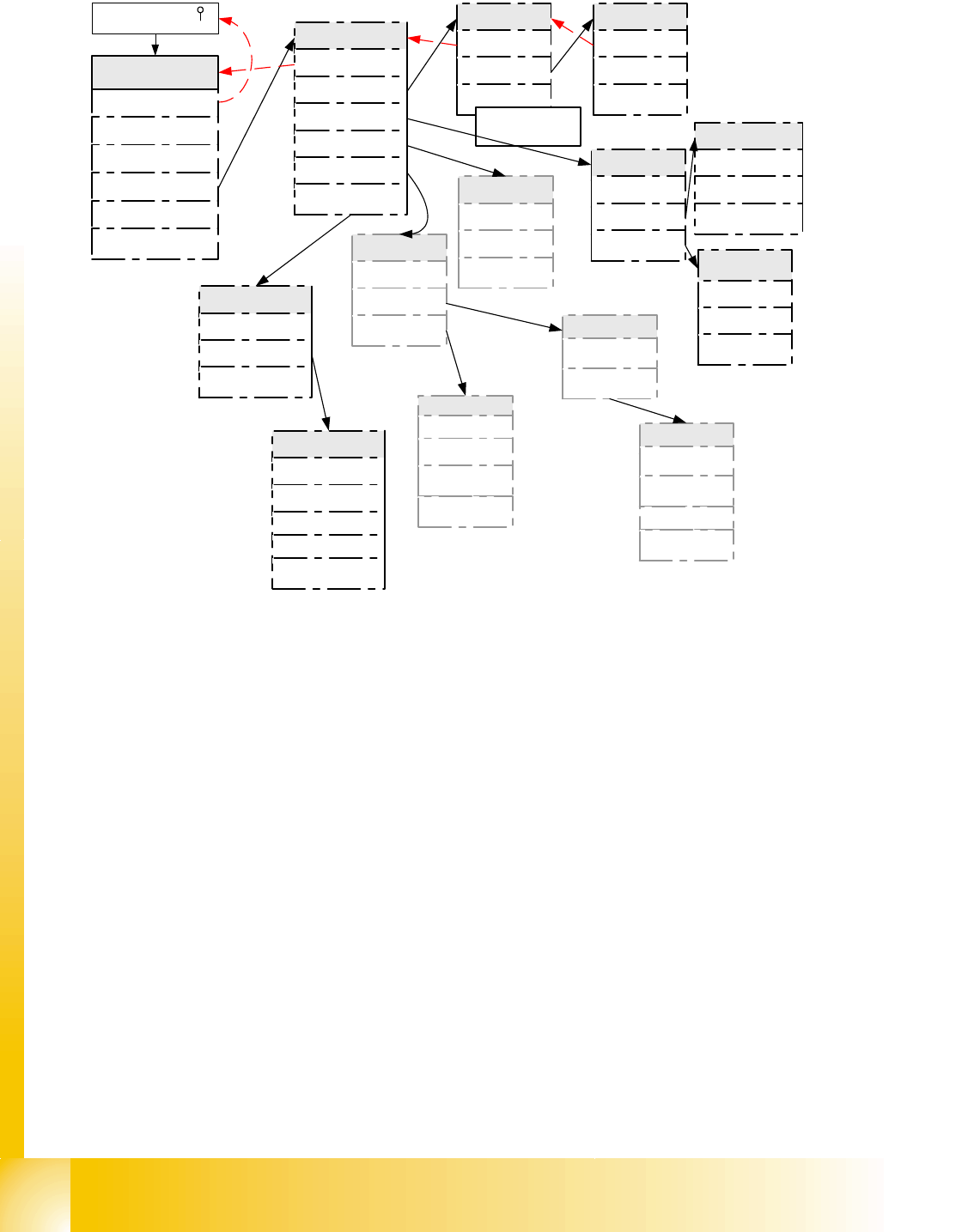
Fig. 20.3 - 8 Menu function ’System control’ for ’SAT’ (in Expert mode only)
Important to set language and ’user level’
- All other settings keep on SIEMENS-default setting!!!
Important menus for the SIEMENS Service are the Download-menus in submenu ’connector’.
Therefore is a special CAN-HW and SW of a Service-Laptop is necessary.
5.0% 7,5% 10.0% 12,5% .
for power supply test of Axis contoller
System control
Back
Settings
User control
Display
Ports
Internal
Settings
Back
Load ...
Save ...
Load Settings
Back
Default
EEPROM
The settings have
been saved
User
Back
Language
User level
Boot and press ' '
Quit
configuration
machine
System control
Shutdown
About ...
Main menu
Choose language
Back
English
German
Change user
level
Back
Dummy *
* reboot for new user level
confirm Expert with return
Display
Back
Contrast
Screen saver
Ports
Back
CAN-Port
Set ASC Port
Internal
Back
Selftest
Dump EEPROM
Selftest
Back
Enable
Disable
Start
Set Tolerance
Please leave it on
Default
Expert*
CAN Ports
Change ASC port
Back
CAN IDs
Back
BIOS Bootstrap-Download
to axis controller
SAT< ->A36X
SAT<->PC
A36X<->PC
SW-Download to SAT
CAN Ports
Back
sending CT- IDs
sending Event -ID
receiving ID
CAN Menues for SAT
internal tests

SIPLACE
Trainingsdocumentation
Student Guide
Siplace X for FSE‘s
Edition 09/2005
Item-No. 00194620-03
SIPLACE
Trainingsdocumentation
Student Guide
Siplace X for FSE‘s
Edition 09/2005
Item-No. 00194620-03