SIPLACE S-23 HM User Manual - 第16页
16 ● When the promp t appears on scree n, press one of the white S tart buttons on the inpu t/output side or on the left or rig ht operating panel. The placem ent syste m is ready fo r use aga in as soon as the refer enc…
15
Switching on the SIPLACE line
Switching on the line computer
● Switch on the uninterruptible power supply (UPS).
The line computer software is uploaded.
The login dialog window appears on the screen after approximately 2 min-
utes.
● Enter
plr
in the "login" box and confirm your entry by pressing the
RETURN key.
● Enter the password in the "Password" box and press the RETURN key. If
no password is required, then just press the RETURN key.
The desktop (starting window) will appear on screen after approximately 3
minutes with the overlying login box.
● Enter the user name defined for your user account in the "User" box, and
enter the corresponding password in the "Password" box.
● Click on Ok to confirm. The functions of the line computer program can
now be executed according to your access rights.
Starting the stations
ATTENTION
Do not switch on the stations and peripherals until the Desktop menu is
displayed on the monitor of the line computer. Failure to observe this may
result in communications problems.
Before you switch on the machine ...
● Carry out a visual inspection of the machine. In particular make sure that
there are no obstacles within the range of movement of the gantries.
● Make sure that the z axes of all heads are in their top end positions.
● Check that the power and compressed air supplies are connected.
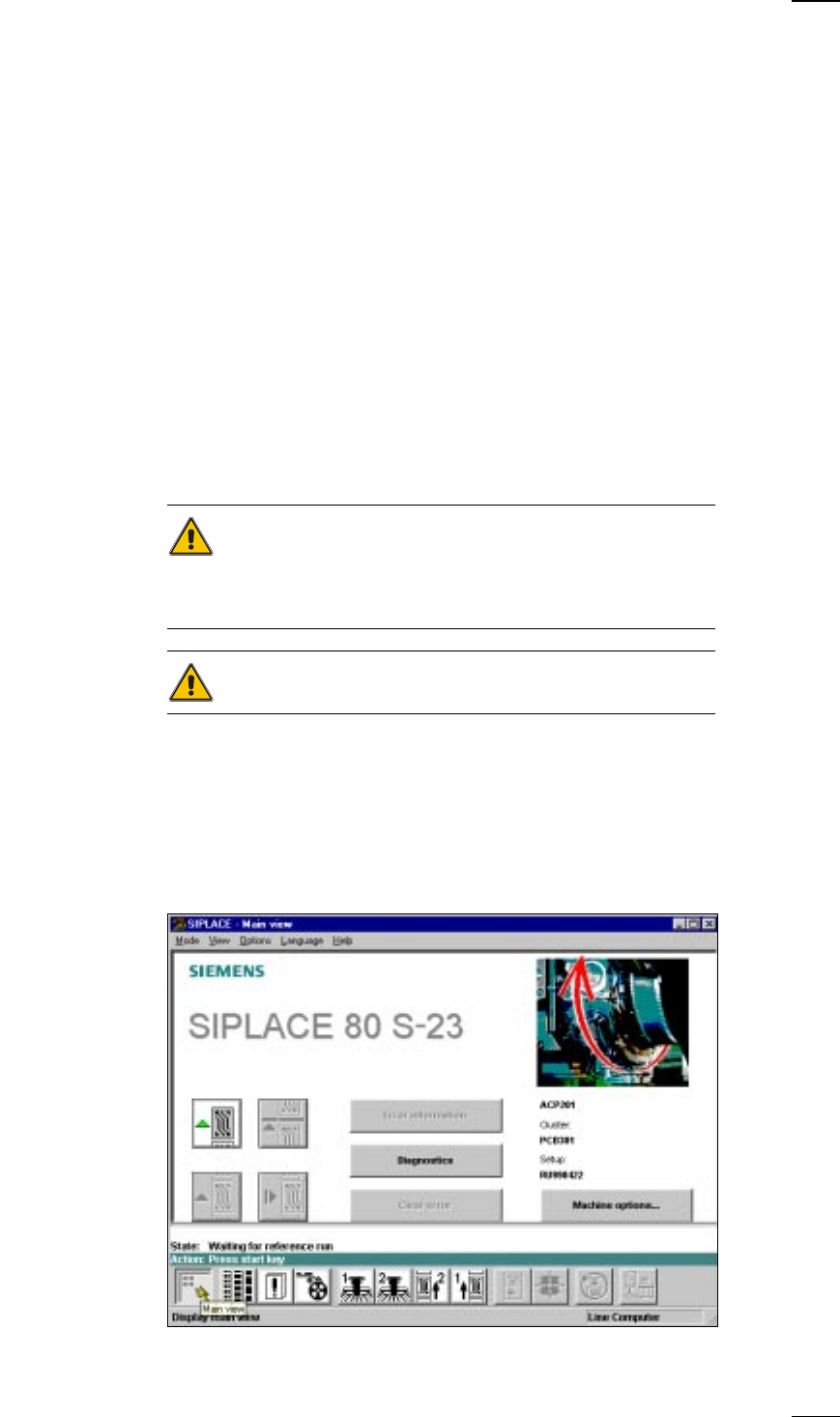
● Switch on the machine at the main switch. With the line computer con-
nected and provided there are no communication problems the main
menu for the user class Operator will appear.
16
● When the prompt appears on screen, press one of the white Start buttons
on the input/output side or on the left or right operating panel.
The placement system is ready for use again as soon as the reference
point run has ended.
Switching off the SIPLACE line
ATTENTION
Before you switch off the line make sure of the following:
– All placement and glueing operations must have been completed at the
stations.
– The z axes of all placement and glueing heads have to be in their top end
positions.
– No placement head should still be carrying components.
– All gantries must have moved to their waiting positions.
– The station computers are shut down safely.
Switching off the line computer
CAUTION
Never switch off the line computer simply by switching off the main switch.
Always shut down the operating system properly. If you fail to do so, you
may end up with considerable loss of data or corrupted programs.
● Position the mouse pointer at the top or bottom right-hand edge of the
screen. The pointer will become a cross.
● Hold the left-hand mouse button down. The main menu will appear.
● Still holding the mouse button down, move the pointer onto Shutdown
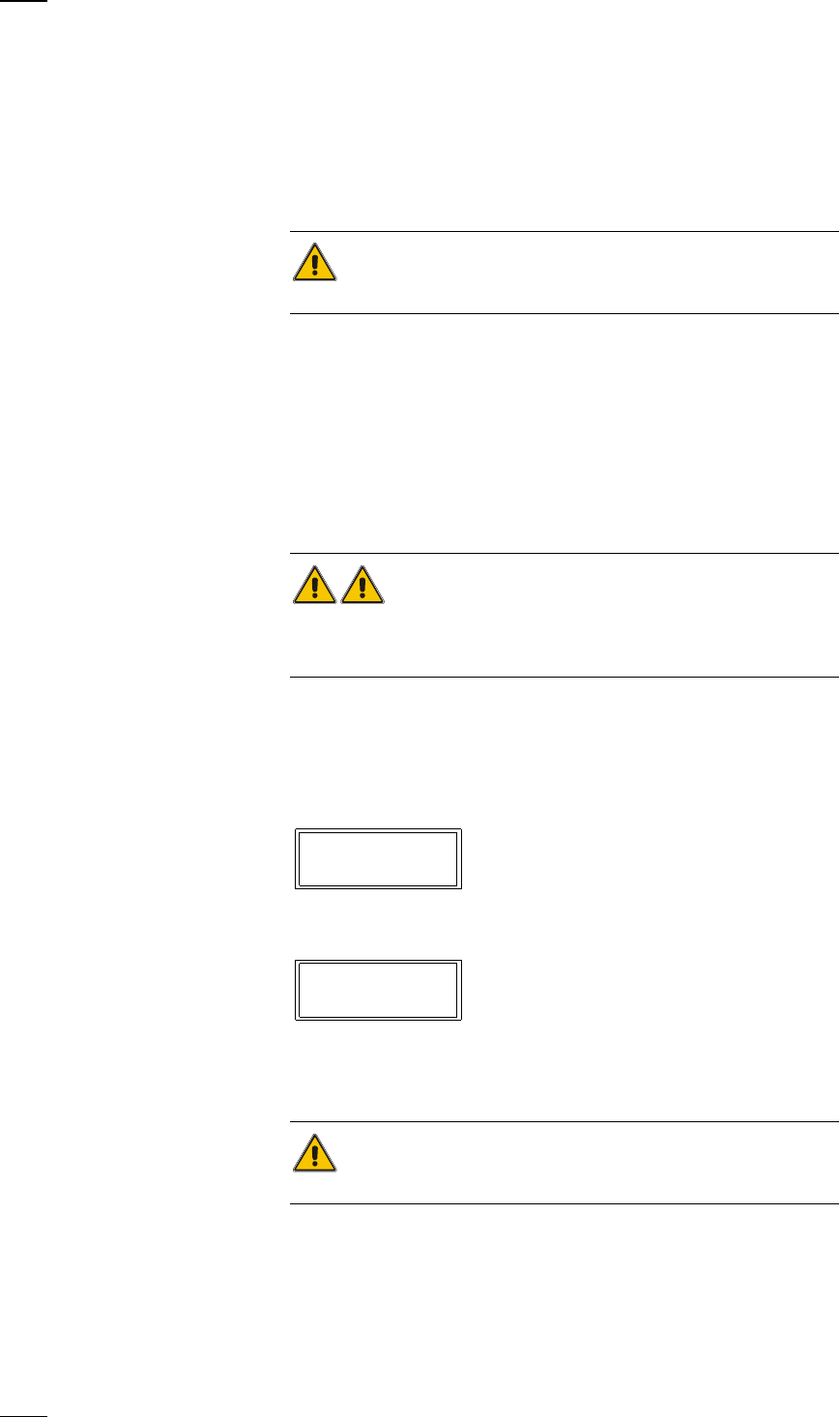
then release it. The following dialog box now appears on the screen.
● Click on Yes. The dialog box closes and the program is shut down. This
takes about one minute. The following box now appears:
● Switch off the UPS and the monitor.
Switching off the stations
When an automatic placement system is in use, NEVER just power it
off at the main switch (apart from in an emergency).
The station computer runs under the WINDOWS NT operating system.
You must shut down the operating system correctly before switching off
the station. The procedure for switching off the station is as follows:
● End all placement and gluing operations.
Really shut down ?
Yes No
Safe to power off
Press any key to reboot

17
● Check that the z axes of all placement and glue application heads are in
their top end position.
● Check whether there are still components on the placement heads.
● Move all gantries into the standby position.
● Click on the ’Shut down computer’ option in the ’Operation’ menu.
This will end all the processes running on the station computer. A prompt
will then appear on screen, telling you that you can safely switch off the
computer.
● You can now switch off the placement system at the main switch.
PLEASE NOTE:
If you switch off the placement system while it is in use without first cor-
rectly shutting down the station computer, the computer might not start
again the next time you start up the line.