EUS0153210_YFact_Standard_E.pdf - 第121页
3-1 3 Board Editor 1. Board Editor The Board Editor allows you to edit board data or create production data for individual machines or lines. This chapter explains how to start and quit the Board Editor and basic operati…

3-1
3
Board Editor
1. Board Editor
The Board Editor allows you to edit board data or create production data for individual machines or lines.
This chapter explains how to start and quit the Board Editor and basic operations for editing or creating
board data.
1.1 Starting the Board Editor
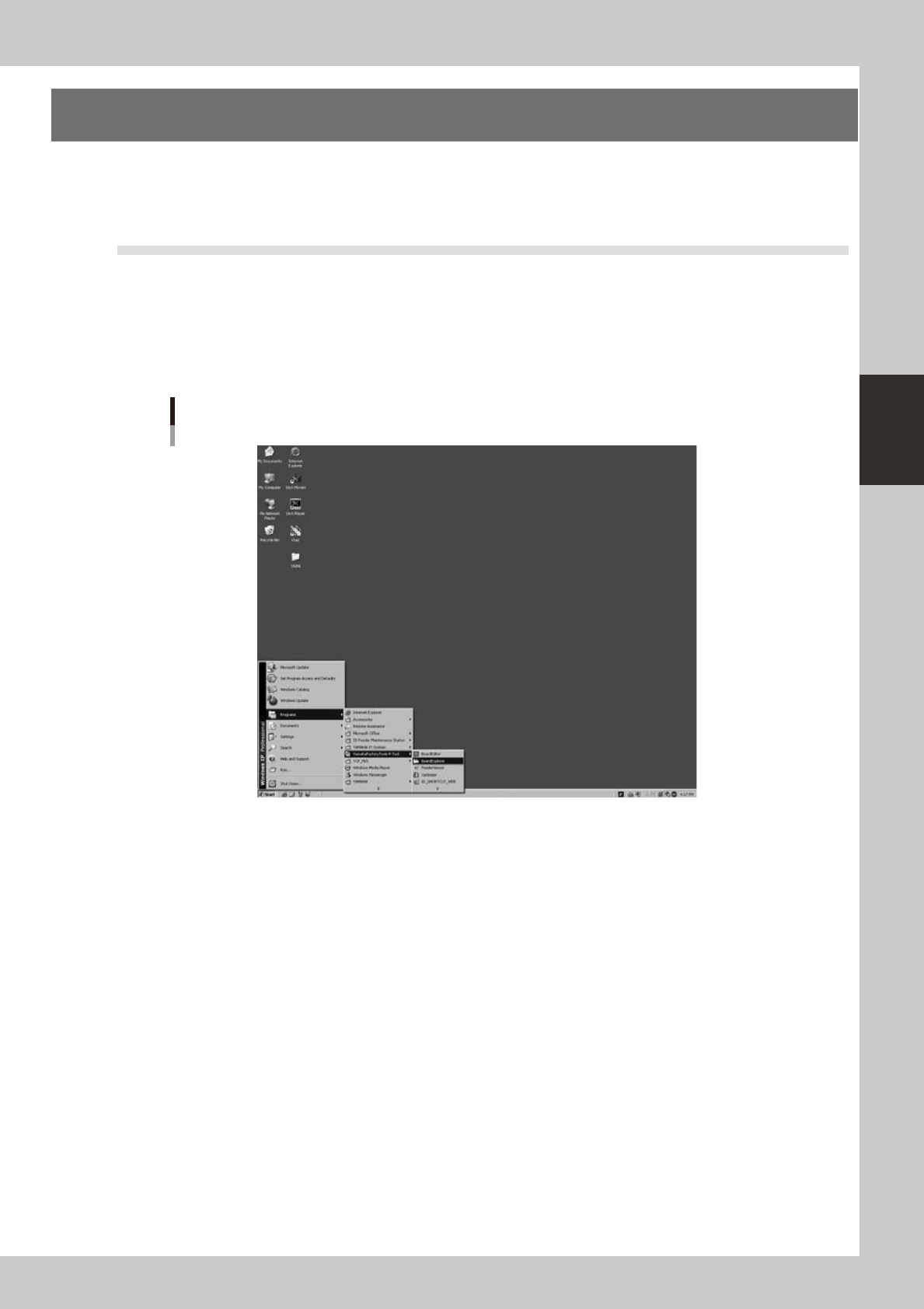
JustaswiththeBoardExplorer,theBoardEditorcanbestartedfromthe[Start]buttonontheWindowstaskbar
as explained below.
1
Start the Board Editor.
From the Start menu on the Windows taskbar, select "Programs" - "YAMAHA Factory Tools P-Tool" and then
click "Board Editor".
Start Board Explorer
64300-S0-10
3-2
3
Board Editor
2
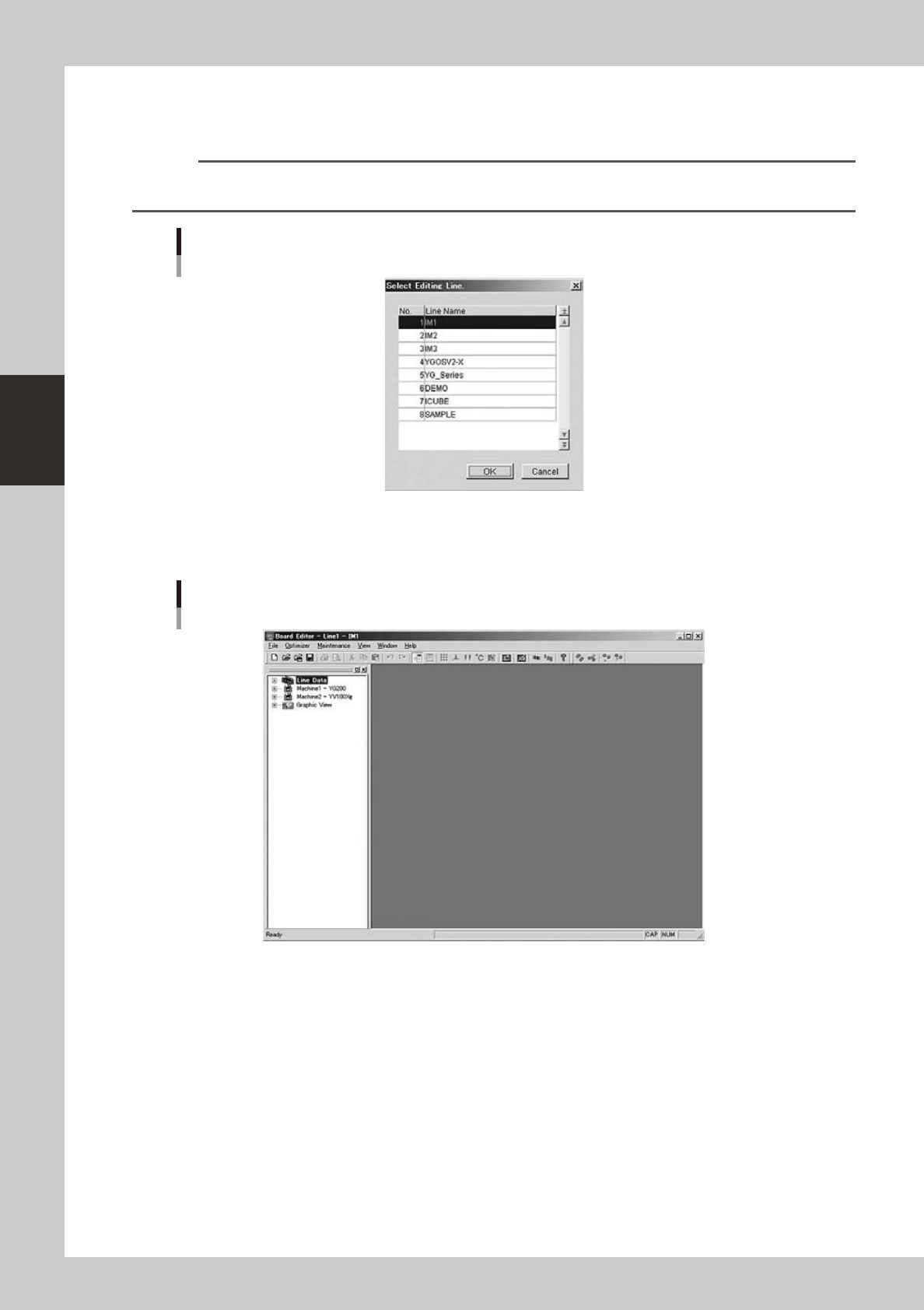
Select the line to use.
When the "Select Editing Line" dialog box appears, select the line (production line) to use and click the
[OK] button.
Reference
When only one line is registered, the "Select Editing Line" dialog box does not appear. If no line is registered, you must
start the Board Explorer to register at least one line.
"Select Editing Line" dialog box
64301-S0-00
3
The Board Editor starts.
The Board Editor window appears as shown below.
Board Editor window
64302-S0-00