EUS0153210_YFact_Standard_E.pdf - 第168页
3-48 3 Board Editor n Change Offset V alue To change the offset value, it operates it as follows. n Display Board Graphic View Offset dialog Select“View”-“BoardGraphicViewOffset”menu,andthentheBoardGraphicVi…
3-47
3
Board Editor
3.4 Board Graphic View Offset setting
Board Graphic View Offset setting
64370-S0-00
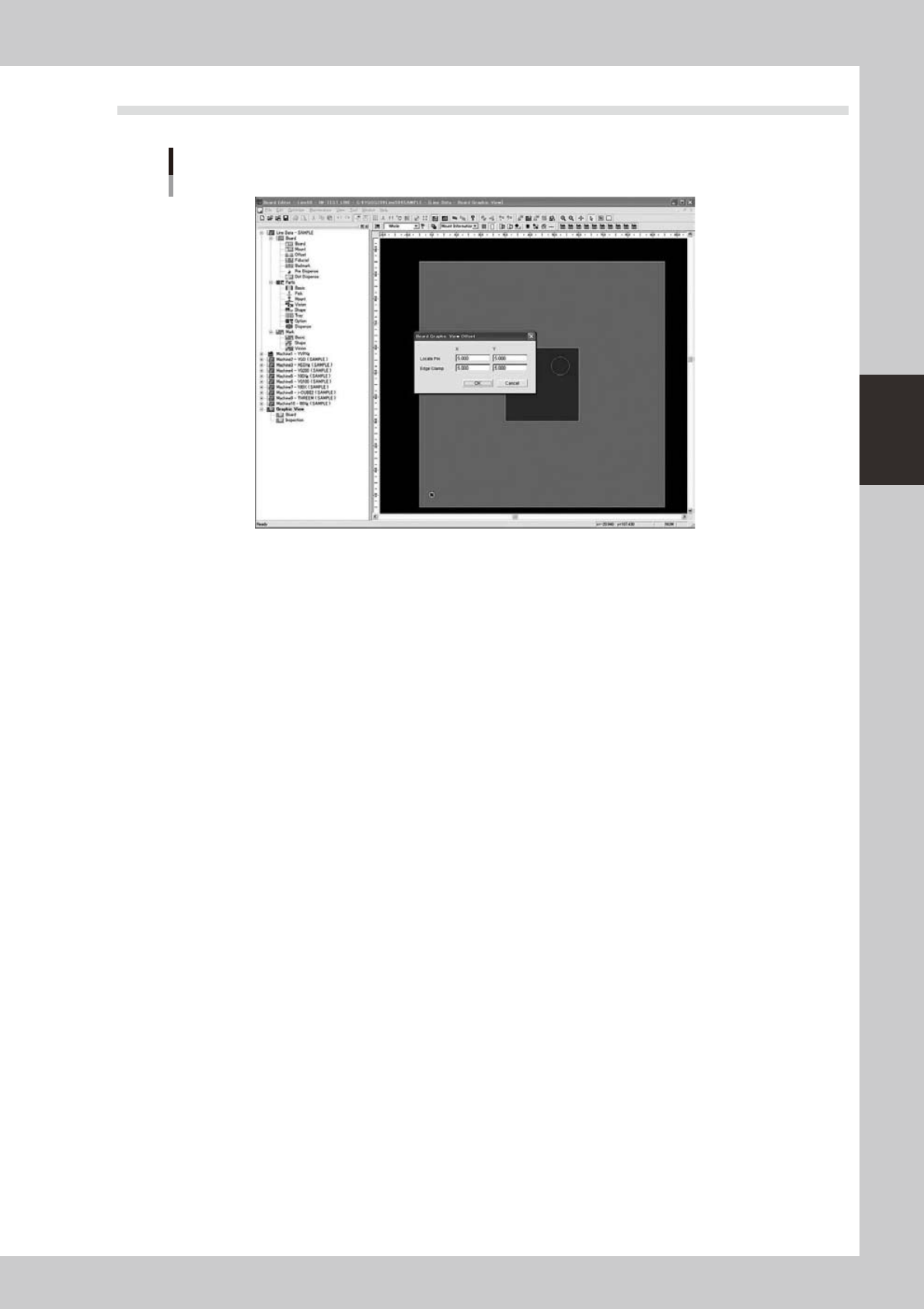
Setting for changing the indication point of the origin coordinate (0, 0) from the “position (X = 5 mm, Y = 5
mm) from the board outline” to a desired location.
3-48
3
Board Editor
n
Change Offset Value
To change the offset value, it operates it as follows.
n
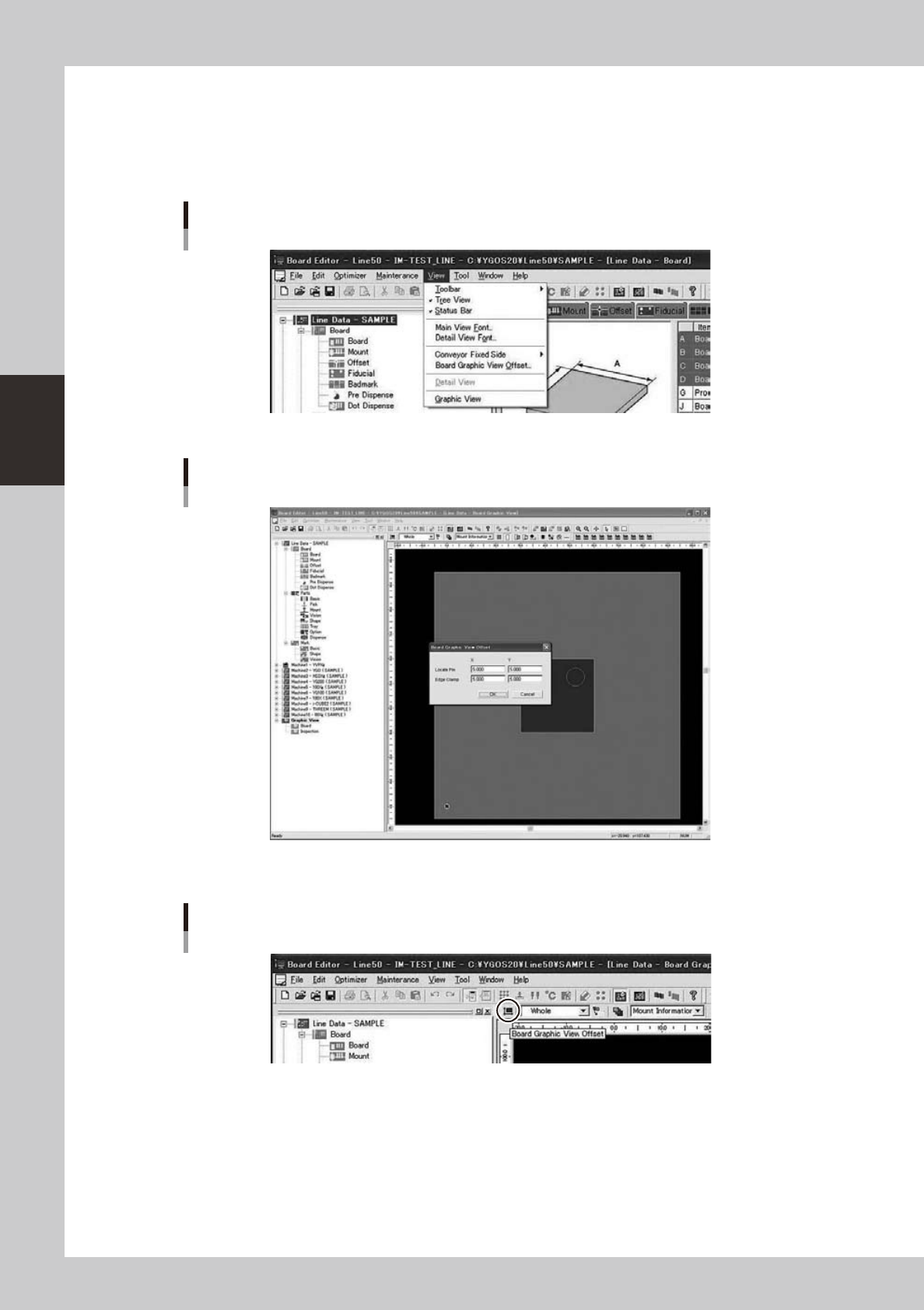
Display Board Graphic View Offset dialog
Select“View”-“BoardGraphicViewOffset”menu,andthentheBoardGraphicViewOffsetdialogisopened.
“View” - “Board Graphic View Offset” Menu
64371-S0-00
Opened Board Graphic View Offset dialog
64372-S0-00
Or,itisabletoopentheBoardGraphicViewOffsetdialogbypushingthe[BoardGraphicViewOffset]button.
[Board Graphic View Offset] Button
64373-S0-00
3-49
3
Board Editor
n
Board Graphic View Offset dialog
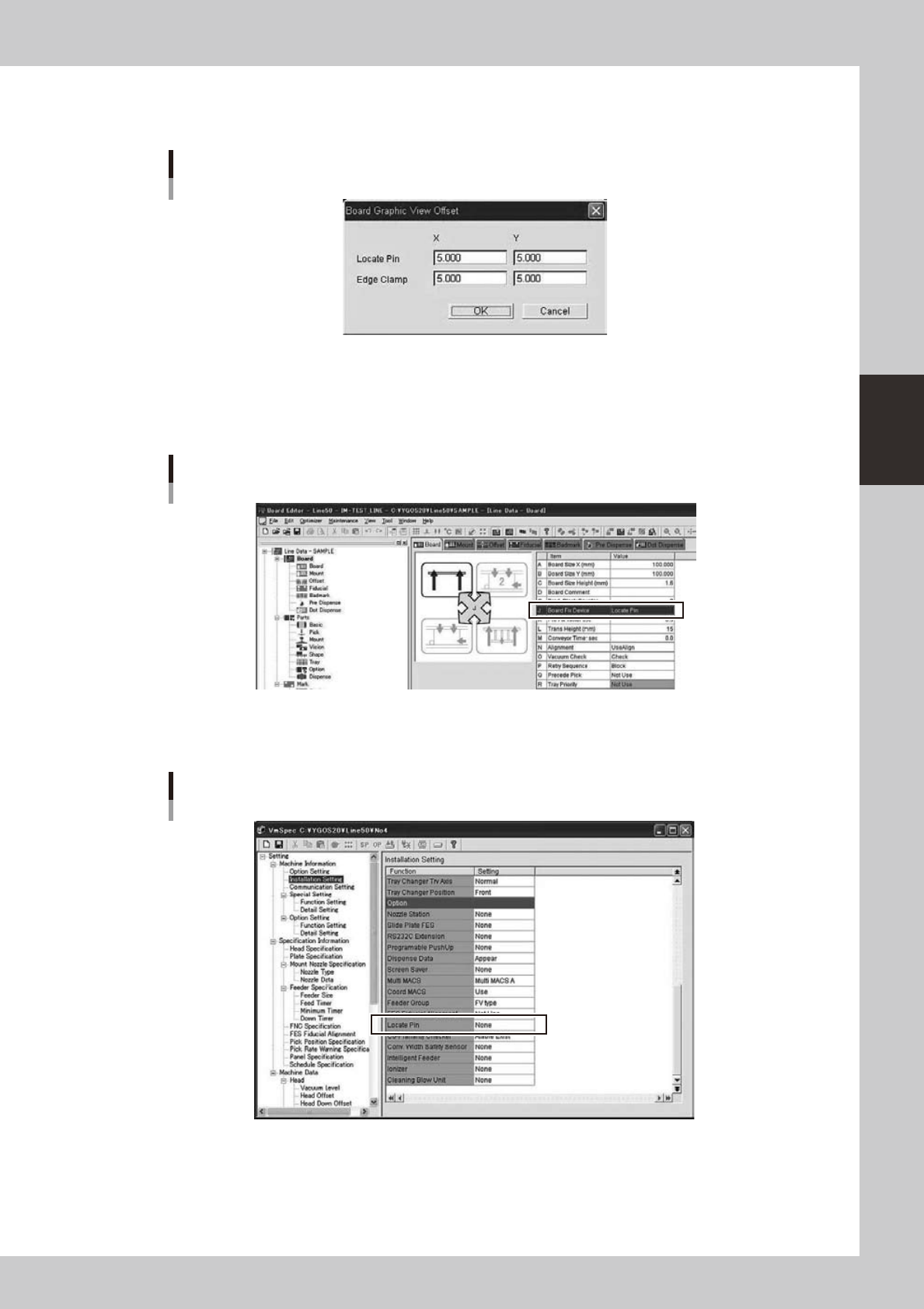
You can change Offset Value from Board Graphic View Offset dialog
Board Graphic View Offset dialog
64374-S0-00
Whenthedialogisclosedbypushingthe[OK]buttonafterchanging,theoffsetvalueafteritchangingis
reflected in a Graphic View.
There are two kinds of offset values (based the Edge Clamp and the Locate Pin) displayed here.
It is different which to be used according to each machine uses the method of fixing which substrate.
Board Fix Device
64375-S0-00
However,when“LocatePin”settingonthe“MachineProperty”is“None”(itis“MachineInformation”-
“InstallationSetting”),theOffsetValue-“EdgeClamp”isusedalways.
“Machine Information” - “Locate Pin” Exist / None
64376-S0-00