sh030106u.pdf - 第567页
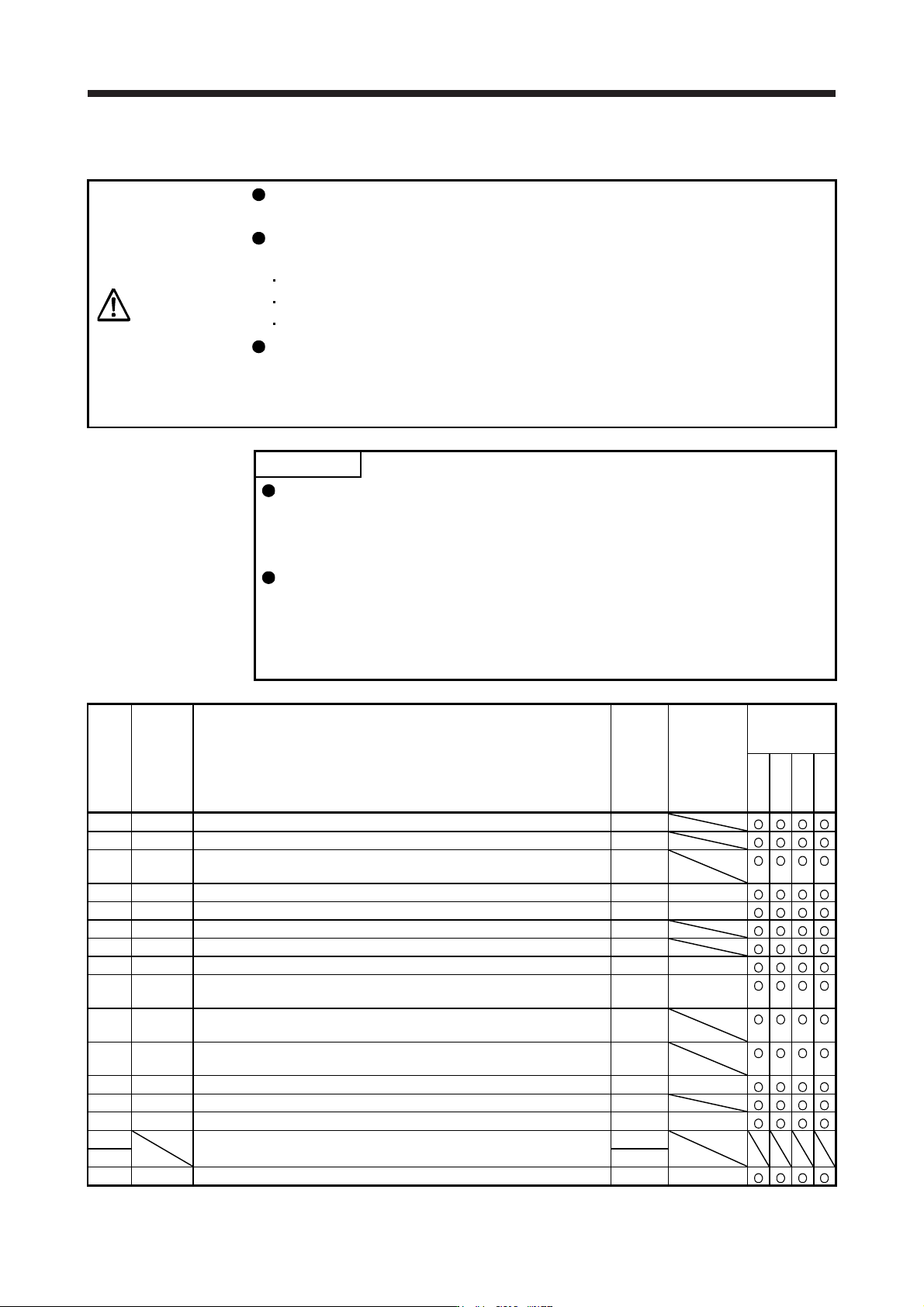
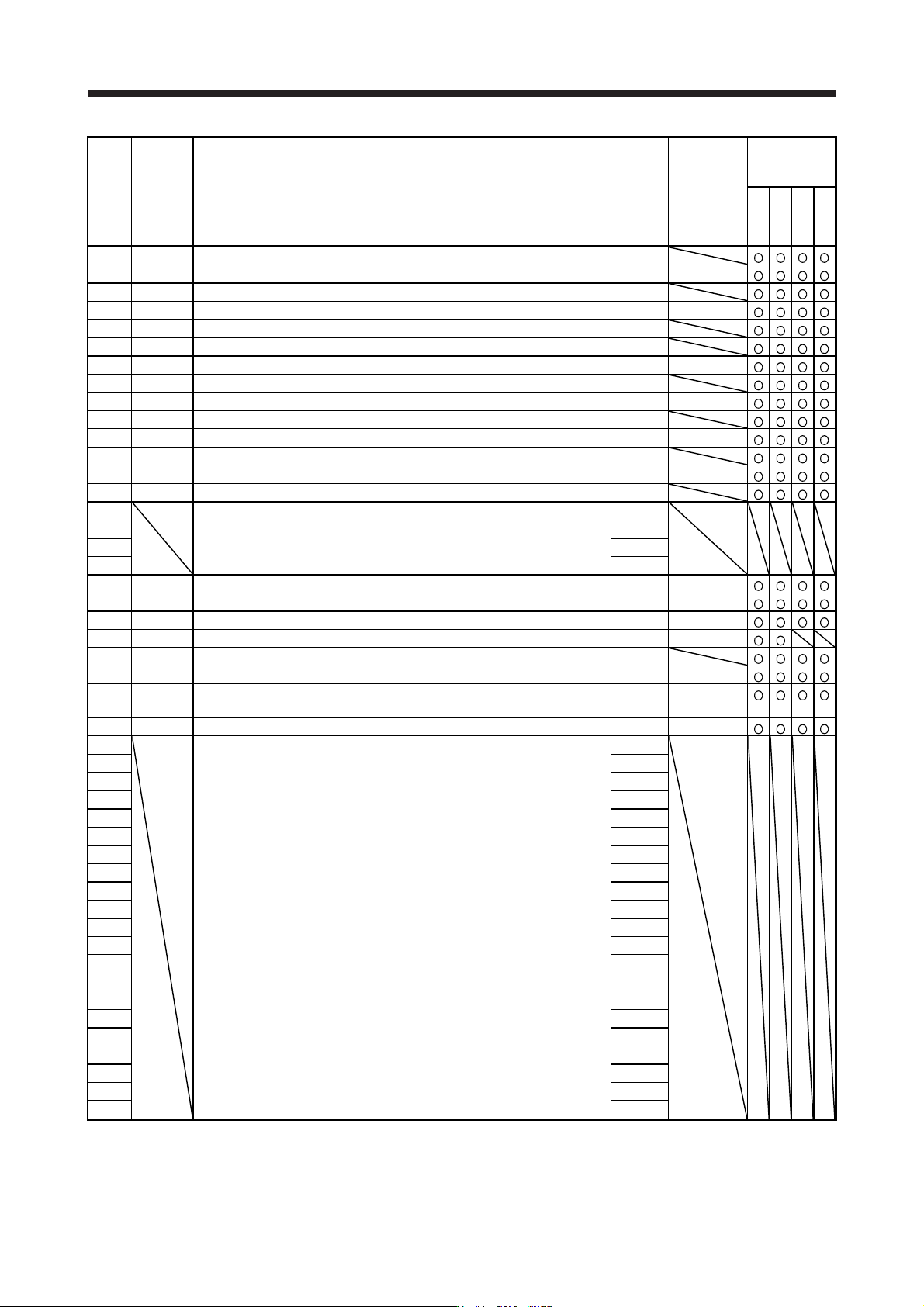
17. APPLICATIO N OF FUNCTIONS 17 - 16 No. Symbol Name Initial value Unit J3 compatib ility mode Standard Full. Lin. DD PX18 NHQ3 Not ch shape sel ection 3 0000h PX19 NH4 Mac hine resonance suppress ion filter 4 4500 [Hz …
17. APPLICATION OF FUNCTIONS
17 - 15
(2) Extension control 2 parameters ([Pr. PX_ _ ])
CAUTION
Never make a drastic adjustment or change to the parameter values as doing so
will make the operation unstable.
Do not change the parameter settings as described below. Doing so may cause
an unexpected condition, such as failing to start up the servo amplifier.
Changing the values of the parameters for manufacturer setting
Setting a value out of the range
Changing the fixed values in the digits of a parameter
When you write parameters with the controller, make sure that the control axis No.
of the servo amplifier is set correctly. Otherwise, the parameter settings of another
axis may be written, possibly causing the servo amplifier to be an unexpected
condition.
POINT
The parameter whose symbol is preceded by * is enabled with the following
conditions:
*: After setting the parameter, cycle the power or reset the controller.
**: After setting the parameter, cycle the power.
Abbreviations of J3 compatibility mode indicate the followings.
Standard: Standard (semi closed loop system) use of the rotary servo motor
Full.: Fully closed loop system use of the rotary servo motor
Lin.: Linear servo motor use
DD: Direct drive (DD) motor use
No. Symbol Name
Initial
value
Unit
J3
compatibility
mode
Standard
Full.
Lin.
DD
PX01 **J3EX J3 extension function 0000h
PX02 XOP1 Function selection X-1 0000h
PX03 VRFTX
Vibration suppression control tuning mode (advanced vibration
suppression control II)
0000h
PX04 VRF21 Vibration suppression control 2 - Vibration frequency 100.0 [Hz]
PX05 VRF22 Vibration suppression control 2 - Resonance frequency 100.0 [Hz]
PX06 VRF23 Vibration suppression control 2 - Vibration frequency damping 0.00
PX07 VRF24 Vibration suppression control 2 - Resonance frequency damping 0.00
PX08 VRF21B Vibration suppression control 2 - Vibration frequency after gain switching 0.0 [Hz]
PX09 VRF22B
Vibration suppression control 2 - Resonance frequency after gain
switching
0.0 [Hz]
PX10 VRF23B
Vibration suppression control 2 - Vibration frequency damping after gain
switching
0.00
PX11 VRF24B
Vibration suppression control 2 - Resonance frequency damping after
gain switching
0.00
PX12 PG1B Model loop gain after gain switching 0.0 [rad/s]
PX13 *XOP2 Function selection X-2 0001h
PX14 OTHOV One-touch tuning - Overshoot permissible level 0 [%]
PX15
For manufacturer setting 0000h
PX16 0000h
PX17 NH3 Machine resonance suppression filter 3 4500 [Hz]
17. APPLICATION OF FUNCTIONS
17 - 16
No. Symbol Name
Initial
value
Unit
J3
compatibility
mode
Standard
Full.
Lin.
DD
PX18 NHQ3 Notch shape selection 3 0000h
PX19 NH4 Machine resonance suppression filter 4 4500 [Hz]
PX20 NHQ4 Notch shape selection 4 0000h
PX21 NH5 Machine resonance suppression filter 5 4500 [Hz]
PX22 NHQ5 Notch shape selection 5 0000h
PX23 XOP3 Function selection X-3 0000h
PX24 FRIC Machine diagnosis function - Friction judgment speed 0 [r/min]/[mm/s]
PX25 *TDS Tough drive setting 0000h
PX26 OSCL1 Vibration tough drive - Oscillation detection level 50 [%]
PX27 *OSCL2 Vibration tough drive function selection 0000h
PX28 CVAT SEMI-F47 function - Instantaneous power failure detection time 200 [ms]
PX29 DRAT Drive recorder arbitrary alarm trigger setting 0000h
PX30 DRT Drive recorder switching time setting 0 [s]
PX31 XOP4 Function selection X-4 0000h
PX32 For manufacturer setting 0
PX33 0.0
PX34 0.0
PX35 50
PX36 LMCP Lost motion compensation positive-side compensation value selection 0 [0.01%]
PX37 LMCN Lost motion compensation negative-side compensation value selection 0 [0.01%]
PX38 LMFLT Lost motion filter setting 0 [0.1 ms]
PX39 TOF Torque offset 0 [0.01%]
PX40 *LMOP Lost motion compensation function selection 0000h
PX41 LMCD Lost motion compensation timing 0 [0.1 ms]
PX42 LMCT Lost motion compensation non-sensitive band 0
[pulse]/
[kpulse]
PX43 **STOD STO diagnosis error detection time 0 [s]
PX44 For manufacturer setting 0000h
PX45 0000h
PX46 0000h
PX47 0000h
PX48 0000h
PX49 0000h
PX50 0000h
PX51 0000h
PX52 0000h
PX53 0000h
PX54 0000h
PX55 0000h
PX56 0000h
PX57 0000h
PX58 0000h
PX59 0000h
PX60 0000h
PX61 0000h
PX62 0000h
PX63 0000h
PX64 0000h
17. APPLICATION OF FUNCTIONS
17 - 17
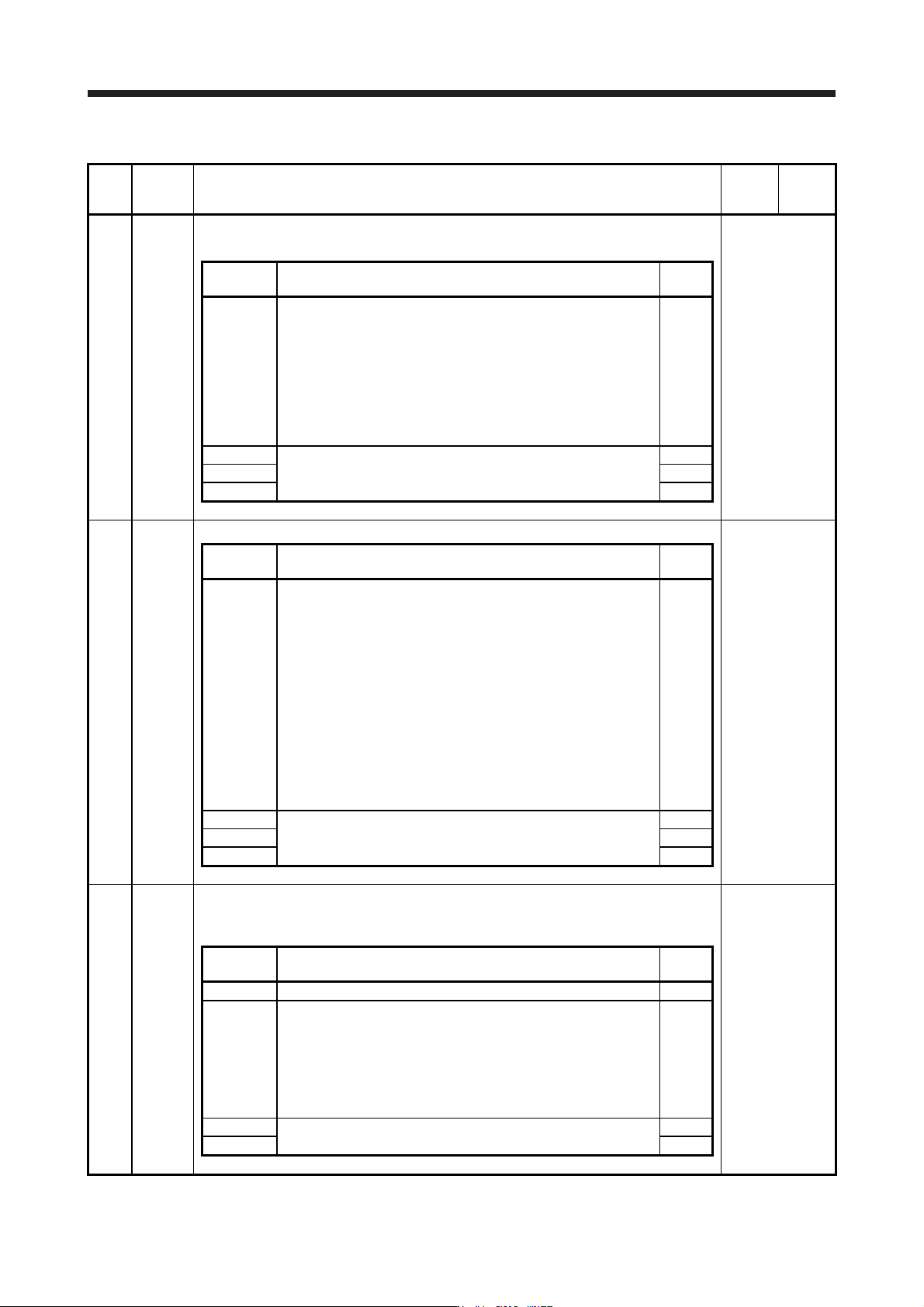
(3) Extension control 2 parameters ([Pr. PX_ _ ]) detailed list
No. Symbol Name and function
Initial
value
[unit]
Setting
range
PX01 **J3EX J3 extension function
Select enabled or disabled of the J3 extension function.
Refer to the
"Name and
function" column.
Setting
digit
Explanation
Initial
value
_ _ _ x J3 extension function selection
0: Disabled
1: Enabled
When you enable the J3 extension function selection, setting of [Pr.
PX01] to [Pr. PX35] will be enabled and you will be able to also use
functions in J4 mode with J3 compatibility mode. Additionally, the
J3 extension function of the amplifier differs from MR-J3-B in
motion.
0h
_ _ x _ For manufacturer setting 0h
_ x _ _ 0h
x _ _ _ 0h
PX02 XOP1 Function selection X-1
Refer to the
"Name and
function" column.
Setting
digit
Explanation
Initial
value
_ _ _ x Vibration suppression mode selection
0: Standard mode
1: 3 inertia mode
2: Low response mode
When two low resonance frequencies are generated, select "3
inertia mode (_ _ _ 1)". When the load to motor inertia ratio
exceeds the recommended load to motor inertia ratio, select "Low
response mode (_ _ _ 2)".
When you select the standard mode or low response mode,
"Vibration suppression control 2" is not available.
When you select the 3 inertia mode, the feed forward gain is not
available.
Before changing the control mode with the controller during the 3
inertia mode or low response mode, stop the motor.
0h
_ _ x _ For manufacturer setting 0h
_ x _ _ 0h
x _ _ _ 0h
PX03 VRFTX Vibration suppression control tuning mode (advanced vibration suppression control II)
This is used to set the vibration suppression control tuning. Refer to (5) (c) in this section for
details.
Refer to the
"Name and
function" column.
Setting
digit
Explanation
Initial
value
_ _ _ x For manufacturer setting 0h
_ _ x _ Vibration suppression control 2 tuning mode selection
Select the tuning mode of the vibration suppression control 2. To
enable the digit, select "3 inertia mode (_ _ _ 1)" of "Vibration
suppression mode selection" in [Pr. PX02 Function selection X-1].
0: Disabled
1: Automatic setting
2: Manual setting
0h
_ x _ _ For manufacturer setting 0h
x _ _ _ 0h