sh030106u.pdf - 第571页
17. APPLICATIO N OF FUNCTIONS 17 - 20 No. Sym bol Name and function Initial value [unit] Setting range PX13 *XOP2 Function selection X-2 Refer to the "Name and function" c olumn. Setting digit Explanation Initi…
17. APPLICATION OF FUNCTIONS
17 - 19
No. Symbol Name and function
Initial
value
[unit]
Setting
range
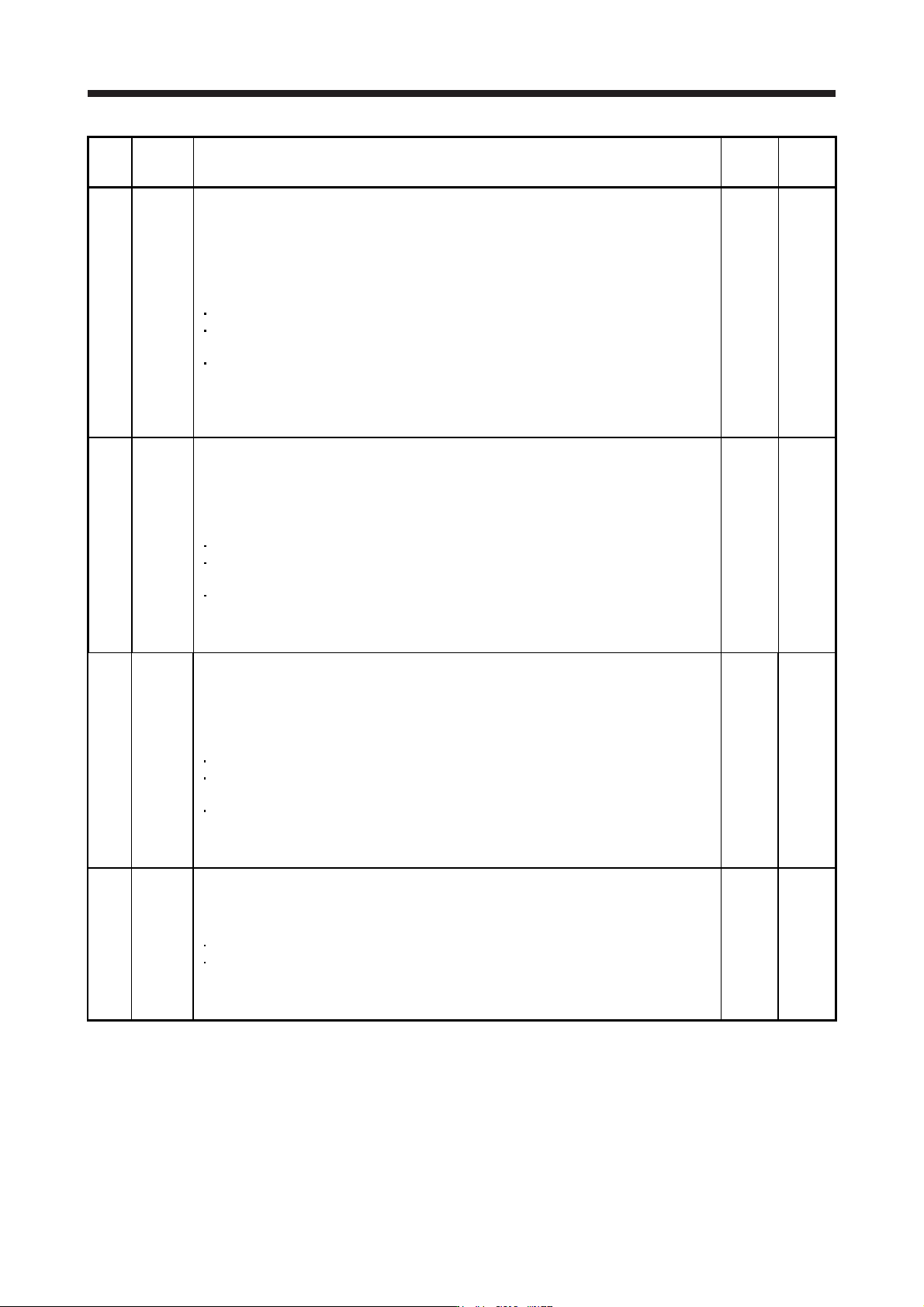
PX09 VRF22B Vibration suppression control 2 - Resonance frequency after gain switching
Set the resonance frequency for vibration suppression control 2 when the gain switching is
enabled.
When you set a value less than 0.1 Hz, the value will be the same as [Pr. PX05].
To enable this, select "3 inertia mode (_ _ _ 1)" of "Vibration suppression mode selection" in
[Pr. PX02].
This parameter will be enabled only when the following conditions are fulfilled.
"Gain adjustment mode selection" in [Pr. PA08] is "Manual mode (_ _ _ 3)".
"Vibration suppression control 2 tuning mode selection" in [Pr. PX03] is "Manual setting (_ _
2 _)".
"Gain switching selection" in [Pr. PB26] is "Control command from controller is enabled (_ _
_ 1)".
When you set "0.0", the value will be the same as [Pr. PX05].
Switching during driving may cause a shock. Be sure to switch them after the servo motor or
linear servo motor stops.
0.0
[Hz]
0.0
to
300.0
PX10 VRF23B Vibration suppression control 2 - Vibration frequency damping after gain switching
Set a damping of the vibration frequency for vibration suppression control 2 when the gain
switching is enabled.
To enable this, select "3 inertia mode (_ _ _ 1)" of "Vibration suppression mode selection" in
[Pr. PX02].
This parameter will be enabled only when the following conditions are fulfilled.
"Gain adjustment mode selection" in [Pr. PA08] is "Manual mode (_ _ _ 3)".
"Vibration suppression control 2 tuning mode selection" in [Pr. PX03] is "Manual setting (_ _
2 _)".
"Gain switching selection" in [Pr. PB26] is "Control command from controller is enabled (_ _
_ 1)".
Switching during driving may cause a shock. Be sure to switch them after the servo motor or
linear servo motor stops.
0.00
0.00
to
0.30
PX11 VRF24B Vibration suppression control 2 - Resonance frequency damping after gain switching
Set a damping of the resonance frequency for vibration suppression control 2 when the gain
switching is enabled.
To enable this, select "3 inertia mode (_ _ _ 1)" of "Vibration suppression mode selection" in
[Pr. PX02].
This parameter will be enabled only when the following conditions are fulfilled.
"Gain adjustment mode selection" in [Pr. PA08] is "Manual mode (_ _ _ 3)".
"Vibration suppression control 2 tuning mode selection" in [Pr. PX03] is "Manual setting (_ _
2 _)".
"Gain switching selection" in [Pr. PB26] is "Control command from controller is enabled (_ _
_ 1)".
Switching during driving may cause a shock. Be sure to switch them after the servo motor or
linear servo motor stops.
0.00
0.00
to
0.30
PX12 PG1B Model loop gain after gain switching
Set the model loop gain when the gain switching is enabled.
When you set a value less than 1.0 rad/s, the value will be the same as [Pr. PB07].
This parameter will be enabled only when the following conditions are fulfilled.
"Gain adjustment mode selection" in [Pr. PA08] is "Manual mode (_ _ _ 3)".
"Gain switching selection" in [Pr. PB26] is "Control command from controller is enabled (_ _
_ 1)".
Switching during driving may cause a shock. Be sure to switch them after the servo motor or
linear servo motor stops.
0.0
[rad/s]
0.0
to
2000.0
17. APPLICATION OF FUNCTIONS
17 - 20
No. Symbol Name and function
Initial
value
[unit]
Setting
range
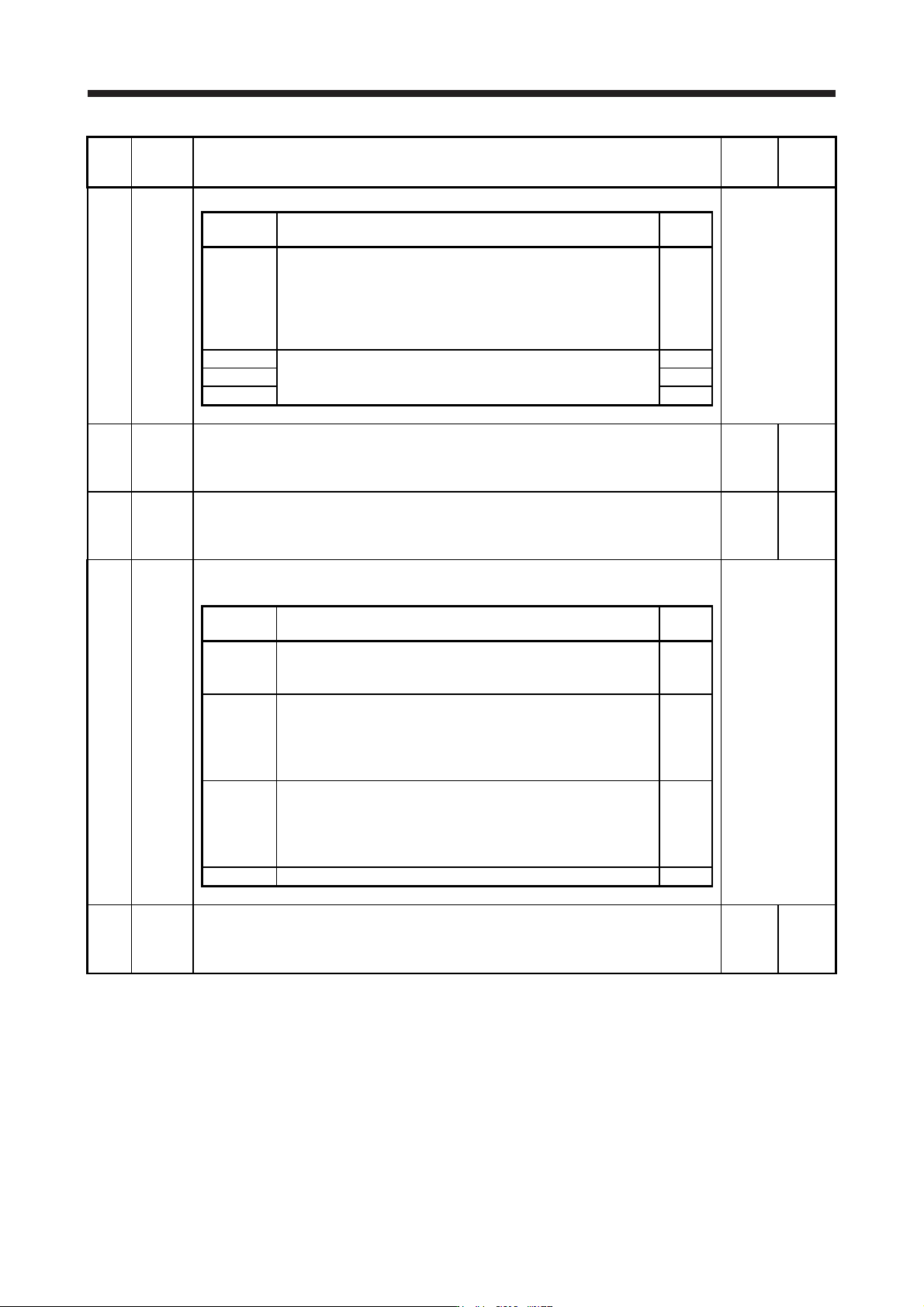
PX13 *XOP2 Function selection X-2
Refer to the
"Name and
function" column.
Setting
digit
Explanation
Initial
value
_ _ _ x One-touch tuning function selection
0: Disabled
1: Enabled
When the digit is "0", the one-touch tuning with MR Configurator2
will be disabled.
1h
_ _ x _ For manufacturer setting 0h
_ x _ _ 0h
x _ _ _ 0h
PX14 OTHOV One-touch tuning - Overshoot permissible level
Set a permissible value of overshoot amount for one-touch tuning as a percentage of the in-
position range.
However, setting "0" will be 50%.
0
[%]
0
to
100
PX17 NH3 Machine resonance suppression filter 3
Set the notch frequency of the machine resonance suppression filter 3.
To enable the setting value, select "Enabled (_ _ _ 1)" of "Machine resonance suppression
filter 3 selection" in [Pr. PX18].
4500
[Hz]
10
to
4500
PX18 NHQ3 Notch shape selection 3
Set the shape of the machine resonance suppression filter 3.
Refer to the
"Name and
function" column.
Setting
digit
Explanation
Initial
value
_ _ _ x Machine resonance suppression filter 3 selection
0: Disabled
1: Enabled
0h
_ _ x _ Notch depth selection
0: -40 dB
1: -14 dB
2: -8 dB
3: -4 dB
0h
_ x _ _ Notch width selection
0: α = 2
1: α = 3
2: α = 4
3: α = 5
0h
x _ _ _ For manufacturer setting 0h
PX19 NH4 Machine resonance suppression filter 4
Set the notch frequency of the machine resonance suppression filter 4.
To enable the setting value, select "Enabled (_ _ _ 1)" of "Machine resonance suppression
filter 4 selection" in [Pr. PX20].
4500
[Hz]
10
to
4500
17. APPLICATION OF FUNCTIONS
17 - 21
No. Symbol Name and function
Initial
value
[unit]
Setting
range
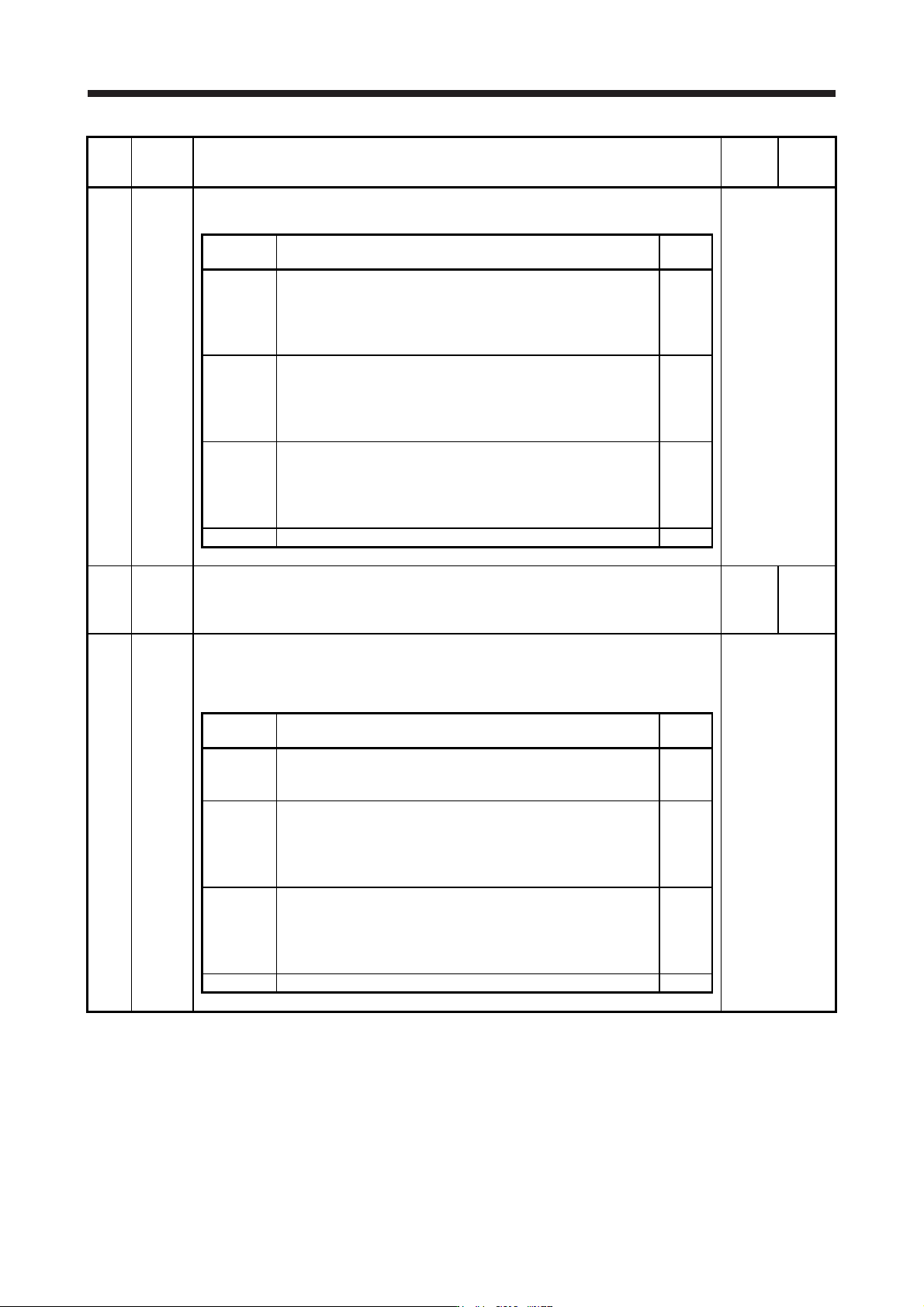
PX20 NHQ4 Notch shape selection 4
Set the shape of the machine resonance suppression filter 4.
Refer to the
"Name and
function" column.
Setting
digit
Explanation
Initial
value
_ _ _ x Machine resonance suppression filter 4 selection
0: Disabled
1: Enabled
When you select "Enabled" of this digit, [Pr. PB17 Shaft resonance
suppression filter] is not available.
0h
_ _ x _ Notch depth selection
0: -40 dB
1: -14 dB
2: -8 dB
3: -4 dB
0h
_ x _ _ Notch width selection
0: α = 2
1: α = 3
2: α = 4
3: α = 5
0h
x _ _ _ For manufacturer setting 0h
PX21 NH5 Machine resonance suppression filter 5
Set the notch frequency of the machine resonance suppression filter 5.
To enable the setting value, select "Enabled (_ _ _ 1)" of "Machine resonance suppression
filter 5 selection" in [Pr. PX22].
4500
[Hz]
10
to
4500
PX22 NHQ5 Notch shape selection 5
Set the shape of the machine resonance suppression filter 5.
When you select "Enabled (_ _ _ 1)" of "Robust filter selection" in [Pr. PX31], the machine
resonance suppression filter 5 is not available.
Refer to the
"Name and
function" column.
Setting
digit
Explanation
Initial
value
_ _ _ x Machine resonance suppression filter 5 selection
0: Disabled
1: Enabled
0h
_ _ x _ Notch depth selection
0: -40 dB
1: -14 dB
2: -8 dB
3: -4 dB
0h
_ x _ _ Notch width selection
0: α = 2
1: α = 3
2: α = 4
3: α = 5
0h
x _ _ _ For manufacturer setting 0h