KY8030 Programmers Manual - 第43页
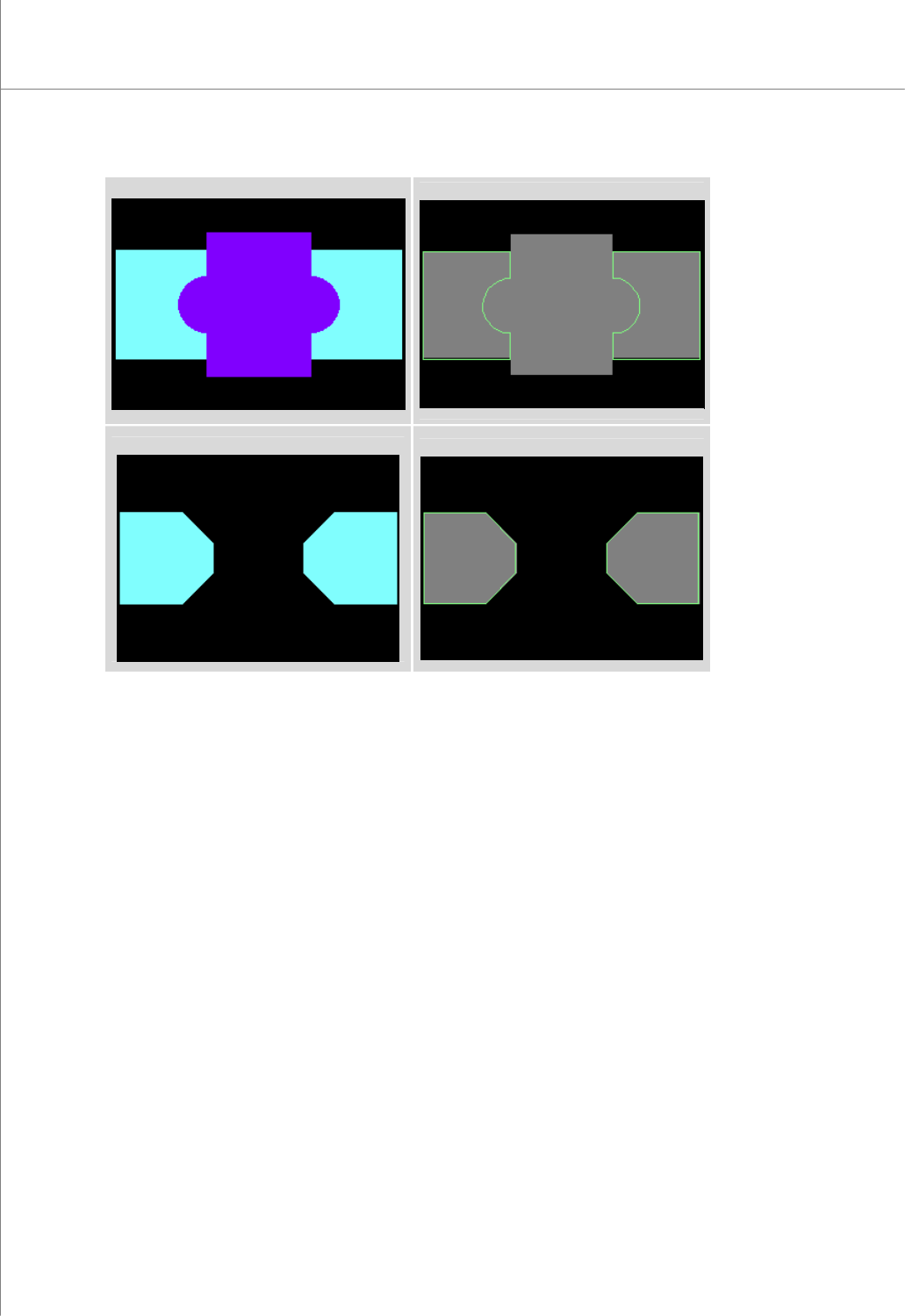
Program mers Manual | 4 1 10) Nonbase All Off Create an edge-trace for all flashes and traces i n a nonbase layer withi n a work area. Ú Caution: Once a change is made to a flash or trace, it cannot be reversed. (Before …
40 | KY-8030 Series(KYOS-2007001_rev0)
3DIn‐lineSolderPasteInspectionSystems
(Before "Nonbase Off")
(After "Nonbase Off")
(Before "Inside Off")
(After "Inside Off")
Programmers Manual
| 41
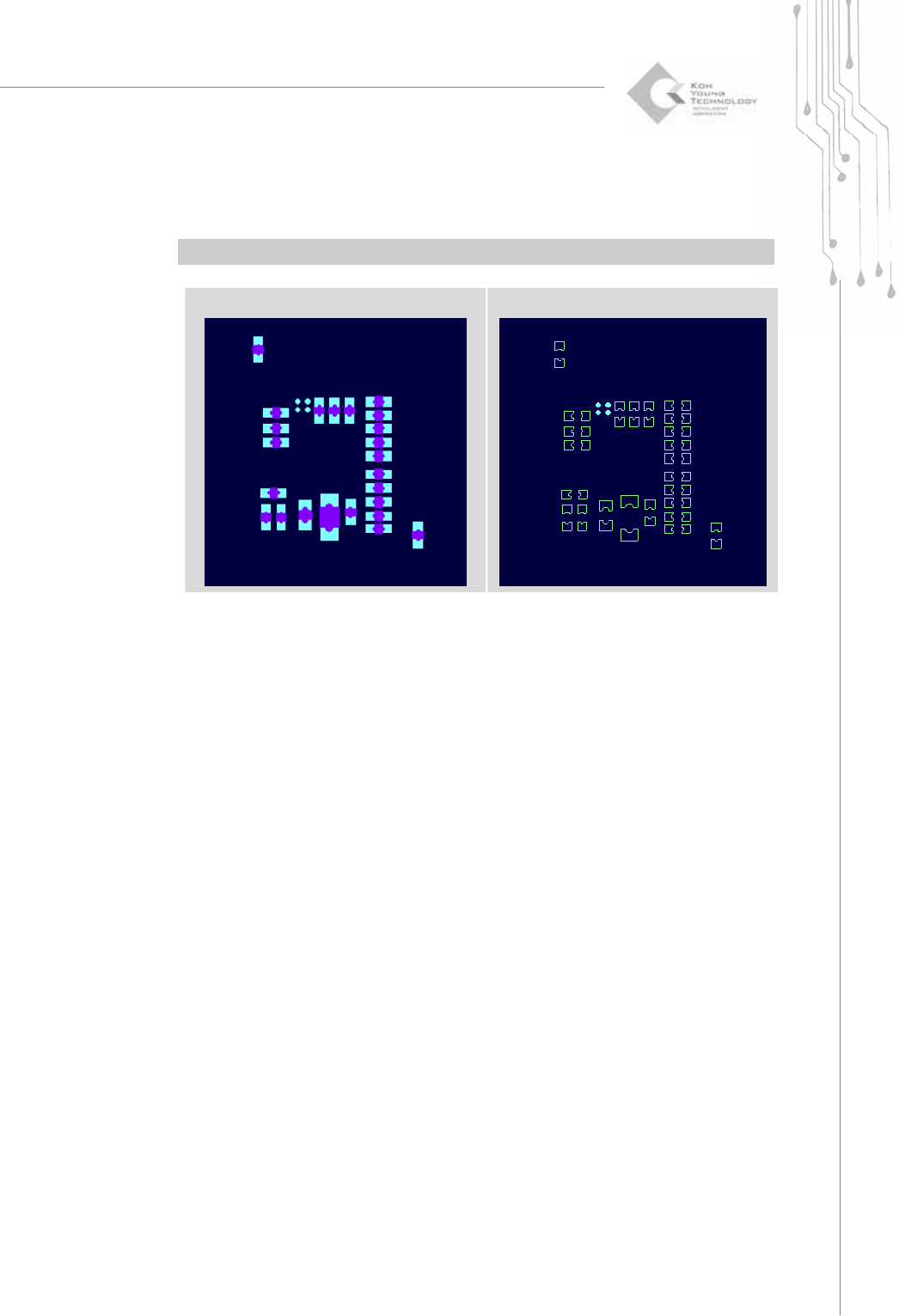
10) Nonbase All Off
Create an edge-trace for all flashes and traces in a nonbase layer within a work
area.
Ú Caution: Once a change is made to a flash or trace, it cannot be reversed.
(Before "Nonbase All Off")
(After "Nonbase All Off")
42 | KY-8030 Series(KYOS-2007001_rev0)
3DIn‐lineSolderPasteInspectionSystems
1.3.4. Setup
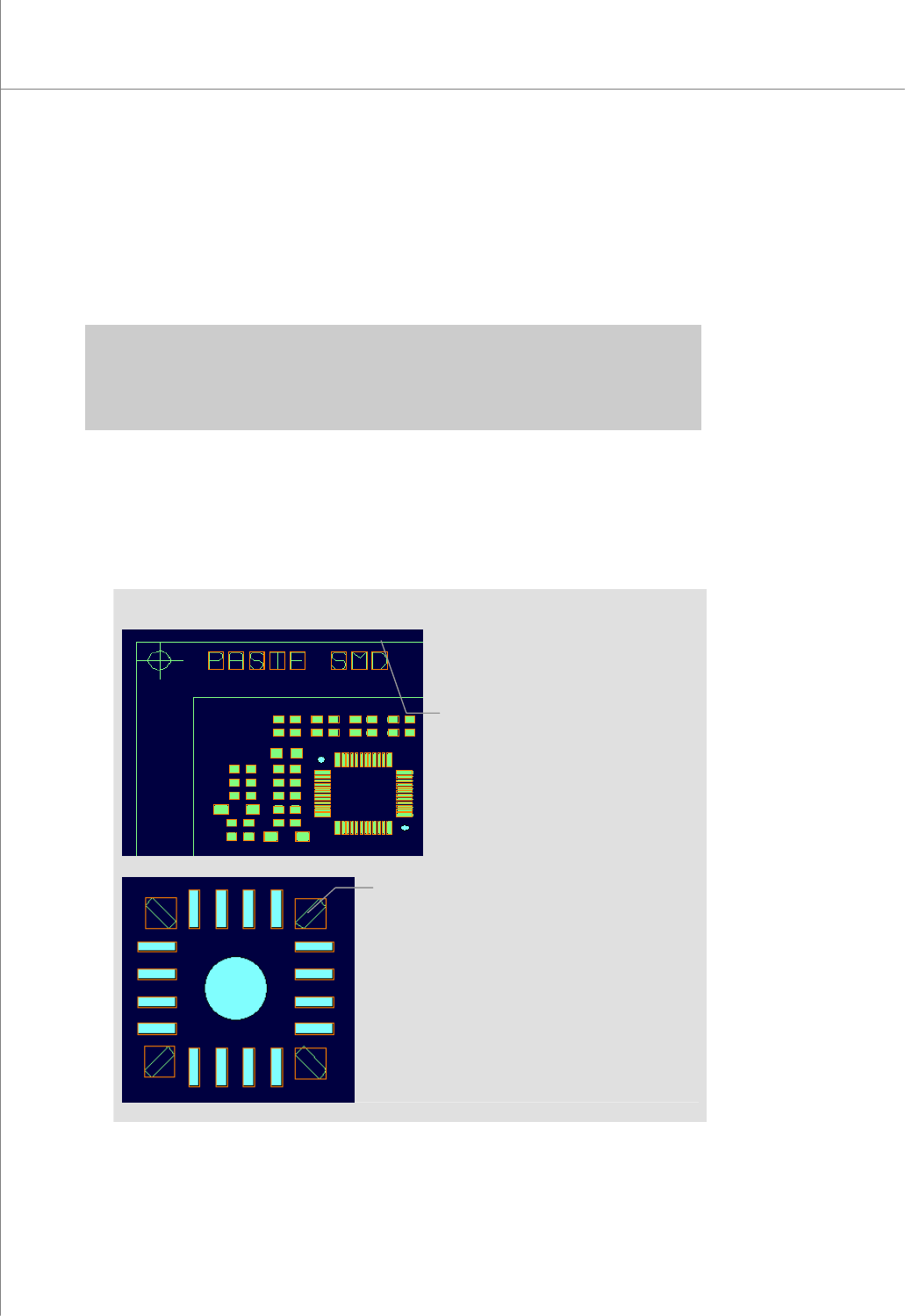
1) Create All Patterns (Ctrl + F1)
Retrieve all flashes and traces within a work area and create patterns and pads
automatically.
※ Caution:
y If you run "Create All Patterns", all the existing pattern and pad data will be lost.
y Specify a work area before performing "Create All Patterns". Otherwise, it may lead to a pattern
omission, pattern data error or unnecessary pattern.
You can perform the following tasks in relation to "Create All Patterns".
(1) Choose "Edit ▶ Add Pattern" in the menu bar.
(2) Choose "Edit ▶ Modify Pattern" in the menu bar.
(3) Choose "Edit ▶ Remove Pattern" in the menu bar.
(Result of the "Create All Patterns" Task)
Choose “Edit ▶ Remove Pattern” in
the menu bar after selecting
unneeded patterns.
If you need to check patterns, choose
“Edit ▶ Modify Pattern” in the menu bar.