KY8030 Programmers Manual - 第76页
74 | KY-8030 Series (KYOS-2007001_rev0) 3D In ‐ line Solder Paste Inspection Systems ⑤ Click the Set Æ button to set all component a ttributes for an array-type PCB to the current values. 2.2. Usage Example (…
Programmers Manual
| 73
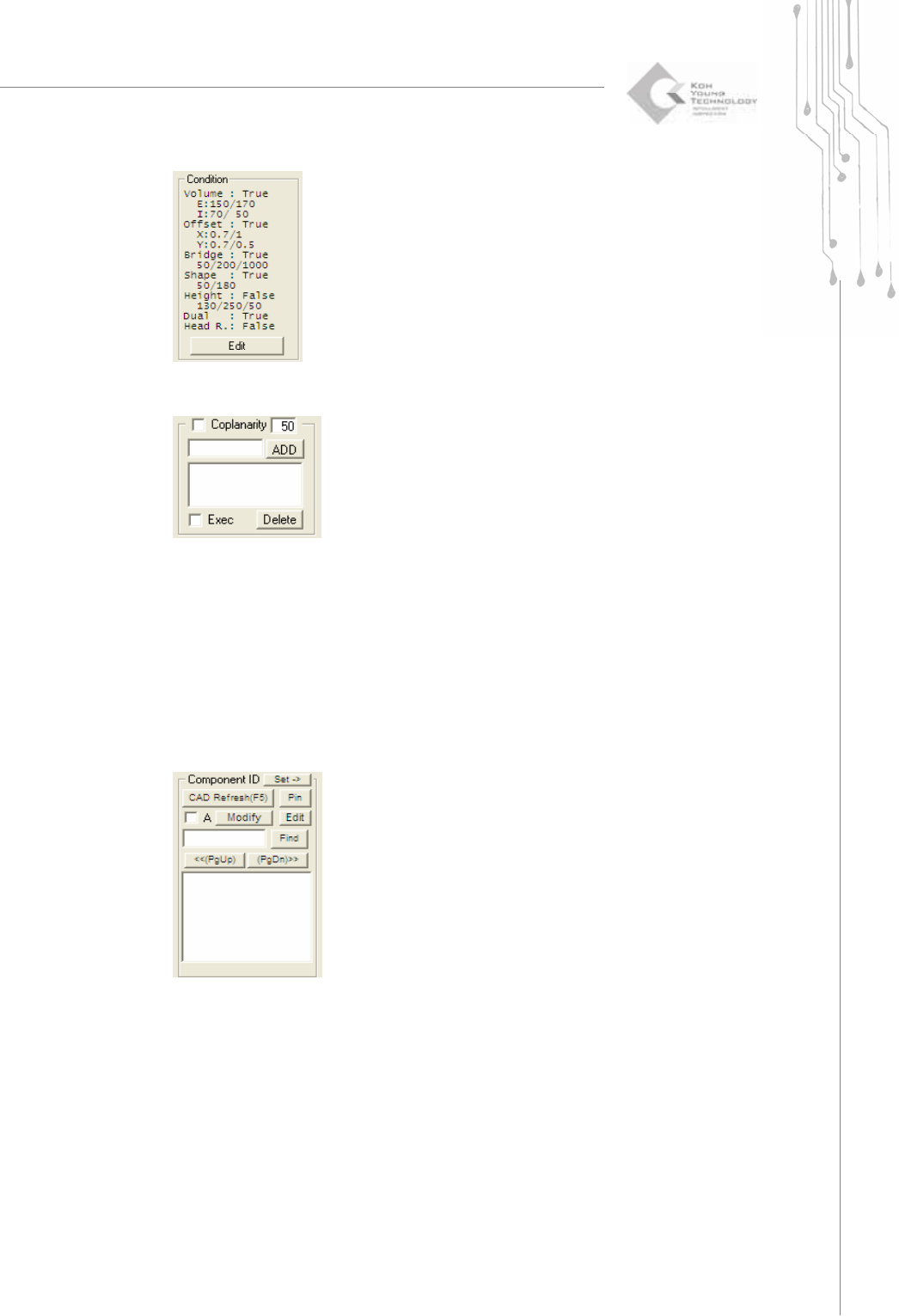
3) Coplanarity
Check uniformity of the pad heights in a component.
① With your mouse, specify the area for which you want to check coplanarity.
② After selecting Coplanarity, enter the upper/lower limits for the difference in heights.
③ Enter a name and click the ADD button. A new item will be registered in the following list
box.
④ Select Exec to perform inspection for the corresponding group.
4) Component ID
Display a component ID.
You can modify/edit/search for a Component ID by clicking the Modify/Edit/Find
button, respectively.
① Click the Pin button to display the pin number for the corresponding component.
② Click the CAD Refresh button to display the Component ID and contour lines.
③ Click the Modify button to move the CAD location of the selected component or to
adjust the order in which pin numbers are assigned.
④ Click the Edit button to change the settings for the library linked with the
corresponding component.
74 | KY-8030 Series(KYOS-2007001_rev0)
3DIn‐lineSolderPasteInspectionSystems
⑤ Click the SetÆbutton to set all component attributes for an array-type PCB to the current values.
2.2. Usage Example (Creating a Job File)
Basic procedure is like followings.
- Load Pad File.
- Input the thickness of the stencil mask.
- Set the Fiducials.
- Set the inspection condition for the pads.
- Import CAD file or Pin CAD file(When available).
- Save Job file. (*.mdb)
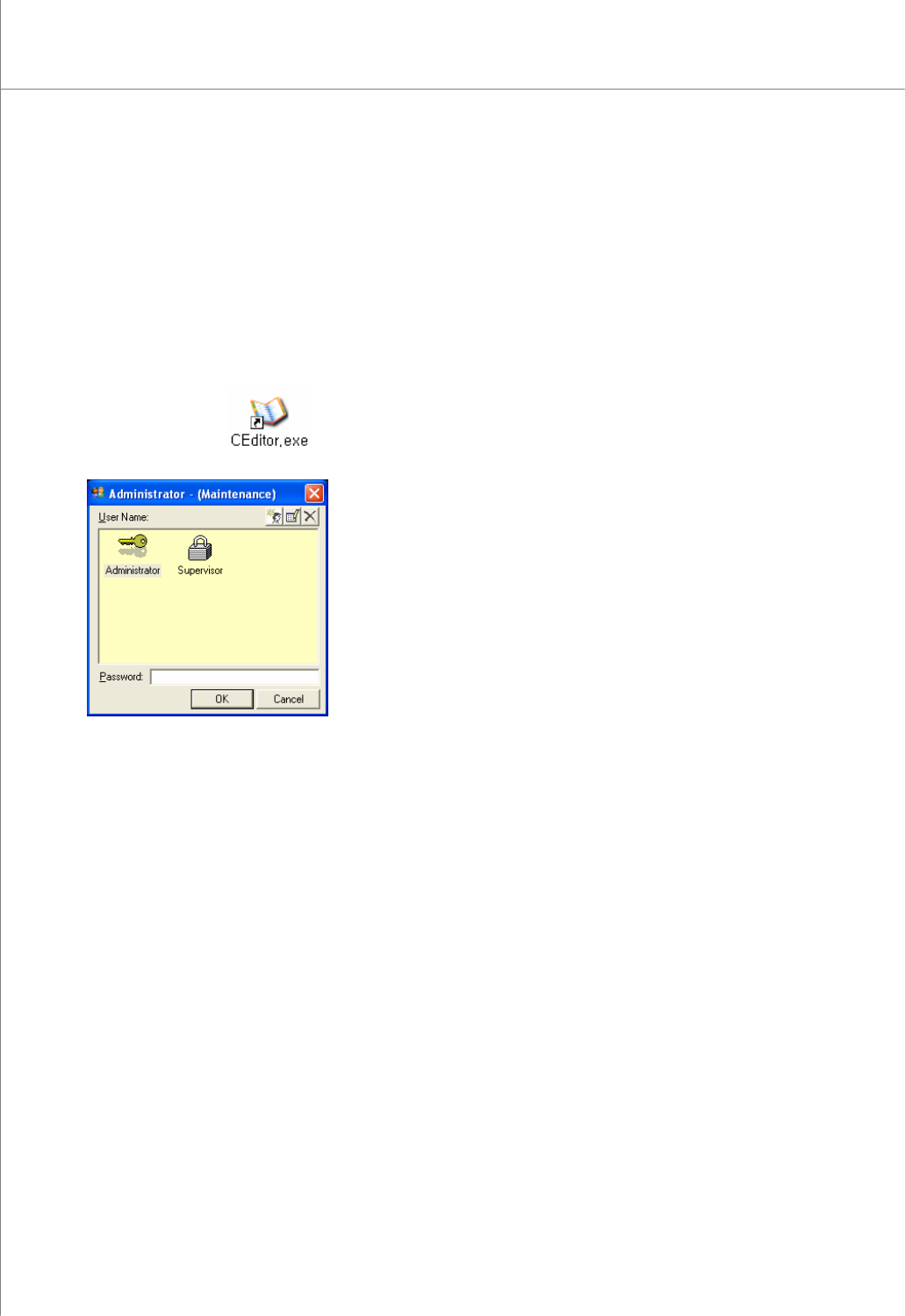
1) Double-click the
icon. A window will appear allowing you to select a
user account.
2) Select the desired user account, enter a password and click the OK button.
The CEditor program will be launched.
3) Click "File ▶ Load Pad file “ in the menu bar. The file selection window will appear.
4) Select a pad file (*.pad) and click the Open button. The selected file will be opened.
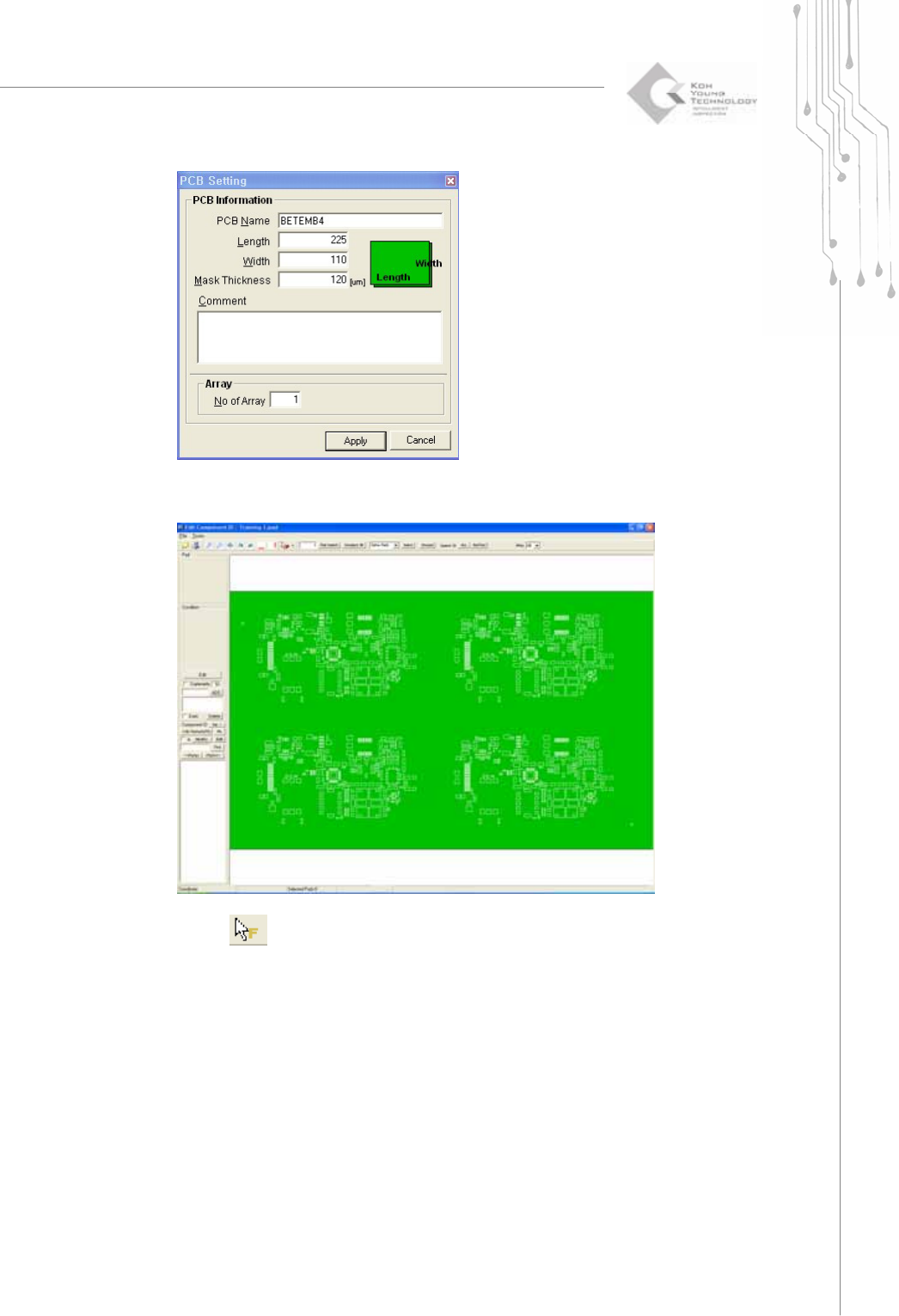
5) The following PCB setting window pops up.
Programmers Manual
| 75
6) Type the proper board size and the thickness of the stencil mask. Click Apply then
the selected file will be opened.
7) Select
in order to set the fiducial.
8) Select pads which you want to set as fiducial. (The color will be changed to the
yellow.)