KY8030 Programmers Manual - 第88页
86 | KY-8030 Series (KYOS-2007001_rev0) 3D In ‐ line Solder Paste Inspection Systems 3) Save Job file Save the job file (*.mdb). A confirmation window appears as follows: The Save Confirmation Window 4) Loa…
Programmers Manual
| 85
2.3. Menu Options
2.3.1. File Menu
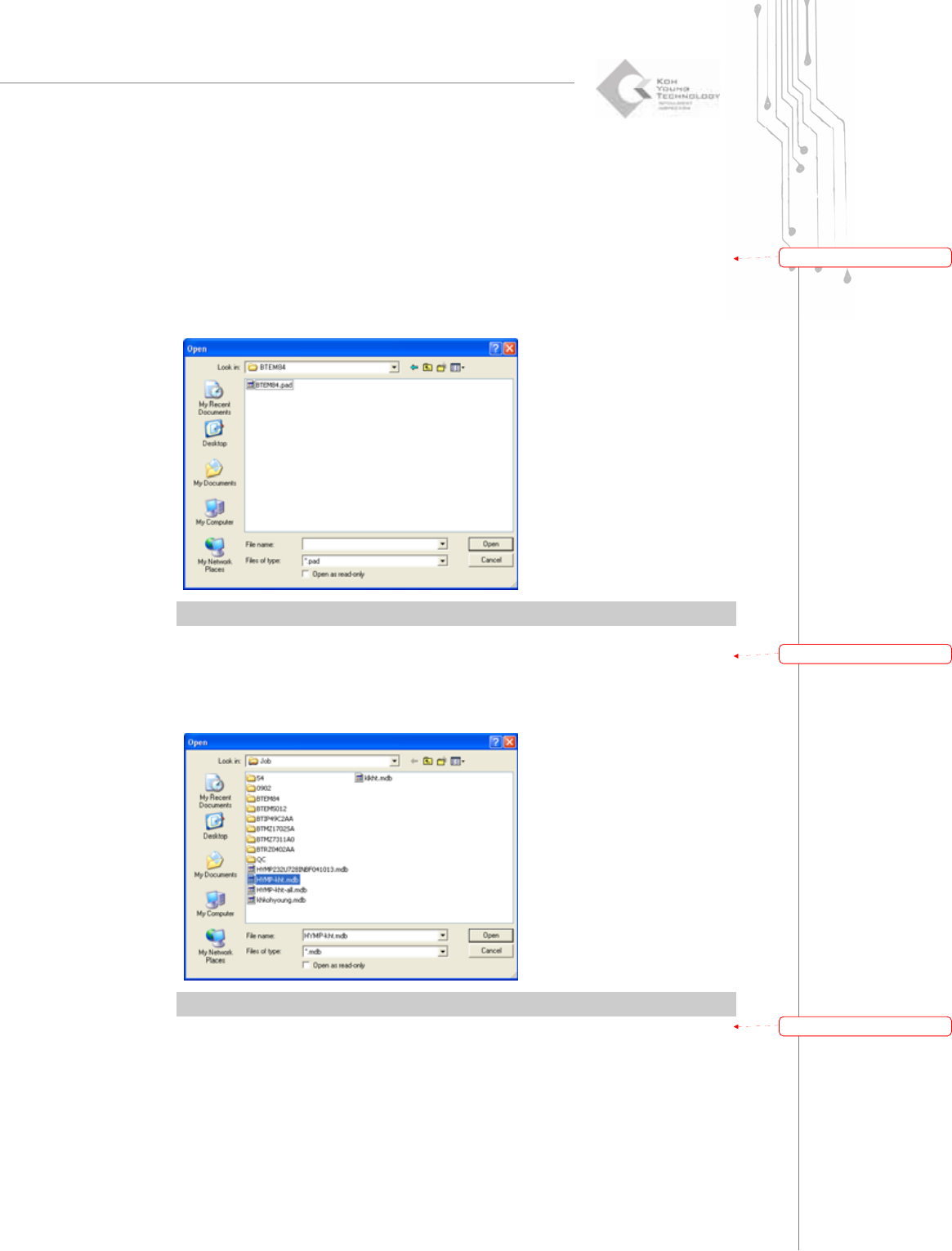
1) Load Pad File
Load a pad file created with the GerbPad program.
The “Load” Dialog Box
※ Note: Only the *.pad file can be loaded.
2) Load Job file
Load a job file (*.mdb).
The “Load” Dialog Box
※ Note: Only *.mdb files can be loaded.
带格式的:
项
目符
号
和
编号
带格式的:
项
目符
号
和
编号
带格式的:
项
目符
号
和
编号
86 | KY-8030 Series(KYOS-2007001_rev0)
3DIn‐lineSolderPasteInspectionSystems
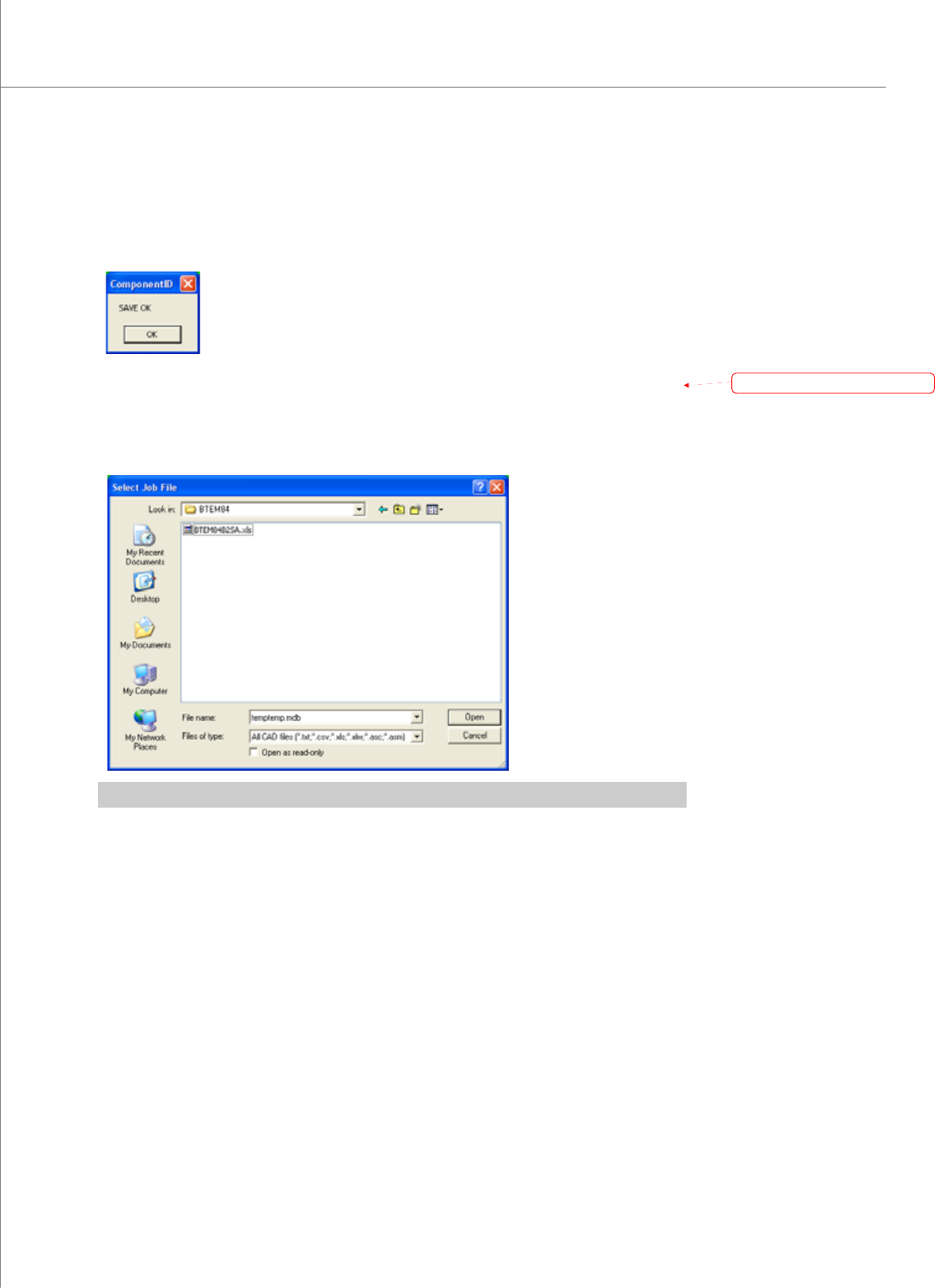
3) Save Job file
Save the job file (*.mdb). A confirmation window appears as follows:
The Save Confirmation Window
4) Load CAD File
Load a CAD file.
The “Select Job File” Dialog Box
※ Note: CAD files such as *.txt, *.csv, *.xls, *.xlw, *.asc or *.asm can be loaded.
带格式的:
项
目符
号
和
编号
Programmers Manual
| 87
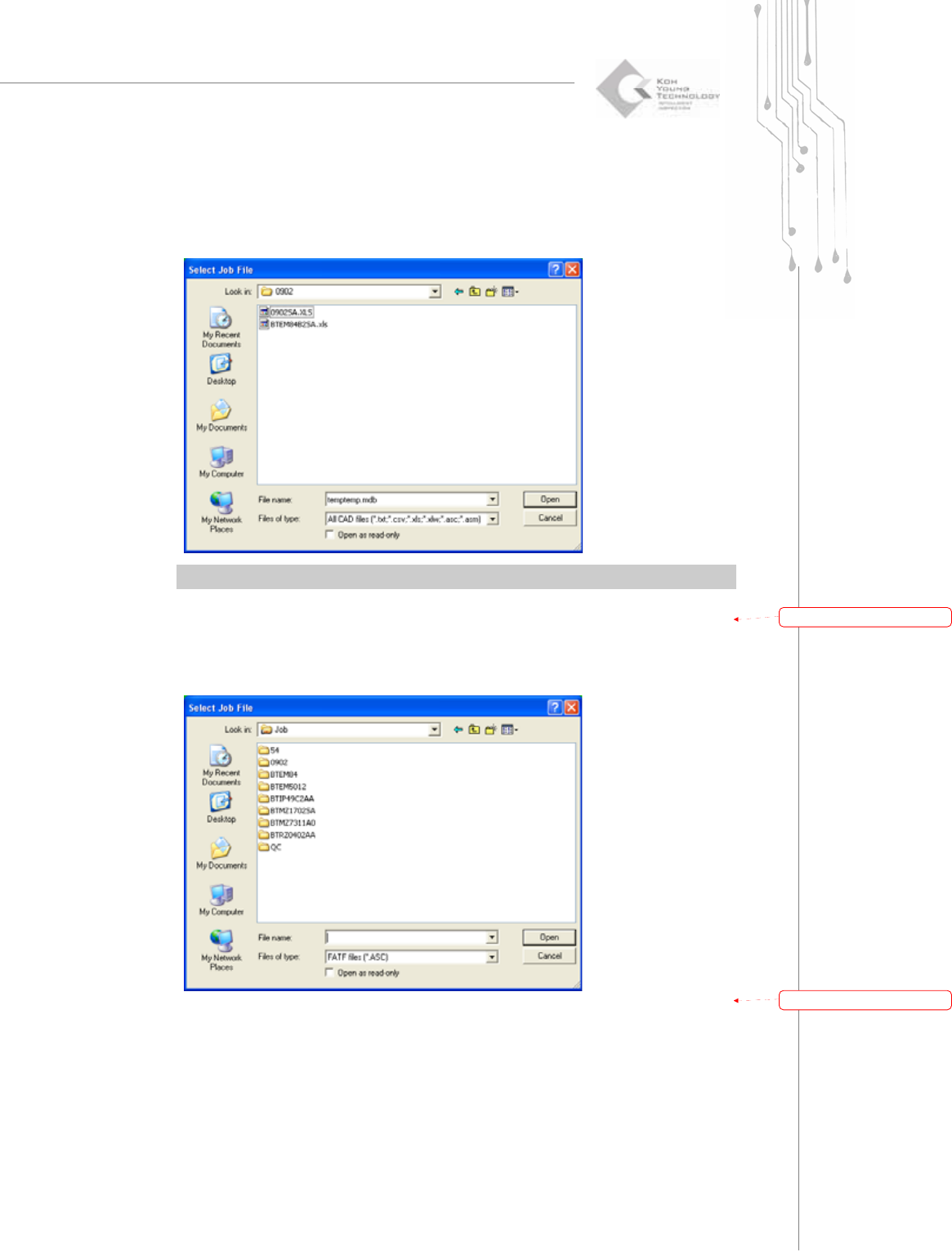
5) Load Pin CAD File
Load a Pin CAD file.
The “Select Job File” Dialog Box
※ Note: CAD files such as *.txt, *.csv, *.xls, *.xlw or *.asc can be loaded.
6) Import CAD File
Convert and import various CAD file formats (e.g. FATF).
The “Select Job File” Dialog Box
带格式的:
项
目符
号
和
编号
带格式的:
项
目符
号
和
编号