EUKYX-199-4110_G5S2_Instruction_Vol4_E.pdf - 第129页
199-4100 Chapt er 2 T roubleshooting In this chapter , the outlines for each trouble shooting are described. 1. Descriptions for T roubleshooting 2. Management Information 3. Machine Information 4. “Error“ Window EUKYX
EUKYX
1-79199-4100
7.2 List of Servicing Parts
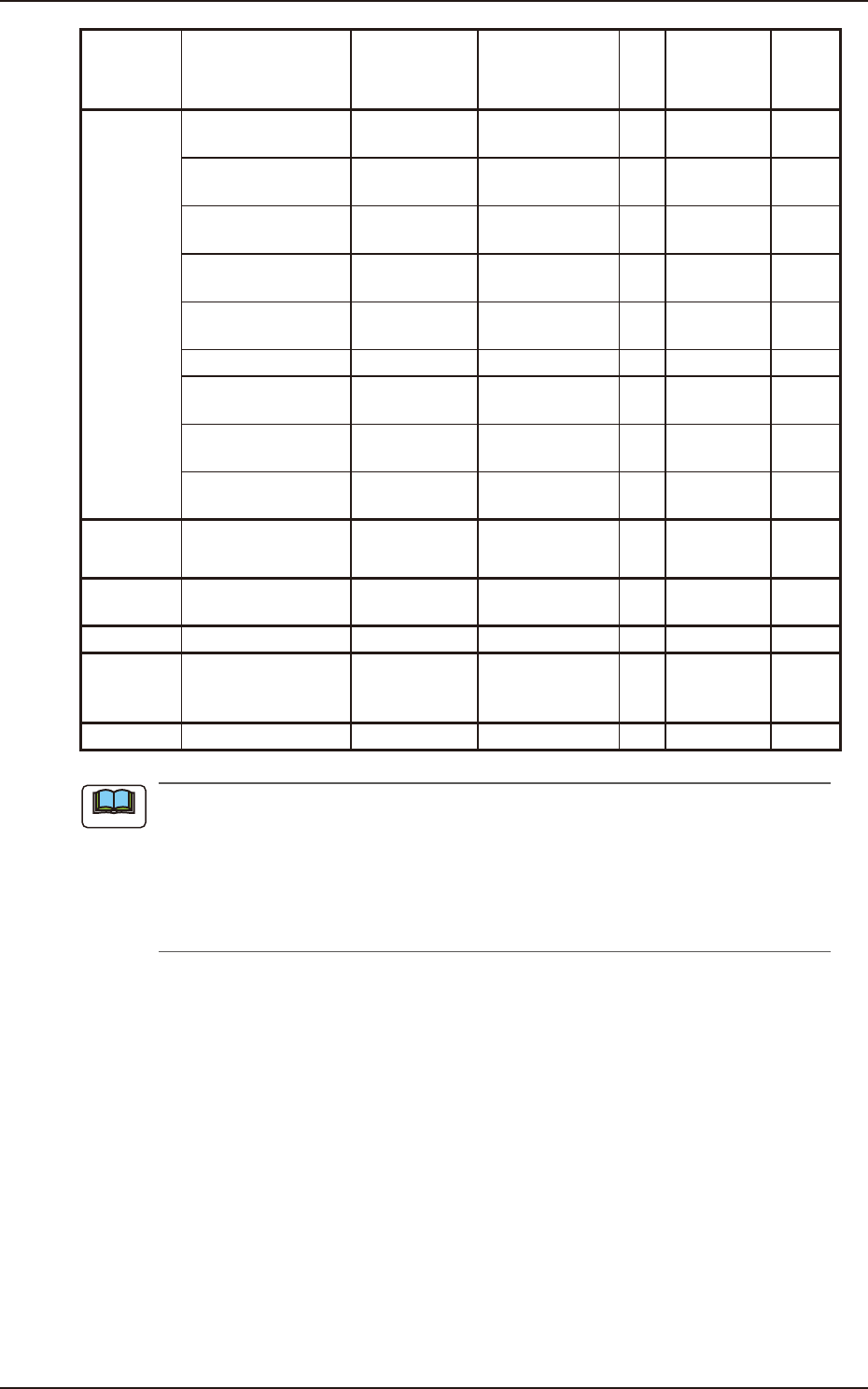
Block Name Product Name Part No. Part Name Q'ty
Recommended
# of years
Note(a)
Remarks
Transfer
Section
Positioning Unit Transfer
Pulley
KYB-M91CV-00 PULLEY_TIMING 4 5
Positioning Unit Transfer
Flat Pulley
KYB-M91B8-00 PULLEY FLAT 2 5
Positioning Unit Transfer
Belt
KYB-M919E-00 BELT_TIMING 2 3
Input Machine Transfer
Belt
KYB-M91B0-00 BELT_TIMING 2 3
Output Machine Transfer
Belt
KYB-M91B6-00 BELT_TIMING 2 3
Stopper Cylinder Assembly KYB-M916H-00 ASSY-STOPPER-L 2 4
Input/Output Machine Flat
Pulley
KYY-M914U-A0 PUULEY_FLAT 8 5
Input/Output Machine
Pulley
KYB-M91AL-00 PULLEY_TIMING 8 5
UB95 High-Speed I/O
Board
KYB-M91AK-00 PCB-MOUNT 1 6
Cutter Section Cutter Block ASSY KYB-M3T04-00
ASSY_CUTTER_
BLOCK
2 2 Note (d)
Cart
UC26_Feeder Cart
IO Board
KYB-M371H-00 PCB-MOUNT 2 6
Under the Table UC18_Intensive Board KYA-M8601-00 PCB_MOUNT 2 6
Multi-
Functional
Head
VALVE KYB-M711C-00 VALVE 2 5
Cover Protective Tape KYB-M8607-00 ULTR A _TAPE 1 -
(a) The recommended year of pieces is the value for reference only.
(b) Do not reuse any bolt removed during maintenance.
(c) The vacuum pump is heavy (approx. 22 kg). Pay special attention when attaching/
detaching it.
(d) The cutter block assembly is heavy (approx. 20 kg). Pay special attention when
attaching/detaching it.
Note

199-4100
Chapter 2
Troubleshooting
In this chapter, the outlines for each trouble shooting are
described.
1. Descriptions for Troubleshooting
2. Management Information
3. Machine Information
4. “Error“ Window
EUKYX
EUKYX
2-1199-4100
1. Descriptions for Troubleshooting
1. Descriptions for Troubleshooting
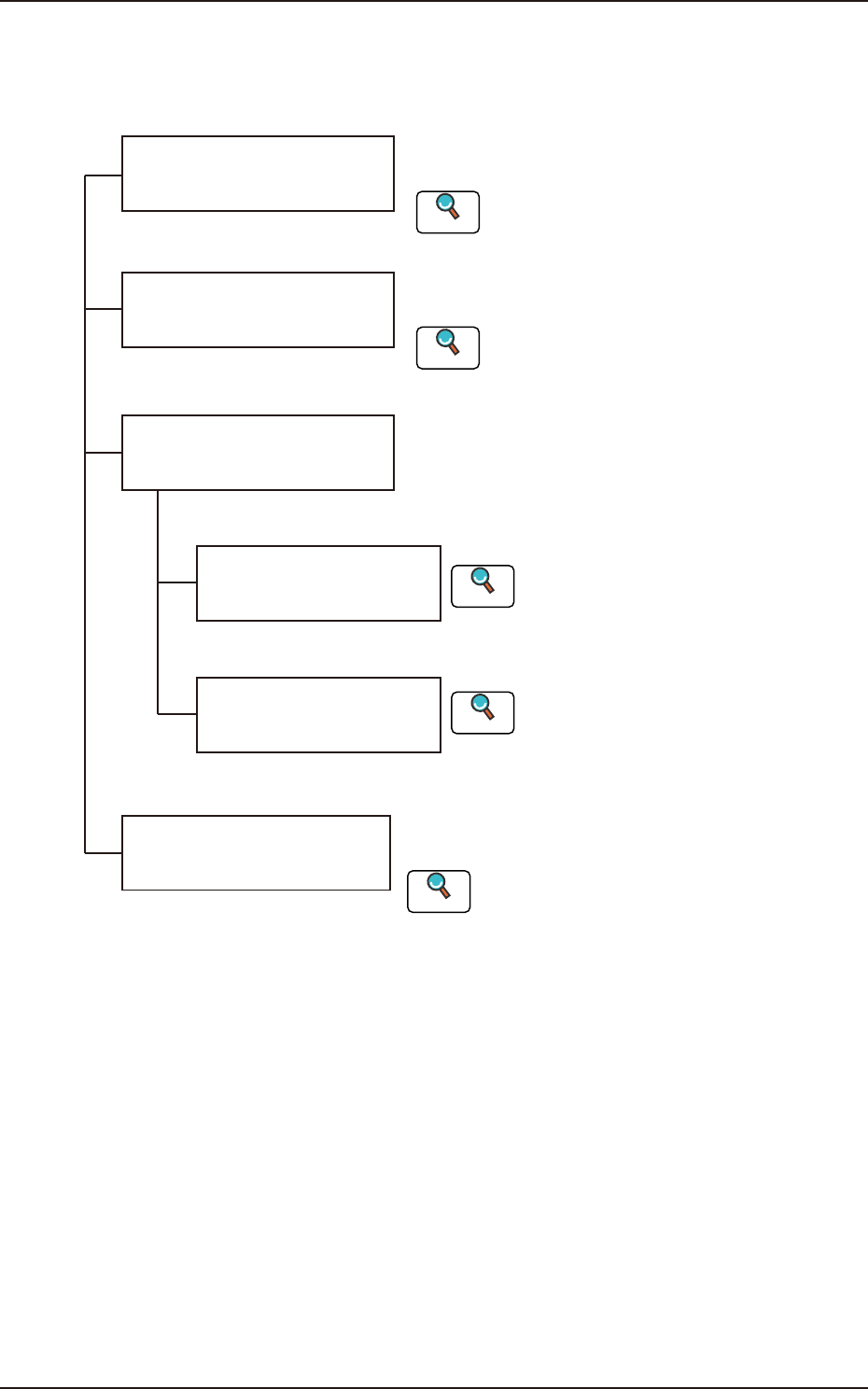
The troubleshooting windows are composed as follows.
This section describes the remedial procedure from
the window indicating "Machine Information".
Troubleshooting from
"Management Information"
Window
Troubleshooting from
"Machine Information" Window
Troubleshooting from
"Error" Window
Troubleshooting based on
"Recognition Error ID"
(8 digits)
Troubleshooting based on
"Error ID"
The troubleshooting operation varies depending on
the difference in Error ID or Recognition Error ID.
Troubleshooting on
Component Pick-up and
Placement
The causes of "General pick-up error and placement
error" and remedial procedures are described.
This section describes the remedial procedure from
the window indicating "Management Information".
Refer to "2. Management Information"
in this chapter for details.
Reference
Refer to "3. Machine Information"
in this chapter for details.
Reference
Refer to “Chapter 3 Troubleshooting based
Error ID" for details.
Reference
Refer to “Chapter 4 Troubleshooting from
Recognition Error IDs" for details.
Reference
Refer to “Chapter 5 Troubleshooting on
Component Picks and Placement.
Reference
F4B1