EUKYX-199-4110_G5S2_Instruction_Vol4_E.pdf - 第49页
199-4100 Chapt er 1 Maintenance In this chapter , all about maintenance are described. 1. Outline of Maintenance 2. Maintenance Check List 3. Maintenance Spots 4. Inspection, Cleaning, and Lubrication Spots 5. Cleaning o…

EUKYX
Cont-4
Contents
Page
199-4110
Chapter 5 Troubleshooting on Component Picks and Placement
1. Classification of Failure and the Countermeasures .................... 5-1
1.1 Classification of Failure ............................................................... 5-1
1.2 Countermeasures against Failure ................................................5-2
2. Troubleshooting on Pickup Errors ............................................. 5-3
2.1 Cause and Remedy of Pickup Errors ...........................................5-3
2.2 Symptom-Based Troubleshooting ................................................5-5
3. Troubleshooting on Placement Errors ........................................ 5-8
3.1 Cause and Remedy of Placement Errors ...................................... 5-8
3.2 Symptom-Based Troubleshooting .............................................. 5-12

199-4100
Chapter 1
Maintenance
In this chapter, all about maintenance are described.
1. Outline of Maintenance
2. Maintenance Check List
3. Maintenance Spots
4. Inspection, Cleaning, and Lubrication Spots
5. Cleaning of vacuum nozzles
6. Using Procedure of Diffusion Plate Setup Jig
7. Consumables and Servicing Parts
EUKYX
EUKYX
1-1199-4100
1. Outline of Maintenance
1. Outline of Maintenance
This section describes how to perform inspections, cleaning, lubrication, and adjustment to keep
the machine in good shape. Be sure to periodically perform the maintenance tasks.
1.1 Notes on Maintenance
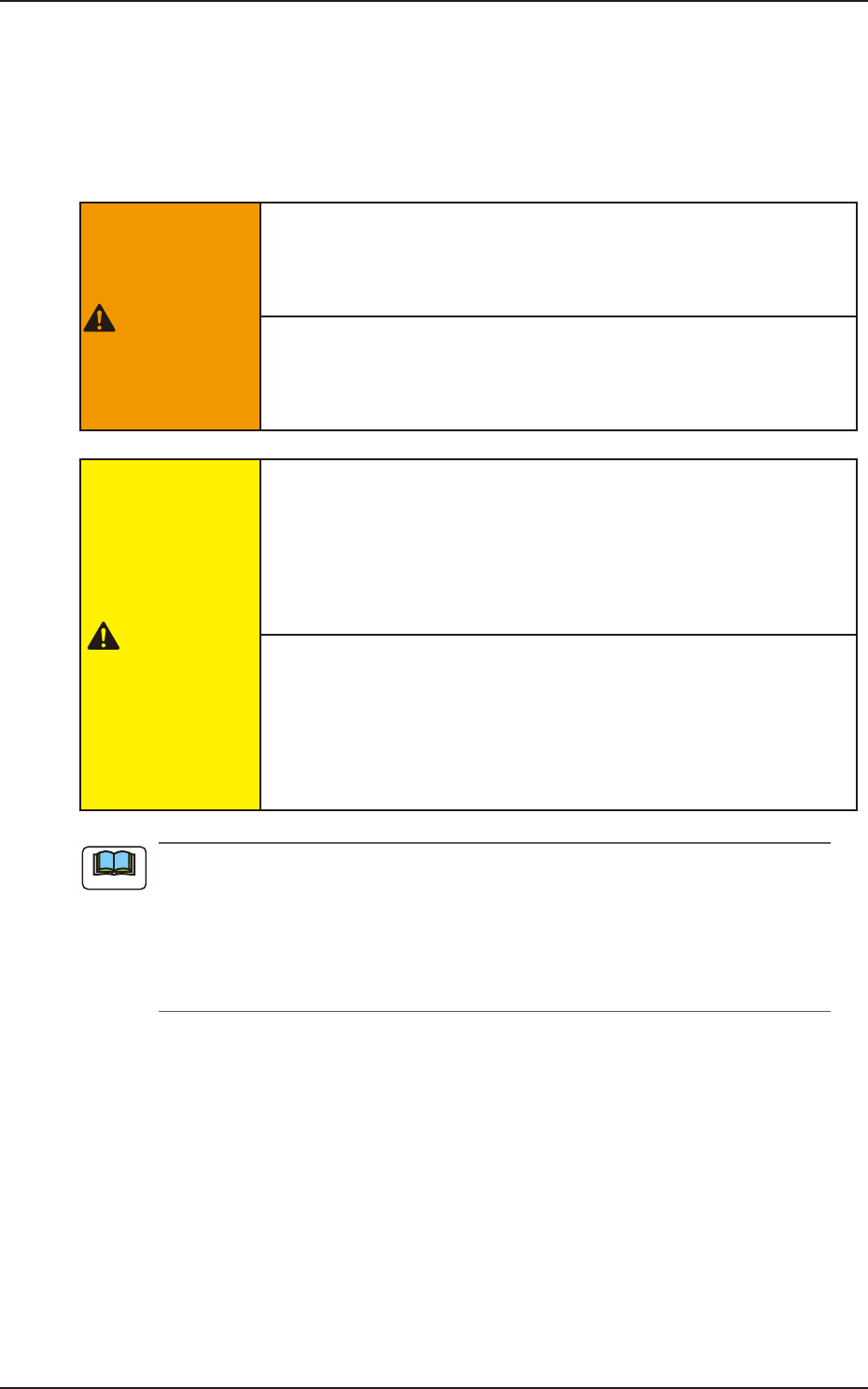
WARNING
Only a well-trained service person should perform
maintenance tasks carefully through the specied
procedures.
Before maintenance work, shut off the power breaker and
lock the power breaker with the padlock.
Designate a person who can have charge of the padlock key.
CAUTION
Even when the power breaker is set to "OFF", the primary
line is powered, making it possible to cause an electric
shock.
Be sure to completely stop the power supply to the machine
before maintenance work.
Residual voltages may remain behind for a few minutes in
the internal devices of the machine after power interception.
Before performing maintenance work, wait until the charge
lamps of the DC power supply and the servo amplier go "OFF"
in 10 minutes or more after the power breaker is set to "OFF".
(a) Preliminary preparation is required for some maintenance tasks with the power being
supplied.
(b) Note that the side view camera must be cleaned with the power being supplied.
Although the load power to the motors, etc., is turned OFF when the transparent cover is
opened, the maintenance must be performed carefully because you have to put your
hand(s) inside the machine.
Note