Spec of AX-3 AX-5 June 2005 LR - 第27页
Example of the performance analysis solution The pick and place machine creates, while running, performance data. To under- stand how the machine is running performance data is exported in an orderly standardized method.…
Board traceability delivers a dataset per board. That means that whenever a
board leaves the machine the data interface will deliver a dataset containing all
traceability data for that one board. The dataset contains:
The production date and time
The machine type and machine name that produced the board
The board ID and production status of the board
The placement program used to build the board
For each used tape:
a. Partnumber, package-type and reference designators that must be
placed from that feeder-position according to the placement program
b. Partnumber, vendor- and lot-identifier, set-up date and time, and
operator according to SVS-Pro
The data is collected and stored in a database at the front-end. Customers
consult the database via reports. Two typically queries are:
Given a board ID print all the used part ID's
Given a part ID print all related board ID's
On an AX a batch start is initiated by starting a placement program. As soon as
the operator presses the 'Run'-button, the batch is started. The batch is stopped
when the last board of the running placement program leaves the machine.
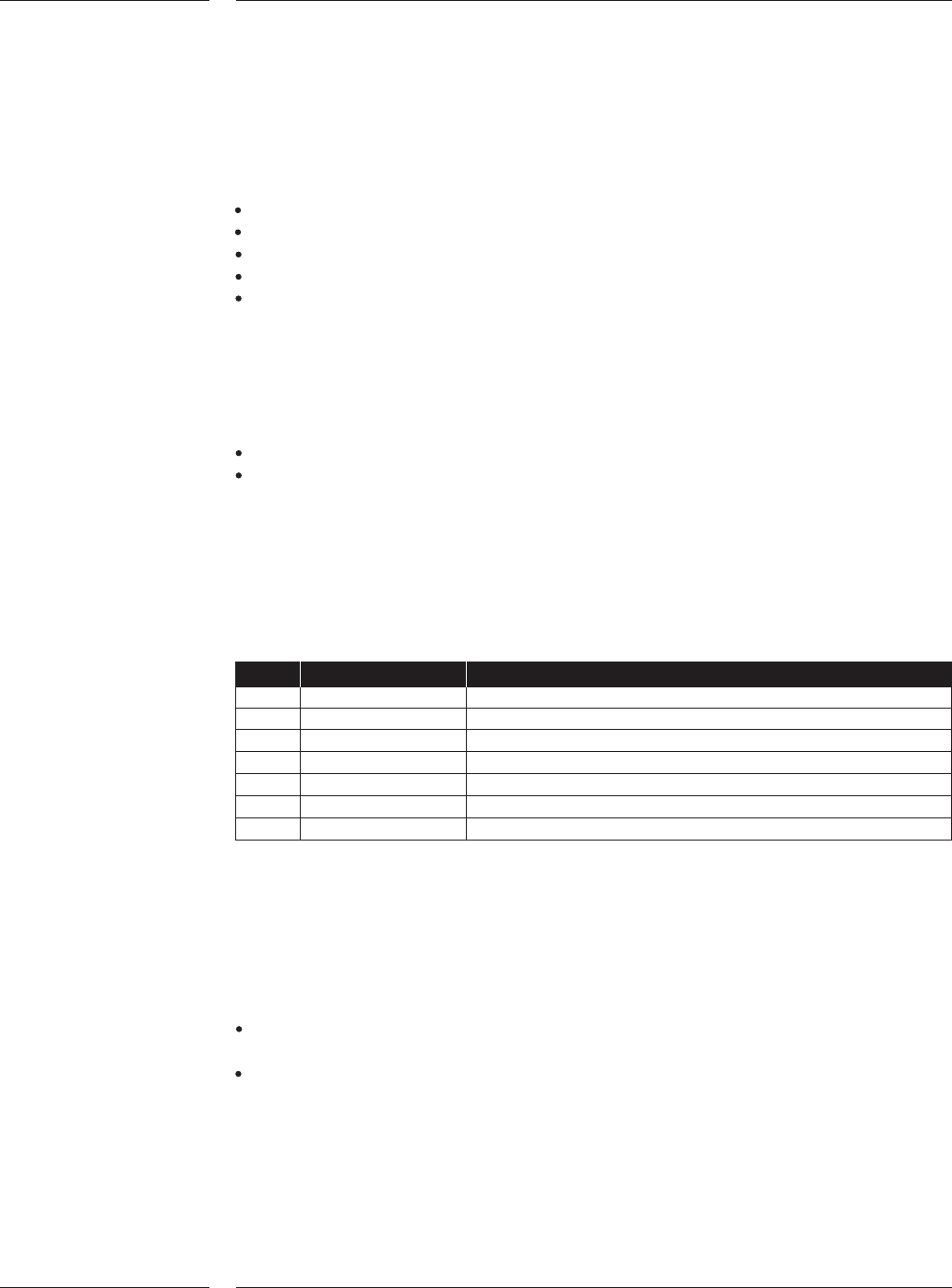
Additionally a batch report is created every hour, on the hour. An example
scenario could look like this:
Time Event Data
8:35 Start of job 1 --
9:00 -- report for 8:35-9:00
10:00 -- report for 9:00 - 10:00
10:28 End of job 1 report for 10:00 - 10:28 (end of job 1)
10:32 Start of job 2 --
11:00 -- report for 10:32 - 11:00
Etc… -- --
The contents of a batch-report contain:
1. The batch production data and time
2. The machine type and machine name that produced the board
3. The board ID and production status of all boards in the batch
4. The placement program used to build the batch
Furthermore the traceability data contains, for each used tape:
Partnumber, package-type and reference designators that must be placed
from that feeder-position according to the placement program
Partnumber, vendor- and lot-identifier, set-up date and time, and operator
according to SVS-Pro
3.4.1 Board
traceability
3.4.2 Batch
traceability
Technical specifications
24 of 34
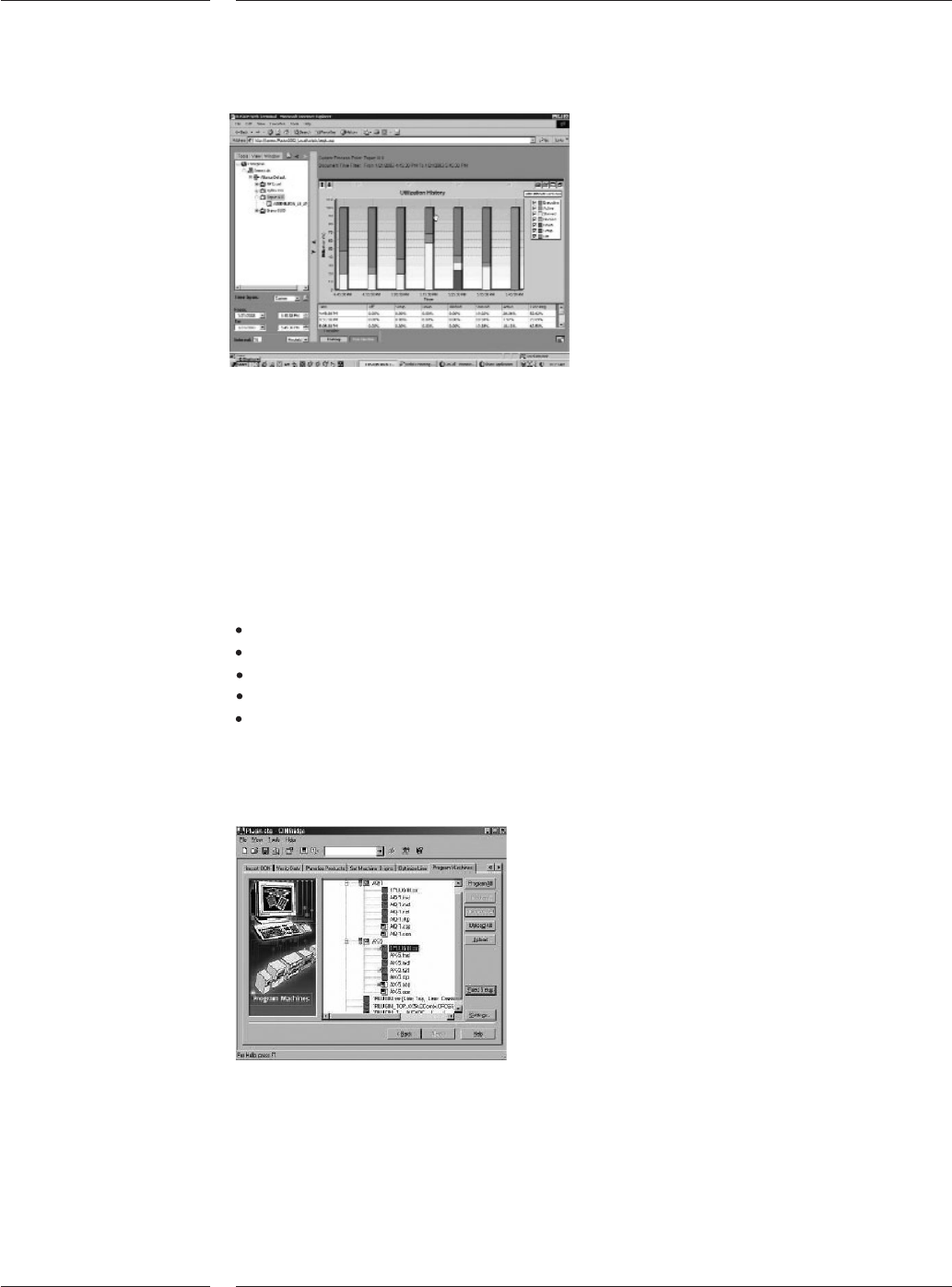
Example of the performance analysis solution
The pick and place machine creates, while running, performance data. To under-
stand how the machine is running performance data is exported in an orderly
standardized method. The data is exported in real time so as events occur on the
machine they are exported. This makes it possible to create an application to
monitor the machine performance on remote locations. The product is supported
by an extensive description of the data and the connection method. The product
also includes some sample programs that describe how to connect to the
machine performance data.
The performance data contains:
machine status
board-count
component consumption
PPM-levels
error-events
To get support from (remote) specialists a connection can be built via broadband
internet connection. The connection enables to operate all functions remotely, to
up- and download files and log information to and from the AX.
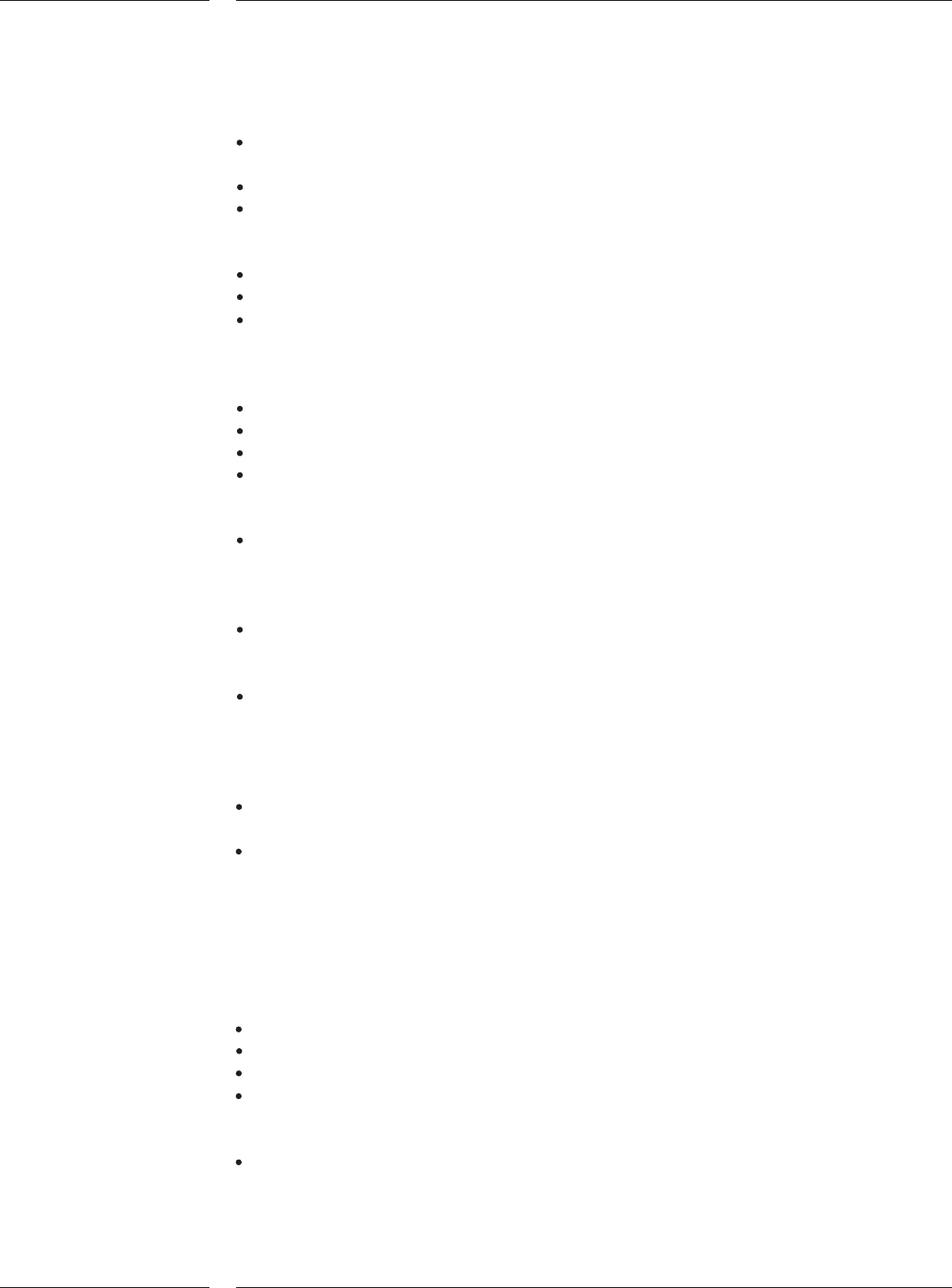
PPS-Pro Graphical User Interface
CAD Conversion and machine program creation are two of the most important
steps to bring a new product into production. Maximized output combined with
maximum flexibility doing it the first time right is what counts. Assembleon offers
two different NPI products: PPS-Pro and eM-Assembly Expert. Both packages gen-
erate optimized placement programs for any configuration. They accept CAD and
BOM files and rapidly translate them into fully verified, machine ready programs.
3.5 AX Data
interface
Figure 16
3.6 Remote
diagnostics
3.7 CAD
Conversion
/ Machine
Program
Creation
(PPS-Pro)
Figure 17
Contents
25 of 34
Features of PPS-Pro
Generation and optimization of placement programs for any configuration of AX
and AQ-2
Fully integrated line balancer
Support of most formats, build either in column and text converters or by
optional dedicated CAD converters. PPS-Pro accepts FTIP, GenCAD, column
oriented files and optional 3D CAD formats (Mentor, PCAD etc.)
Supports the import of BOM files
Provide accurate production times (within 5% of reality)
Includes complete component database, supporting most used packages
including definition for nozzles, feeders, vision files and other machine specific
data (Tested and verified by Assembléon) as well as pre-configured Assembléon
machines for a fast start
Supports family optimization
Generation of set-up reports and other operator instructions
Optional support for 3rd party machines
A powerful Graphical User Interface (GUI) visualizes each process step of the
production preparation. Providing help to detect missing information before
information is brought to the placement systems
Full graphical edition of board data which allows the user to enter missing
product data and manufacturing related features such as fiducials, board and
panel outlines, image offsets and mechanical parts. Support for multiple level
badmarks and circuit arrangements
Ability to manage the factory configuration management using the familiar
Explorer view to manage factory, machines, line configurations and tooling
inventory
Can be used to calculate "what-if" analysis with user configured line models.
Export to SVS-Pro provides offline feeder set-up ready for the next production
batch
Besides the features above, eM-Assembly Expert offers some more:
Iterative line balancer for fully automatic balancing by repetively
considering cycle time
Network or PC-locked licensing mechanism
PPS-Pro System requirements
The PPS-Pro software is NOT delivered with a computer. Assembléon advises the
following configuration:
Hardware
Minimum Pentium IV or better, > 2.4 GHz
512 Mb internal memory, 3.5" disk + CD-ROM drive
Free hard disk space 1Gb
Monitor and video card that support at least 800x600x256
Software
Windows XP
Features
26 of 34