MR8740T_user_manual_eng_20191016H.pdf - 第184页
179 10 Click [Date and time] , and then set the clock. Refer to “2.7 Setting the Clock” in Quick Start Manual. 11 Change the display languages. (1) Click [La ngua ge: Englis h] . The setting dialog box appears. (2) Click…
178
4
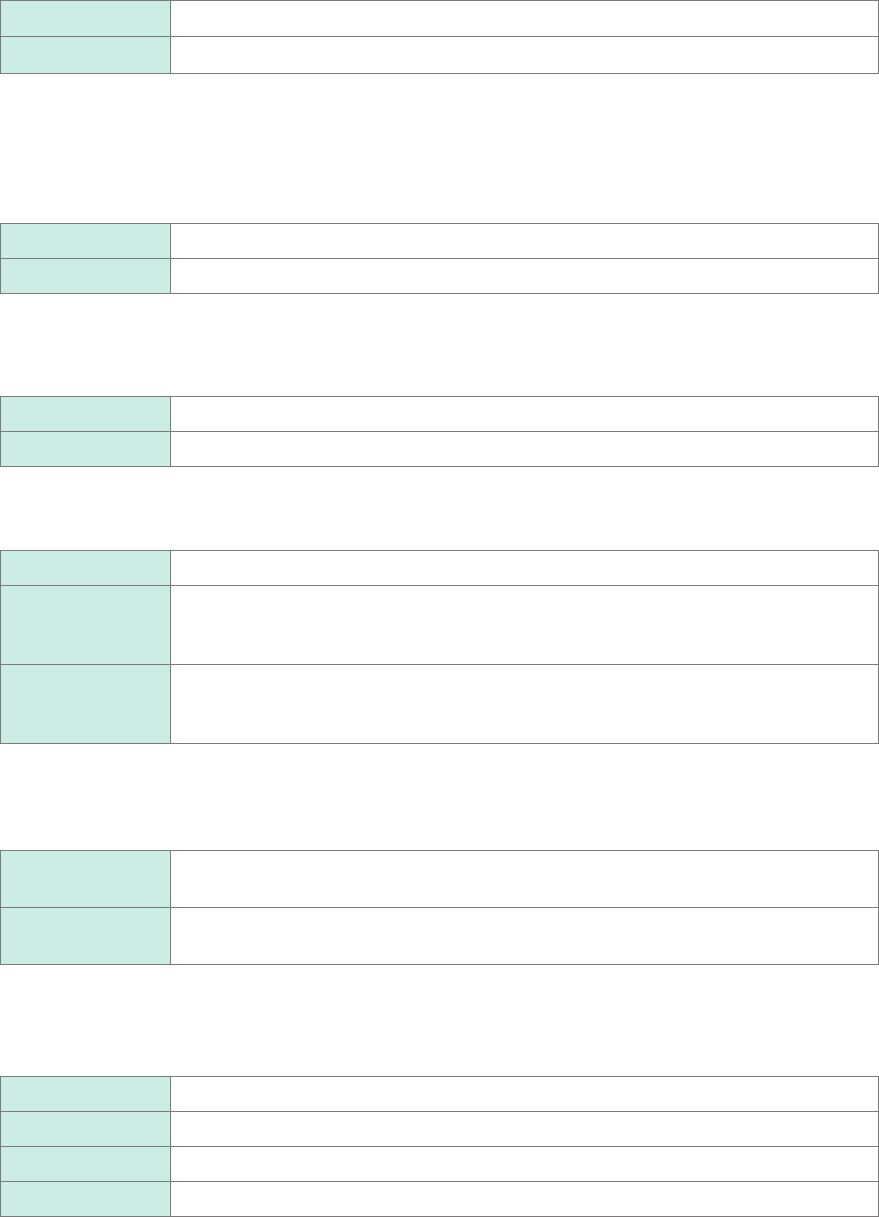
Click the [Grid] button to choose a grid display setting of the waveform screen.
On
Displays the solid-line grid.
Off Does not display any grids.
5
Click the [Waveform screen background color] box, and then from the list, choose a
background color of the waveform screen.
Some background colors of waveforms may cause waveforms to get difcult to see. Change the waveform
colors in such a case.
Black
Sets the background color of the waveform screen to black.
White Sets the background color of the waveform screen to white.
6
Click the [Zero position] button to set it to [On] or [Off].
You can display markers at the zero position of each input channel on the time-axis waveform display.
Off
Does not display any markers.
On Displays markers at the zero position on the right side of the waveform screen.
7
Click the [Beep sound] box, and then choose a beep setting from the list.
Off Does not allow the instrument to beep.
Alert
Allows the instrument to beep in the following cases:
• If an error message or warning appears
• If a fail judgment is given
Alert+Action Allows the instrument to beep when the instrument starts a measurement, is triggered,
stops the measurement, and completes auto-saving, in addition to the cases described
above.
8
Click the [Restart] box, and then from the list, choose whether to immediately restart the
measurement after changing a setting that affects measurement during the measurement.
No Does not restart any measurement.
You cannot change any settings during measurement.
Yes
If you change a setting during measurement, the instrument conrms the changes and
then restart the measurement.
9
Click the [Time value display] box, and then from the list, choose a display format for the
lapse time from a trigger point.
Time
Displays the lapse time from the trigger point (the unit is xed).
Mod 60 Displays the lapse time from the trigger point (in the sexagesimal [base 60] system).
Date Displays the time when the instrument acquired a waveform.
Samples Displays the number of data points acquired during the period from the trigger point.
• During the external sampling is used, this setting is xed to [Samples].
• These settings are also applied to the values of the trace cursors.
179
10
Click [Date and time], and then set the clock.
Refer to “2.7 Setting the Clock” in Quick Start Manual.
11
Change the display languages.
(1) Click [Language: English].
The setting dialog box appears.
(2) Click the [Display language] box, and then choose a user interface language from the list.
English
, Japanese
(3) Click [OK].
The instrument is turned off.
(4) Press the start button on the front side.
The instrument starts up with the display in the selected language.
12
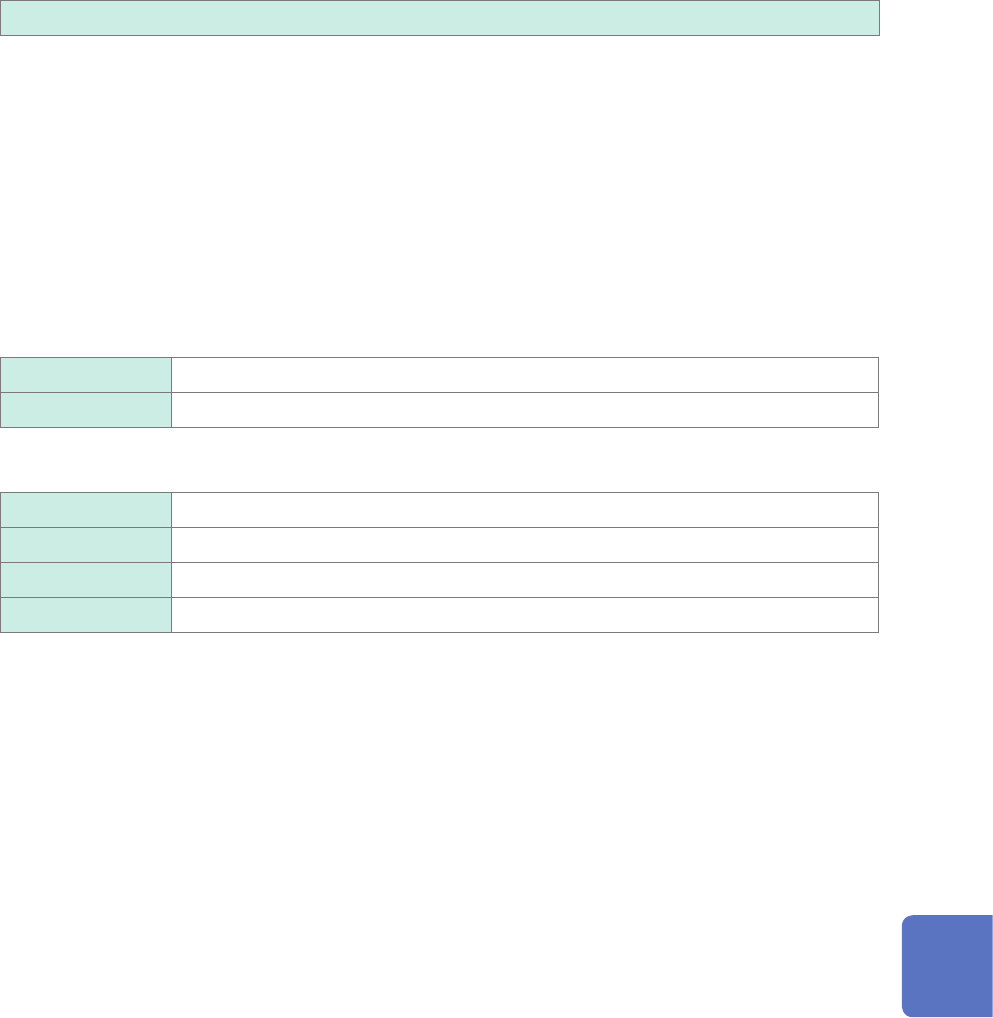
Click [Region].
Choose characters that represent the decimal point and the separator used in data included in waveform les
(text format) and numerical calculation result les.
Click the [Decimal point], and then from the list, choose a character that represents the decimal symbol.
Period .
Designates the period (.) as the decimal point.
Comma , Designates the comma (,) as the decimal point.
Click the [Separator], and then from the list, choose a character that represents the separator.
Comma ,
Designates the comma (,) as the separator.
Space Designates the space character as the separator.
Tab Designates the tab character as the separator.
Semicolon ; Designates the semicolon (;) as the separator.
• Either the decimal point or separator, but not both, can be set to [Comma ,].
• For the [Comma ,] setting, the instrument saves les with a CSV extension; for the other separator settings
than [Comma ,], with a TXT extension.
10
Conguring the System Environment Settings
180