MR8740T_user_manual_eng_20191016H.pdf - 第186页
181 11 Connecting the Instrument to Computers 11 Connecting the Instrument to Computers Familiarize yourself with the section “Before connecting to an external device” in “Operation Precautions” of Quick Start Manual. Th…
180
181
11 Connecting the Instrument to Computers
11
Connecting the Instrument to
Computers
Familiarize yourself with the section “Before connecting to an external device” in “Operation
Precautions” of Quick Start Manual.
This instrument is equipped with the Ethernet 1000BASE-T interface for LAN communications.
You can control the instrument using computers or other devices connected to your network with
10BASE-T, 100BASE-TX, or 1000BASE-T cable (maximum length: 100 m).
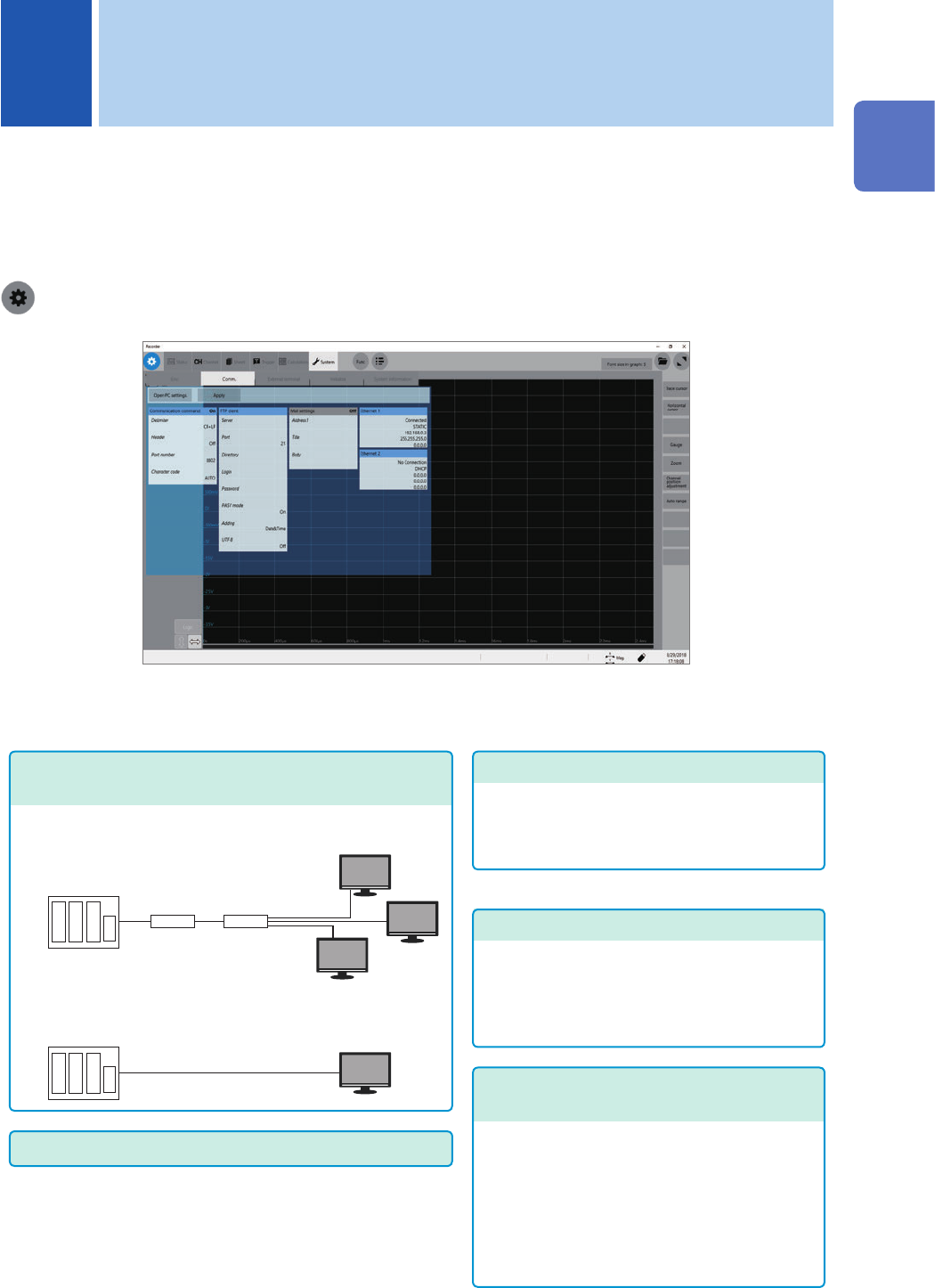
> [System] > [Comm.]
Operation available on the [Comm.] screen
Conguring the LAN settings and connecting the
instrument via LAN (p. 182)
Controlling the instrument with the
command communications (p. 203)
You can control the instrument using programs
you have created after connecting your
computer to the command communications
port using the TCP.
For more information about the communication
commands, refer to the Communications
Command Instruction Manual on the
accompanying application disc.
Sending email messages
(
p. 198
)
• Connecting the instrument to your computer via the
network
• Directly connecting the instrument to your computer
FTP server function (p. 186)
Using an FTP client software installed on your
computer allows you to transfer les from a
storage device inserted to the instrument to the
computer, and handle the les.
FTP client function (p. 192)
Using this function allows you to send data to
the FTP server of the computer. The instrument
can send measured data on completion of
each measurement. You can also send data
manually.
11
Connecting the Instrument to Computers

182
Conguring the LAN Settings and Connecting the Instrument to the Network
11.1 Conguring the LAN Settings and Connecting
the Instrument to the Network
Congure the LAN settings of the instrument and connect the instrument to your computers with
LAN cables before accessing the instrument from your computers using the FTP or a web browser,
or using command communication.
Be sure to specify the LAN settings before connecting the instrument to the network. When you
change the settings while the instrument is connected to the network, the IP addresses may fail to
be unique or invalid address data may be transmitted over the network.
For more information on how to connect the instrument to computers, refer to “2.4 Connecting the
Instrument With Computers” in Quick Start Manual.
IMPORTANT
Do not change any Windows
®
setting unless otherwise indicated in this document.
Doing so may cause unstable system operation.
Conguring the LAN settings with the instrument
Items to be checked before conguring the LAN settings
The required settings are different depending on whether to connect the instrument to an existing
network or to establish a new network consisting of only the instrument and a computer.
When connecting the instrument to the existing network
Ask your network administrator to assign the following items in advance. Be sure that there is no
conict with other devices.
• The computer name and address of the instrument
Computer name (up to 15 characters): ____________
IP address: .................................. ___.___.___.___
Subnet mask: .............................. ___.___.___.___
• Gateway
Whether to use a gateway: ......... Yes/No
IP address (When used): ___.___.___.___
When establishing a new network consisting of the instrument and a computer
(Using the instrument on the local network not connect to any external networks)
When no administrator exists for your network or you are entrusted with the settings, the following
addresses are recommended.
Setting example:
IP Address
Computer: 192.168.0.1
Recorder 1: 192.168.0.2
Recorder 2: 192.168.0.3 . . . Assign numbers in a sequential order.
↓
↓
Computer name ...................Any name (required to be unique)
Subnet mask........................255.255.255.0
Gateway ..............................Off