MR8740T_user_manual_eng_20191016H.pdf - 第80页
75 Conguring Generator-Module-Specic Settings Specifying a voltage value The instrument outputs a DC current. −5 mA to +5 mA The output voltage range is from −0.1 V to +5.3 V . The instrument switches generation ranges…
74
Conguring Generator-Module-Specic Settings
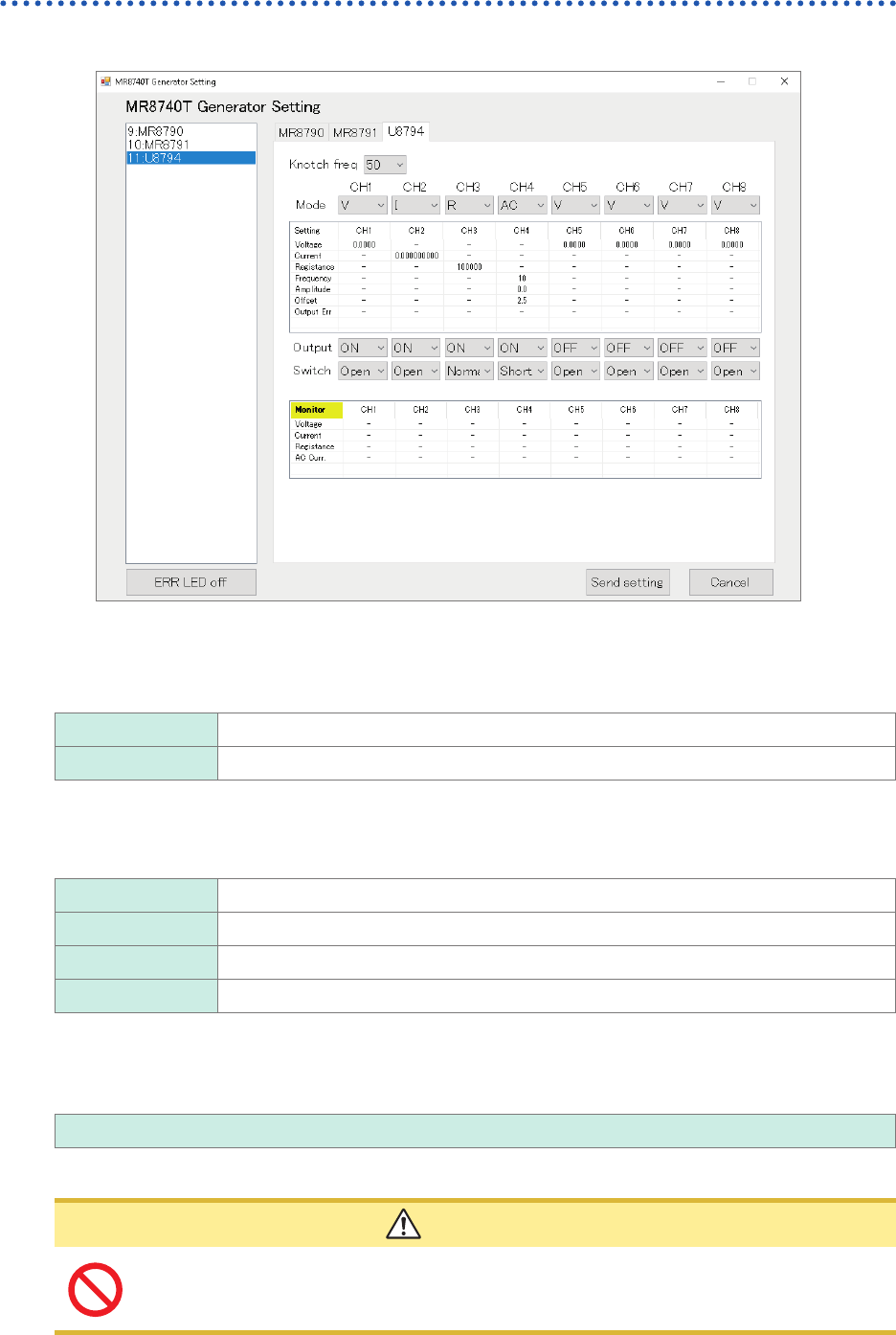
Conguring Model U8794 VIR Generator Unit settings
Choose
[11:U8794]
.
Notch frequency
Choose a power frequency according to the power frequency in your region.
An incorrect power frequency setting causes measured values to be unstable.
50
Allows you to set the notch frequency at 50 Hz.
60 Allows you to set the notch frequency at 60 Hz.
Mode
Allows you to choose an output type.
V
DC voltage
I DC current
R Resistance (simulated)
AC AC voltage
Specifying voltage values
Enter an output DC current value.
−0.1 V to 5.3 V
The output current range of −5 mA to +5 mA.
CAUTION
The instrument accepts a load resistance of 1 k
Ω
or more. Do not connect a load
resistance lower than the permissible value or short-circuit an output terminal. Damage
to the instrument could result.
75
Conguring Generator-Module-Specic Settings
Specifying a voltage value
The instrument outputs a DC current.
−5 mA to +5 mA
The output voltage range is from −0.1 V to +5.3 V.
The instrument switches generation ranges to an appropriate range based on the specied current
value.
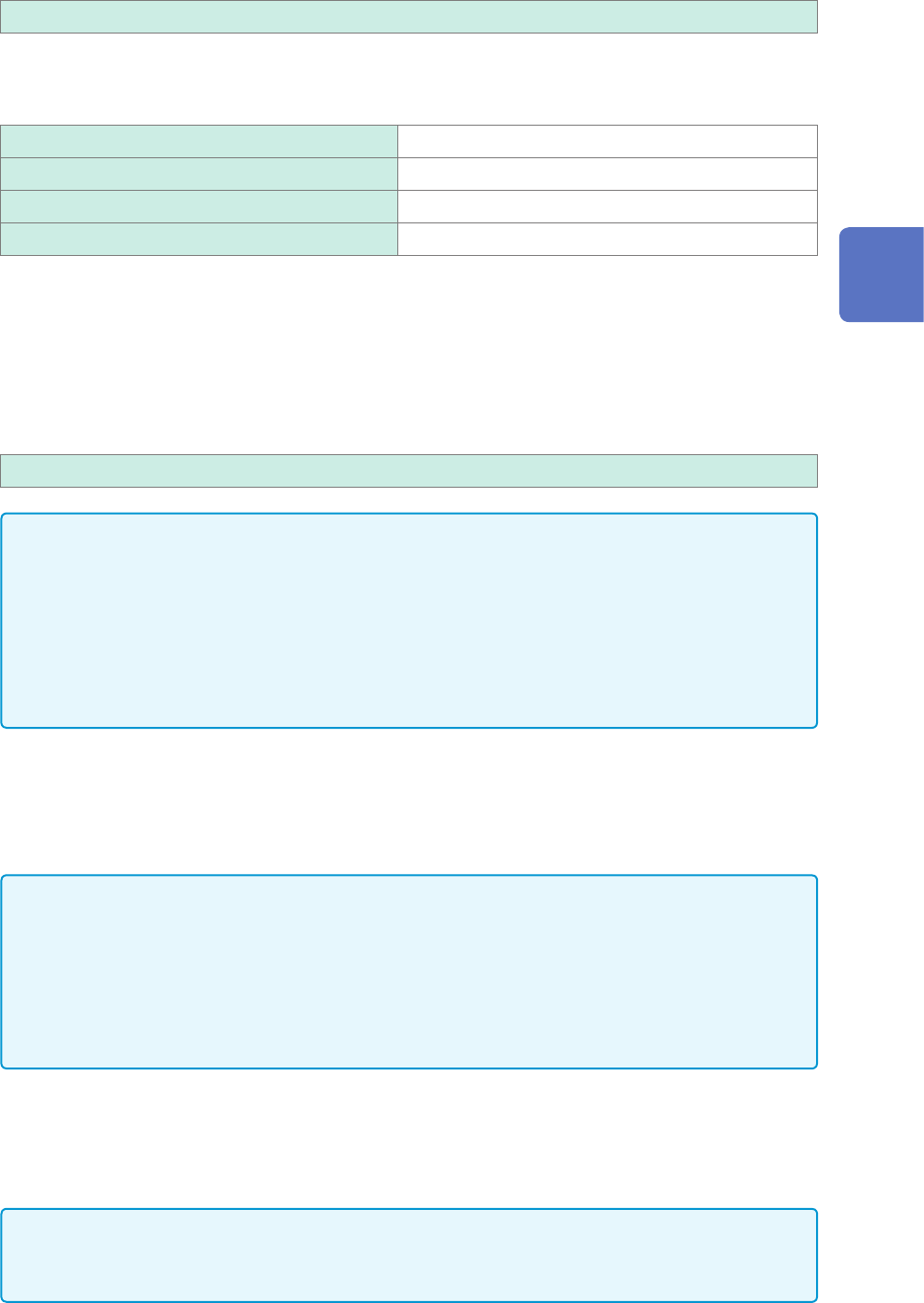
−5 mA to −1 mA, 1 mA to 5 mA 5 mA range
−1 mA to −250 µA, 250 µA to 1 mA 1 mA range
−250 µA to −50 µA, 50 µA to 250 mA 250 µA range
−50 µA to 50 µA 50 µA range
Generating resistance
Resistance generation method
The instrument uses an electric circuit to generate resistance on a simulated manner.
The instrument generates a current
I
out
=
V
meas
/ R
set
based on the voltage outputted from the
OUTPUT terminal
V
meas
and a specied resistance value
R
set
.
10
Ω
to 1 M
Ω
IMPORTANT
The instrument cannot generate a set resistance value under any one of the following conditions:
• If the instrument is connected to a measuring instrument that outputs a constant current to
measure the resistance of a measuring object based on the voltage across both ends of the
object
(Example: workbench-type digital multi-meter)
• If the voltage of the OUTPUT terminal exceeds the range of 0 V to 5 V
• If the current outputted from the instrument exceeds the range of −5 mA to 5 mA
Optimizing a resistance generation response
Presuming the characteristic of a measuring object
The resistance generation function of the instrument can presume the characteristic of a measuring
object and optimize a resistance generation response based on the presumed result.
IMPORTANT
• When a connected target has an output resistance of less than 1 k
Ω
, a current that exceeds
the specication will ow, resulting in damage to the instrument and the connected object.
• A time required for presumption varies depending on the characteristic of a connected object. It
must take 1.6 seconds at a maximum.
• When you exchange connected objects, execute presumption of the connected object or
restore the presumption result of the connected object to the default.
Manually optimizing a resistance generation response
You can use the response coefcient command to regulate a response.
Lowering the response coefcient causes a slower response; however, it can prevent oscillations
and overshoots.
IMPORTANT
When you adjust a response coefcient manually, specify an appropriate response coefcient
while observing waveforms with another instrument such as an oscilloscope.
3
Advanced Functions
76
Conguring Generator-Module-Specic Settings
Voltage generation and measurement function
Outputting an AC voltage
The instrument can output a sine wave with a DC voltage superimposed.
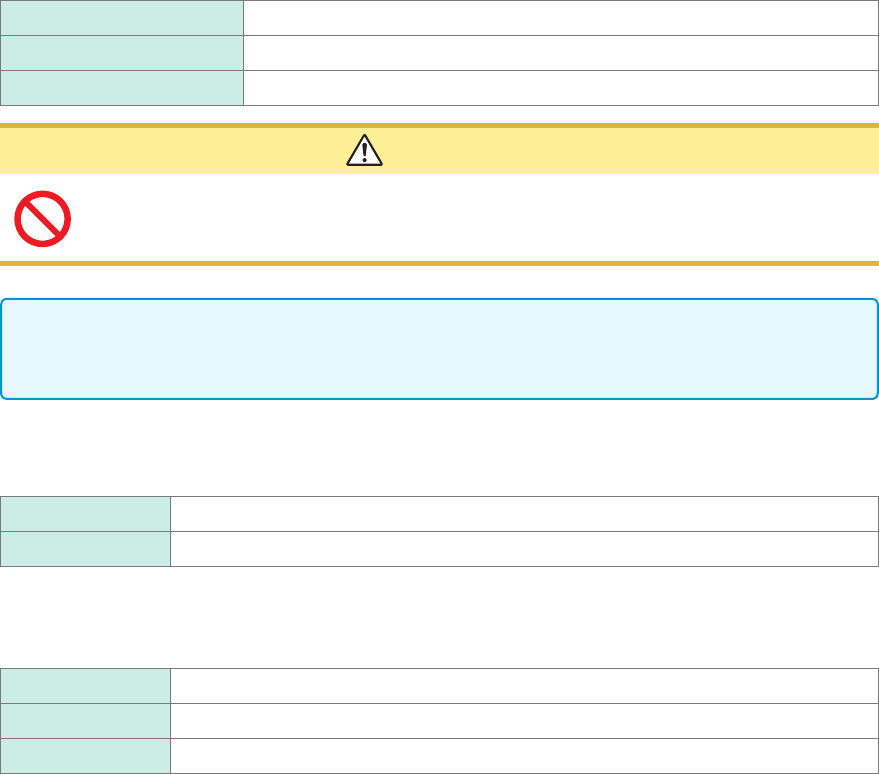
DC offset voltage 0.1 V to 2.5 V
Amplitude 0.1 V p-p to 5.0 V p-p
Frequency 10 Hz, 20 Hz, 50 Hz, 100 Hz
CAUTION
The instrument accepts a load resistance of 1 k
Ω
or more. Do not connect a load
resistance lower than the permissible value or short-circuit an output terminal. Damage
to the instrument could result.
IMPORTANT
If you choose a frequency other than the frequencies that can be specied, the instrument sets a
frequency to the one that is the closest.
Output
Switch each output on and off.
OFF
Does not output any waveform.
ON Outputs a waveform.
Switch
You can switch between the short-circuited state and open state for the OUTPUT terminal.
Open Disconnects the OUTPUT terminal from the output circuit and the GND terminal.
Short Connects the OUTPUT terminal with the GND terminal.
Normal Connects the OUTPUT terminal with the internal output circuit.
Conrmation of the setting
After nishing the setting, click
[Apply]
.
The instrument conrms the settings and outputs a waveform.