MR8740T_user_manual_eng_20191016H.pdf - 第85页
80 Conguring Generator-Module-Specic Settings
79
Conguring Generator-Module-Specic Settings
To perform precise measurement
IMPORTANT
Be careful of the following points when the instrument outputs a current of 100 µA or less with
the current output function, when it generates a resistance of 50 k
Ω
or more with the resistance
generation function, or when a device connected with the instrument has an output resistance of
50 k
Ω
.
• We recommend you to use measurement cables with an insulating sheath made of
polyethylene (PE) or polytetrauoroethylene (TFE). Using measurement cables with a low-
resistance insulating sheath will increase leak currents, with the result that accuracy is
signicantly affected.
• The instrument will become susceptible to exogenous noise. We recommend you to use
shielded measurement cables or connect a capacitor between the OUTPUT terminal and GND
terminal.
3
Advanced Functions
80
Conguring Generator-Module-Specic Settings
81
4
Saving/Loading Data and
Managing Files
This chapter explains how to save and load data and manage les.
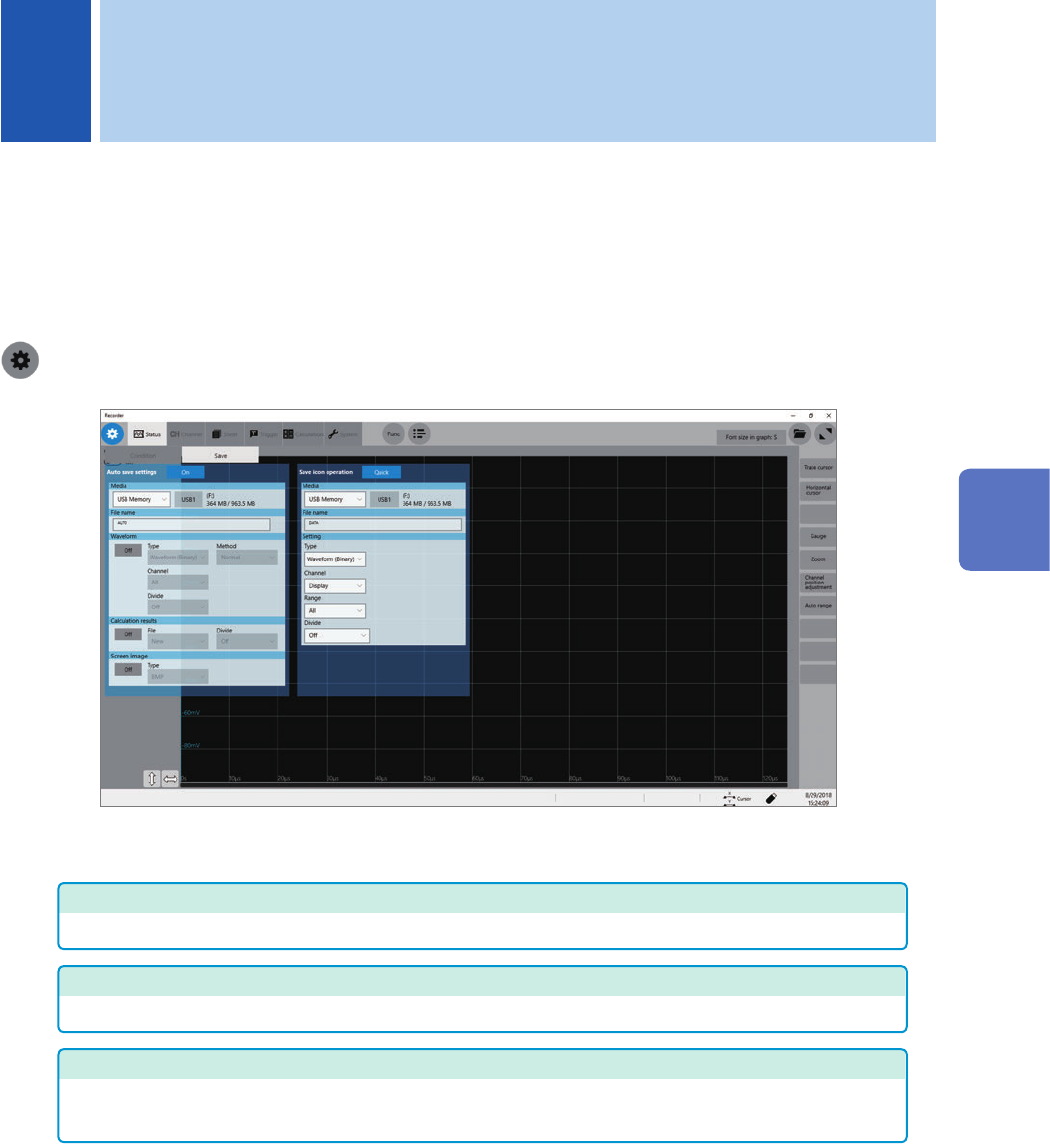
Before saving data, select [Status] > [Save], and congure the save setting.
The le screen allows you to load data.
The explorer allows you to manage les.
Refer to “4.4 Managing Files” (p. 96).
> [Status] > [Save]
Operation available on the [Save] screen
Auto-save
Specifying the auto-save method settings for measured data (p. 84)
Real-time save
Setting the method of saving waveform data in real time (p. 88)
Save icon operation
• Allows you to select an action to be taken when you click the save icon. (p. 90)
• Specifying contents to be saved when [Quick] is selected (p. 90)
4 Saving/Loading Data and Managing Files
4
Saving/Loading Data and Managing Files