MR8740T_user_manual_eng_20191016H.pdf - 第98页
93 Saving Data 9 (When using the memory division function) Choose an option for blocks to be saved. Display block Saves waveforms included in displayed blocks. All block Saves waveforms included in the specied number …
92
Saving Data
8
Congure advanced save settings according to the [Type] box setting.
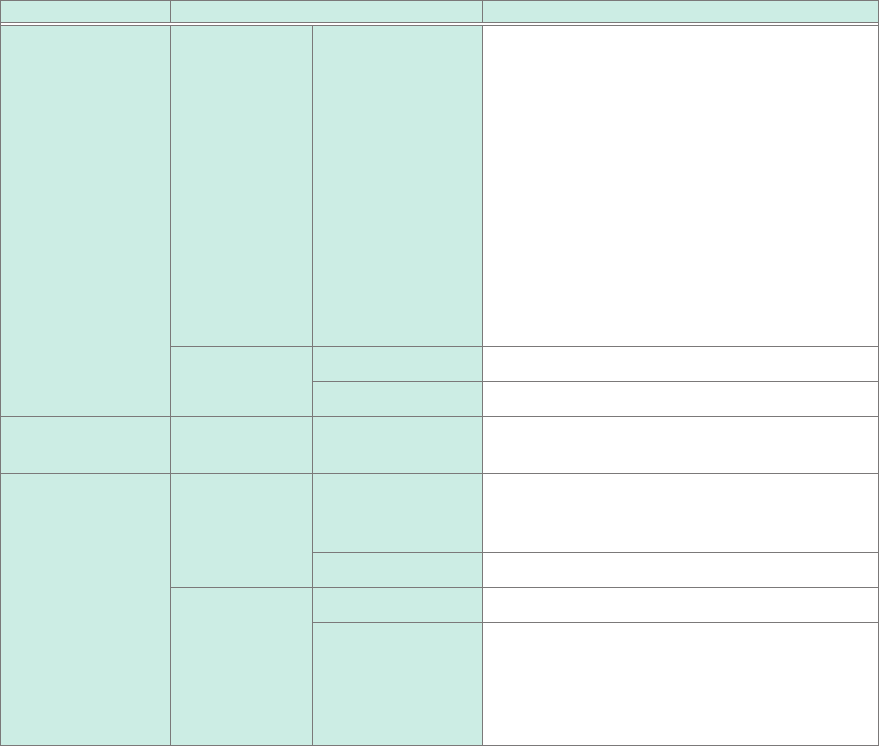
Saving format Setting Description
Waveform (Text) Thin out Off
,
On (2 to 1,000)
A large amount of space is required to save
les in text format. Decimating data before
saving a le can reduce the le size.
This setting allows you to specify the
decimation number (the instrument retains a
data point out of the decimation number of data
points).
Example
When you enter [3], the instrument
retains one data point out of three
consecutive data points: it decimates
the two other points. The number of
data points is reduced by half of the
original amount.
Data All users
Saves whole data.
Event Saves only the data points at event marks.
Screen image
(screenshot)
Type BMP
, PNG,
JPEG
Allows you to choose a type for saving image
les.
Numerical
calculation result
File
designation
New
Saves les with a new le name each time. The
instrument allocates sequence numbers when
the same name is given.
Append Appends data to the same le and saves it.
File division Off
Saves all calculations in a single le.
Split by Calc. No. Creates a new folder, divides a le into several
les according to calculation number, and save
them in the folder. The instrument appends the
string “_K + sequential number” following each
le name.
93
Saving Data
9
(When using the memory division function)
Choose an option for blocks to be saved.
Display block
Saves waveforms included in displayed blocks.
All block Saves waveforms included in the specied number of blocks being used counting
from the start block.
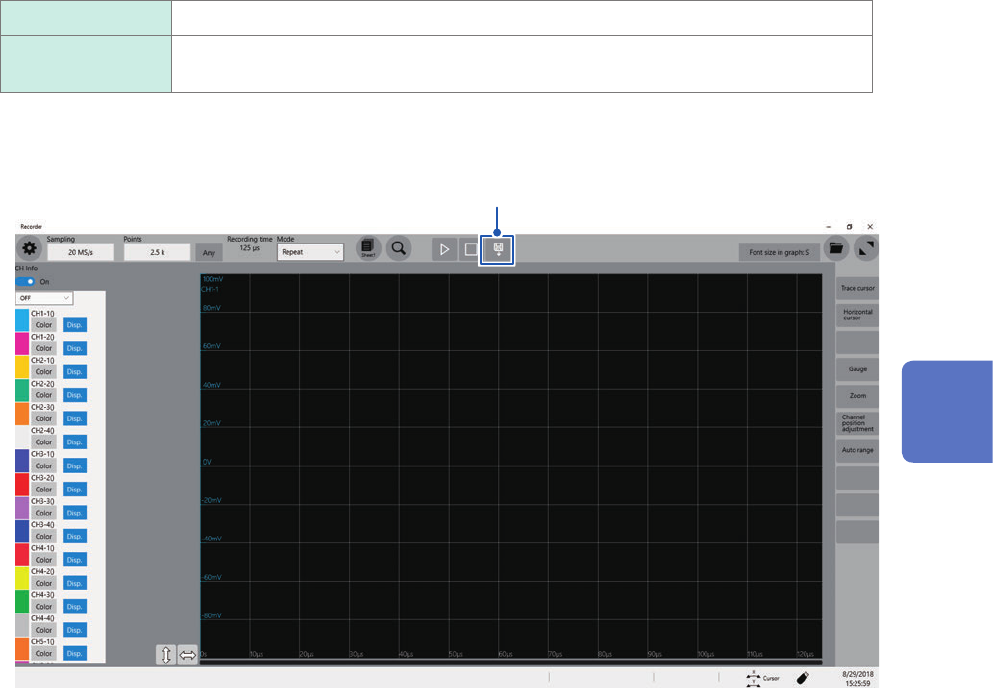
Whenever you click the save icon, the instrument saves data in the setting specied.
Click
4
Saving/Loading Data and Managing Files
94
Loading Data
4.3 Loading Data
You can load data saved in a storage device or written in the internal memory of the instrument.
Data loading procedure
Before attempting to load the data, make sure that a storage device is inserted, and the save
destination is correctly specied.
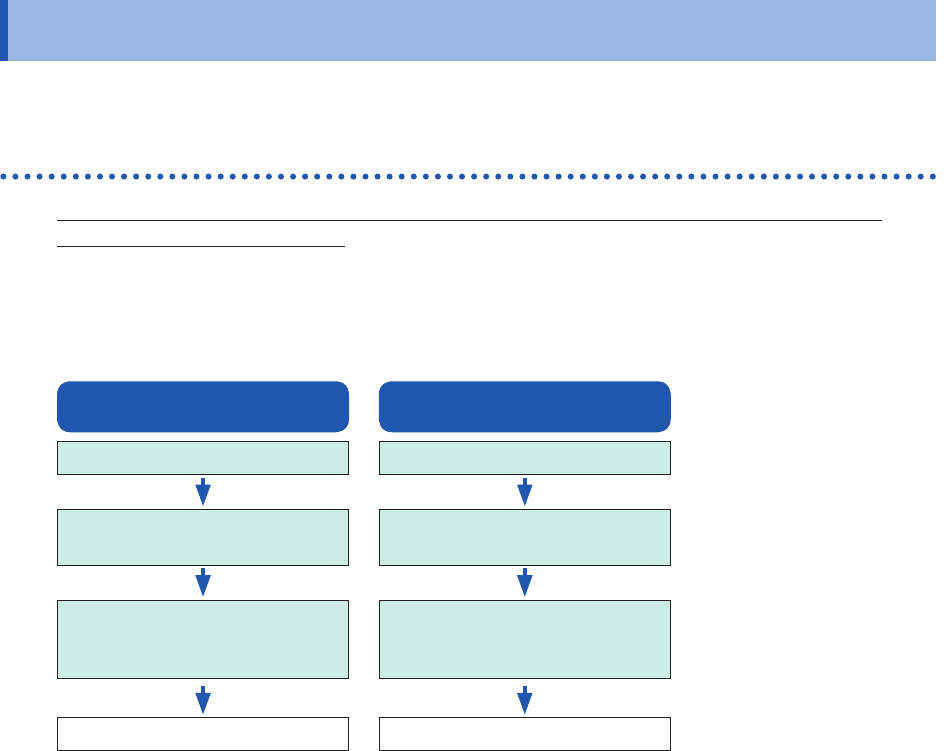
Open the le screen, select a storage device, and double-click the le to be loaded.
Waveform and settings les saved in waveform (binary) format can be loaded on the instrument.
The instrument displays only loadable les on the le screen.
Setting data
Insert a storage device.
Select data to be loaded
(Extension: .SET).
Double click the le
or
select [Open].
Loads data.
Waveform data
Insert a storage device.
Select data to be loaded
(Extension: .MEM).
Double click the le
or
select [Open].
Loads data.