00194547-03.pdf - 第55页
Installation Manual Station Software Version 601.02 SP1 Edition 10/2005 55 of 82 → The installation program starts. → Press any key to continue or cancel with <Esc>. The software version and the machine type are di…

Installation Manual Station Software Version 601.02 SP1 Edition 10/2005
54 of 82
4.5.3.2 Installation procedure
→ Insert the "Rmos-1" floppy in the drive of the MC and switch the station on.
→ The following message will appear on screen
Starting MS-DOS...
DO YOU WANT TO CONTINUE INSTALLATION ?
[C] CONTINUE [R] REBOOT SYSTEM TO CHECK OR CHANGE SETUP
[T] TERMINATE BATCH PROCESS (Change to DOS)
PRESS KEY TO CONTINUE [C,R,T]
'C' continues the installation.
NOTE: If the error message "INVALID MEDIA TYPE" appears, you must respond with (f)ail (this
occurs several times; generally when formatting new hard disks); installation is then continued.
You can abort installation at this point by typing 'T'.
Installation Manual Station Software Version 601.02 SP1 Edition 10/2005
55 of 82
→ The installation program starts.
→ Press any key to continue or cancel with <Esc>.
The software version and the machine type are displayed.
→ Press any key to continue or cancel with <Esc>.
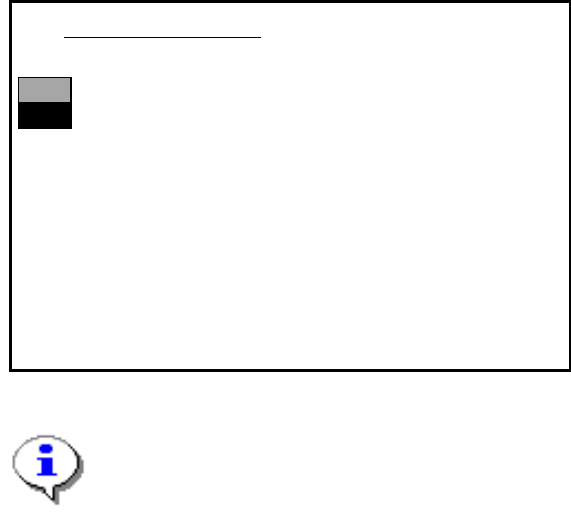
The main menu appears:
>>>
>>>
------------------Install Revision of SIPLACE Operating System
------------------
Terminate SIPLACE Installation Program
Main Menue of SIPLACE Installation MCRM3 40x.xx
Use the [Up Arrow] [Down Arrow] [Pg Up] [Pg Dn] keys to move the highlight bar to select the
button you prefer.
Press [Enter] to activate your selection
Note:
If a submenu or a function in the installation program is selected, the cursor flashes gray.
→ Select the function "Install Revision of SIPLACE Operating System" and confirm with
<RETURN>.
Installation Manual Station Software Version 601.02 SP1 Edition 10/2005
56 of 82
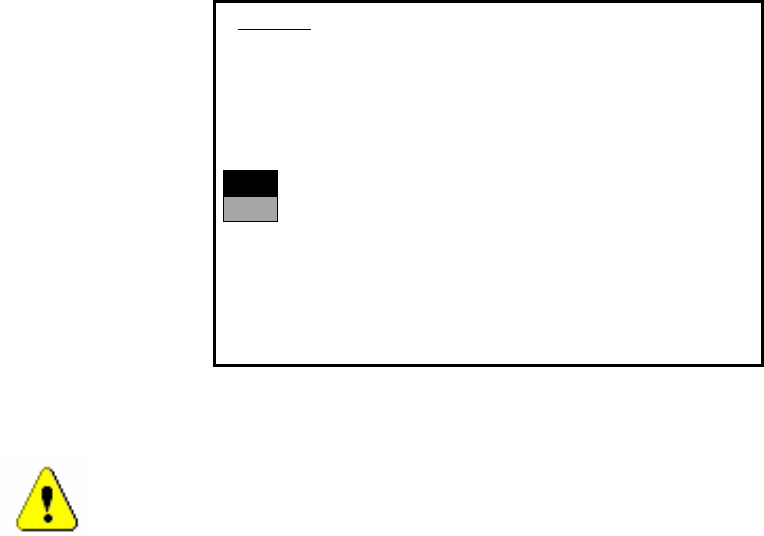
The installation is started. The following query appears:
>>>
>>>
-----No
-----Yes
1. WARNING
installation of SIPLACE operating system will only save files keeping machine data.
A
ll other files of user’s interrest have to be saved on floppy disc by user manually.
Otherwise these files will bedeleted.
Continue SIPLACE Installation Job?
Use the [Up Arrow] [Down Arrow] [Pg Up] [Pg Dn] keys to move the highlight bar to select the
button you prefer.
Press [Enter] to activate your selection
→ Use the cursor keys to select the option to continue.
Warning:
Only machine data is saved. All user data is deleted. If necessary, save your user data to
floppy.
→ Confirm your selection with <RETURN>.