00191413-01.pdf - 第19页
User Manual Line Computer UNIX 1 Hardware / Software Install ation Software Version 501.xx 01/99 Issue 1.1 Hardware Installation 1 - 1 1 Hardware / Software In stallation 1.1 Har dware Install ation 1.1.1 Hardware Compon…
User Manual Line Computer UNIX
Software Version 501.xx 01/99 Issue
1 - II
User Manual Line Computer UNIX 1 Hardware / Software Installation
Software Version 501.xx 01/99 Issue 1.1 Hardware Installation
1 - 1
1 Hardware / Software Installation
1.1 Hardware Installation
1.1.1 Hardware Components of the Line Computer System
NOTE
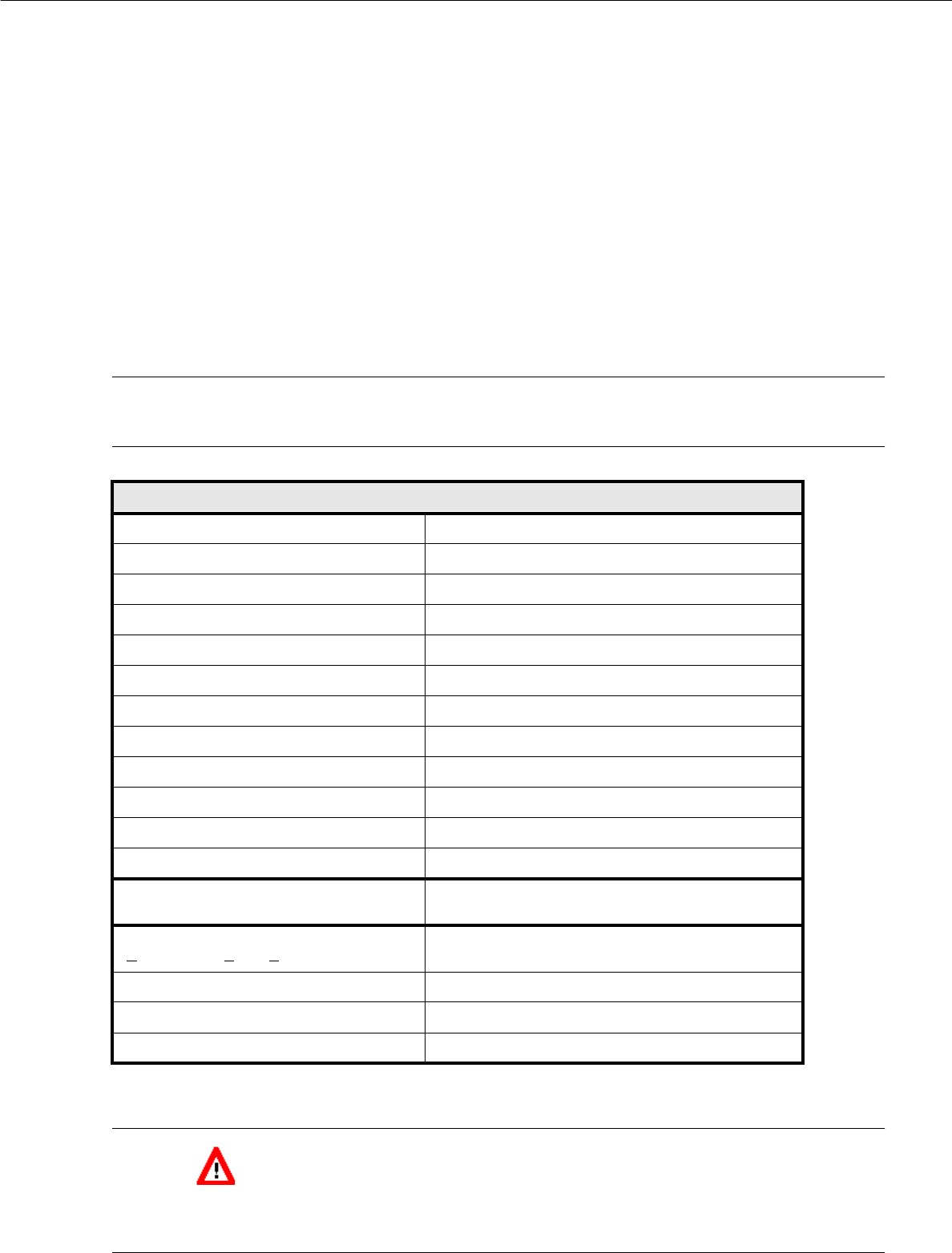
The table below lists the hardware components that are used in the current line computer system.
CAUTION !
To prevent any damage occurring to the hardware it is mandatory to ensure that computor - monitor - UPS -
power connection are correctly interconnected (see section 1.1.4).
Hardware Components
Computer SCENIC Pro M7, Pentium 400 MHz
Cabinet SNI Tower
Hard disk 4 GByte
Main memory (RAM) 64 MB
Floppy disk drive 1,44 MB (3
1
/
2
")
CD-ROM drive SCSI 8x
Streamer type drive 1 GByte
Interfaces 2 serial, 1 parallel
Keyboard SIEMENS NIXDORF (USA)
Mouse 3-button mouse
Network adapter 2 Ethernet cards
Graphics card 2 MB, PCI
Monitor SIEMENS NIXDORF 17" MULTISCAN, MPR II
max. resolution 1280 x 1024 at 75 Hz
UPS
(U
ninterruptible Power Supply)
SIPLACE 660 VA
Capacity 660 VA/400 W
Mains input 100-120 VAC/220-240 VAC, 50/60 MHz
Back-up time approx. 10 minutes (load-dependent)

1 Hardware / Software Installation User Manual Line Computer UNIX
1.1 Hardware Installation Software Version 501.xx 01/99 Issue
1 - 2
1.1.2 Monitor
1.1.2.1 Connections and Settings
NOTE
For details on connections and settings please refer to the manual supplied with the monitor.
When making the necessary adjustments on your monitor, please note that brightness and contrast have
been factory-adjusted to low or medium values, which will significantly increase the life of the screen.
1.1.2.2 Cleaning the Monitor
- The monitor should only be cleaned in the switched off condition using a soft cloth.
- The interior of the cabinet may only be opened and cleaned by a service technician.
● Prior to cleaning disconnect plug from UPS.
● Wipe monitor enclosure using a soft cloth.
In the case of persistent stains, moisten cloth with a mild cleaning agent.
● Clean screen using a soft, non-linting cotton cloth or lens tissue.
CAUTION !
- No cleaning sprays, wax or compressed air are to be used on the enclosure (see also instructions
supplied with the monitor).
- Ensure that no alcohol comes into contact with the enclosure.
- Never use any strong solvents such as thinners or benzine or abrasive cleaning agents as these
would cause damage to the enclosure.
- When cleaning the monitor with a moist cloth it must be ensured that no moisture can enter the
interior of the cabinet.
- Do not place any objects onto the unit.
- Be sure that the ventilation louvers are not covered.