00191413-01.pdf - 第549页
User Manual Line Computer UNIX 17.3 Description of Components and P CBs Software Version 501.xx 01/99 Issue 17.3.1 PCB 1: sin g le circuit 17 - 1 7 To enter the dimensions of the PCB, proceed as follows: 22. Act ivate th…
17.3 Description of Components and PCBs User Manual Line Computer UNIX
17.3.1 PCB 1: sin
g
le circuit Software Version 501.xx 01/99 Issue
17 - 16
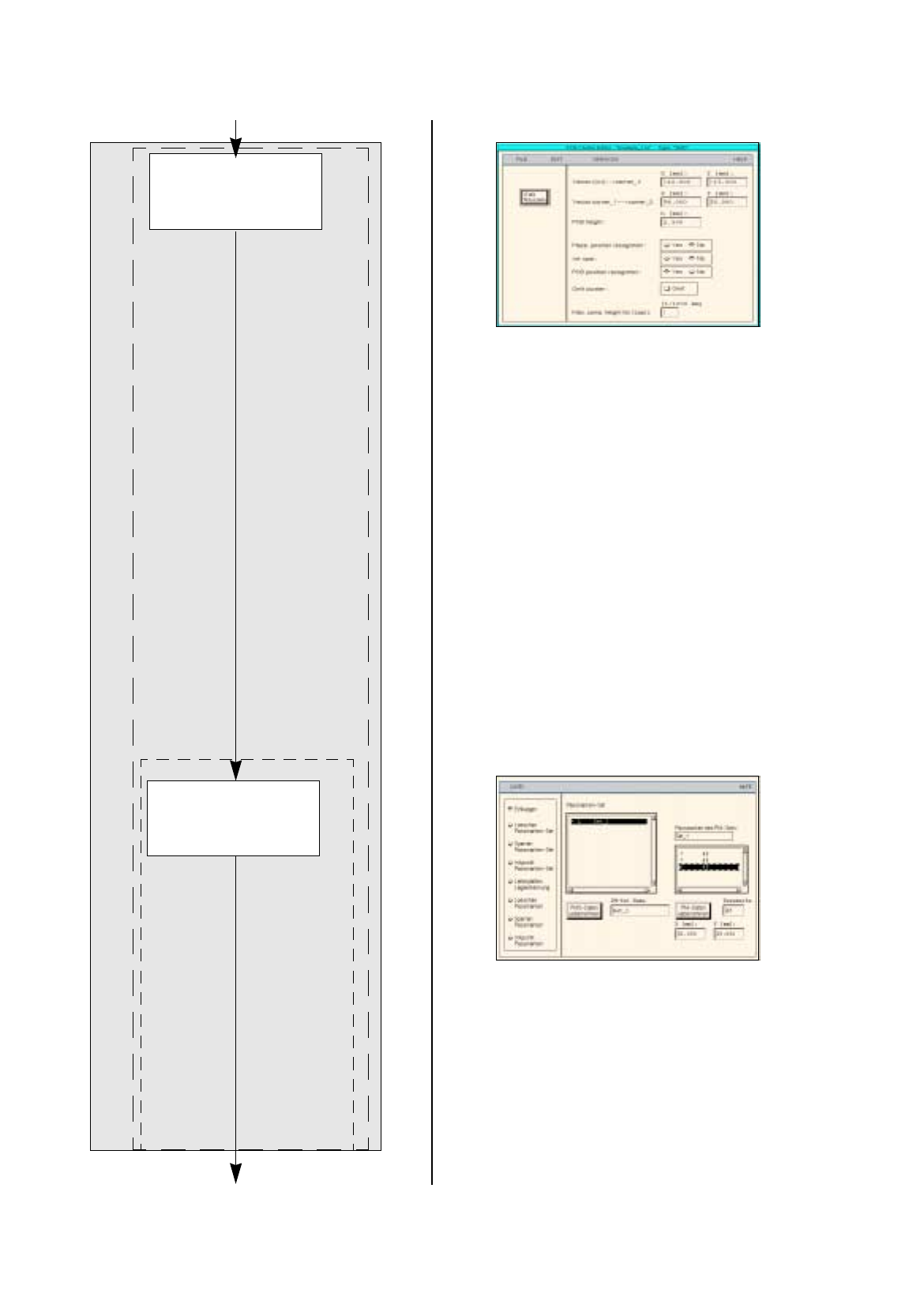
Entering the dimens-
ions of the PCB
Defining fiducials
continued from pa
g
e 17-14
PCB Description
Cluster Editor
Fiducial Editor
continued on pa
g
e 17-18
User Manual Line Computer UNIX 17.3 Description of Components and PCBs
Software Version 501.xx 01/99 Issue 17.3.1 PCB 1: sin
g
le circuit
17 - 17
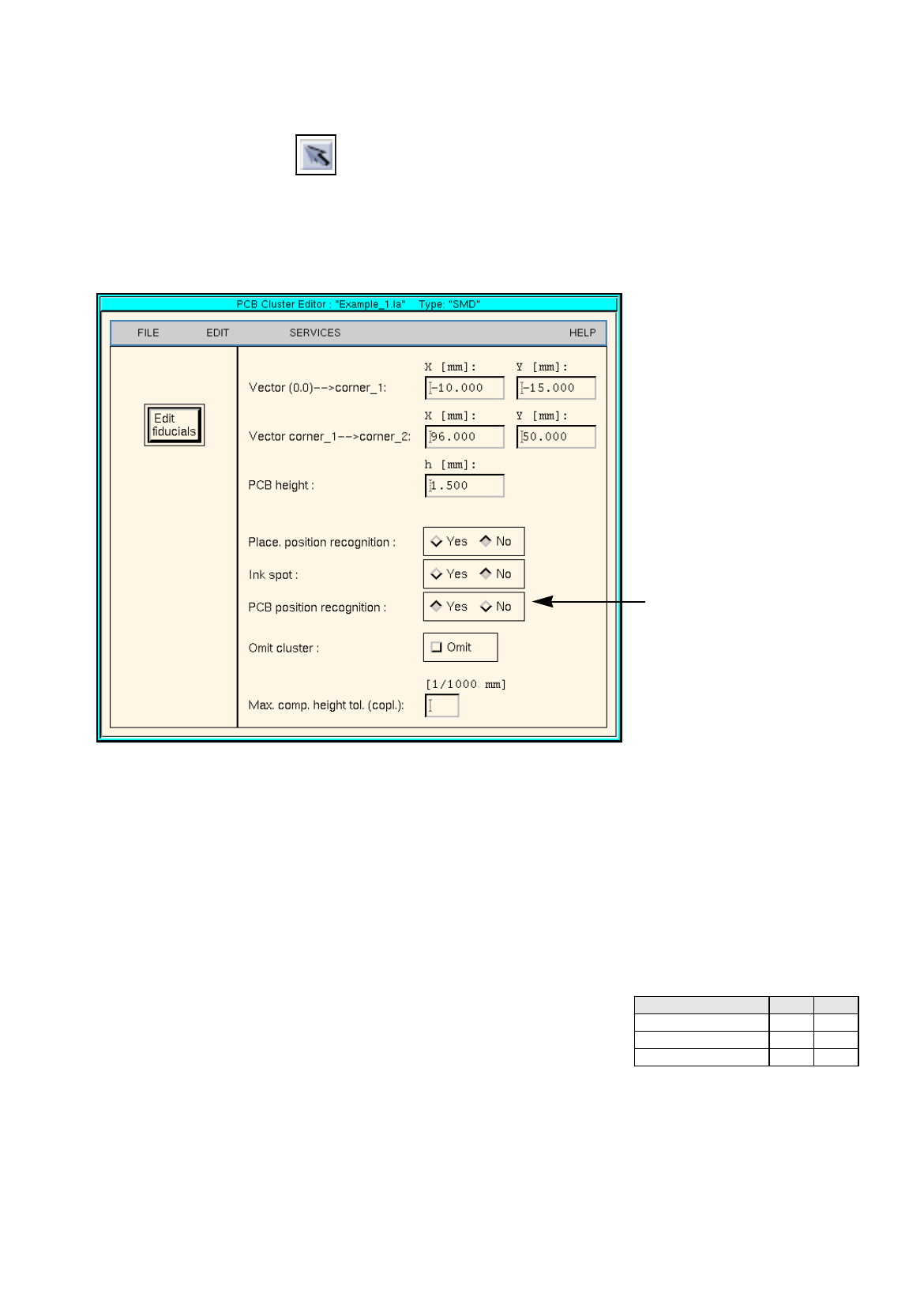
To enter the dimensions of the PCB, proceed as follows:
22. Activate the Select icon .
23. Click on the PCB
(
rectan
g
le
)
.
The rectan
g
le is hi
g
hli
g
hted in
g
reen.
24. On the
SERVICES
menu click on the
Cluster Editor...
option.
The Cluster Editor is opened.
25. Enter the dimensions of the PCB. See Fi
g
. 17.3.1 on pa
g
e 17-12 and Fi
g
. 17.3.2 .
Fig. 17.3.2 Cluster Editor for PCB 1
To define the fiducials, proceed as follows:
26. In the Cluster Editor click on the
Edit fiducials
button.
The Fiducial Editor is opened.
27. Activate the
Insert
button.
28. Click on the
Fiducial set name
editin
g
field.
29. Enter the name for the new fiducial set, here:
Set_1
.
30. Click on the
Accept fiducial set
button.
Fiducial set Set_1
appears on the fiducial list.
31. Click on fiducial set Set_1
on the fiducial list.
32. Click on the
Fiducial
editin
g
field.
33. Enter the fiducial number, here:
48
.
34. Click on the editin
g
fields for the coordinates, enter coordinates
(
do not confirm b
y
pressin
g
the Enter ke
y
!
)
, here: see chart:
35. Click on the
Accept fiducial data
button.
The fiducial data are transferred to the list of the fiducials of the fiducial set.
36. Define the other fiducials accordin
g
l
y
, here:
fiducials
48
and
48
.
37. Activate the
PCB position recognition
button.
38. Click on fiducial set Set_1 on the fiducial list.
The fiducial set
Set_1
is marked b
y
a preceedin
g
L
for PCB position reco
g
nition.
Fiducial number X Y
48 -5 30
48 81 -10
48 81 30
Activate the PCB position
reco
g
nition
17.3 Description of Components and PCBs User Manual Line Computer UNIX
17.3.1 PCB 1: sin
g
le circuit Software Version 501.xx 01/99 Issue
17 - 18
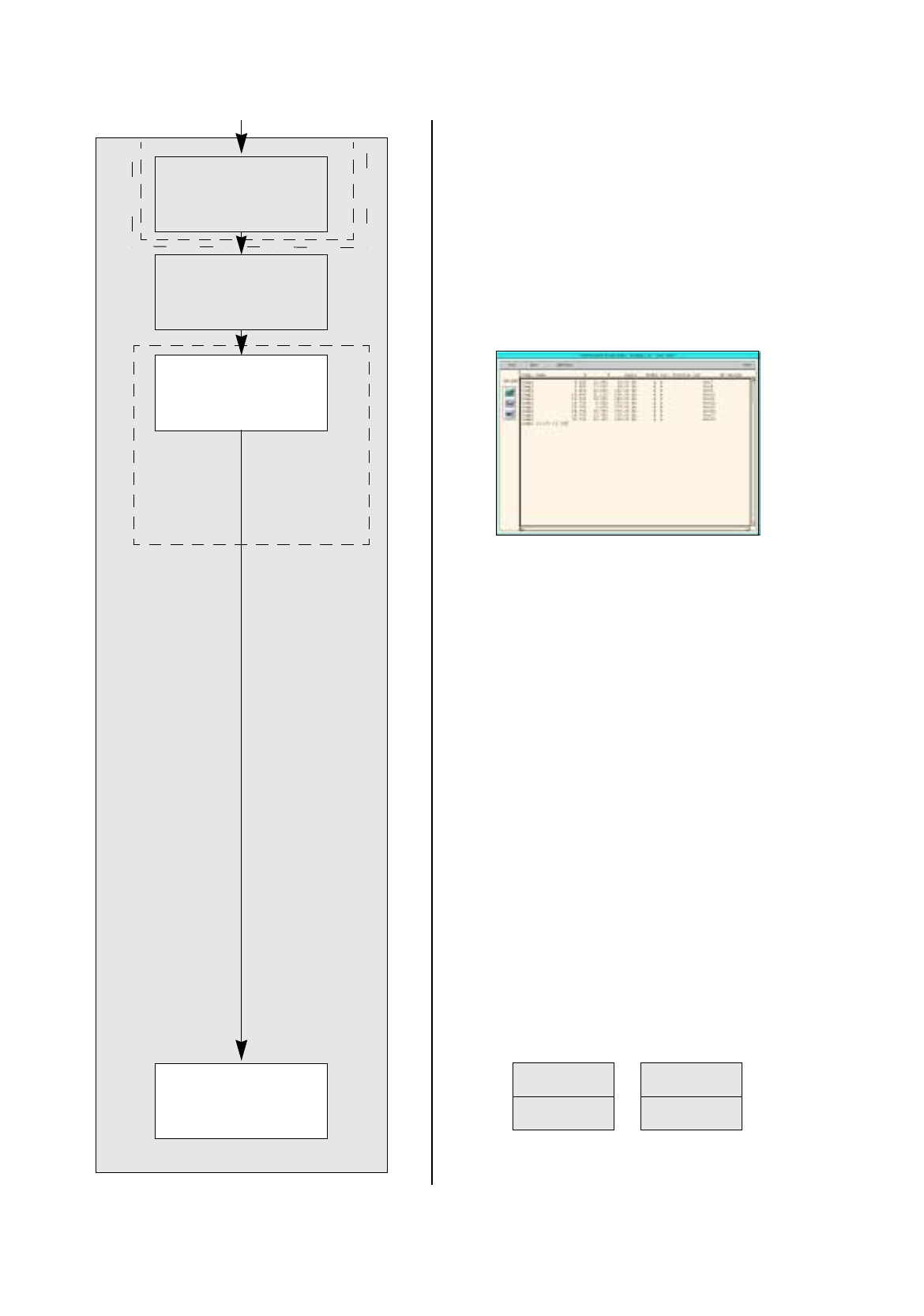
No ink spot present.
No clusters and sin
g
le circuits
present.
FILE
Save
FILE
Quit
Entering placement
positions
Defining ink spot
Saving PCB data
Creating clusters and
single circuits
continued from pa
g
e 17-16
PCB Description
Placement Position Editor