3OM-1011-001.pdf - 第111页
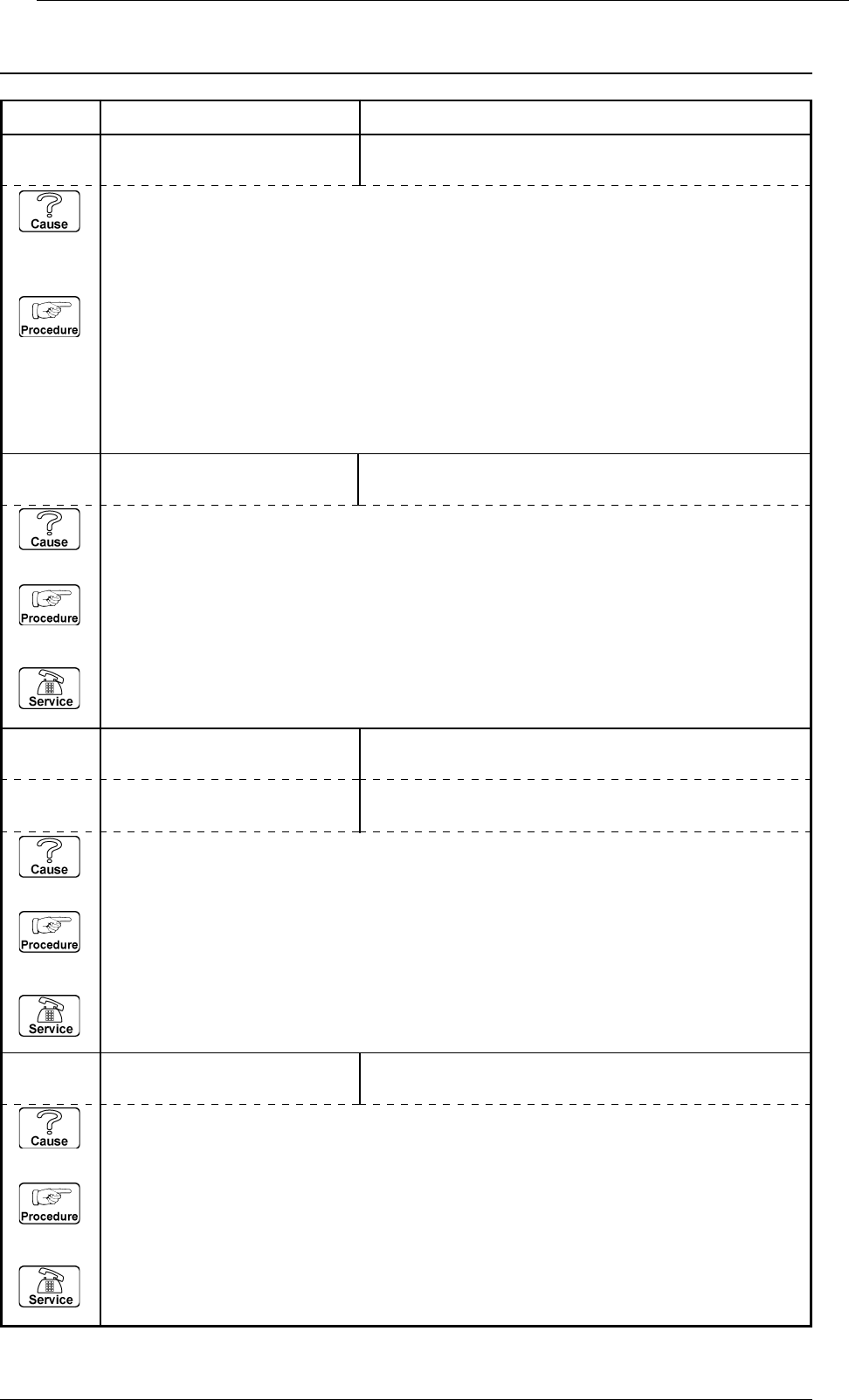
Error Code Display A Display B 09 03 02 ZA1-AXIS DA T A RECEIVED ADDRESS FROM STEPPING MOT OR DRIVER W AS INCORRECT . 0305-001 2-66 Tg0859-PM-ER 3. T rouble Shooting after Error Display 08 04 02 ZA1-AXIS COMMUNICA TION E…
Error Code Display A Display B
3. Trouble Shooting after Error Display
0305-001 2-65 Tg0859-PM-ER
09 03 01 ZA1-AXIS DATA RECEIVED VERSION NUMBER FROM STEPPING
MOTOR DRIVER WAS INCORRECT.
(Cause 1) This is the device’s self-diagnostic message.
(Reset Procedure in the case of Cause 1)
Reset Procedure
(1) Press the [ZERO] button to return all the axes to their original positions.
(2) Re-start.
(3) If the device can’t be re-started, contact our service personnel.
09 01 03 ZA1-AXIS ORIGIN ORIGIN IS NOT SET FOR THIS AXIS.
ZEROING IS REQUIRED.
(Cause 1) This is the device’s self-diagnostic message.
(Reset Procedure in the case of Cause 1)
Reset Procedure
(1) Press the [ZERO] button to return all the axes to their original positions.
(2) Re-start.
(3) If the device can’t be re-started, contact our service personnel.
09 01 10 ZA1-AXIS ORIGIN ZEROING NOT COMPLETED WITHIN SPECIFIED
TIME.
09 01 02 ZA1-AXIS ORIGIN ORIGIN WAS NOT DETECTED.
(Cause 1) This is the device’s self-diagnostic message.
(Reset Procedure in the case of Cause 1)
Reset Procedure
(1) Press the [ZERO] button to return all the axes to their original positions.
(2) Re-start.
(3) If the device can’t be re-started, contact our service personnel.
09 01 01 ZA1-AXIS ORIGIN EXCITATION-MONITOR SIGNAL FROM STEPPING
MOTOR DRIVER WAS NOT DETECTED.
(Cause 1) This error occurs when the sensor optical beam is always in E / NR condition or in E /
R condition while all axes are zeroed.
(Reset Procedure in the case of Cause 1)
Reset Procedure
(1) Press the [RESET] button to cancel the error indication.
(2) Check whether the light bean is always E / NR or E / R due to dirt on the sensor, or whether
the sensor is defective.
How to check is to shine the light beam of the sensor on a piece of paper and check whether it
is E / R or E / NR.
Error Code Display A Display B
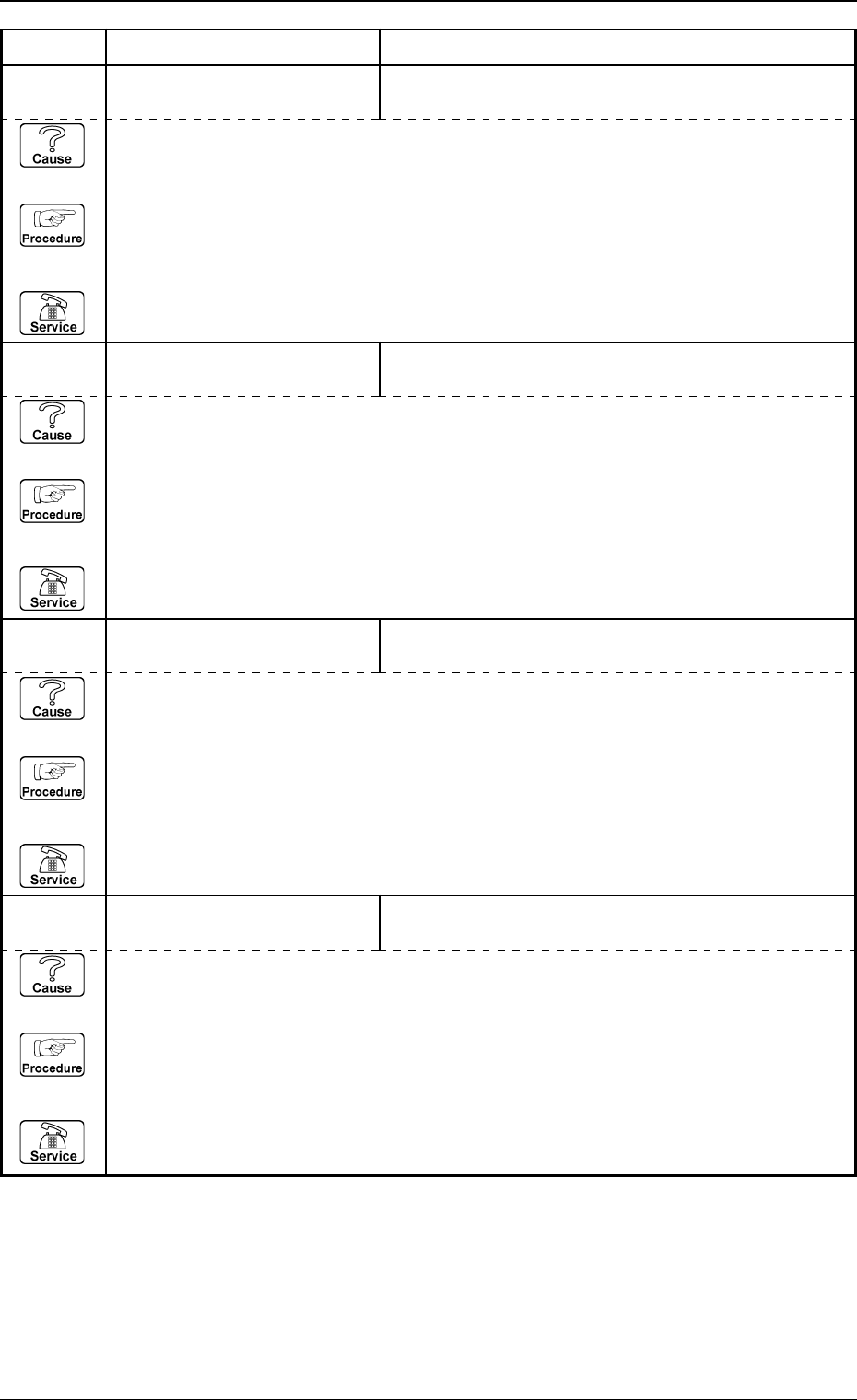
09 03 02 ZA1-AXIS DATA RECEIVED ADDRESS FROM STEPPING MOTOR
DRIVER WAS INCORRECT.
0305-001 2-66 Tg0859-PM-ER
3. Trouble Shooting after Error Display
08 04 02 ZA1-AXIS COMMUNICATION ERROR OCCURRED IN STEPPING MOTOR DRIVER.
(Cause 1) This is the device’s self-diagnostic message.
(Reset Procedure in the case of Cause 1)
Reset Procedure
(1) Press the [ZERO] button to return all the axes to their original positions.
(2) Re-start.
(3) If the device can’t be re-started, contact our service personnel.
(Cause 1) This is the device’s self-diagnostic message.
(Reset Procedure in the case of Cause 1)
Reset Procedure
(1) Press the [ZERO] button to return all the axes to their original positions.
(2) Re-start.
(3) If the device can’t be re-started, contact our service personnel.
09 03 03 ZA1-AXIS DATA CHECK SUM ERROR ON RECEIVED DATA FROM
STEPPING MOTOR DRIVER WAS DETECTED.
(Cause 1) This is the device’s self-diagnostic message.
(Reset Procedure in the case of Cause 1)
Reset Procedure
(1) Press the [ZERO] button to return all the axes to their original positions.
(2) Re-start.
(3) If the device can’t be re-started, contact our service personnel.
09 04 01 ZA1-AXIS COMMUNICATION STEPPING MOTOR DRIVER COULD NOT EXECUTE
RECEIVED COMMAND.
(Cause 1) This is the device’s self-diagnostic message.
(Reset Procedure in the case of Cause 1)
Reset Procedure
(1) Press the [ZERO] button to return all the axes to their original positions.
(2) Re-start.
(3) If the device can’t be re-started, contact our service personnel.
Error Code Display A Display B
0305-001 2-67 Tg0859-PM-ER
3. Trouble Shooting after Error Display
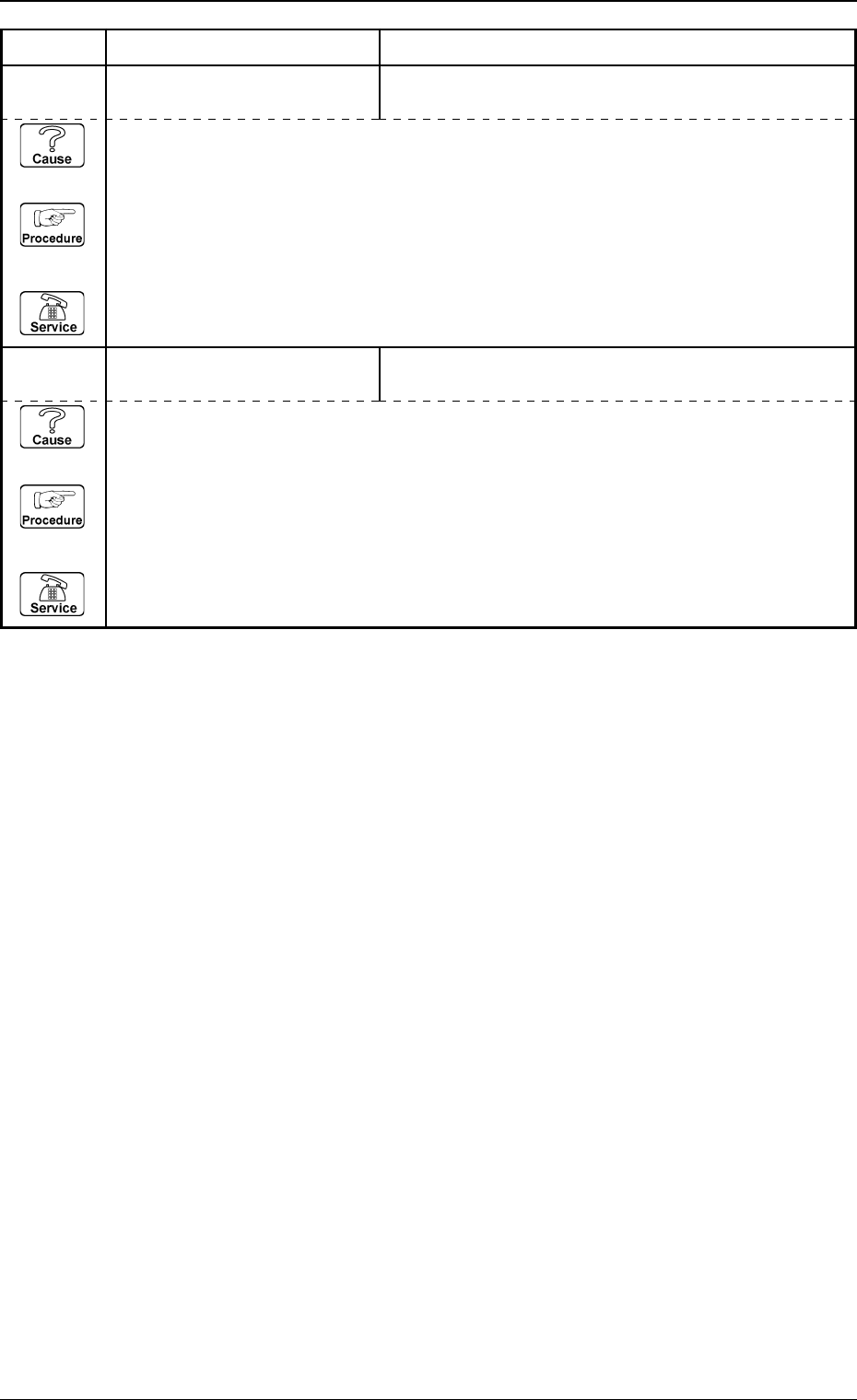
09 04 03 ZA1-AXIS COMMUNICATION COMMUNICATION ERROR WAS DETECTED BY
STEPPING MOTOR DRIVER.
(Cause 1) This is the device’s self-diagnostic message.
(Reset Procedure in the case of Cause 1)
Reset Procedure
(1) Press the [ZERO] button to return all the axes to their original positions.
(2) Re-start.
(3) If the device can’t be re-started, contact our service personnel.
09 04 04 ZA1-AXIS COMMUNICATION TIME-OUT OCCURRED IN RECEIVING REPLY FROM
STEPPING MOTOR DRIVER.
(Cause 1) This is the device’s self-diagnostic message.
(Reset Procedure in the case of Cause 1)
Reset Procedure
(1) Press the [ZERO] button to return all the axes to their original positions.
(2) Re-start.
(3) If the device can’t be re-started, contact our service personnel.