3OM-1011-001.pdf - 第193页
0305-001 2-148 Tg0859-PM-ER
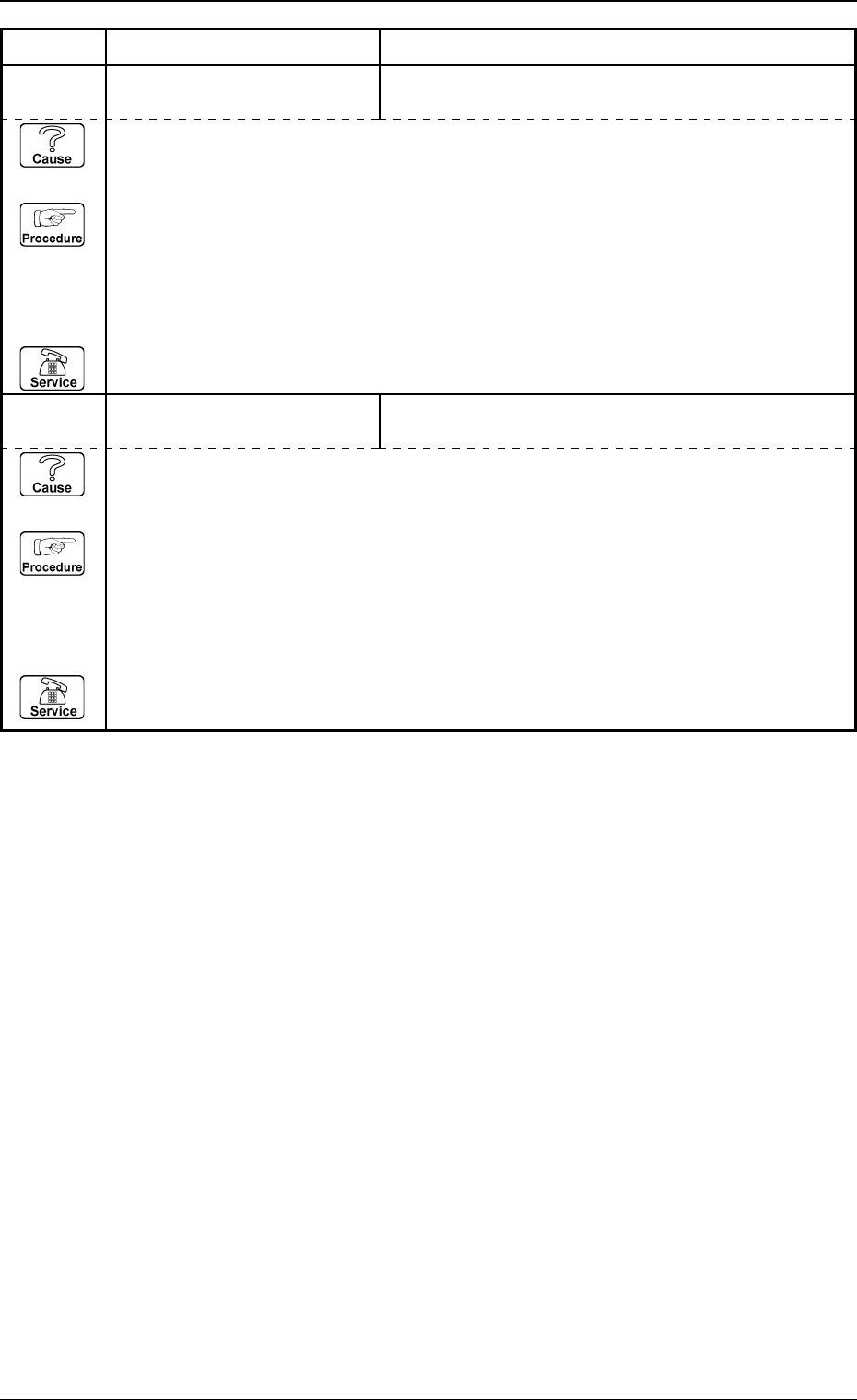
(Cause 1) This is the device’s self-diagnostic message.
(Reset Procedure in the case of Cause 1)
Reset Procedure
(1) Press the [CLEAR ALARM] key and the buzzer stops sounding.
(2) Remove component from component reject cup [B].
(3) Press the [ZERO] button to return all the axes to their original positions.
(4) Re-start.
(5) If the device can’t be re-started, contact our service personnel.
0305-001 2-147 Tg0859-PM-ER
Error Code Display A Display B
3. Trouble Shooting after Error Display
6E 02 01 COMPONENT REJECT
CUP [B]
COMPONENT REJECT CUP [B] BECAME FULL.
;CC(B)-BPH044
6E 01 01 COMPONENT REJECT
CUP [A]
COMPONENT REJECT CUP [A] BECAME FULL.
;CC(A)-BPH044
(Cause 1) This is the device’s self-diagnostic message.
(Reset Procedure in the case of Cause 1)
Reset Procedure
(1) Press the [CLEAR ALARM] key and the buzzer stops sounding.
(2) Remove component from component reject cup [A].
(3) Press the [ZERO] button to return all the axes to their original positions.
(4) Re-start.
(5) If the device can’t be re-started, contact our service personnel.

0305-001 2-148 Tg0859-PM-ER

Section 3
Starting Guidance
0305-001 3-A Tg0859-PM-ER
This section explains the Check Messages, displaying the
descriptions required to start-up the machine.