KE-2030使用说明书 - 第605页
9 − 12 9.4.4 Head operating information 9.4.4.1 Operat ion informat ion of each head W hen y ou select the [ W indow s] com mand on the menu bar , then the [ Operat ion Inf ormation of each head] comm and on the displaye…
9 − 11
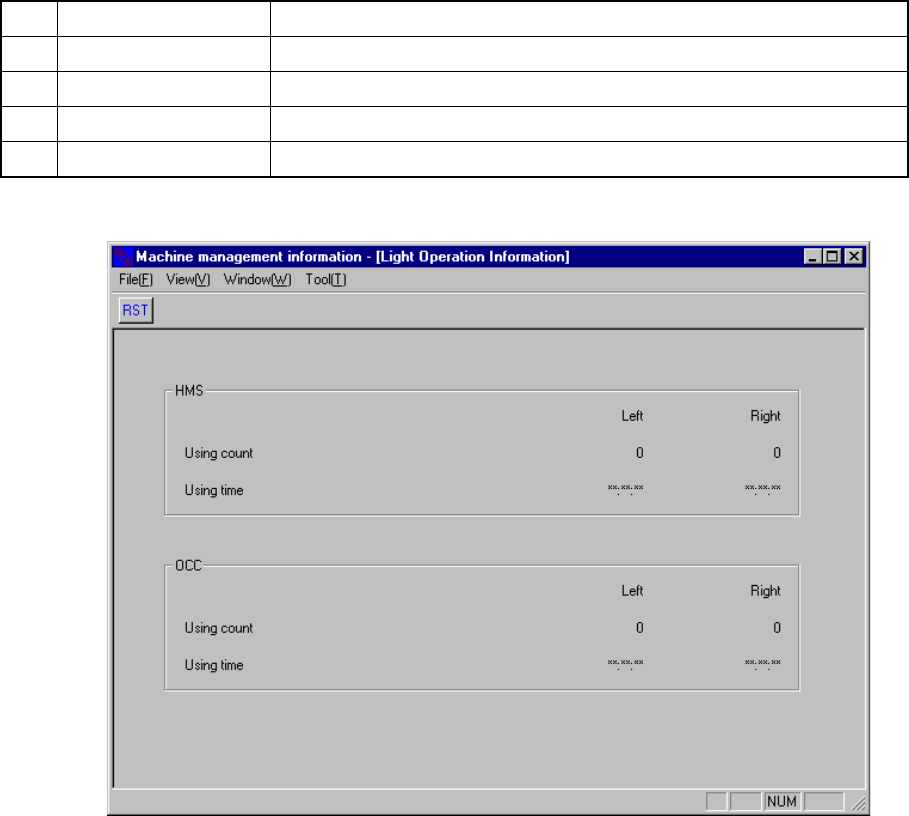
9.4.3 Light operation information
When you select the [Windows] command on the menu bar, then the [Light Operation
Information] command on the displayed menu, the screen appears as shown in Figure
9.4.3.1.
No. Item Description
1 HMS Using count Displays how many times the HMS was used.
2 HMS Using time Displays the time spent in using the HMS.
3 OCC Using count Displays how many times the OCC was used.
4 OCC Using time Displays the time spent in using the OCC.
Figure 9.4.3.1 Light Operation Information
9 − 12
9.4.4 Head operating information
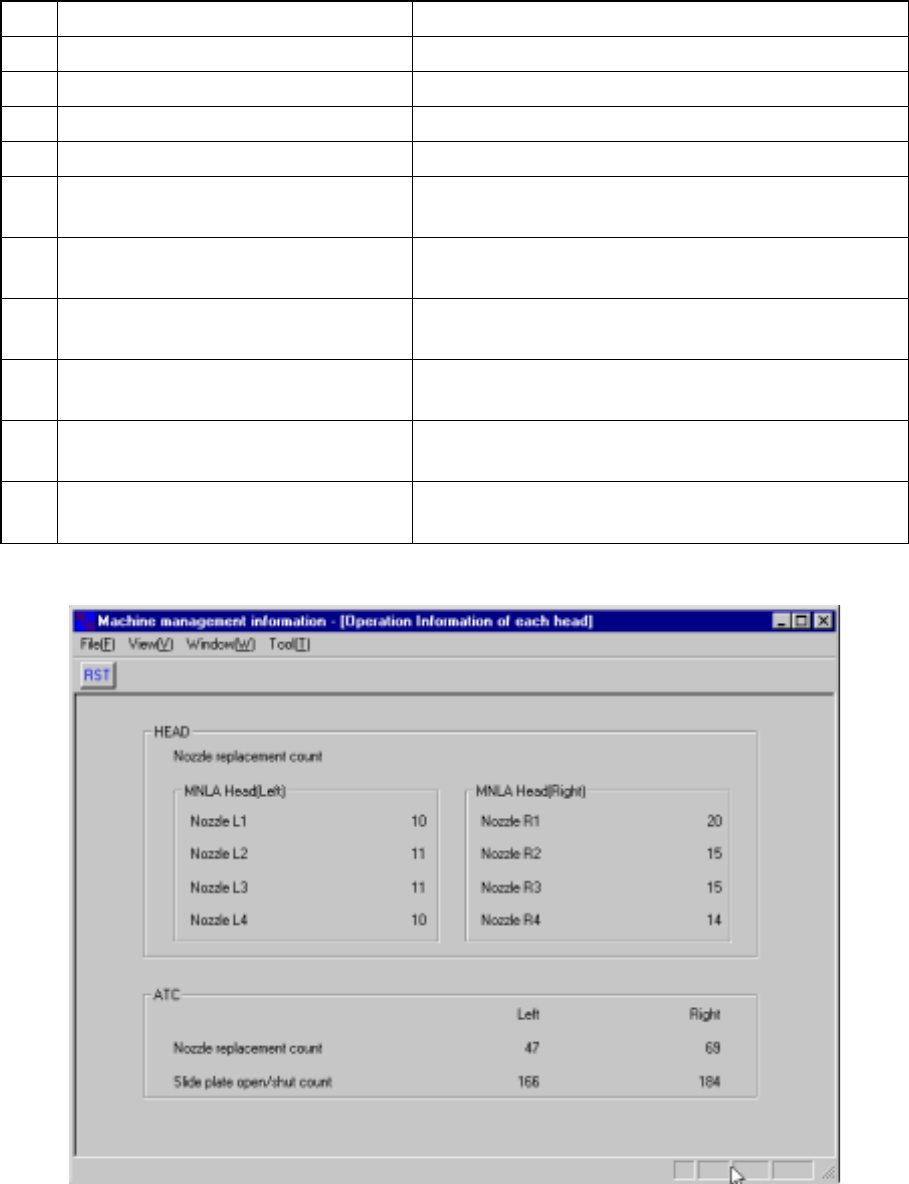
9.4.4.1 Operation information of each head
When you select the [Windows] command on the menu bar, then the [Operation
Information of each head] command on the displayed menu, the screen appears as
shown in Figure 9.4.4.1
No. Item Description
1 Nozzle replacement count (Nozzle L1) Displays how many times the nozzle L1 was replaced.
2 Nozzle replacement count (Nozzle L2) Displays how many times the nozzle L2 was replaced.
3 Nozzle replacement count (Nozzle L3) Displays how many times the nozzle L3 was replaced.
4 Nozzle replacement count (Nozzle L4) Displays how many times the nozzle L4 was replaced.
5
Nozzle replacement count (Nozzle
R1)
Displays how many times the nozzle R1 was replaced.
6
Nozzle replacement count (Nozzle
R2)
Displays how many times the nozzle R2 was replaced.
7
Nozzle replacement count (Nozzle
R3)
Displays how many times the nozzle R3 was replaced.
8
Nozzle replacement count (Nozzle
R4)
Displays how many times the nozzle R4 was replaced.
9 Nozzle replacement count
Displays how many times the nozzle was replaced per
a cylinder.
10 Slide plate open/shut count
Displays how many times the slide plate was
opened/closed.
Figure 9.4.4.1 Operation Information of each head
9 − 13