Host Computer System.pdf - 第157页
AVK3 HOST COMPUTER SYSTEM 6.1 Remot e Contr o l : C5 D77HEC-55- 010-A0 6.1- 6 Protocol Condition Vali d i n O NLINE m ode only . Duri ng the m a chi ne operati on, ‘A 4E00’ is returned. Width control operation …
AVK3
HOST COMPUTER SYSTEM
6.1 Remote Control: C5
D77HEC-55-010-A0
6.1-5
Protocol
Condition
Can be used in optional specification.
Except for C501 command (ONLINE running lamp ON command), valid in ONLINE mode only.
It ends with receipt of ‘A2’ from the HOST.
PCB data selection command
Data details
C5SEC* - *
1
No. Data name
Max.
digits
Input range
Sup-
press
Fix Remarks
1 Program name 15
‘0’ to ‘9’
‘A’ to ‘Z’
Special character
×
If other than the valid character,
‘A4E00’ is returned.
If the name is not registered,
‘A4E00’ is returned.
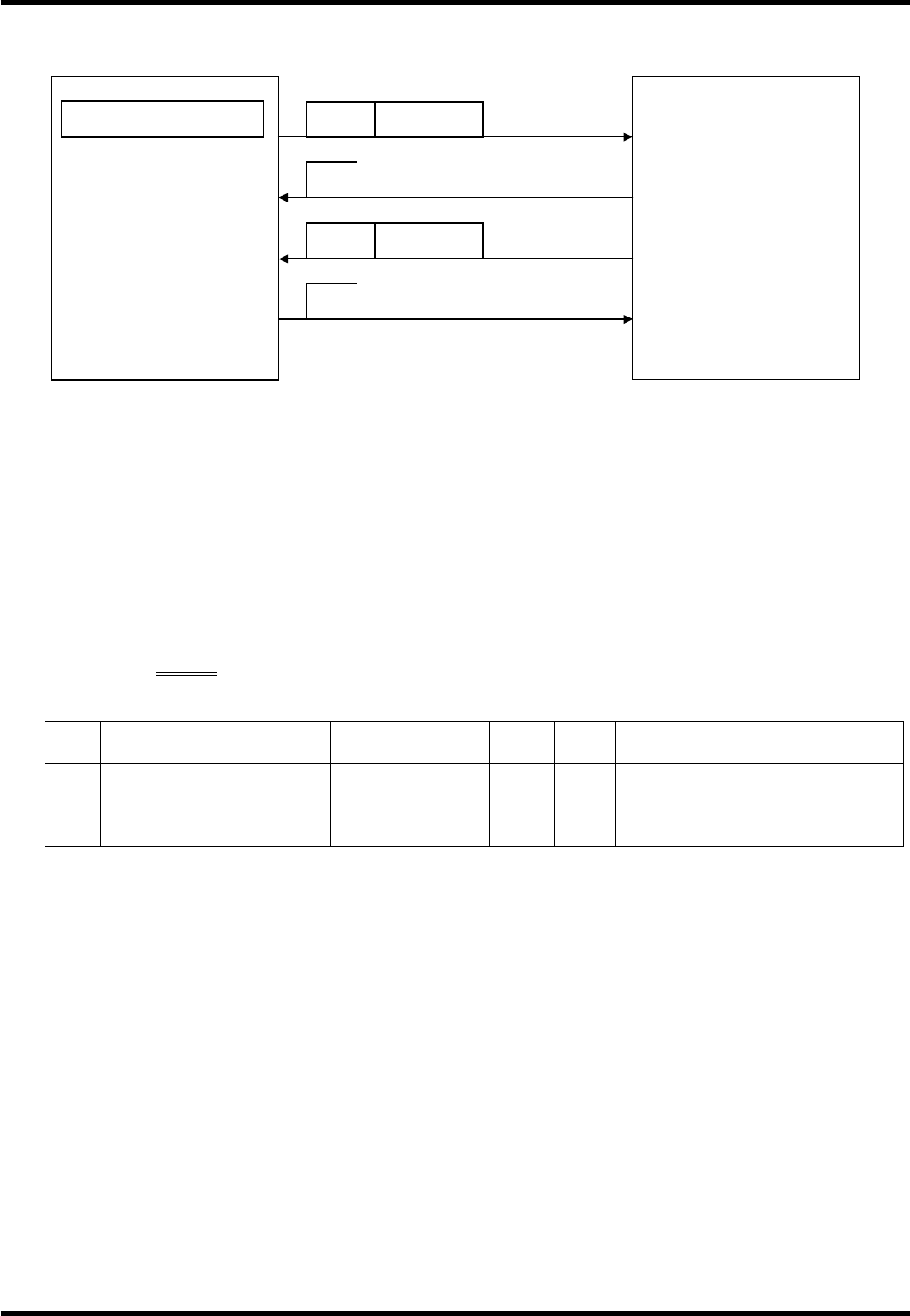
Start of remote control
Host computer
Start in 1 Block mode
End
AVK3
C5 STBL
A2
R1 ST
A2
Information that AVK3
has started
End
AVK3
HOST COMPUTER SYSTEM
6.1 Remote Control: C5
D77HEC-55-010-A0
6.1-6
Protocol
Condition
Valid in ONLINE mode only.
During the machine operation, ‘A4E00’ is returned.
Width control operation
Data details
C5WCxx
1
No. Data name
Max.
digits
Input range
Sup-
press
Fix Remarks
None
Execute width control operation
(machine switching).
1
Width control
operation
2
OG
Execute width control origin
return.
Protocol
Condition
Valid in ONLINE mode only.
It ends with receipt of ‘A2’ from the HOST.
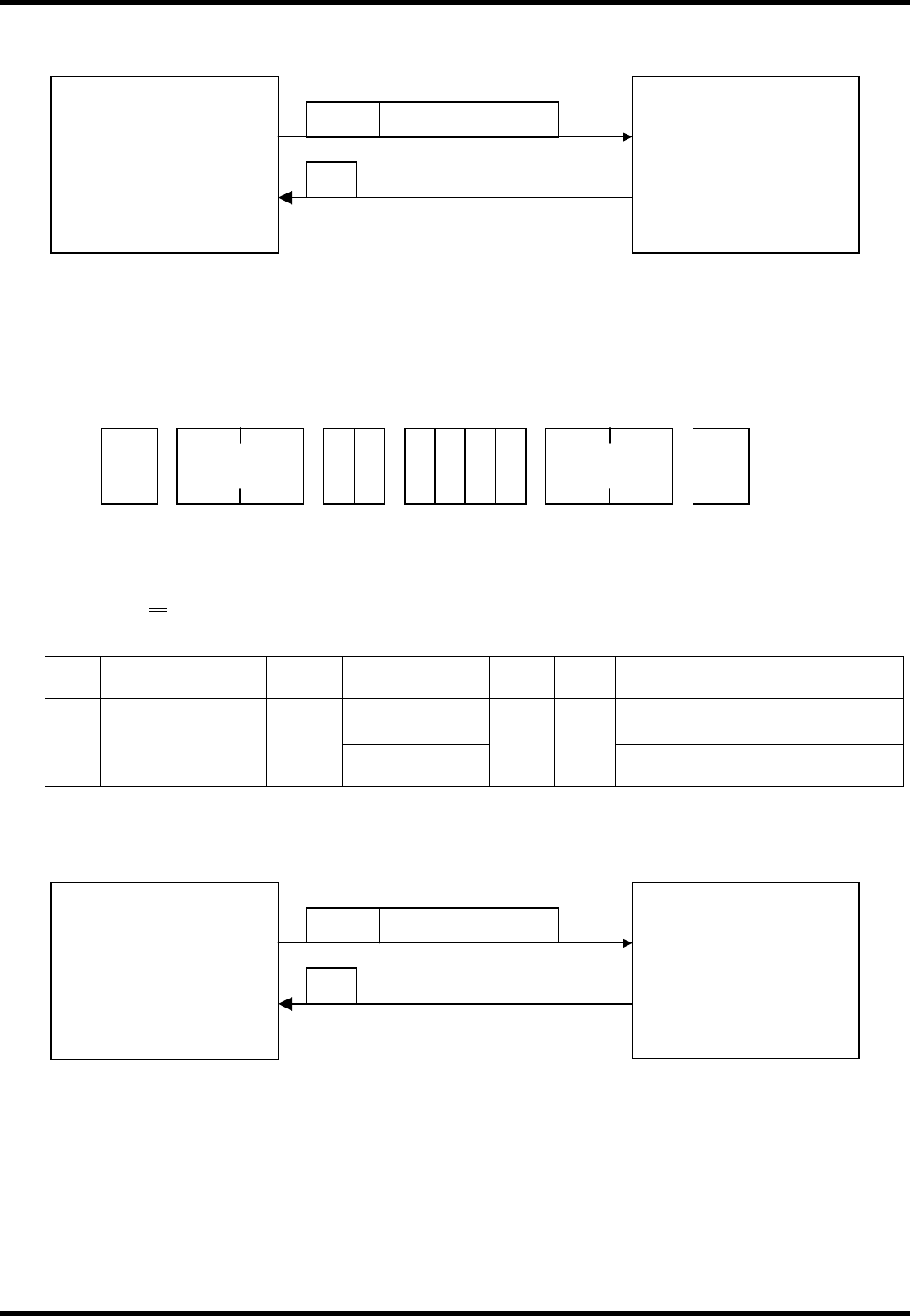
PCB data selection
Host computer
PCB data selection
AVK3
C5SEC Program name
A2
End of transmission
STX
C 5 S E
No. of
characters
ETX
* *
Check sum
Width control operation
Host computer
Width control operation
AVK3
C5WC
Width control operation
A2
End of transmission
AVK3
HOST COMPUTER SYSTEM
6.2 R Commands: R0,R1,R2,R3
D77HEC-55-020-A0
6.2-1
6.2. R Commands: R0,R1,R2,R3
D77HEC-55-020-A0
R (real time) command is to inform the host computer of the changes of conditions during the production
work of AVK3 whenever they occur. This is used as a remote control or to collect production control
information. However, when the host computer is used just for transmission of NC data, if R command is
received, it causes inconveniences. As indicated in ‘1.1.6 Changing Data Transmission Mode’, it is possible
to use the selector switch so that R command does not occur.
6.2.1 Production Quantity Information: R0
R0 Command is used for totaling the hours worked by AVK3 which started operating by the remote control
command. R0 command has the following 4 functions.
Data details
1.
1. CT
This occurs only when stop mode is in “CONT” and NC program has executed the EOP block.
In case of error, this signal occurs only when restarted in “CONT” mode.
Usually, this is used for counting PCB production.
2. EP
This occurs only when stop mode is in “EOP” or “1BLOCK” and NC program has executed an EOP
block.
Therefore, when an error has occurred at the final dispense block, this signal will not be generated until
operation is by “EOP” or “1BLOCK” key.
This signal can be used to end production. In this case, R0CT is not output.
3. BDGD
In the bad mark sensing corresponding machine, this verifies with the bad mark sensor if the PCB is
capable of being inserted before the actual insertion action.
If it is found to be capable of being inserted, this signal is generated.
4. BDNG
In the bad mark sensing corresponding machine, if the verification results find the PCB as being
incapable (inhibit) of being inserted, this signal is generated.
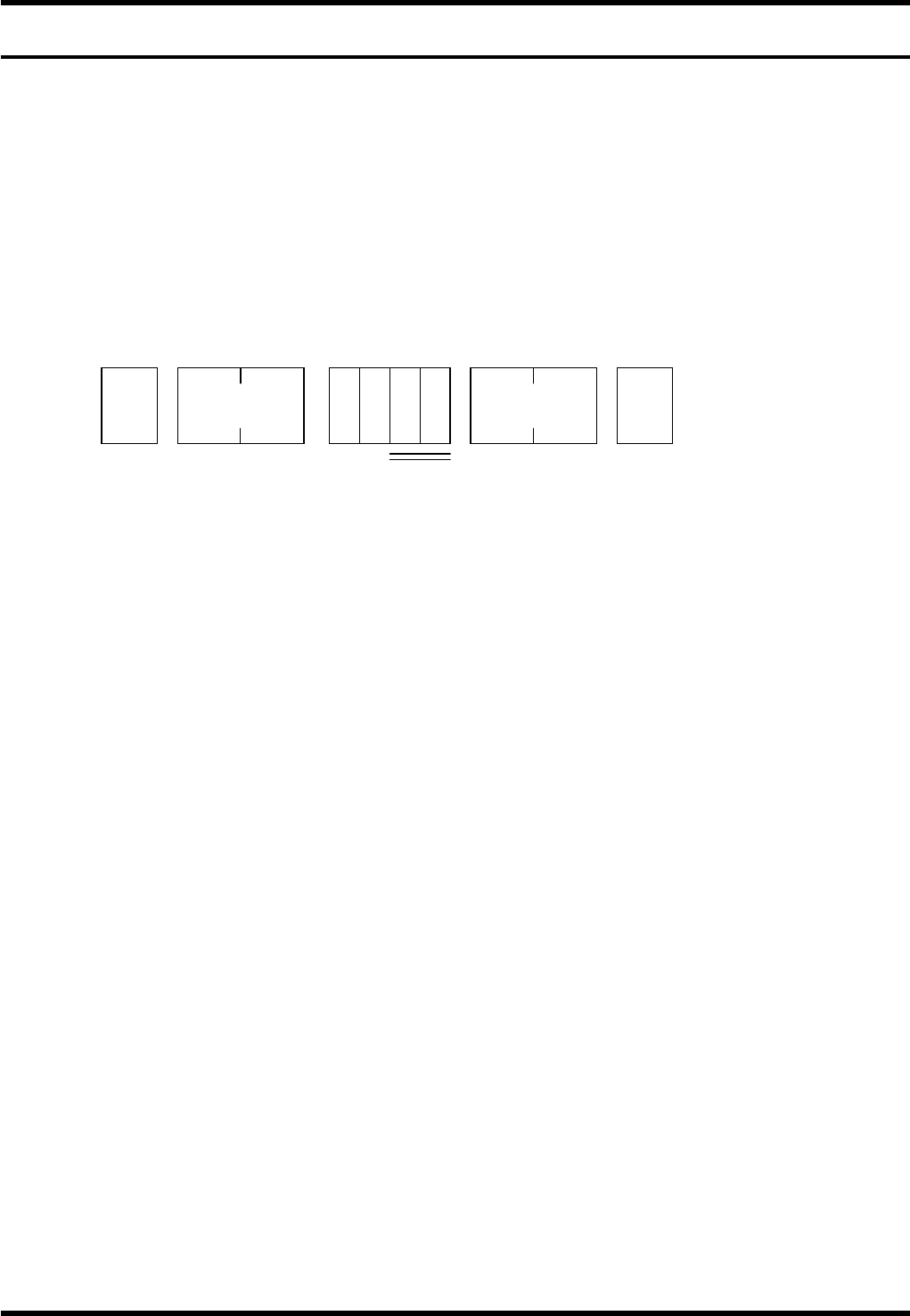
STX
No. of
characters
R 0
ETX
1 to 4
* *
Check sum